Texture Paint Overlay is set to 1.000 but not visible

Forum Archive Texture Paint Overlay is set to 1.000 but not visible

Viewing 9 posts - 1 through 9 (of 9 total)
  • Author
    Posts
  • #10640
    josephwfox
    Participant

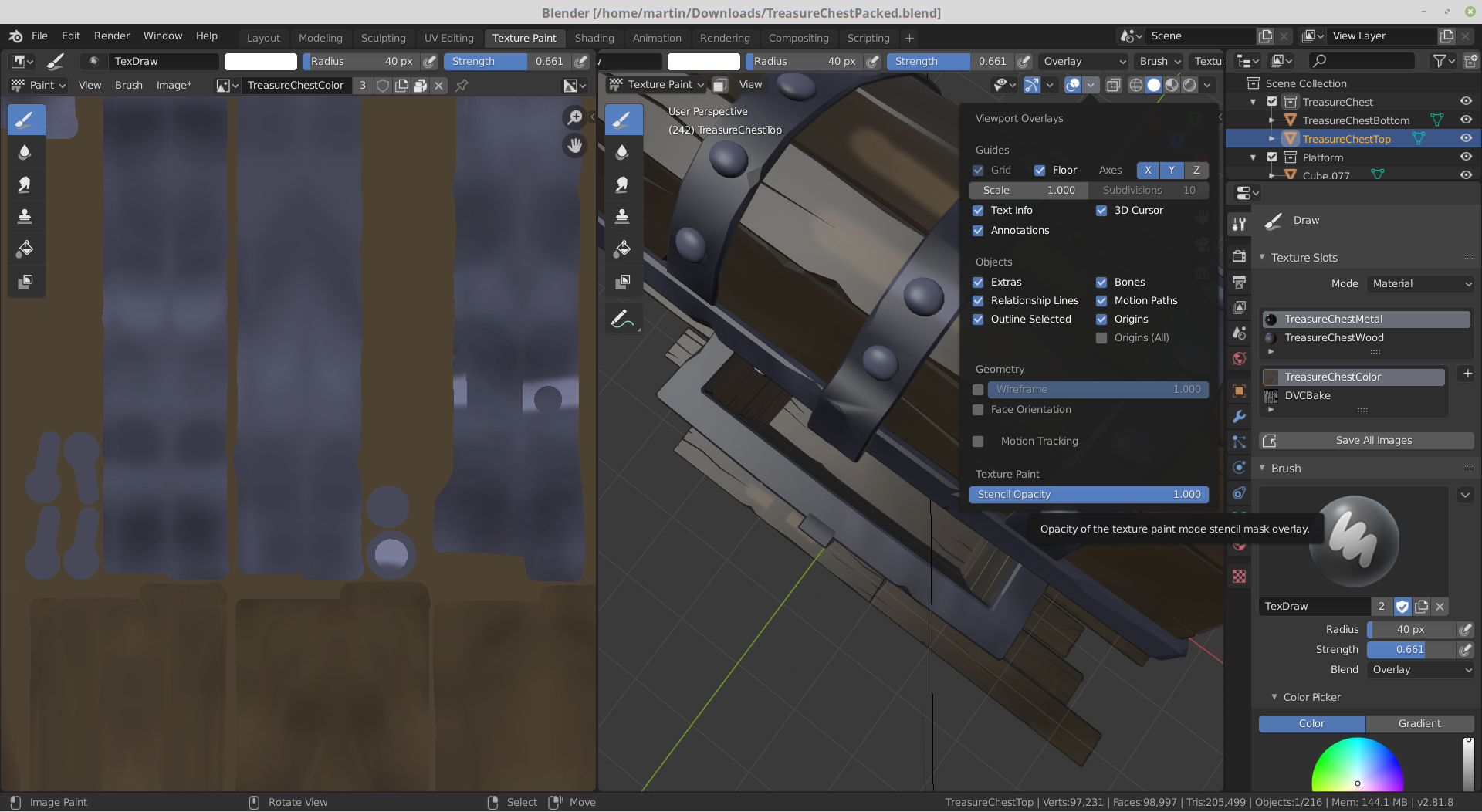
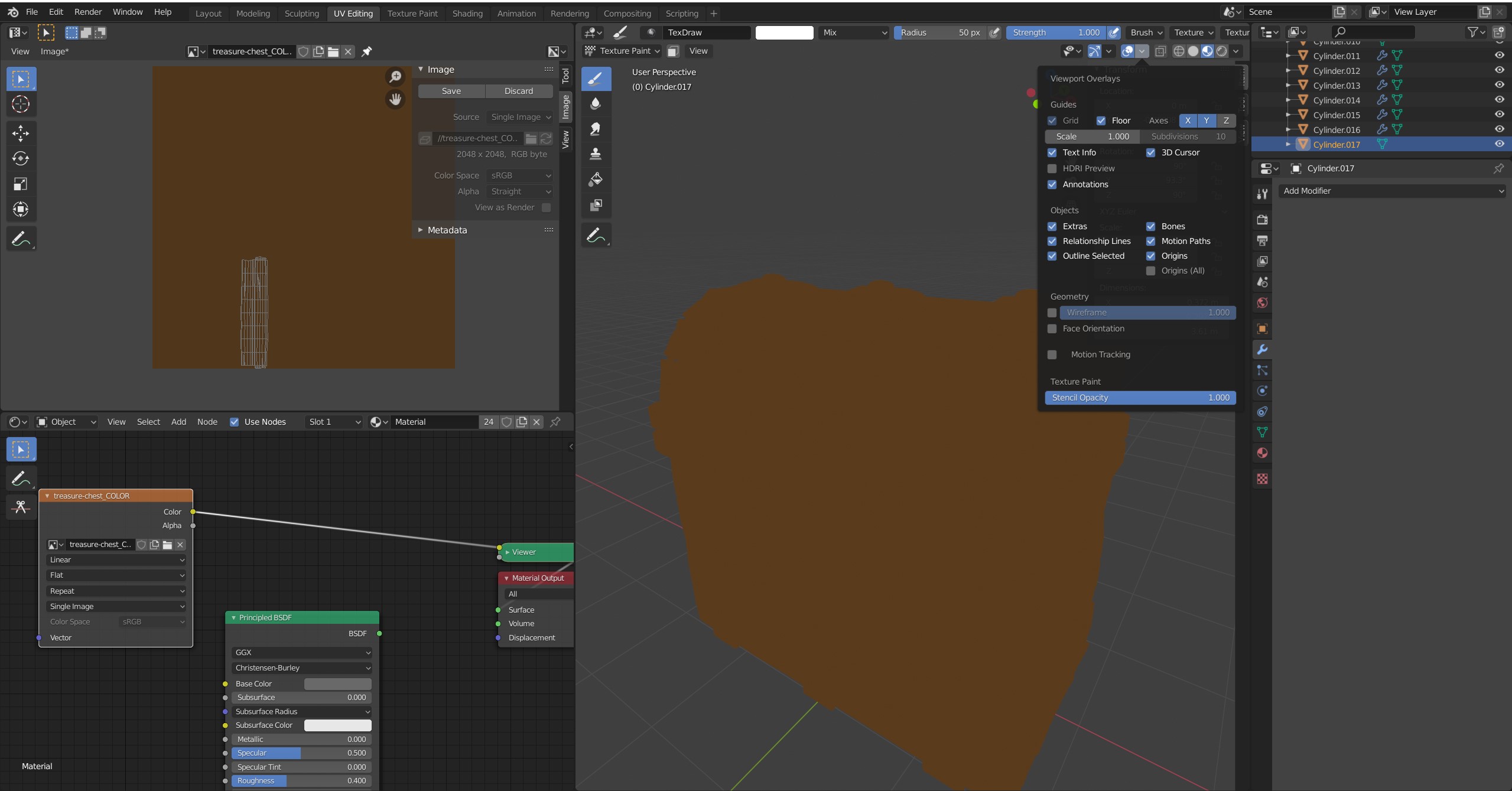
      When I switch to Texture Paint mode, the selected object does not take on a different color than the rest of the objects. I checked the overlays and Texture Paint opacity is set to 1.000. Does anyone know if there is another setting I need to change?

      Here is a screen shot of my current settings:

      #50645
      josephwfox
      Participant

        I just noticed the thread for this same question on the next video. It seems to just be a bug at the moment I guess.

        #50646
        Kent Trammell
        Participant

          Yeah, I don’t know why that setting seems broken now. I can confirm it does nothing in the latest version of 2.80.

          #50647
          spikeyxxx
          Participant

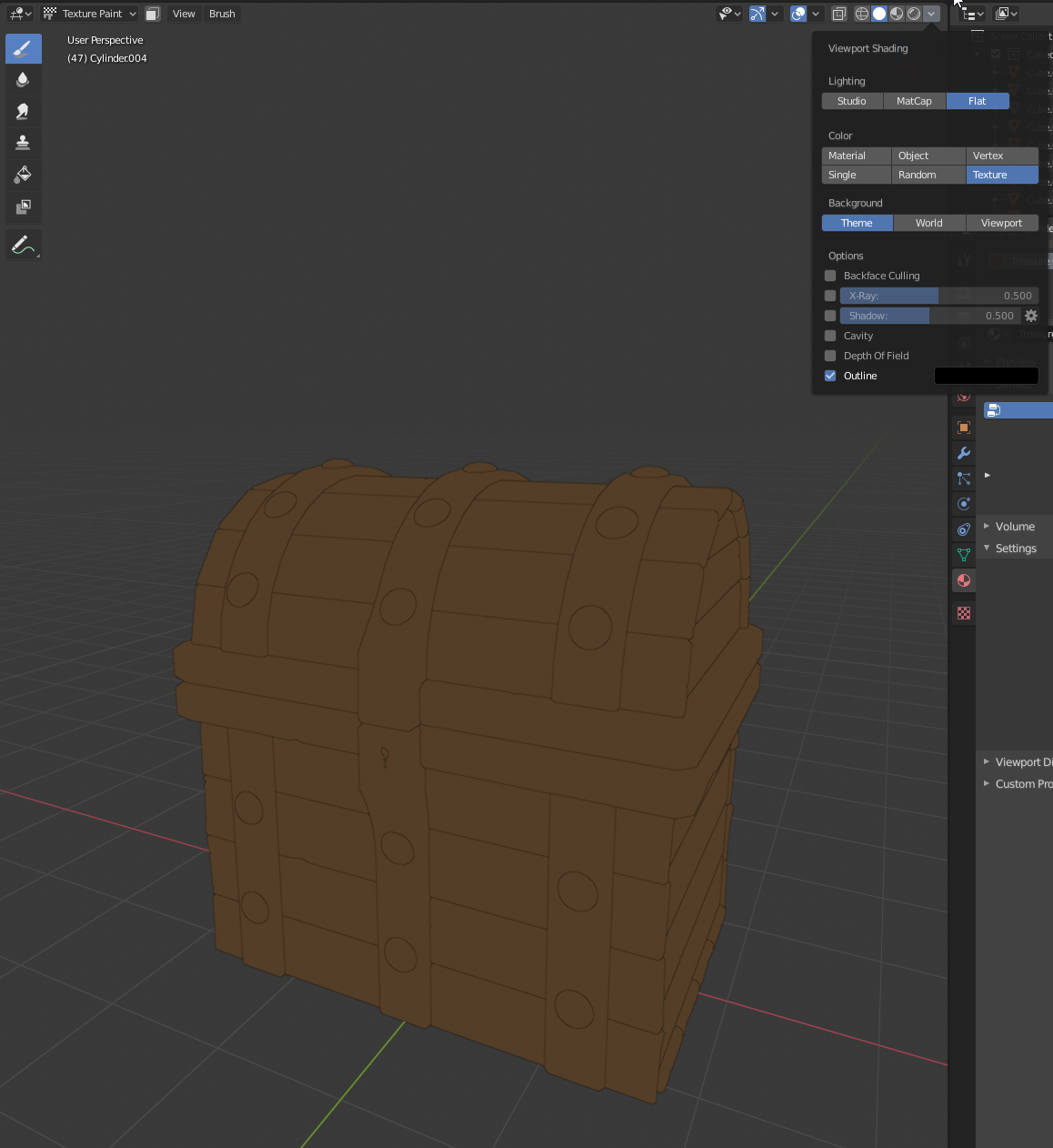
            Well, this is actually just an inconvenient naming. They ‘corrected’ that in 2.81.

            #50648
            spikeyxxx
            Participant

              @theluthier See above. Sorry, I didn’t know who to tag, because I am not quite sure that everybody is talking about the same thing…

              But I think this is what you meant.

              #50649
              Kent Trammell
              Participant

                Ahhh very interesting. Though it seems that they changed the name of the slider and the functionality. When I recorded this course, the slider does control the “shadelessness” of the texture map not the stencil overlay. I’m not sure when they changed this but I believe it’s what is causing the confusion.

                Thanks for digging into this @spikeyxxx!

                #50650
                Andrey Mikhaylov
                Participant

                  Looks like this feature doesn’t work in 2.82? I can’t make the element visible, so I just turned on wireframe option.

                  #50651
                  David Frazier
                  Participant

                    Hey Kent, I know this is late but is there a fix for this yet in 2.82? I can’t see the color change either even though it’s set to Solid shading with Studio/Texture enabled and the Stencil Opacity at 100. Thanks

                    #50652
                    spikeyxxx
                    Participant

                      @pointoflife14 it’s not a bug, David. This has already been answered here.

                    Viewing 9 posts - 1 through 9 (of 9 total)
                    • The topic ‘Texture Paint Overlay is set to 1.000 but not visible’ is closed to new replies.