Texture

Forum Archive Texture

Viewing 6 posts - 1 through 6 (of 6 total)
  • Author
    Posts
  • #16938
    Roxana Moise-Dan
    Participant

      Hello,

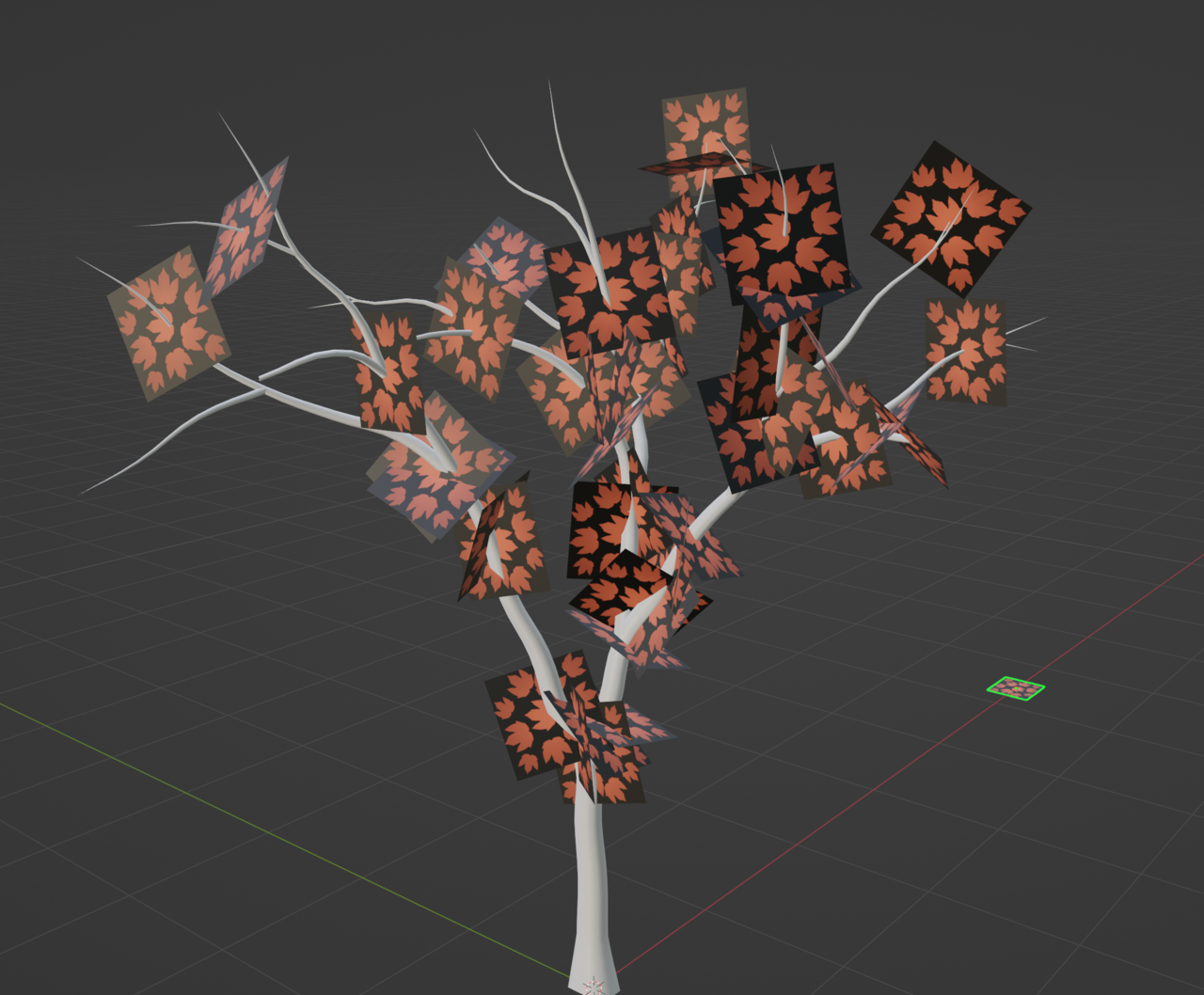
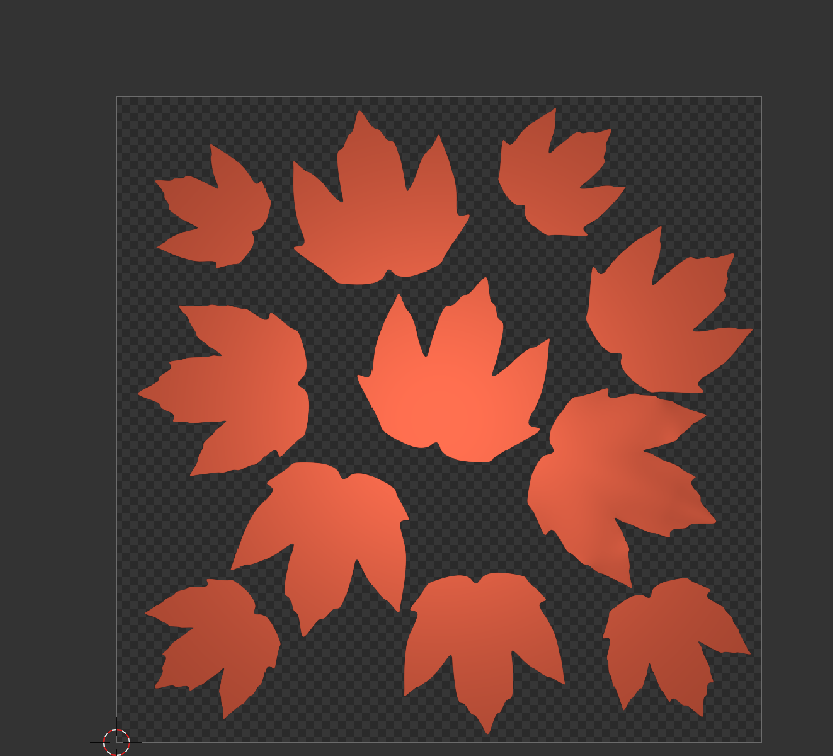
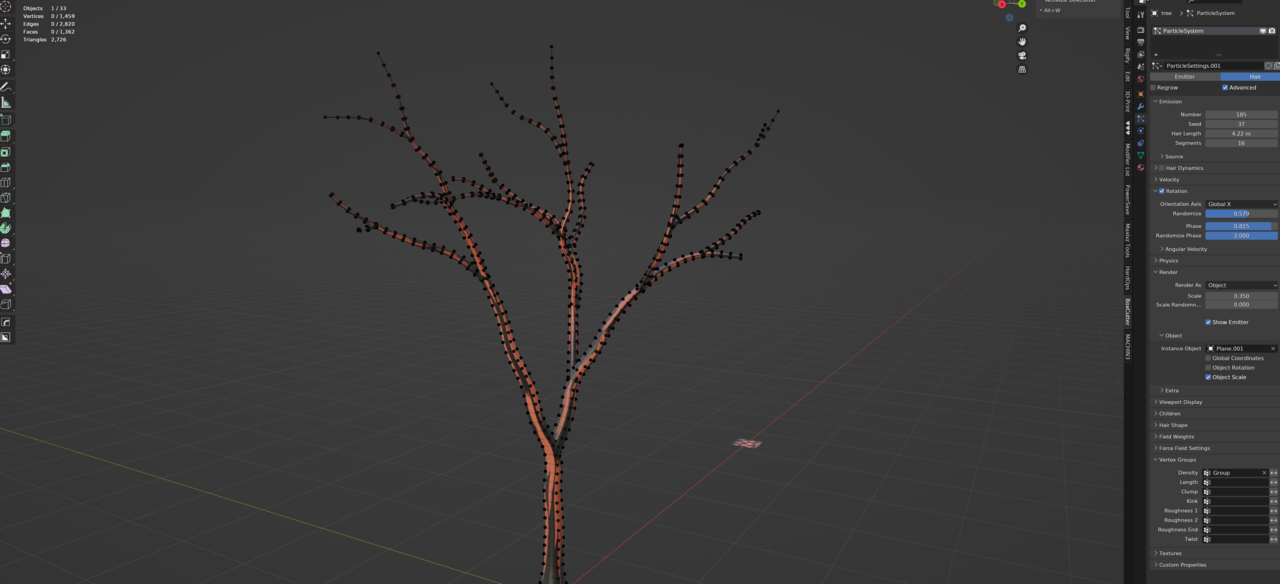
      is there a way to make this texture transparent and see only the leaves?

      The png is transparent, but as you can see, it doesn’t work.

      What I have there are some planes with the image texture applied to them.

      ThanksScreenshot_4.png

      Screenshot_1.png

      #81543
      Omar Domenech
      Participant

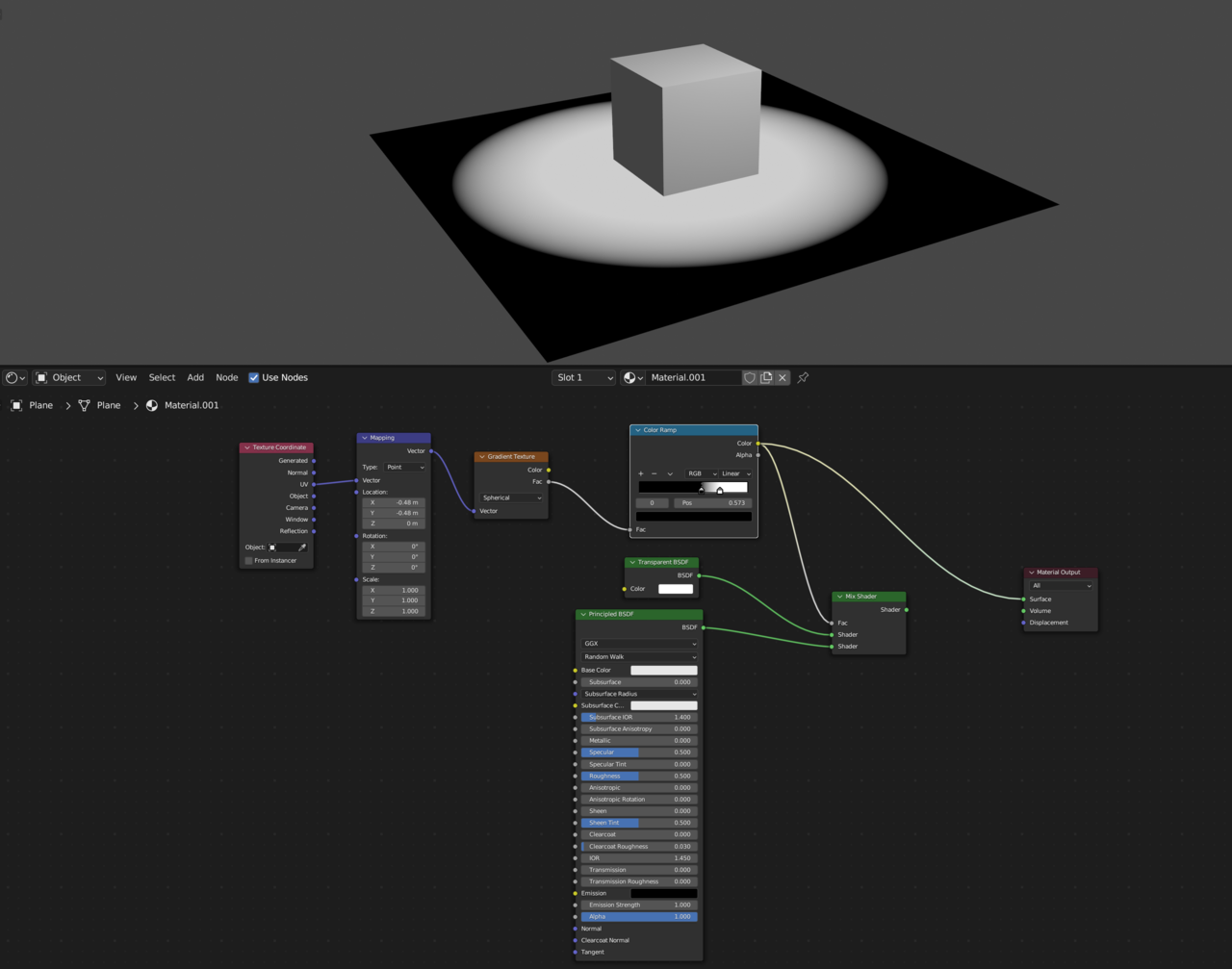
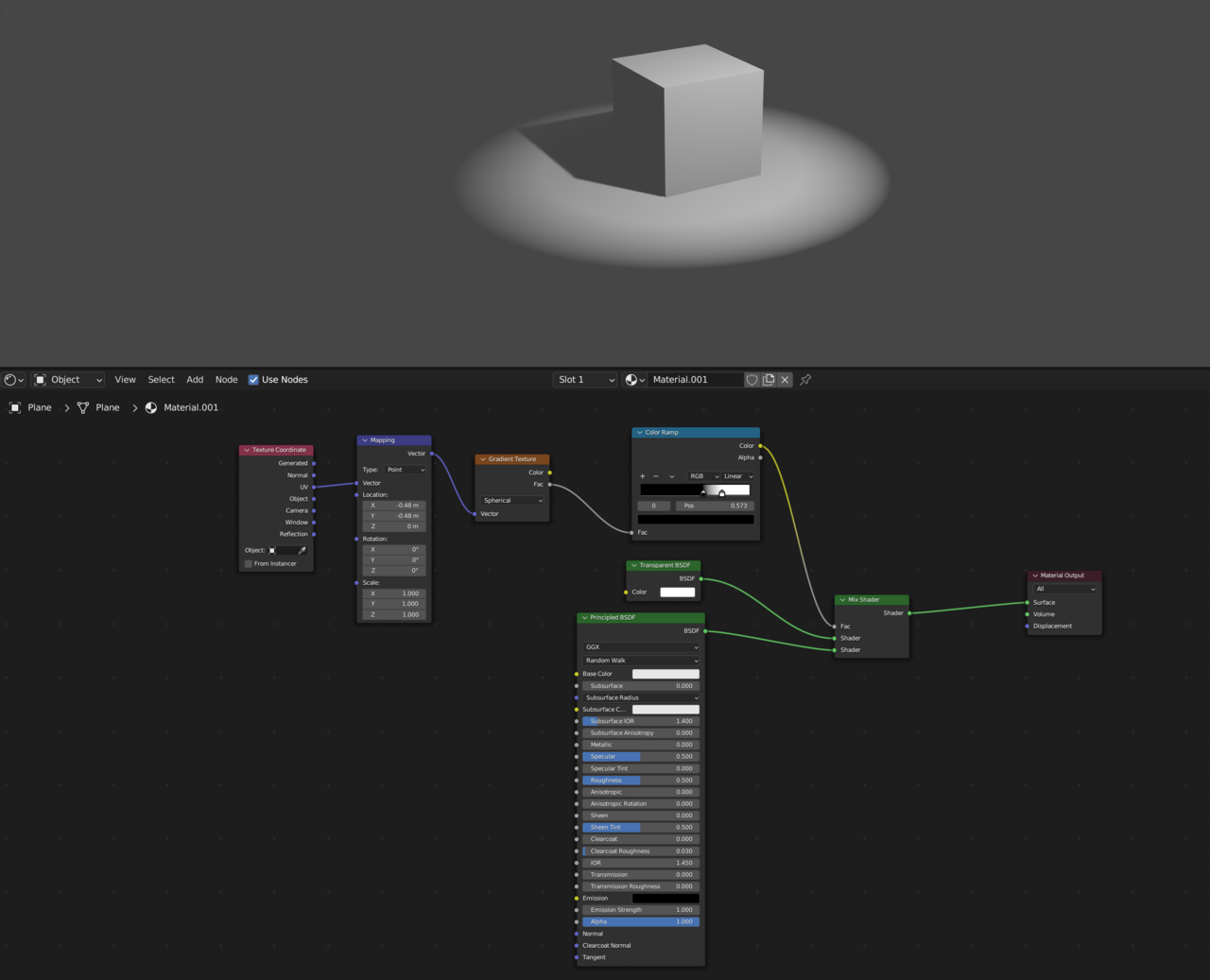
        In this example I used a texture as a mask for the black part, but in your case you can use the alpha of your texture as the mask and plus it into the factor of the mix node, so the black part is transparent and the white part is your texture.

        1.png

        2.png

        #81544
        Roxana Moise-Dan
        Participant

          I tried doing what you recommended, but I bumped into another issue.

          I have this particle system set up for generating the planes. I don’t know if this is causing the problem, but everytime I enter Edit Mode, my planes disappear and I can’t access them anymore.

          Screenshot_2.png

          #81545
          Omar Domenech
          Participant

            The nodes you added shouldn’t be the cause of that, if it’s the transparency they would also be invisible in object mode. The materials settings for transparency change depending if you are using Cycles or Eevee. Maybe share some more context of your problem. I you remove the material does everything go back to normal?

            #81546
            Martin Bergwerf
            Participant

              Hi Roxana,

              The Particle System is not displayed, when in Edit Mode.

              You can use Particle Edit Mode to Add and Move and Remove Hairs (and thereby Leaves).

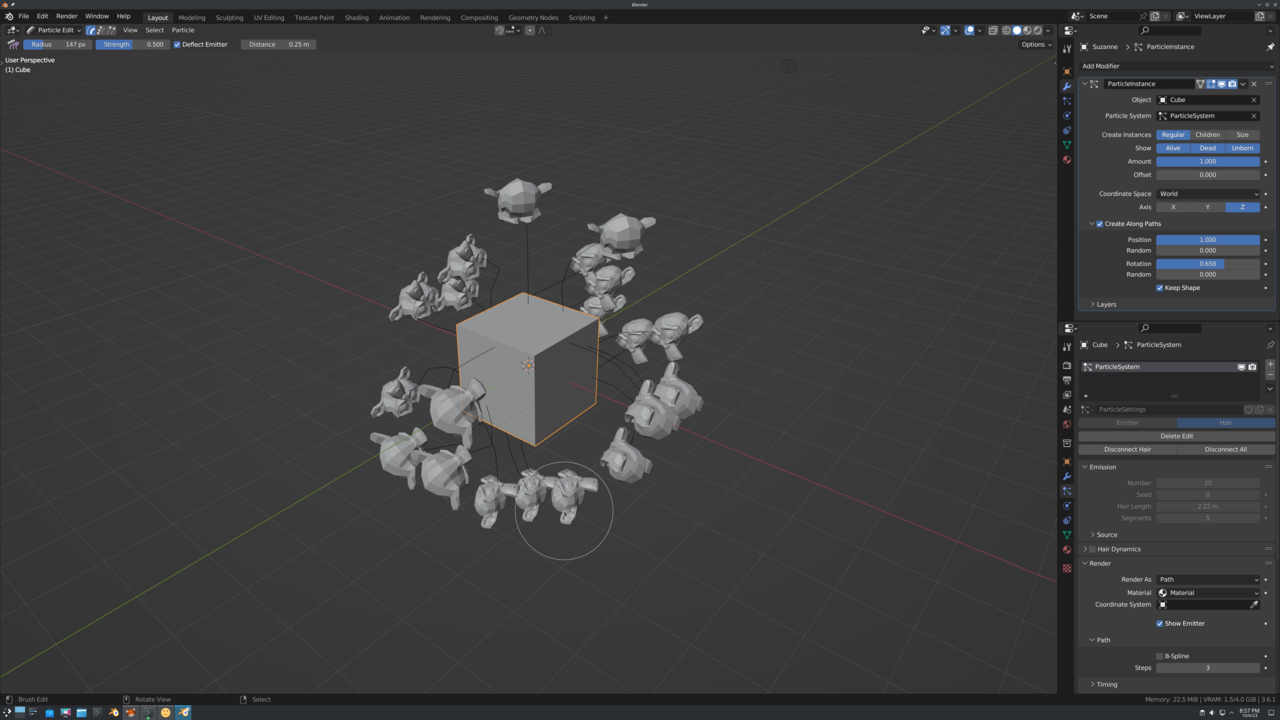
              Another possibility, is to Add a Particle Instance Modifier on the Leaf and set the Tree as Object in that Modifier.

              You can then go into Particle Edit Mode on the Tree and still have the Leaves visible:
              Tree.png

              The cool thing about this is, that you can add a Force Field (like Wind) and the leaves will react to that!

              You’ll have to experiment a bit with the Particle Instance Settings, but the ones I use above, are a pretty good start, I think.

              #81547
              Roxana Moise-Dan
              Participant

                Thank you! Sorry for the late reply. Didn’t get a notification. 

              Viewing 6 posts - 1 through 6 (of 6 total)
              • The topic ‘Texture’ is closed to new replies.