Tata’s Polybook

Forum Archive Tata’s Polybook

Viewing 15 posts - 1 through 15 (of 19 total)
  • Author
    Posts
  • #19022

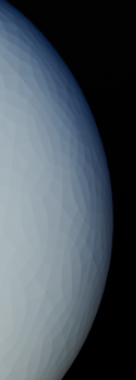
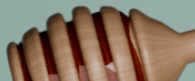
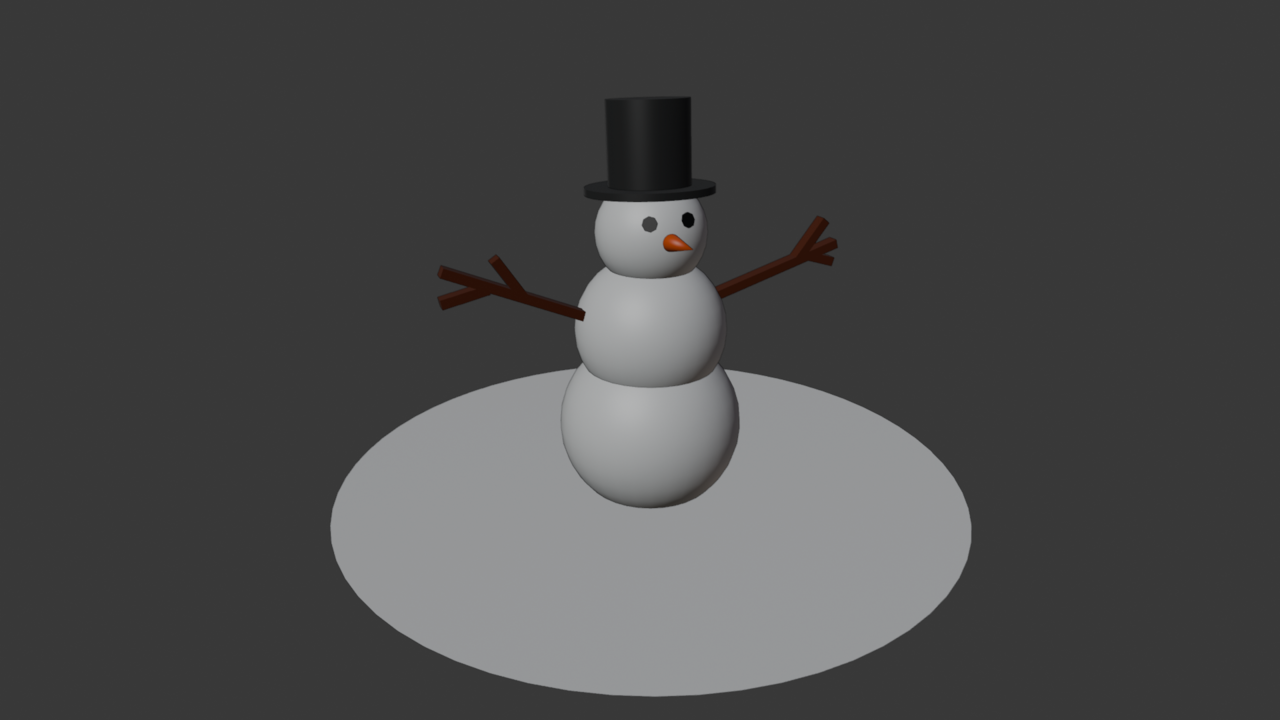
    Firstly, I wanna share two projects I made while doing Blender Basics 🙂

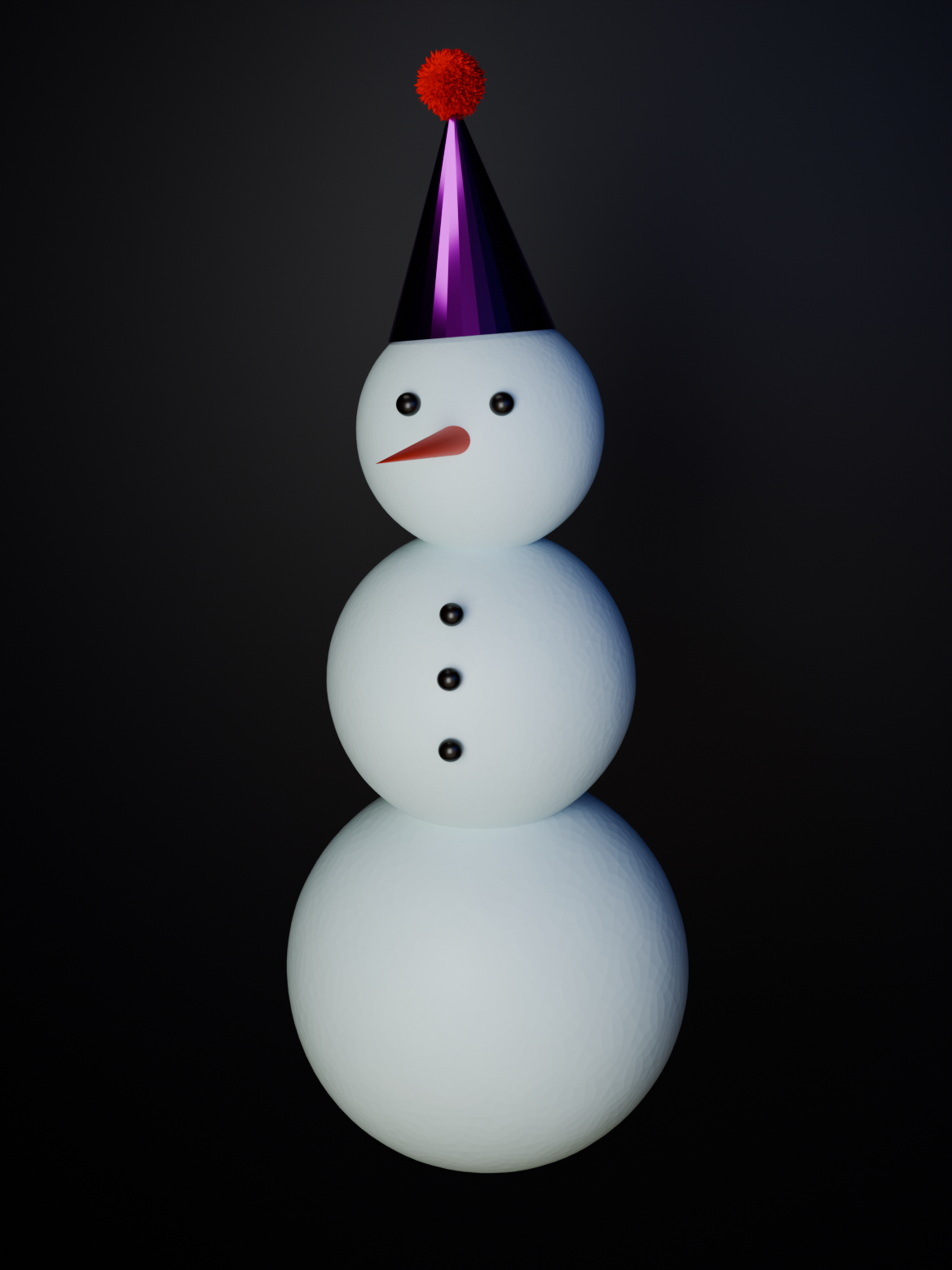
    There were assignments like “make something really simple using basic shapes like robot or snowman” and “make a vase using the tools we’ve learnt”. And then, well, I got inspired and applied all the knowledge I had from youtube tutorials to finish them off. 

    Also almost forgot about an apple I’ve made, but it’s not much compared to other two. 

    Hope you like it!snowman.pnghoney_jar.pngapple.png
    #90565
    Leo
    Participant

      Good job. Looks great
      Small tip. If you use the right mouse button and select Shade Smooth then these small edges disappear and you get a clean result

      #90566
      Omar Domenech
      Participant

        Great start Tatiana. It only gets better from here on out, so keep watching courses and keep rocking 🤘🏻

        #90567

        Thank you, Leo! Tho with showman I didn’t use Shade Smooth because I wanted it to have this simple texture 🙂 Still thanks for the advice and your attention!!

        #90568

        Thank you Omar!!! (lol I’m not sure if there’s option to reply to you directly or tag 🙂

        #90569

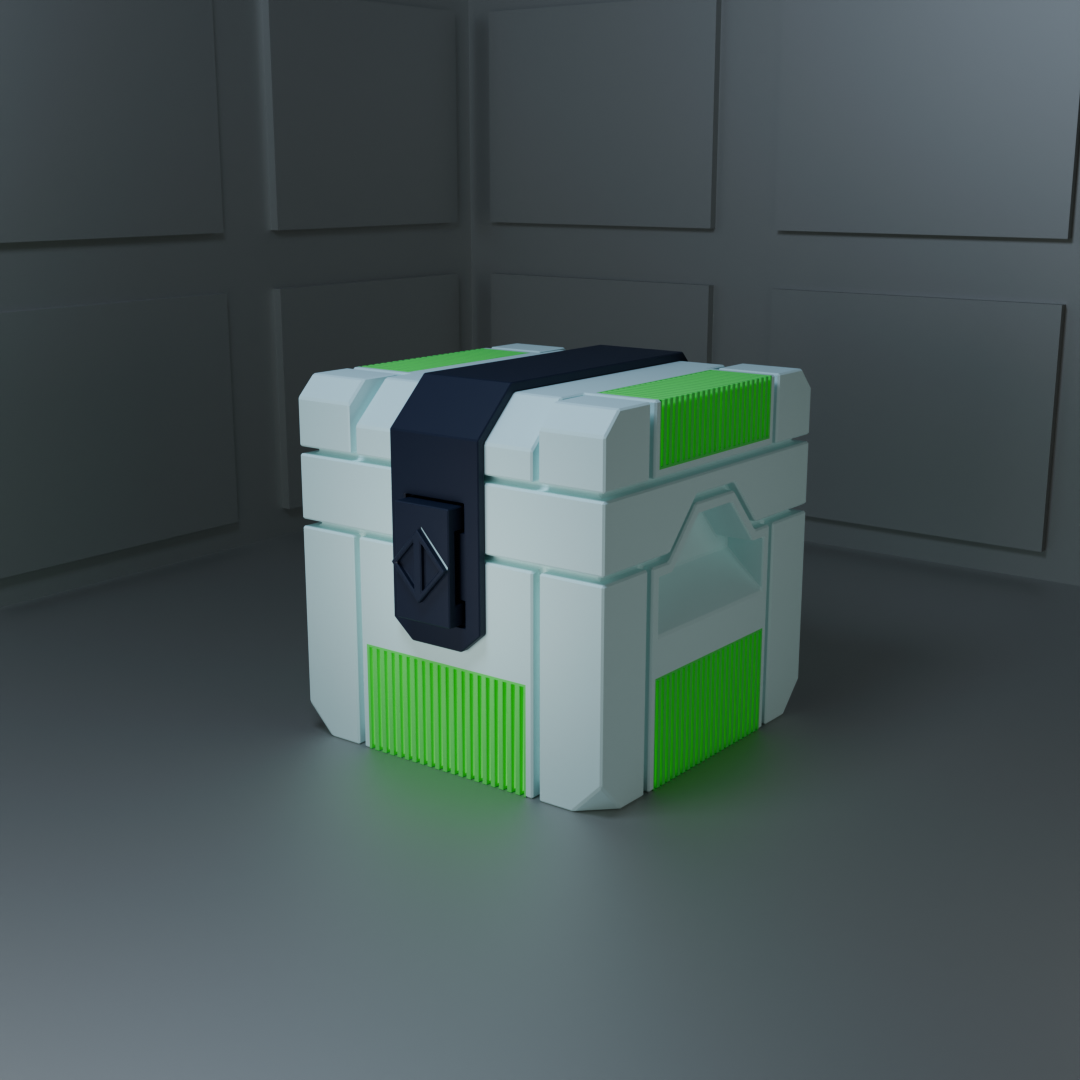
        First day of CORE Fundamentals. I really liked the crate so I decided to render it. With snowman tho – I already did that not long ago 😂 Forgot to Shade Smooth the buttons–
        second_snowman.pngcrate.png

        #90570

        A football made by me! 🙂
        football.png

        #90571

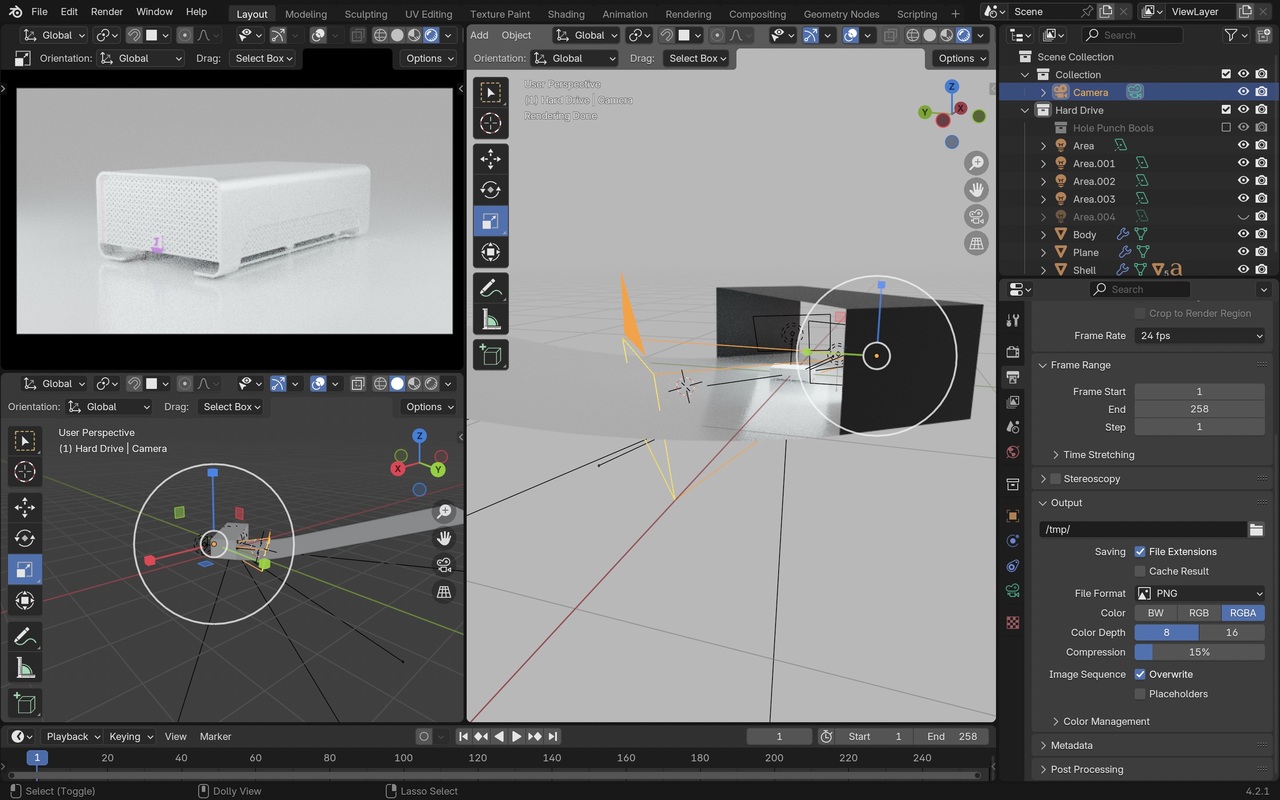
        Hello! I tried to make an “infinite background” following this tutorial and everything seems fine but when I render, I still get this line in the background. Do you know what did I do wrong? Or any other method how can i achieve that?

        Before render:

        0 at 3.23.59 PM.jpeg

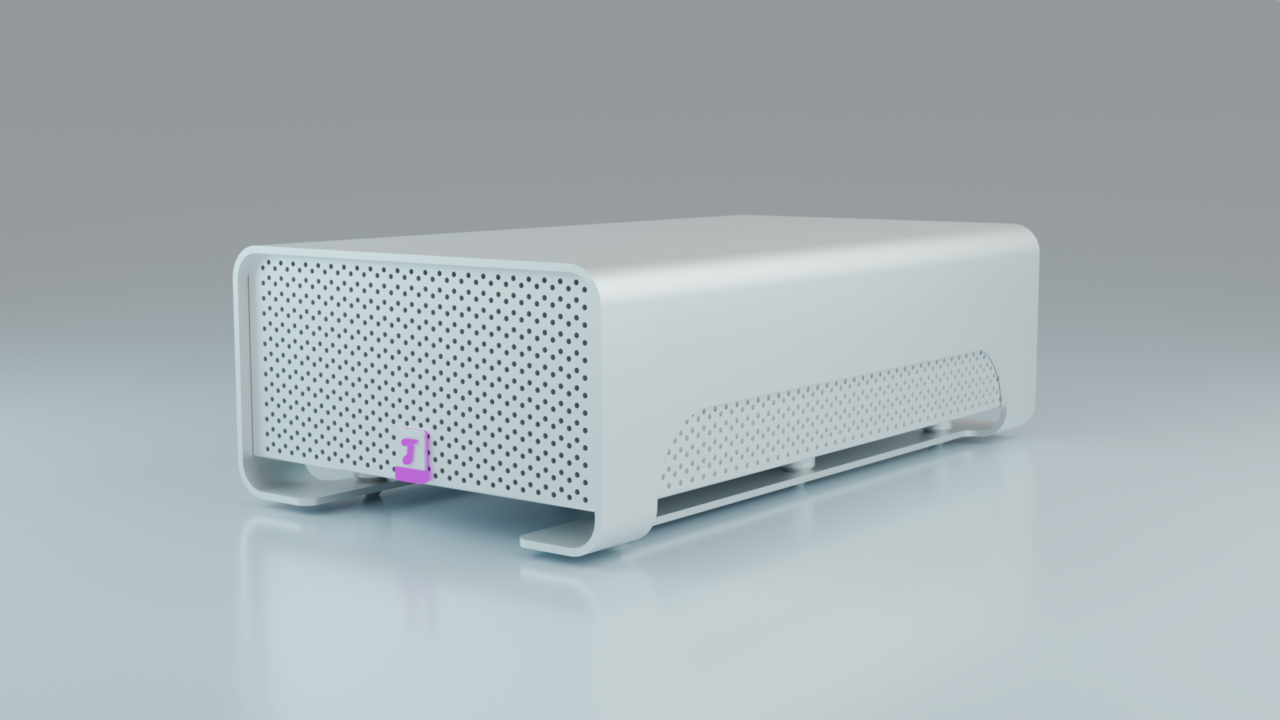
        After render:hard_drive.png

        #90572
        Omar Domenech
        Participant

          My guess would be that you have an object hidden in the outliner but doesn’t have the render icon turned off, so it’s coming into action at render time and intersecting your object.

          #90573
          Martin Bergwerf
          Participant

            Yes,

            That would be my guess as well.

            #90574

            You’re so right, can’t believe I didn’t notice it 😅 Thank you Omar and Martin!!

            #90575

            Finished my hard drive!hard_drive.png

            #90576

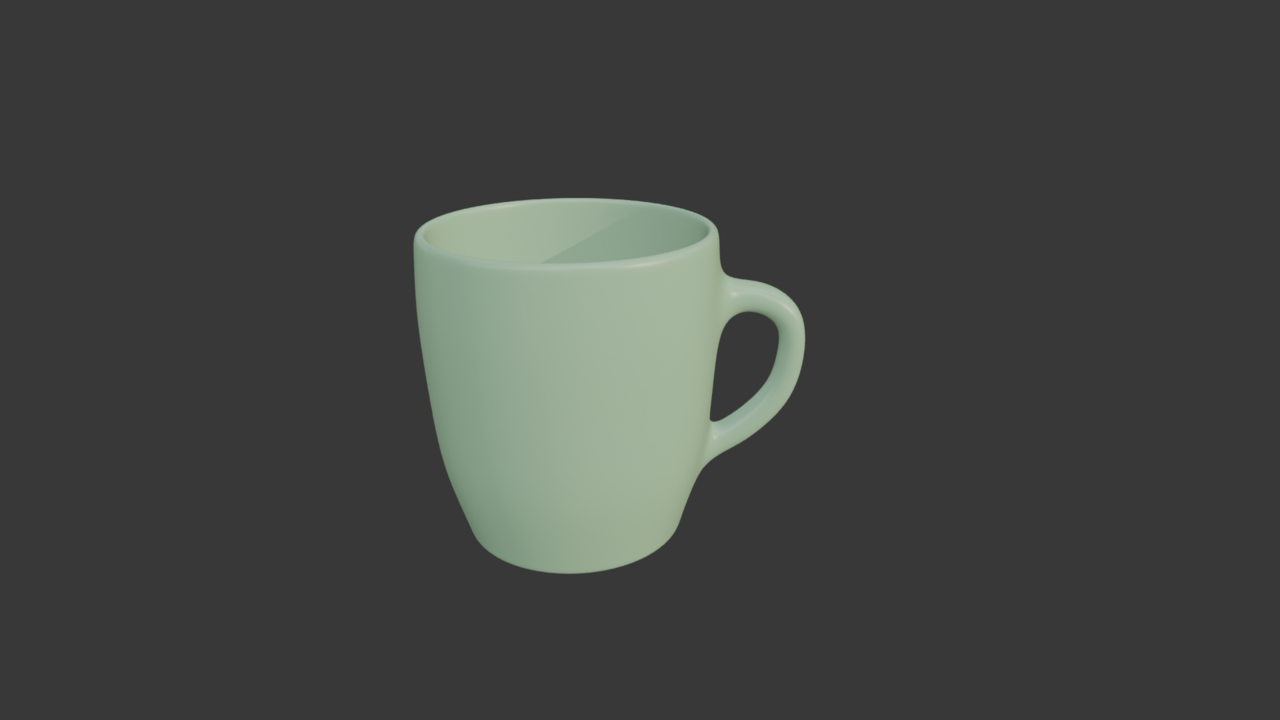
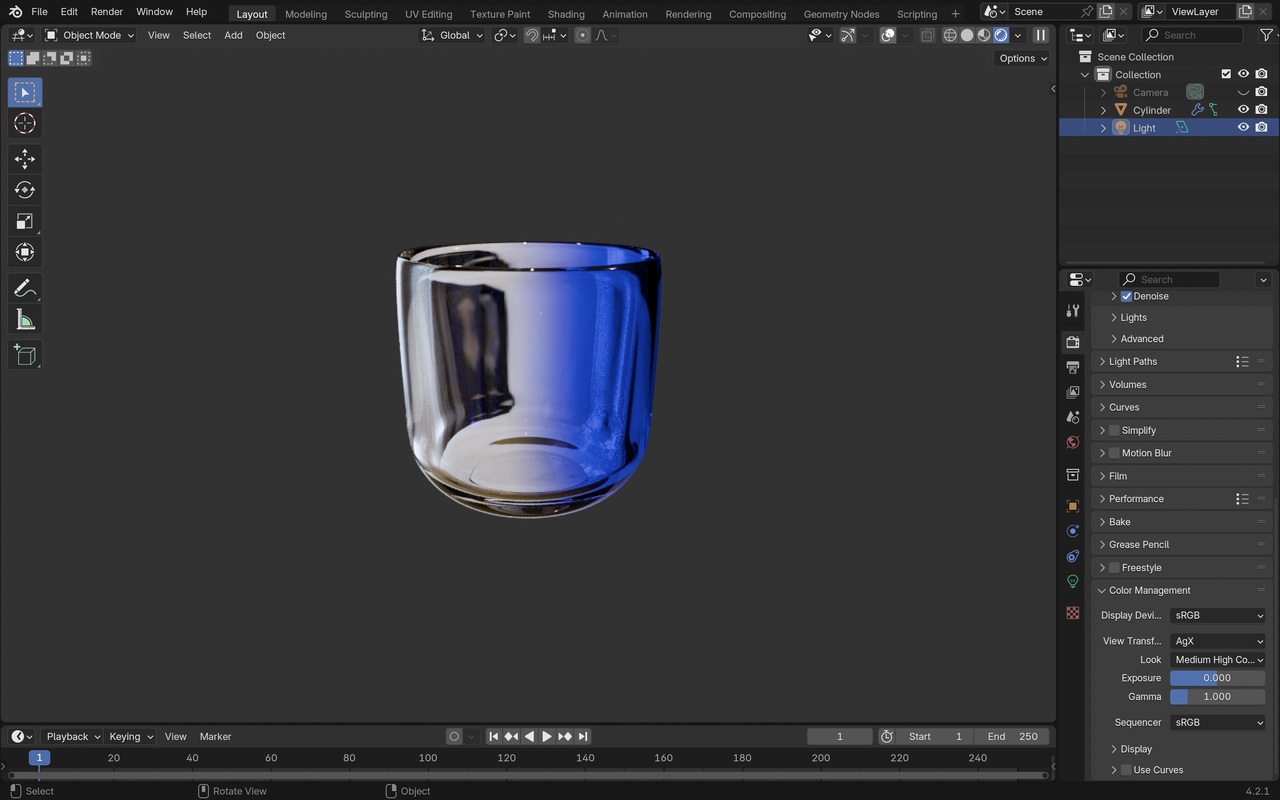
            I made a cup from the Core course and a glass that is a bit different. Couldn’t figure out how to rotate the gradient, so I didn’t finish it. Hopefully will learn in the future
            cup.pngScreenshot 2.jpeg

            #90577
            Omar Domenech
            Participant

              Yes, you will learn how to rotate the gradient later on for sure 🤙

              #90578

              CG Cookie Logo! I added a few more details on my on: eyebrows, highlights on the eyes, whites of the eyes and black spots to the mouth. I’ve learnt so many new things from this tutorial, now I’m testing my skills on a more complex object. Will share once I’m finished!  
              cookie.png

            Viewing 15 posts - 1 through 15 (of 19 total)
            • The topic ‘Tata’s Polybook’ is closed to new replies.