Tangent to Automatic to Relativ to Absolute

Forum Archive Tangent to Automatic to Relativ to Absolute

Viewing 8 posts - 1 through 8 (of 8 total)
  • Author
    Posts
  • #15405
    Martin Starchel
    Participant

      hallo

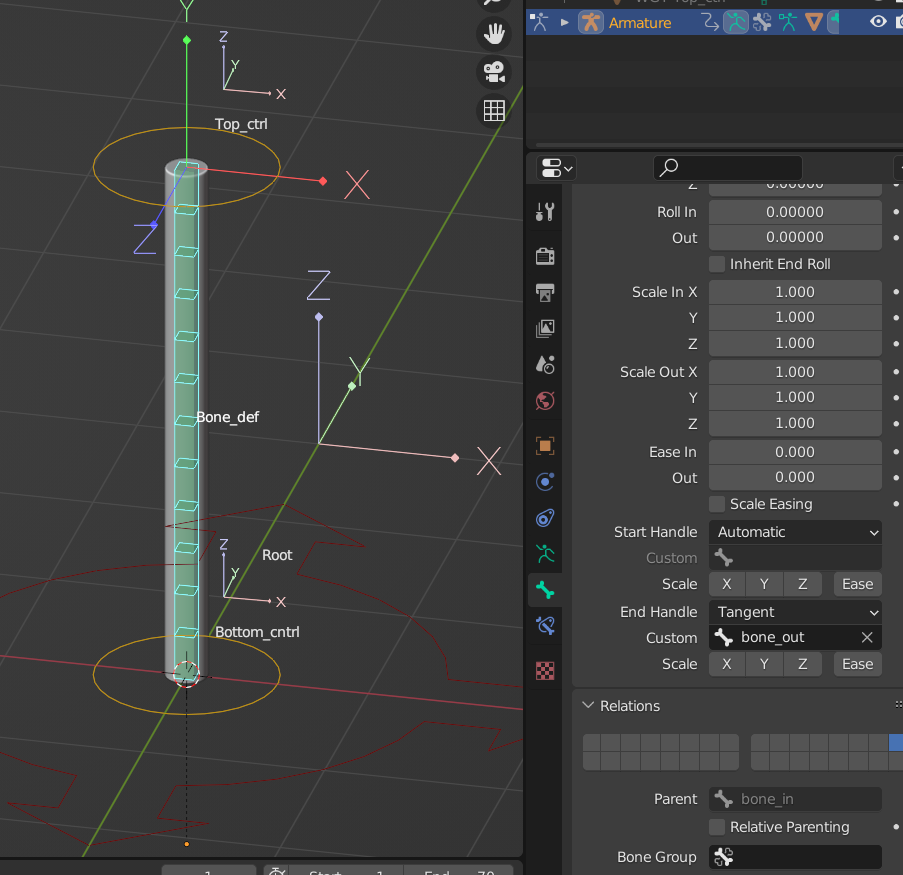
      Can someone tell me what the difference is between the “Handle” types? I see no difference between the settings. The Bone_def behaviour is (to me) the same. Unfortunately I can not find a proper explanation on the www

      1. Also I do not understand the meaning of the deform (ctrl + w). “Enable Bone to deform geometry” and I am able to deform it….. what does this mean….

      Thank you very much

      #75339
      Wayne Dixon
      Participant

        Hi Martin,
        The “automatic” setting will use a connected parent as the handle(s).

        Also when you create a bone, it automatically has the “deform” option turned on.  

        This is why when you add a vertex group with the same name (and the armature modifier is set to use vertex groups) it will deform the mesh.  If you disable the ‘deform’ option it won’t deform the mesh no matter what you do.

        The Ctrl W option is one way you can enable/disable or toggle this option.

        The ‘deform’ option is something you more often have to turn off on the bones you don’t want to deform the mesh. Otherwise if you use automatic weights, it’s going to weight the mesh with a whole lot of bones you don’t want to have influence over the mesh.

        #75340
        Martin Bergwerf
        Participant

          Hi Martin,

          the Manual has (n the case of Bendy Bones) a pretty good explanation:

          https://docs.blender.org/manual/en/3.4/animation/armatures/bones/properties/bendy_bones.html?highlight=bendy%20bones

          Ask again if that isn’t clear.

          As to the other question, I don’t know what you mean exactly…

          #75341
          Martin Starchel
          Participant

            So the “deform” has to be deactivated by those bones which should not affect the mesh (here the cylinder). Is this correct…? I tried this and it looks like that this is what you mean… in this case only the Bone_def is allowed to affect the mesh and why the “deform” is on

            I did this several times and sometimes I have had all bones in the vertex group. Is this because I did not deactivate de Deform

            and the end Handle…. is in this case the top and the bottom would be the start… ? Stupid question but how does Blender know what Start and End Handle is….

            thank you Wayne and Martin aka Spikey

            #75342
            Martin Bergwerf
            Participant

              Hey Martin, the Start Handle is at the Head of the Bendy Bone and the End is at the Tail. It’s like stroking a cat, for instance; you move from the head of the cat towards the tail…or you get an angry cat and probabaly some scratches.

              If a Bone is not set to Deform, it will still affect the Cylinder (for instance), like Move And Rotate it, but it won’t bend it..

              #75343
              Martin Starchel
              Participant

                Hi Martin

                So the Start Handle is at the Head of the Bendy Bone which means at the top… right? The End is the Tail you say…. so the Bottom. Why do I add the “bone out” (which is on the Top) at the End Handle then? What am I missing…. very sorry for giving you a hard time.

                #75344
                Martin Bergwerf
                Participant

                  Hi Martin,

                  Don’t worry, we are happy to answer questions; just ask away!

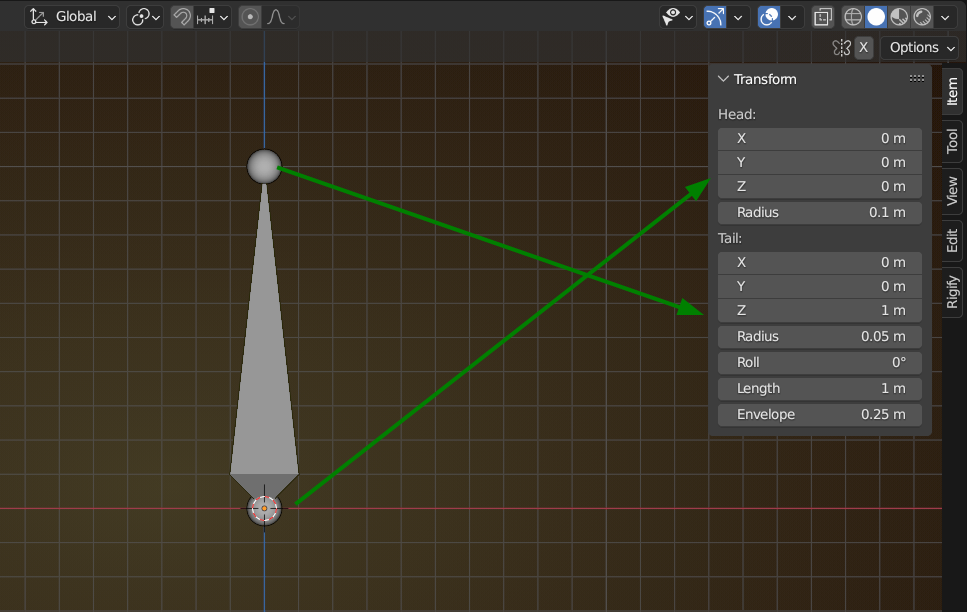
                  I am not an animator or rigger and don’t work a lot with Bones, so I usually go into Edit Mode, to see where the Head of a Bone is and where the Tail:

                  Bones.png

                  So, exactly opposite of what you said.

                  #75345
                  Martin Starchel
                  Participant

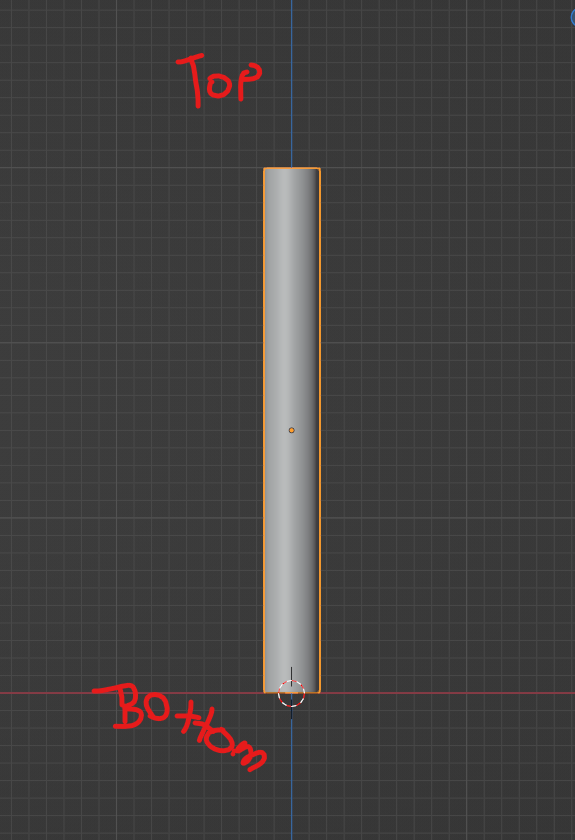
                    of course… 😫 I had my mind on the mesh … and this would be different for me.Bottom would be where “0” is… thank you

                  Viewing 8 posts - 1 through 8 (of 8 total)
                  • The topic ‘Tangent to Automatic to Relativ to Absolute’ is closed to new replies.