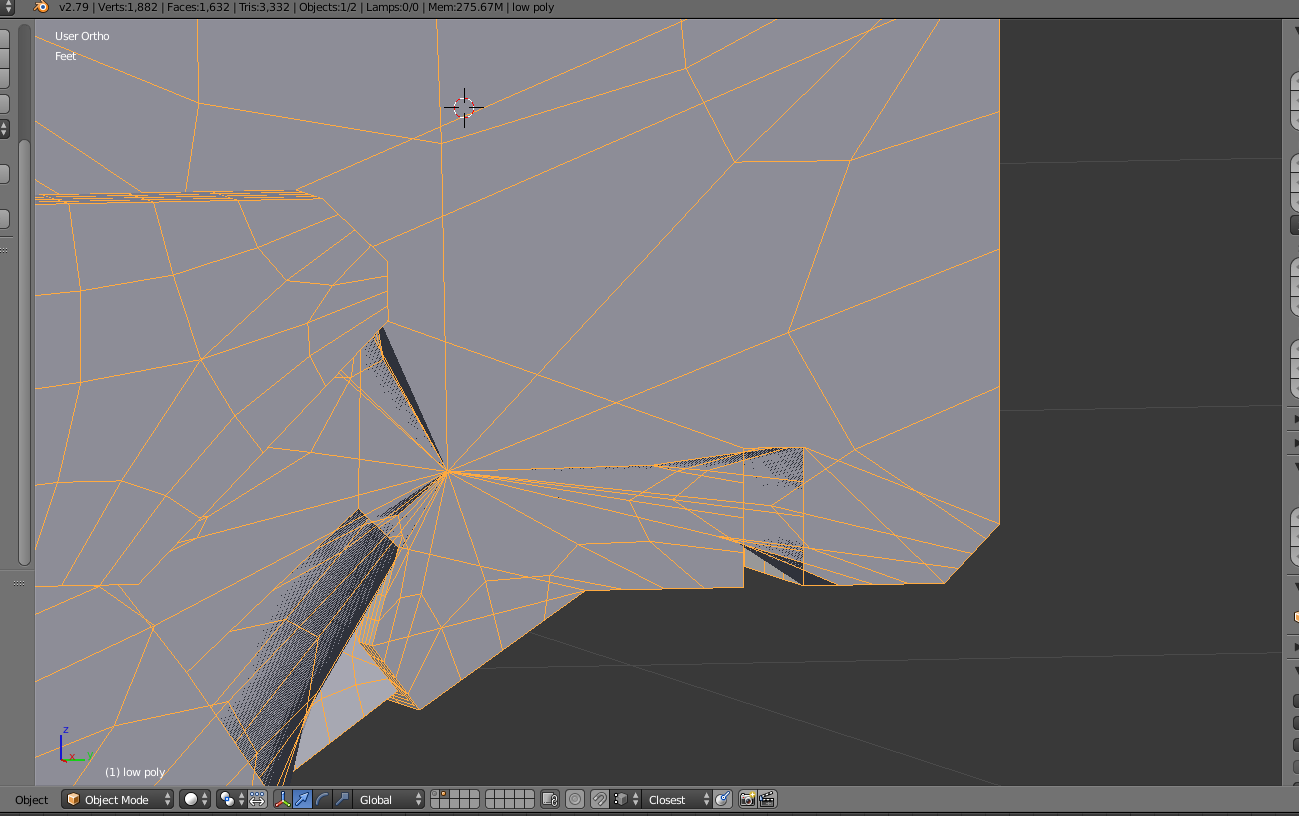
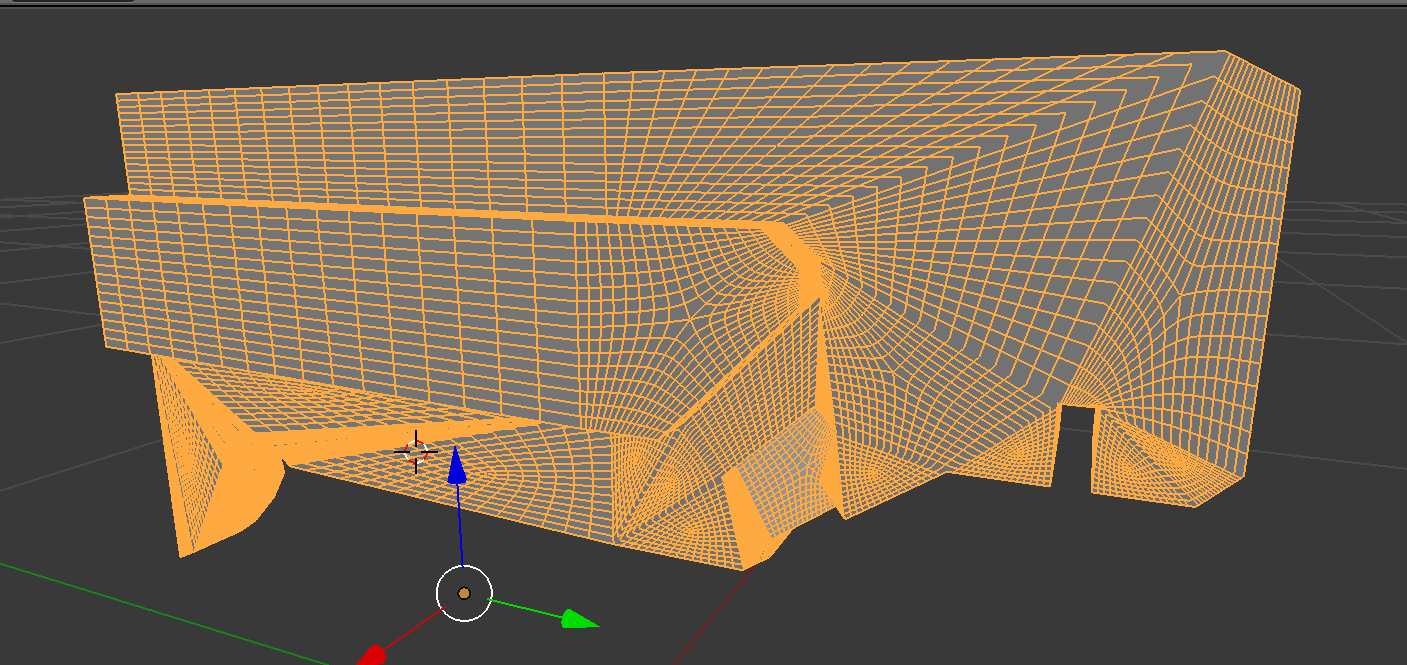
subdivision surfaces gets messy

Forum Archive subdivision surfaces gets messy

Viewing 4 posts - 1 through 4 (of 4 total)
  • Author
    Posts
  • #6768
    duketogo
    Participant

      I didn’t take modeling course yet, so this maybe not a problem for others.

      Subdivision surfaces in the lecture worked good looking result,

      But mine is still get messy with groove. I tried to modify model but topology went bad.

      It would be great if modifying progress were recorded.

      #25918
      Jonathan Lampel
      Participant

        Hey @duketogo , what’s the in-subdivided topology look like in edit mode? My guess is that there’s a big n-gon right in the middle there. N-gons are fine to have, but if they produce results like this, then connect some vertices with the hotkey J to tell Blender which way the subdivisions should be going. Or, you could press Ctrl+T to turn the whole face into triangles. Otherwise they’ll all pile towards the middle like that which causes some parts to overlap. Hope that helps! 

        This:

        Turns into this when subdivided:

        #25919
        duketogo
        Participant

          Here is a result. I see how it works.

          The point is “cut ngon to triangles before modifier makes it ugly”

          Thank you.

          #25920
          samy rezk
          Participant

            i find that you are saying  (N-gons are fine to have ) which i never heard of anyone in the industry.

            it is considered to be  one of the most undesired topology in any 3d model 

            especially games assets 

          Viewing 4 posts - 1 through 4 (of 4 total)
          • The topic ‘subdivision surfaces gets messy’ is closed to new replies.