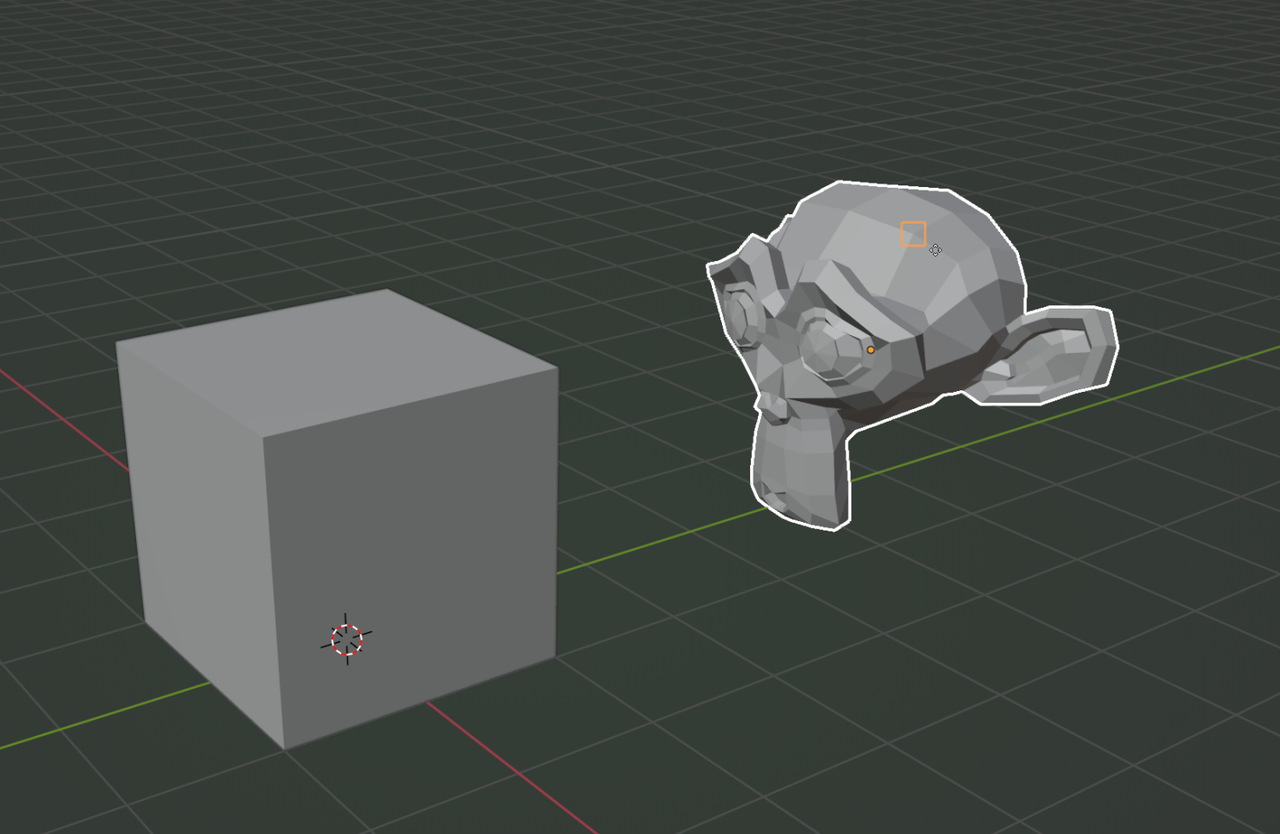
HI Emily @elehman ,
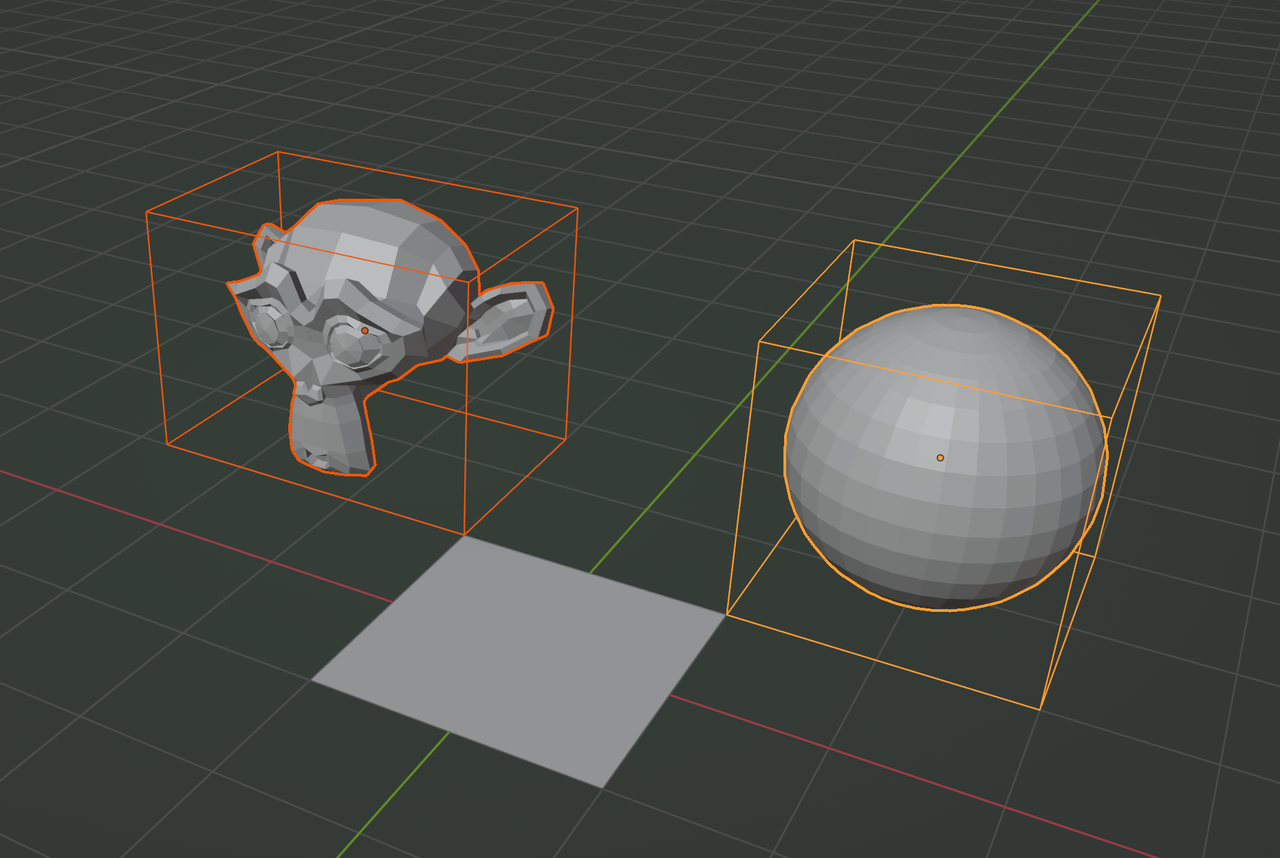
Snapping in Blender takes some time to get used to, but your confusion is completely understandable; When Snapping Objects, the Bounding Box of the Objects is used:
Nowadays, you can use the B hotkey to set the Snap Base, while moving, takes a bit of practice, but you don’t need to activate the Snapping, but set the Snap Base in the Settings to Center, then Select you Object, press G, then B, with your Mouse Pointer click on a Vertex, Edge or Face of that Object and then you can Snap that Vertex to a Vertex, Edge, Face, Volume… It’s a bit hard to explain, but it’s worth learning it.

.