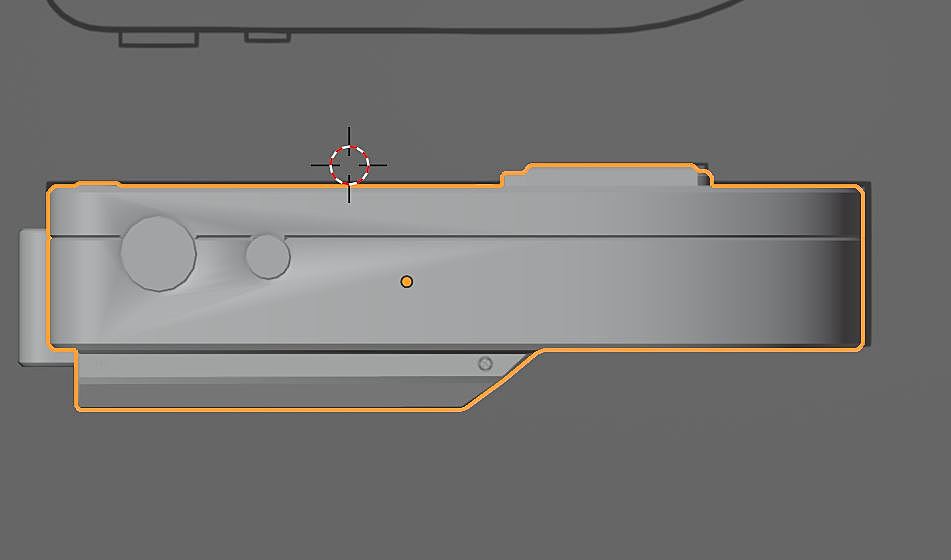
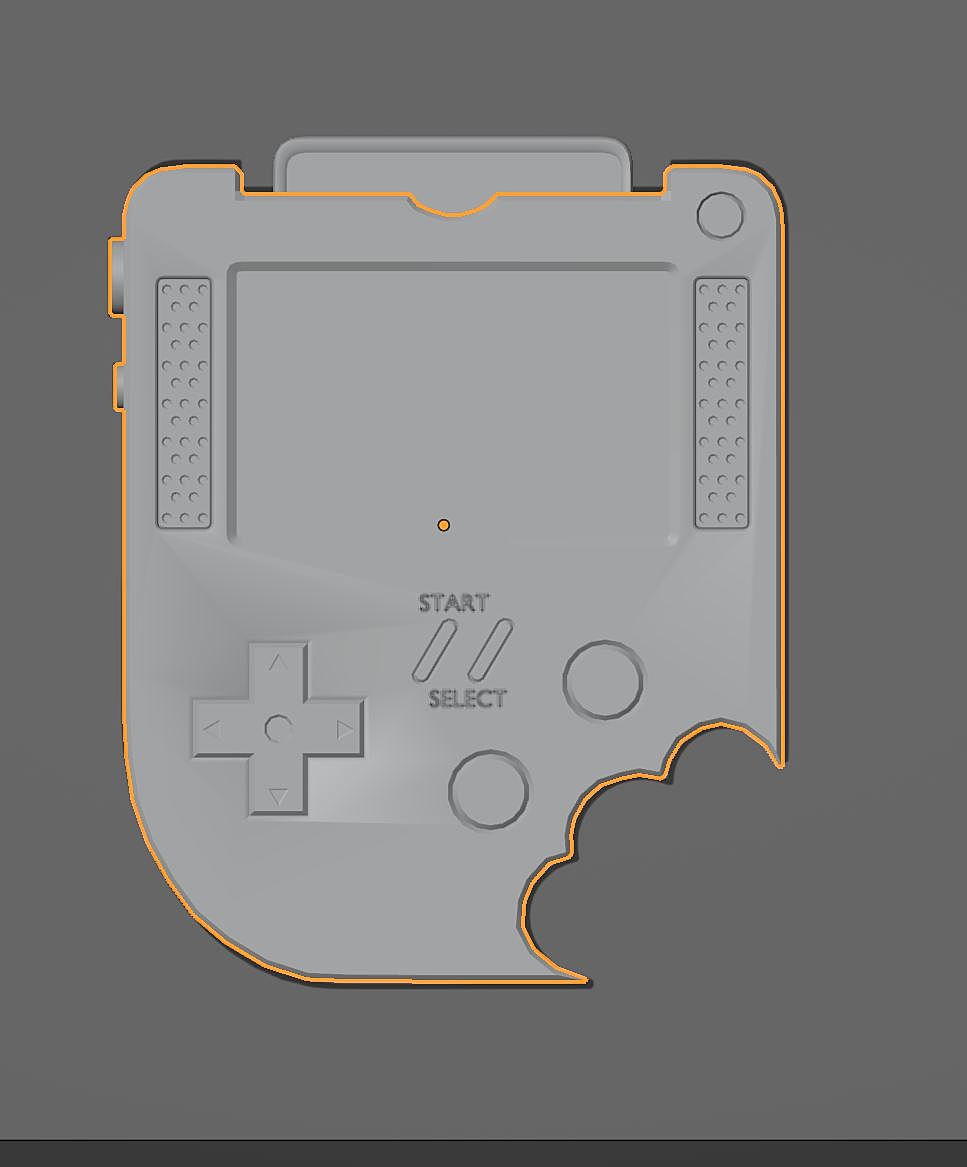
Make sure that those Faces are exactly paralel. In Edit mode, Select those Faces of one side and use LoopTools > Flatten (for instance, you’ll need to enable the Addon), or, with the top Faces S, Z, 0 (watch out where the Pivot Point is!)
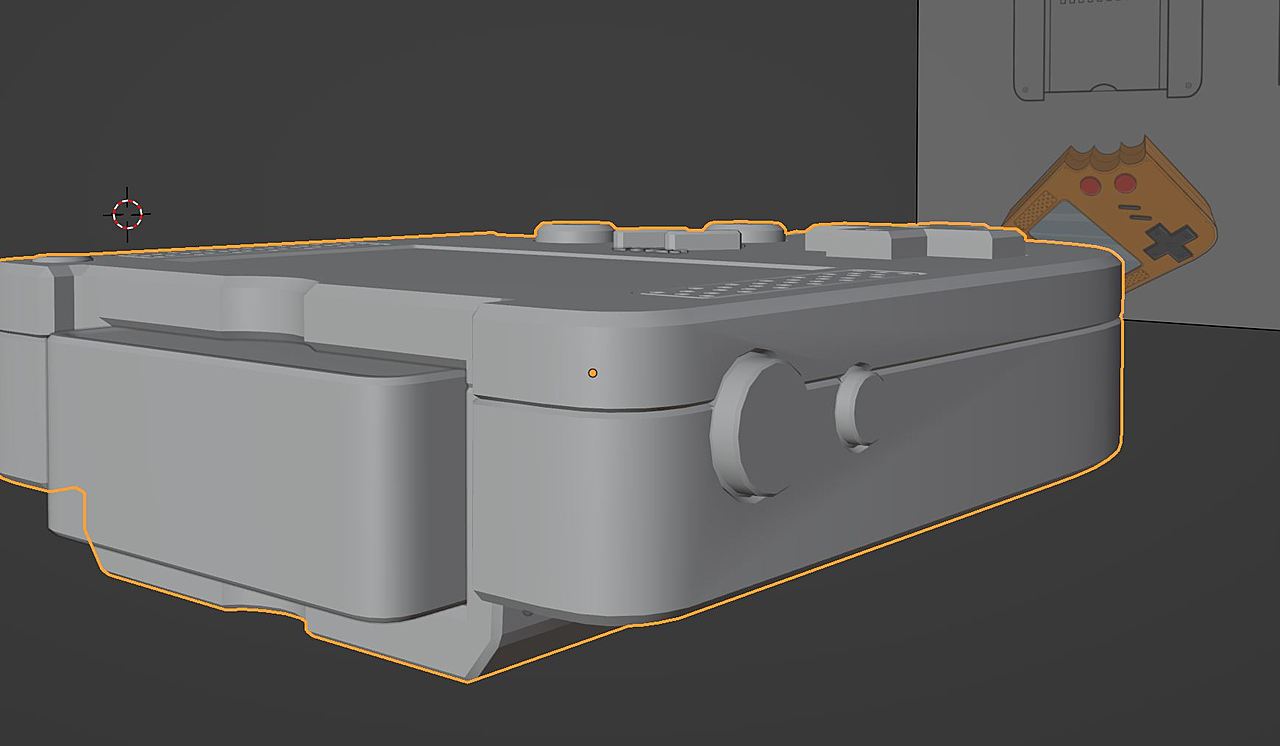
Exagerated, something lie this might cause the Shading artefacts:
So I was on the right track I did start doing that last night :D, I’ve messed with bevel mod and subdivide lately and notice if the pivot isn’t in the right place it can make things a little odd.
top sorted must of forgotten to add an inset along the way so loop cut that, but still getting the stretching on the side done although I’ve checked scale is 0, the pivot point in centre mass, 0 on the direction and the loop tool flatten.

.