Yeah, you are right.
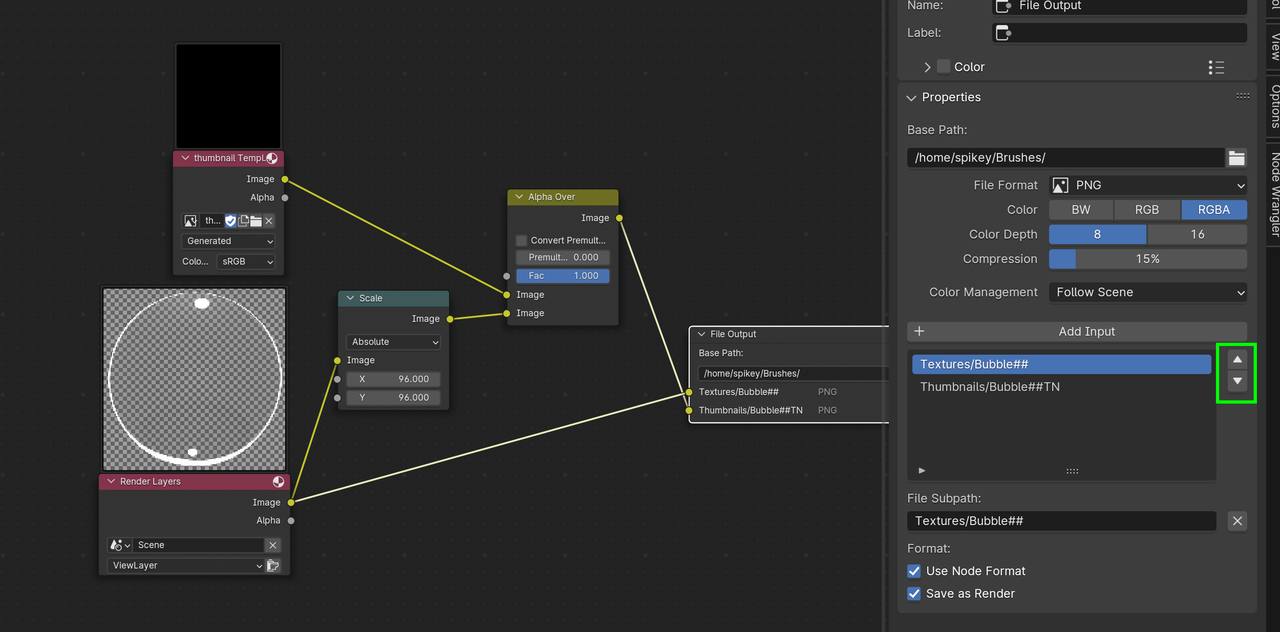
The hack works perfectly in Blender 4.0, but in 4.1, the File Output Node uses the Resolution of the first Input.
So, when switching the Inputs as I said, the second Input gets Scaled down to 96 by 96, but the Image is still 512 by 512…
Basically, the hack only works in 4.0 (or before, probably, haven’t tested that).
You can make a Full Copy of your Scene and change the Resolution of one of the Scenes, but you’d have to do that each time….That’s why Paul came up with this hack…unfortunately, and I think this might actually be a side effect of an optimization, this doesn’t work in 4.1…
We could submit a Bug Report and see how they’ll react,…???

.