Some3DGuy’s Polybook

Forum Archive Some3DGuy’s Polybook

Viewing 12 posts - 1 through 12 (of 12 total)
  • Author
    Posts
  • #18542
    Giulio Campobassi
    Participant

      Loving the new Core series..

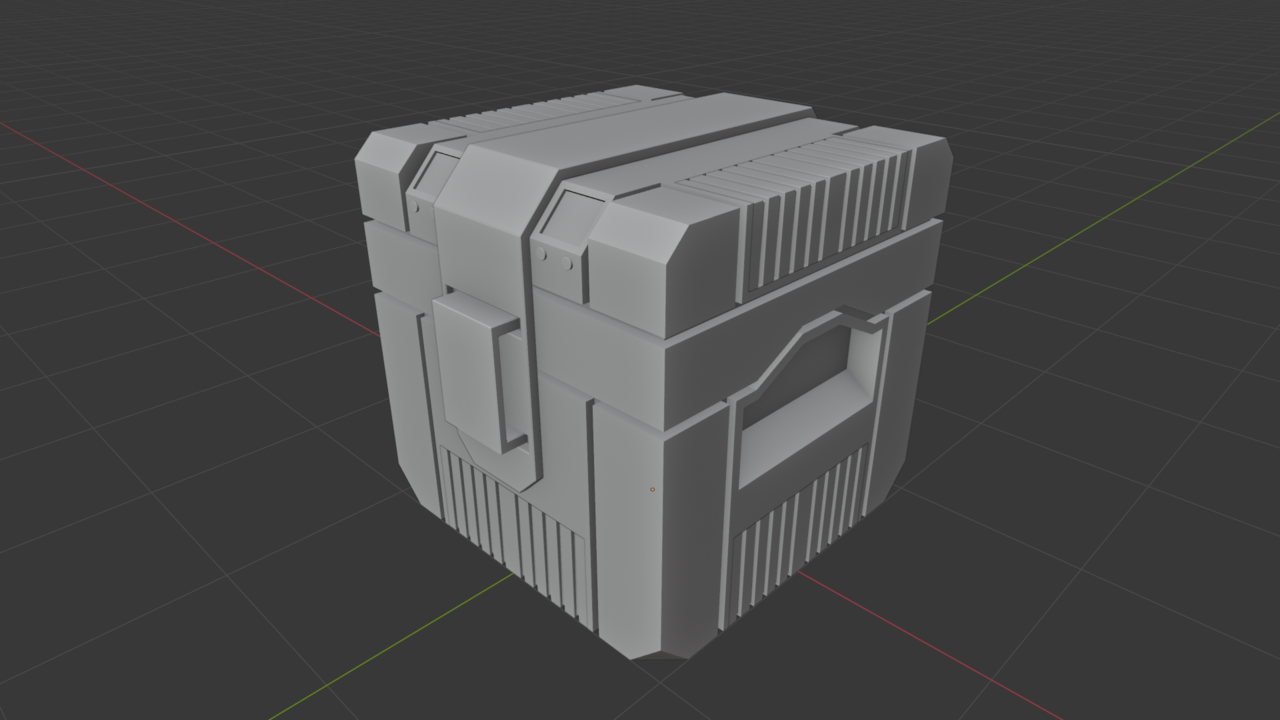
       sci_fi_crate01.png

      #88532
      Martin Bergwerf
      Participant

        And I am loving your crate 👍🏼

        A really nice start, keep going!

        #88533
        Ewan Thorpe
        Participant

          nice crate my friend. love the circular details on the front of it <3

          #88534
          Giulio Campobassi
          Participant

            Thanks for the encouragement. Been dabbling in and out of Blender, but want to produce some artistic content this year.. will post more stuff soon!

            #88535
            Martin Bergwerf
            Participant

              Looking forward to seeing more!

              #88536
              Giulio Campobassi
              Participant

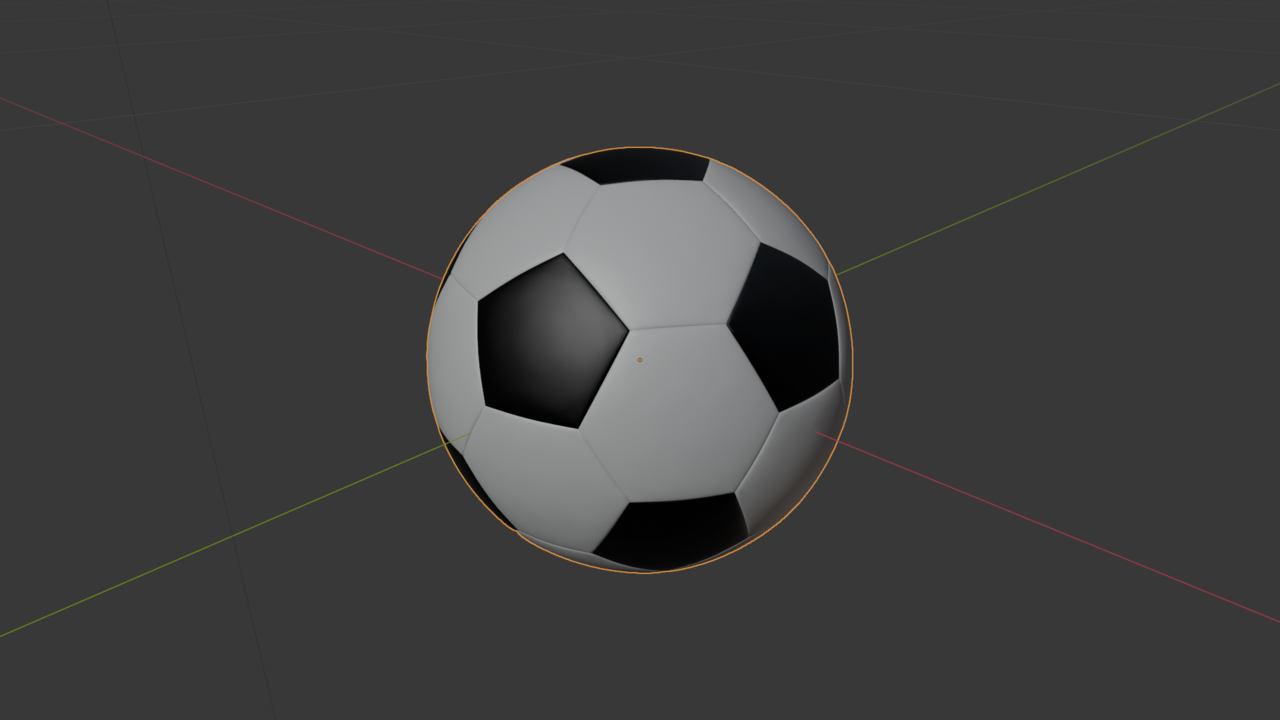
                Aaand here’s the soccer ball. Discovering these interesting selection methods, I had been dabbling with Blender, but never explored the powerful selection tools as explained by Jonathan. More exercises like this that develop the “muscle memory” for Blender (or any advanced media software) would be great. A bit of repetition (well, at least for me), is good at this point. Onward..

                soccer_ball01.png

                #88537
                Giulio Campobassi
                Participant

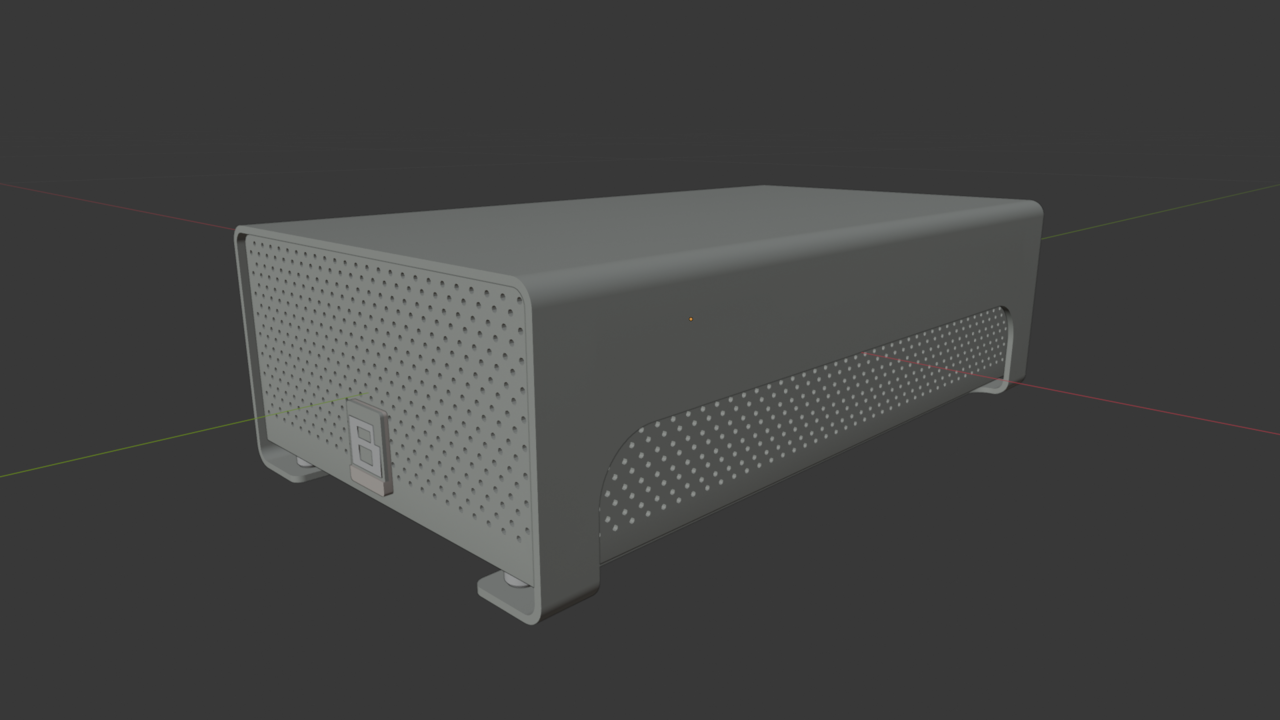
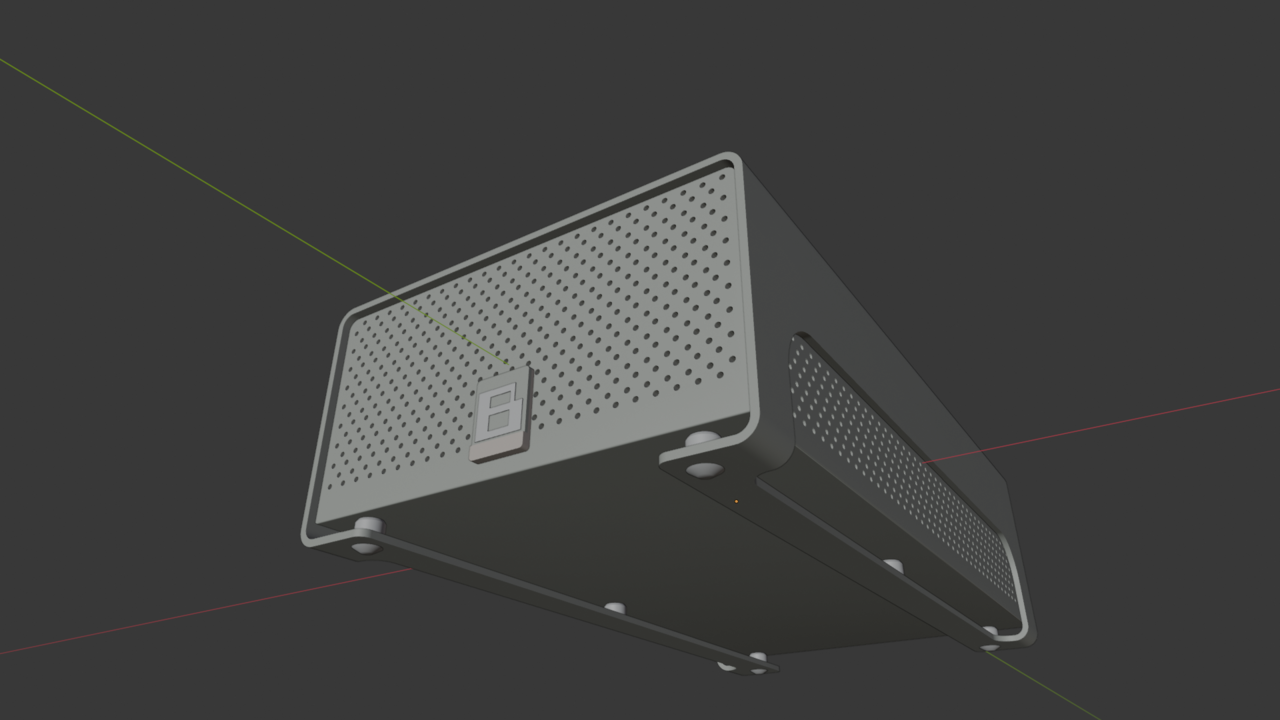
                  And the HDD render. I’m finding the mesh modelling course intuitive and well planned. When I look at other adhoc tutorials on youtube, i start to pick out differences in the streamer’s approach that gives me perspective on pros/cons of their technique.

                   hdd01.pnghdd02.png

                  #88538
                  Giulio Campobassi
                  Participant

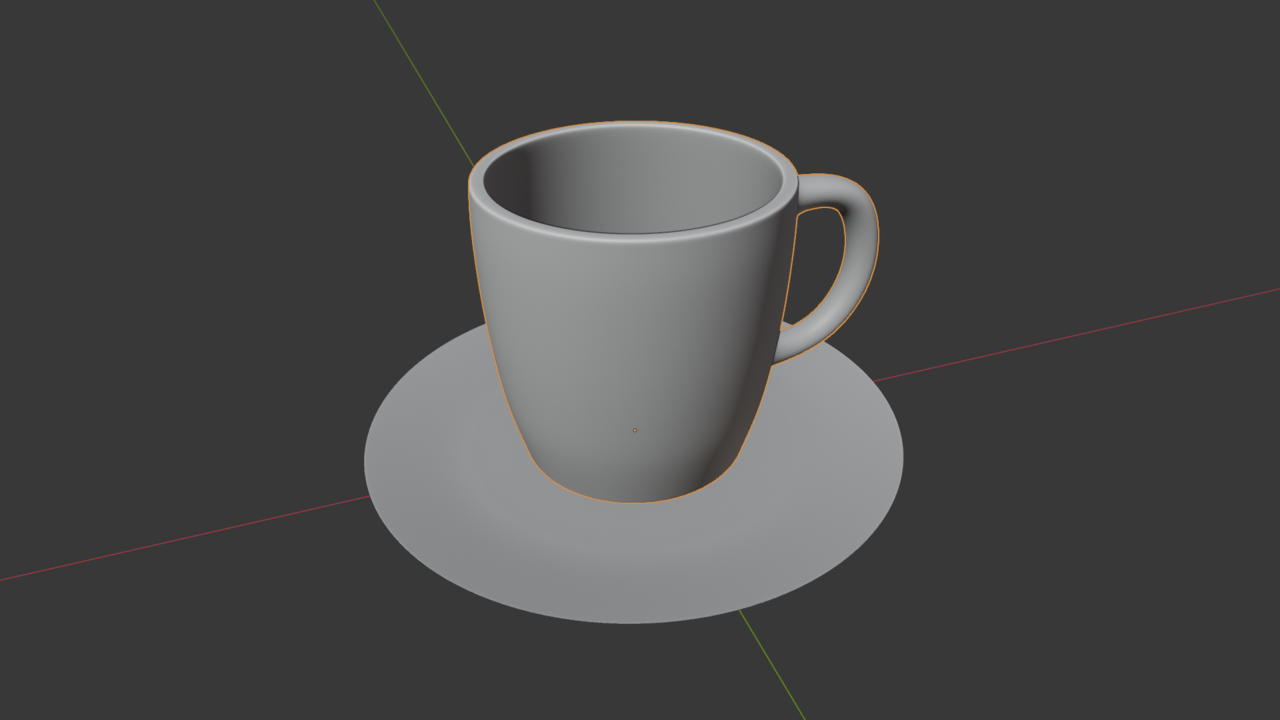
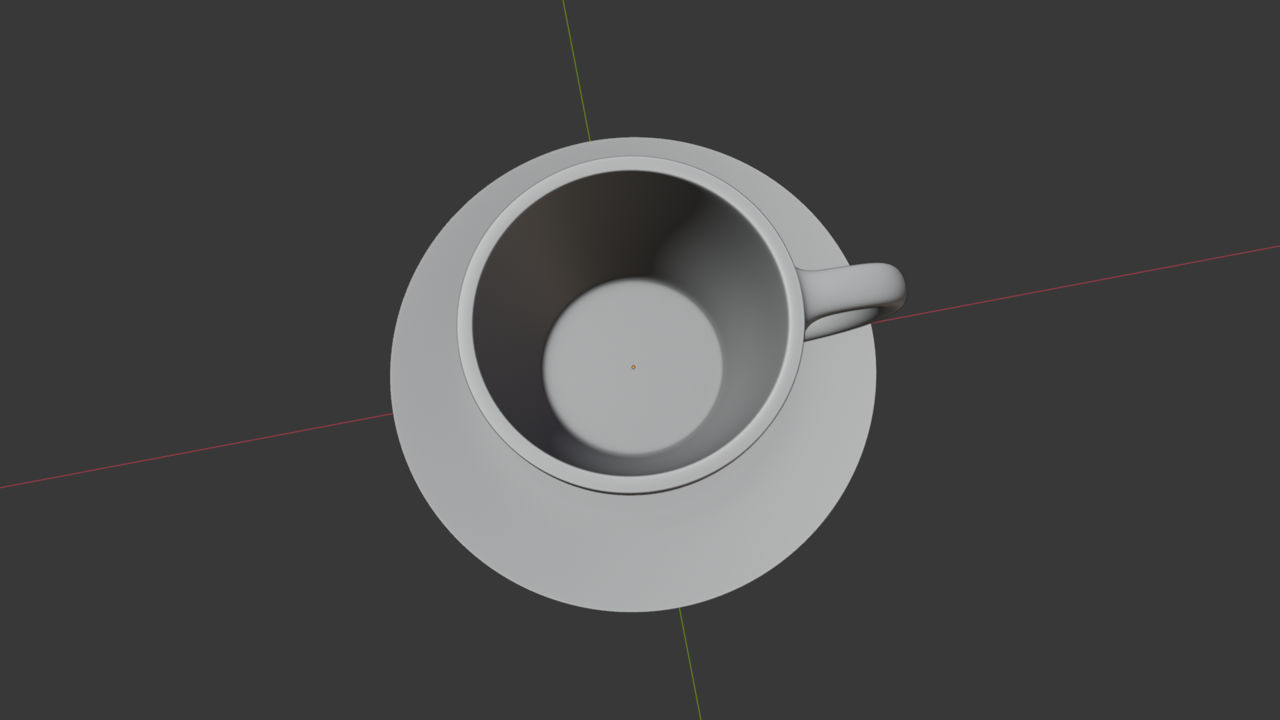
                    Aand the coffee cup.. 

                    coffee_cup01.png coffee_cup02.png

                    #88539
                    Giulio Campobassi
                    Participant

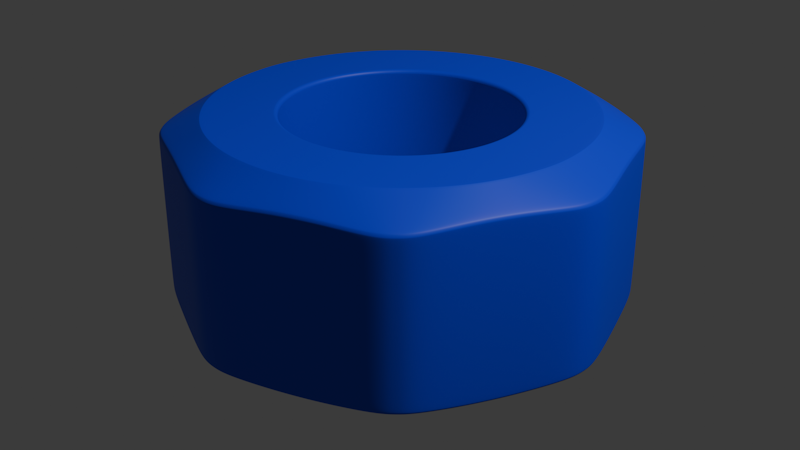
                      In the middle of the meshmodelling assignment, but I like to mix things up, to test my knowledge, like this. A nut. All the techniques used here, use content from the mesh-modelling course by Jonathan, and can be done in less than an hour. For me, repetition is how I get the content into my skull. I recommend you challenge yourself with doing your own simple modelling assignments, (about 2-3 per week at 1 hour each), that can be done quickly and validate your understanding of the course material. Not all will turn out well, but that’s the idea, find your weak points, discover ways to optimise tool usage. 

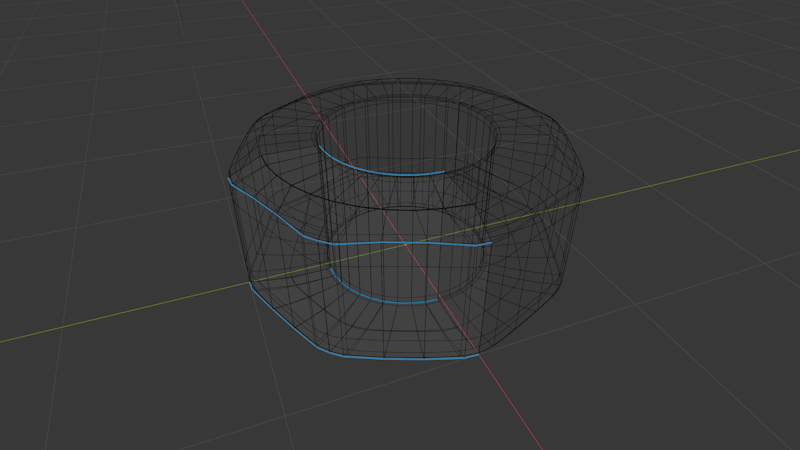
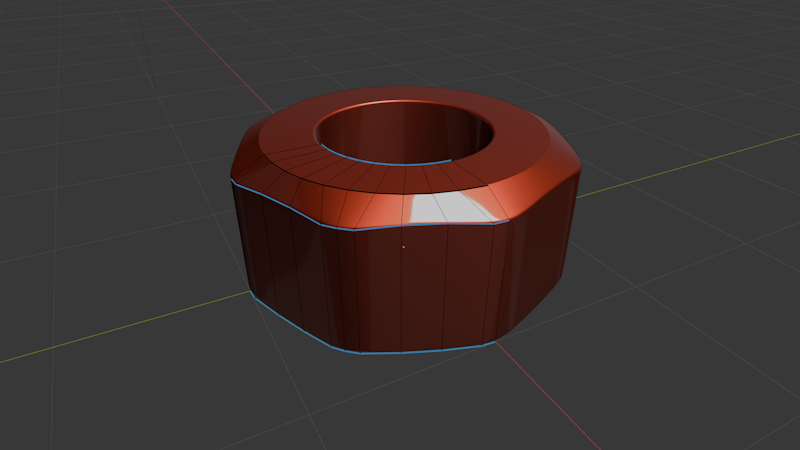
                      Here, I started with a mesh circle, then removed 3/4’s and then applying mirror/bevel/subd and loop tools to get this effect. Keeping the vert/face/edge/tri count down, was my goal. I had seen another version of this done on YouTube, but i thought the way they did it was inefficient and bloated up the poly-count, so by applying core’s concepts I was able to cut their poly count by 75% to achieve the same (?) effect. There’s nothing terribly wrong with the sample video, there are different ways to do things, and wanted a challenge to do it in my own style.

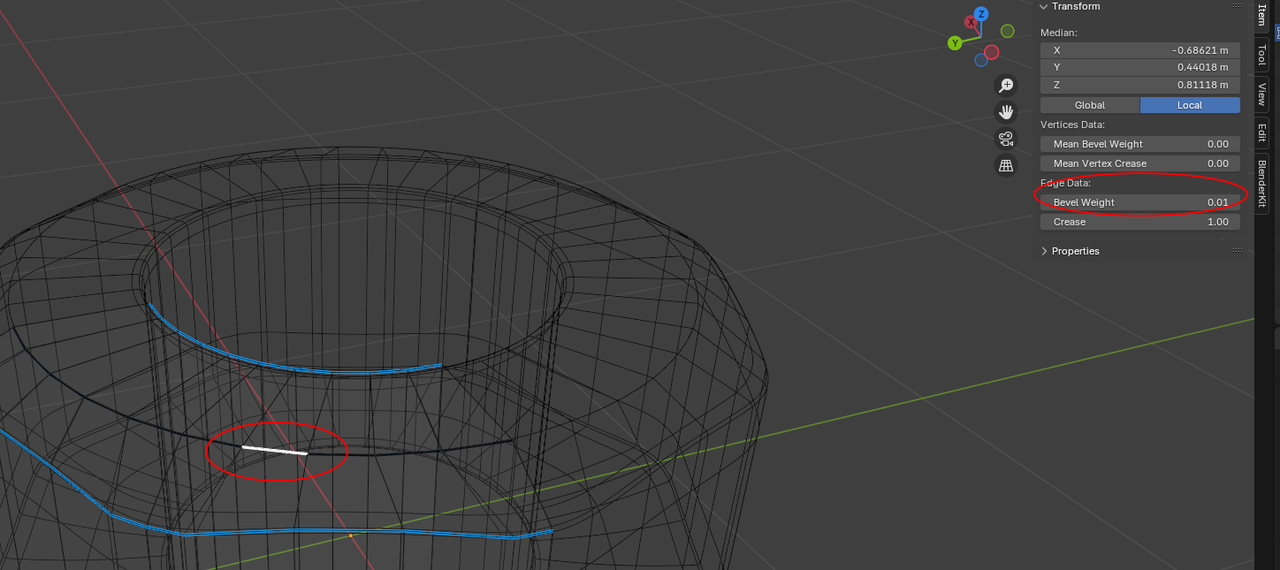
                      One problem I encountered was using the bevel by weight modifier and shade smooth. The top flat area was not sharp despite have “0” bevel weight, but when i set the edge in question to a bevel weight of .01. I could get that nice flat effect on the top of the nut before it tapers off to the edge. 

                      “.01 bevel hack”
                      nut03.png

                      nut02.png

                      Final render in cycles.

                      nut01.png

                      #88540
                      Martin Bergwerf
                      Participant

                        That’s indeed a great way of learning!

                        #88541
                        Omar Domenech
                        Participant

                          Good advice’s from some 3d guy, literally.

                          #88542
                          Giulio Campobassi
                          Participant

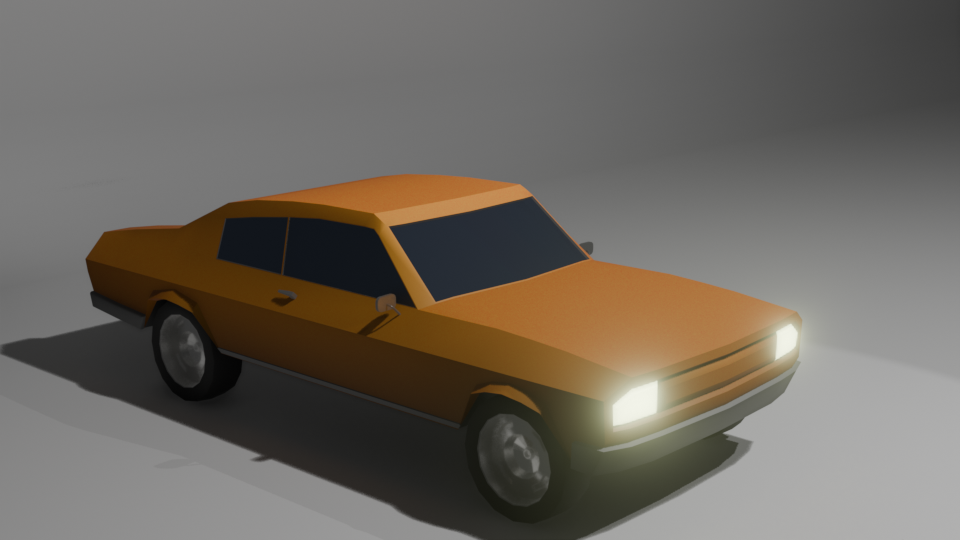
                            Having a go at low poly car.. the lesson worked great, but the last shader tutorial is no longer compatible with blender 4.2, but you can overcome Blender’s changes to bloom with Ryan King’s quick tips here 

                            w_poly_car_final.png

                          Viewing 12 posts - 1 through 12 (of 12 total)
                          • The topic ‘Some3DGuy’s Polybook’ is closed to new replies.