Some noobie questions

Forum Archive Some noobie questions

Viewing 12 posts - 1 through 12 (of 12 total)
  • Author
    Posts
  • #14474
    jasper108
    Participant

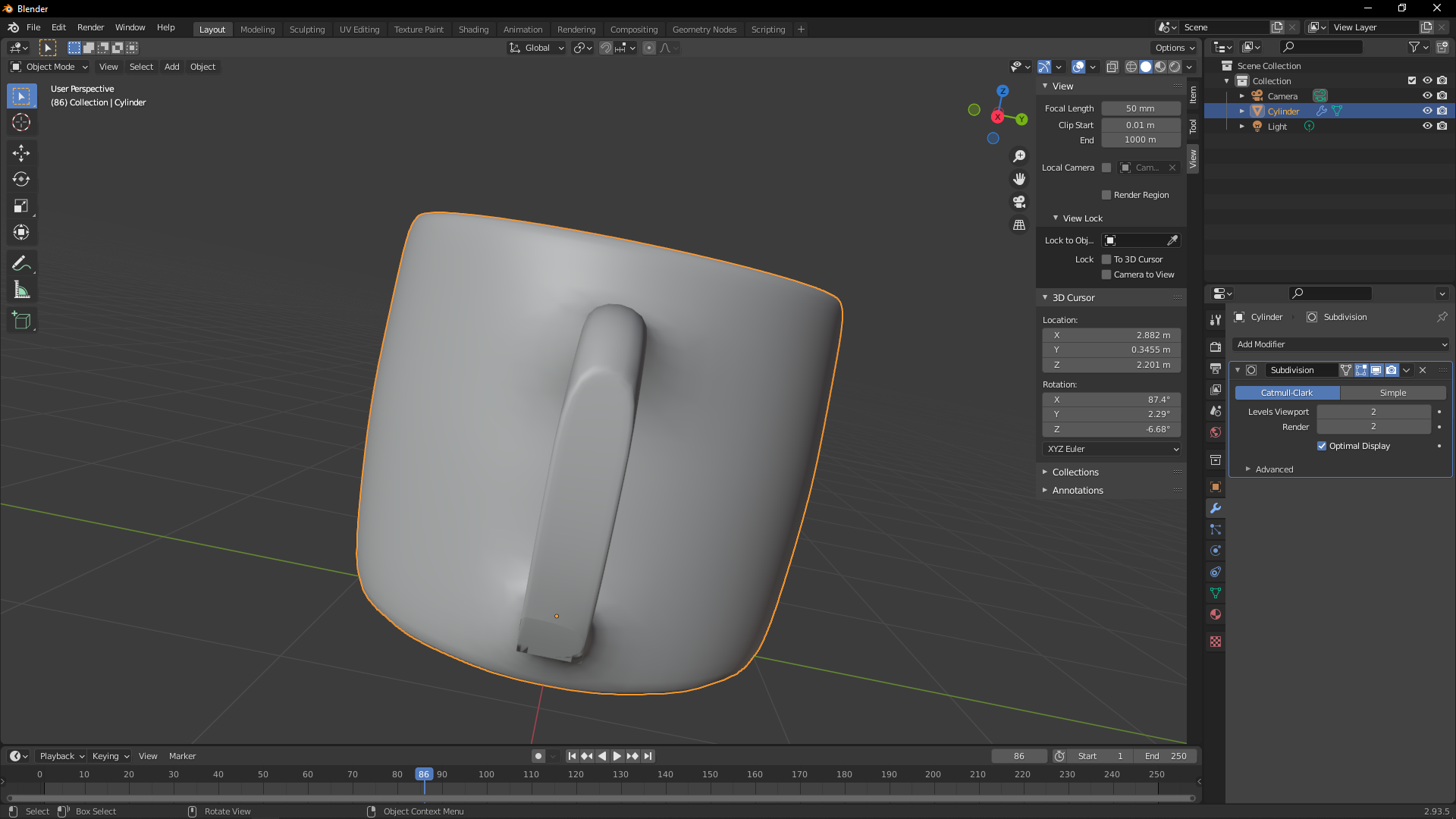
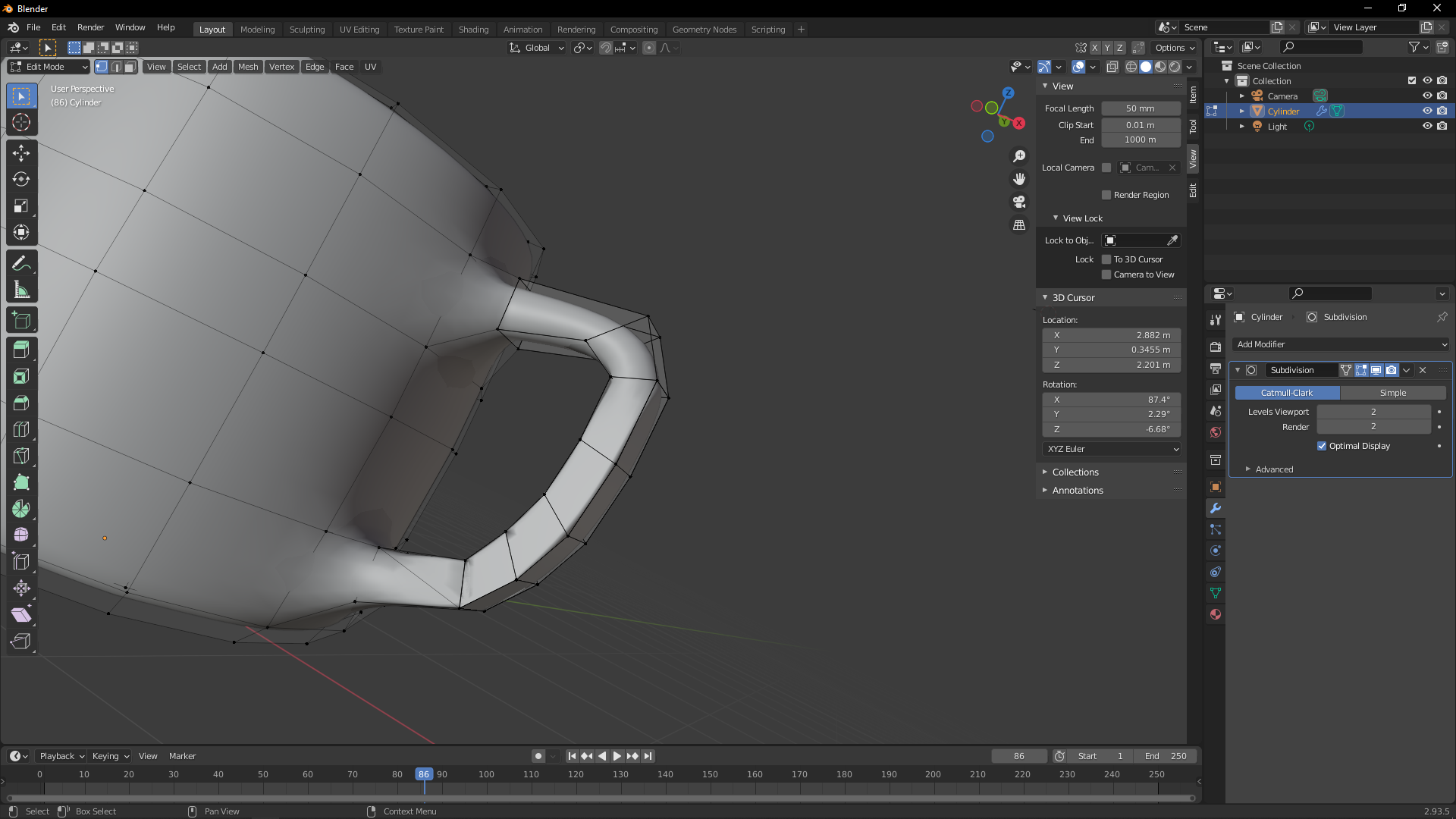
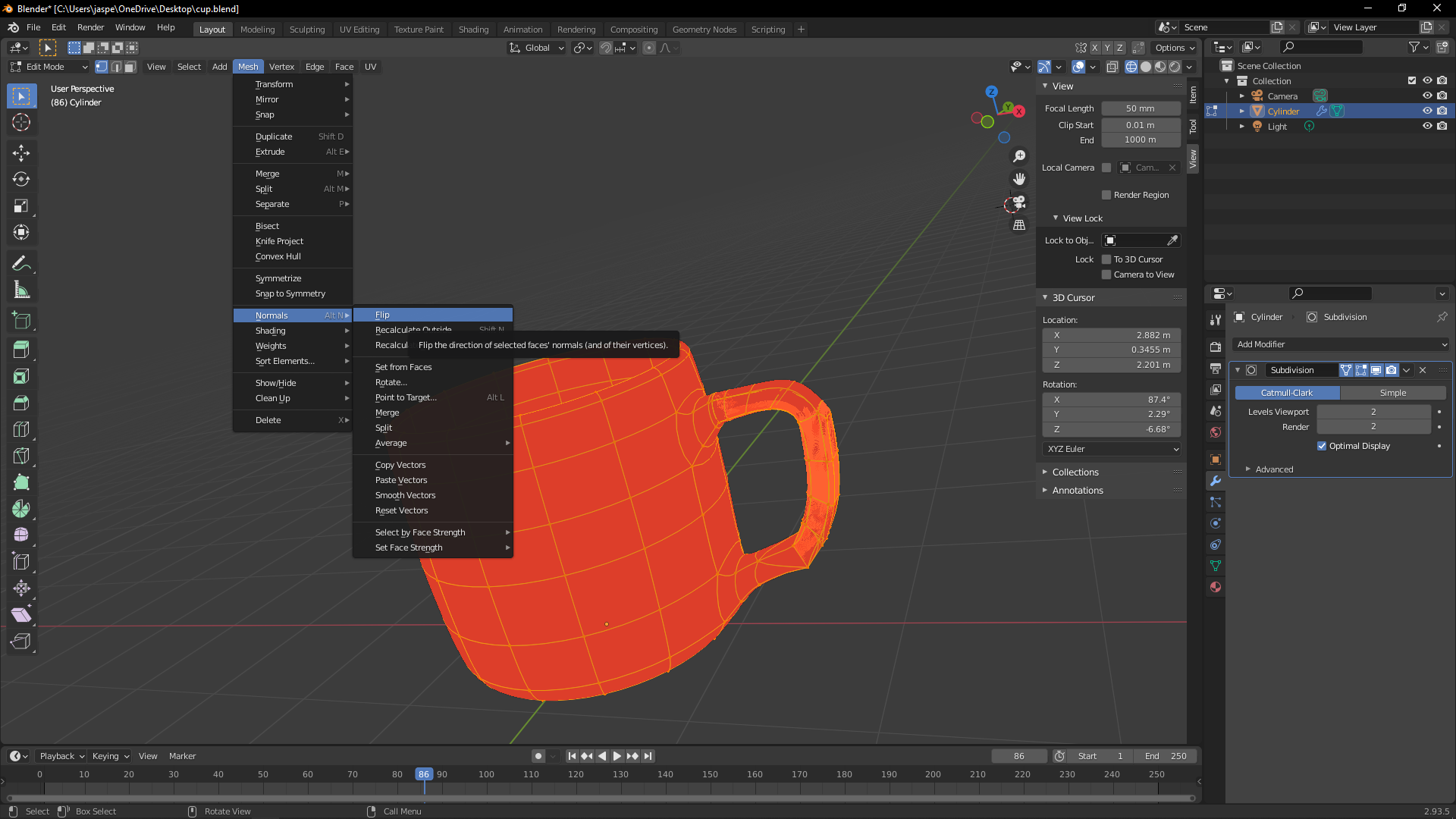
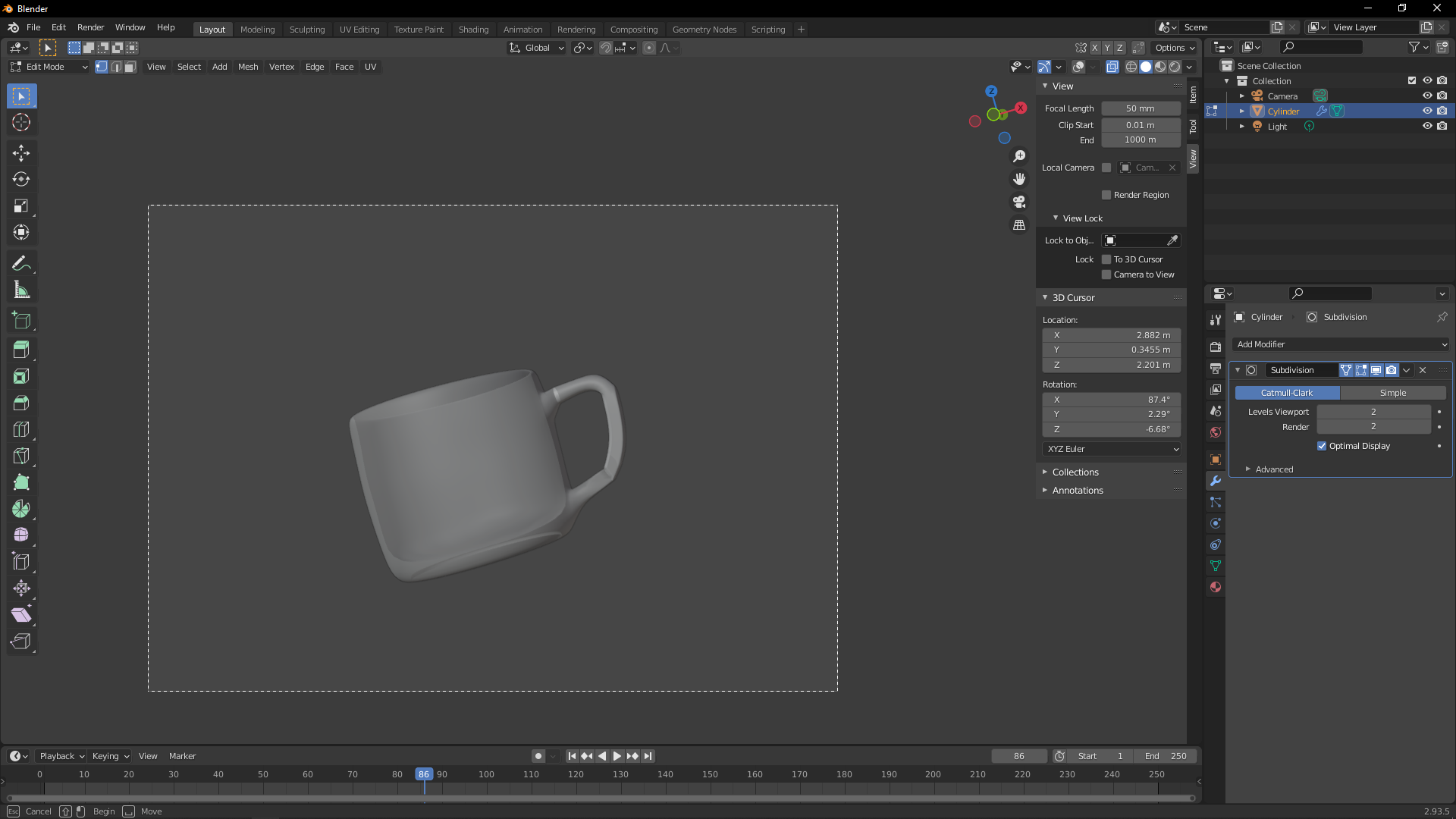
      1. Not Sure what i pressed, but i can’t edit anything

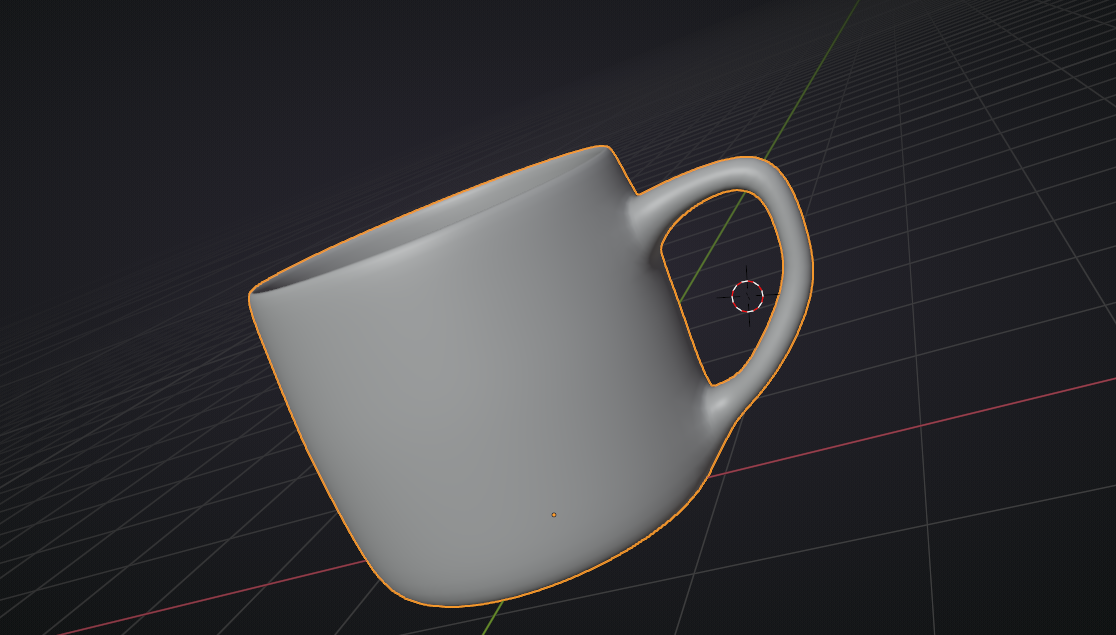
      2. The Handle looks flat, how do i fix it?

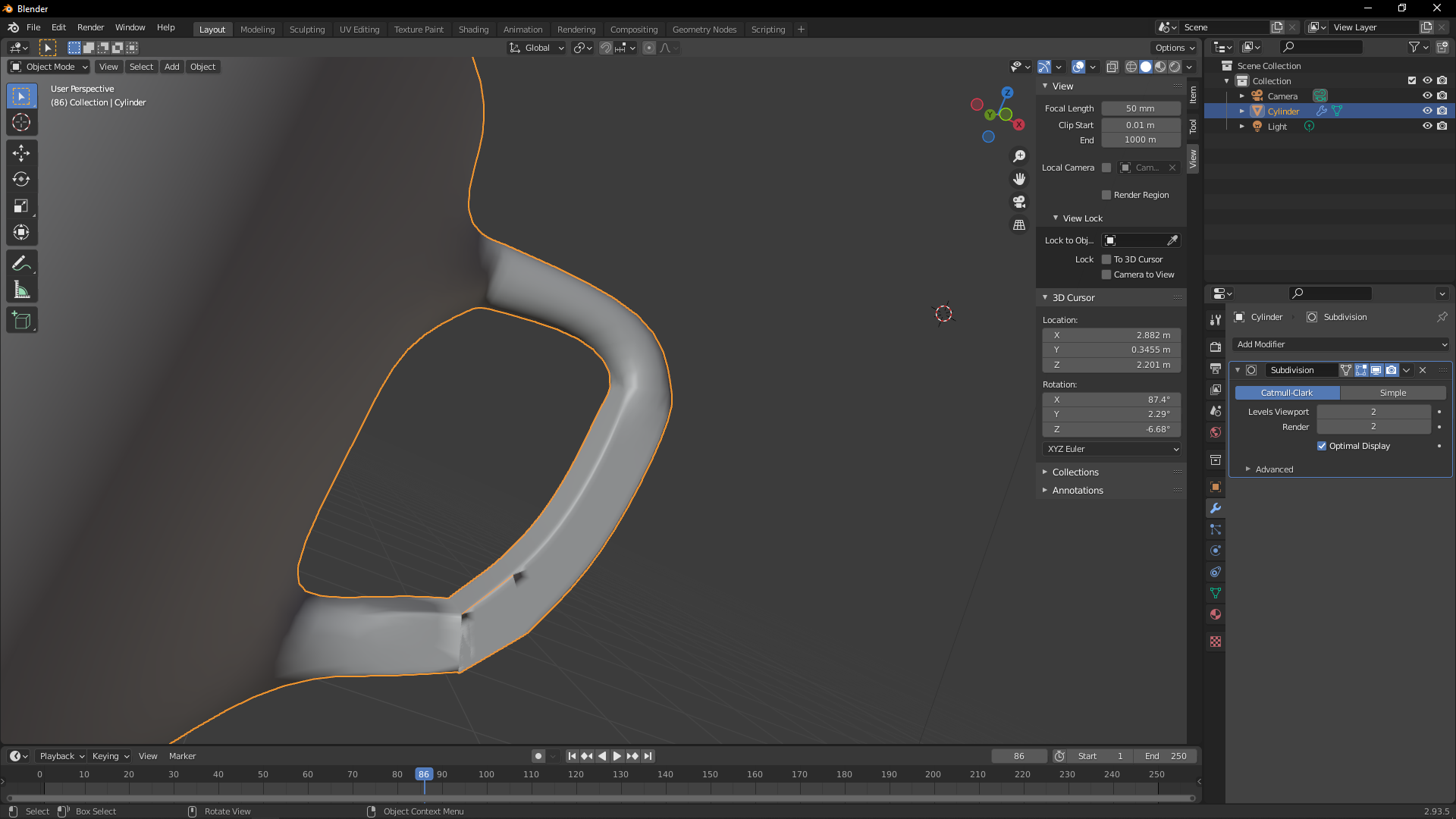
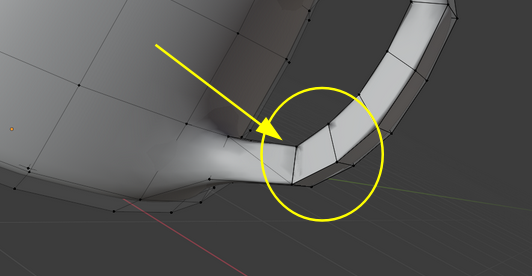
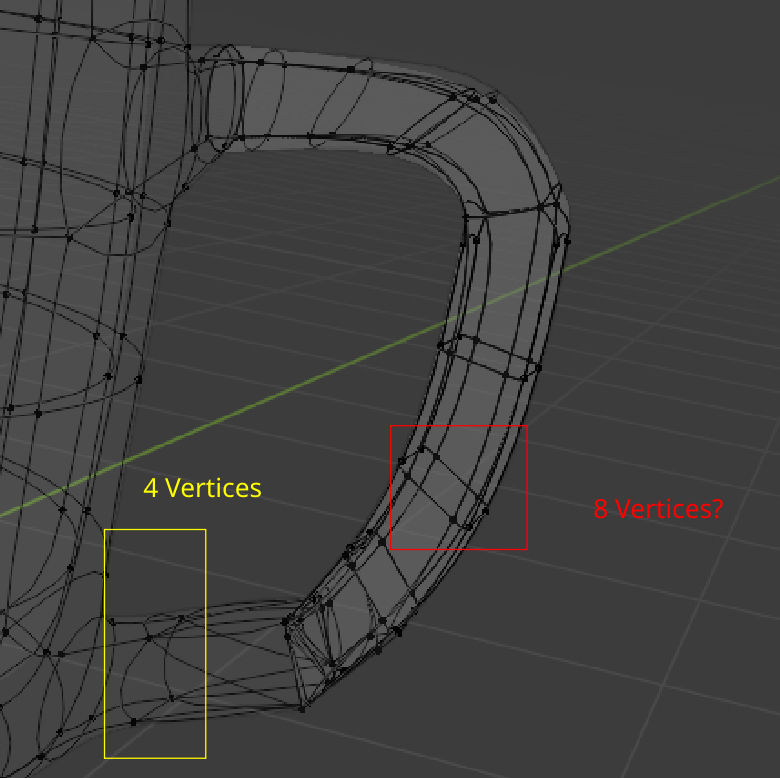
      3. The bridge loop looks weird

      Thanks

      #71152
      Adrian Bellworthy
      Participant

        Hey @jasper108 

        We all start as noob’s, and we ask the noobie questions.

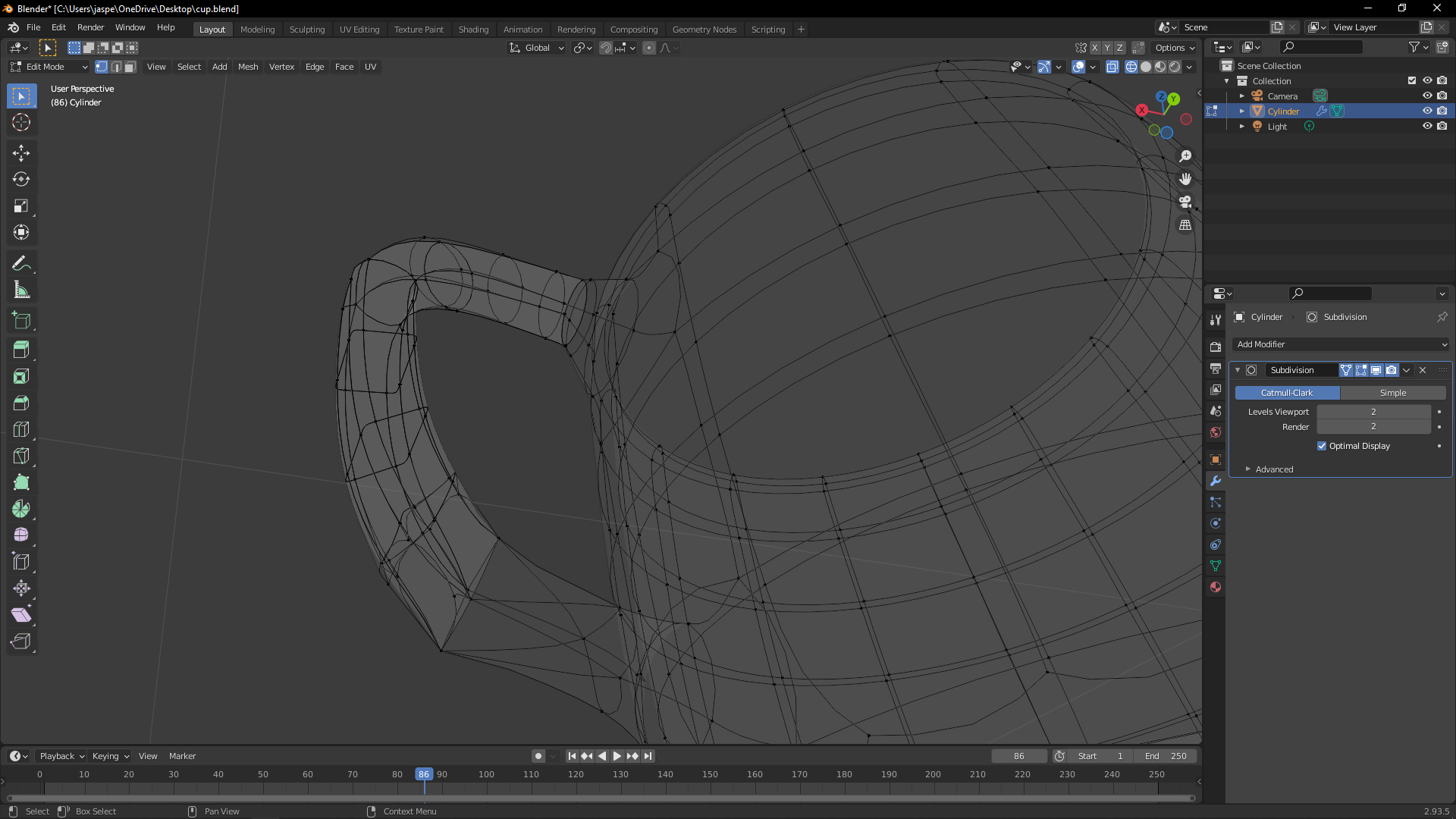
        1. You have overlays turned off (top right of the 3d viewport)

        With it turned off the verts are not visible, although you can still select them.

        2. It looks like you may have flipped normals.

        In edit mode select everything, then in the 3d viewport at the top select Mesh > Normals > Recalculate Outside (or with everything selected the shortcut SHIFT+N)

        3. Probably same as 2.

        Hope this helps! 

        Happy Blending

        #71153
        spikeyxxx
        Participant

          Hi Jasper, that looks like a case of inconsistent Normals (happens a lot!).

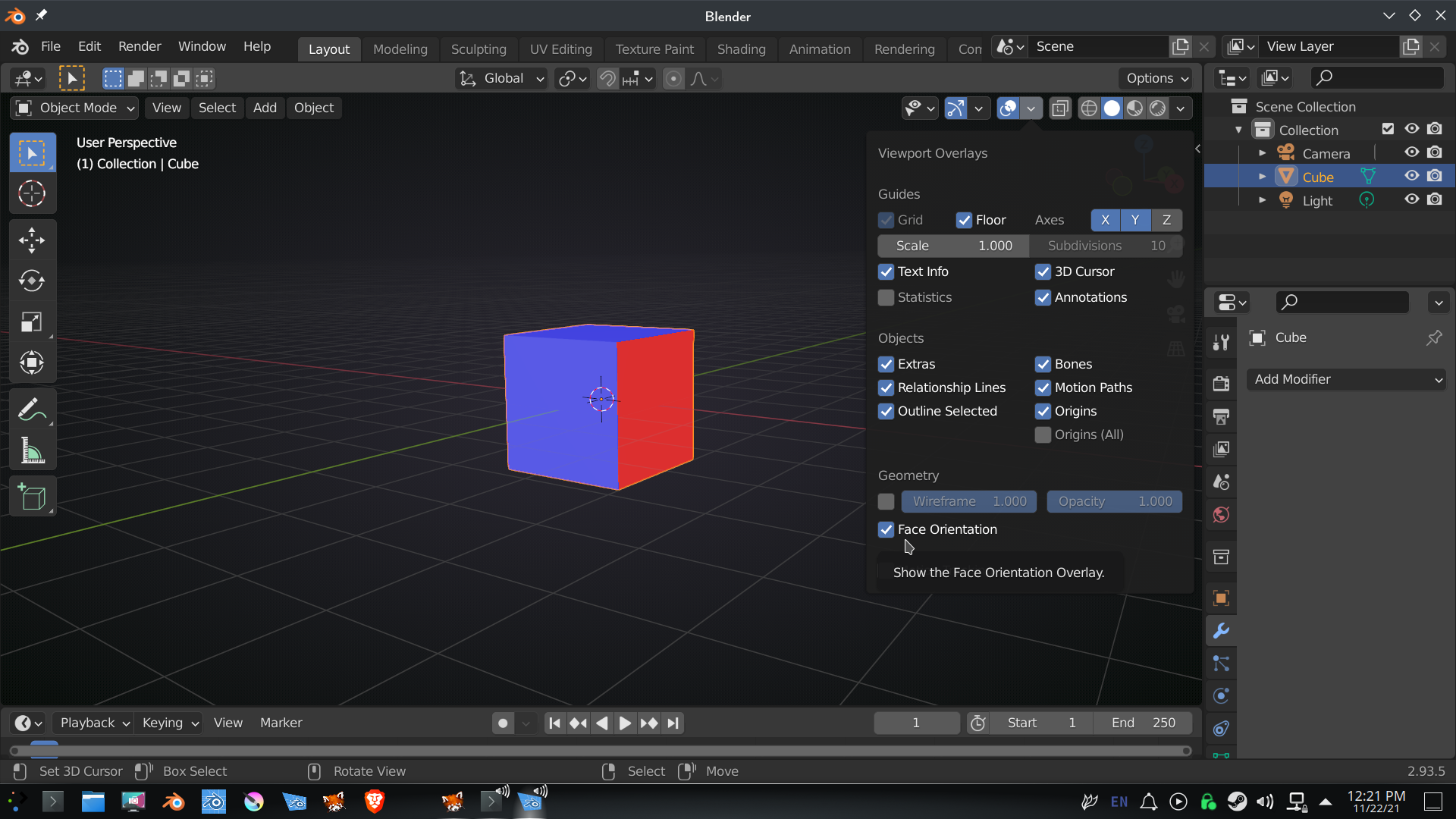
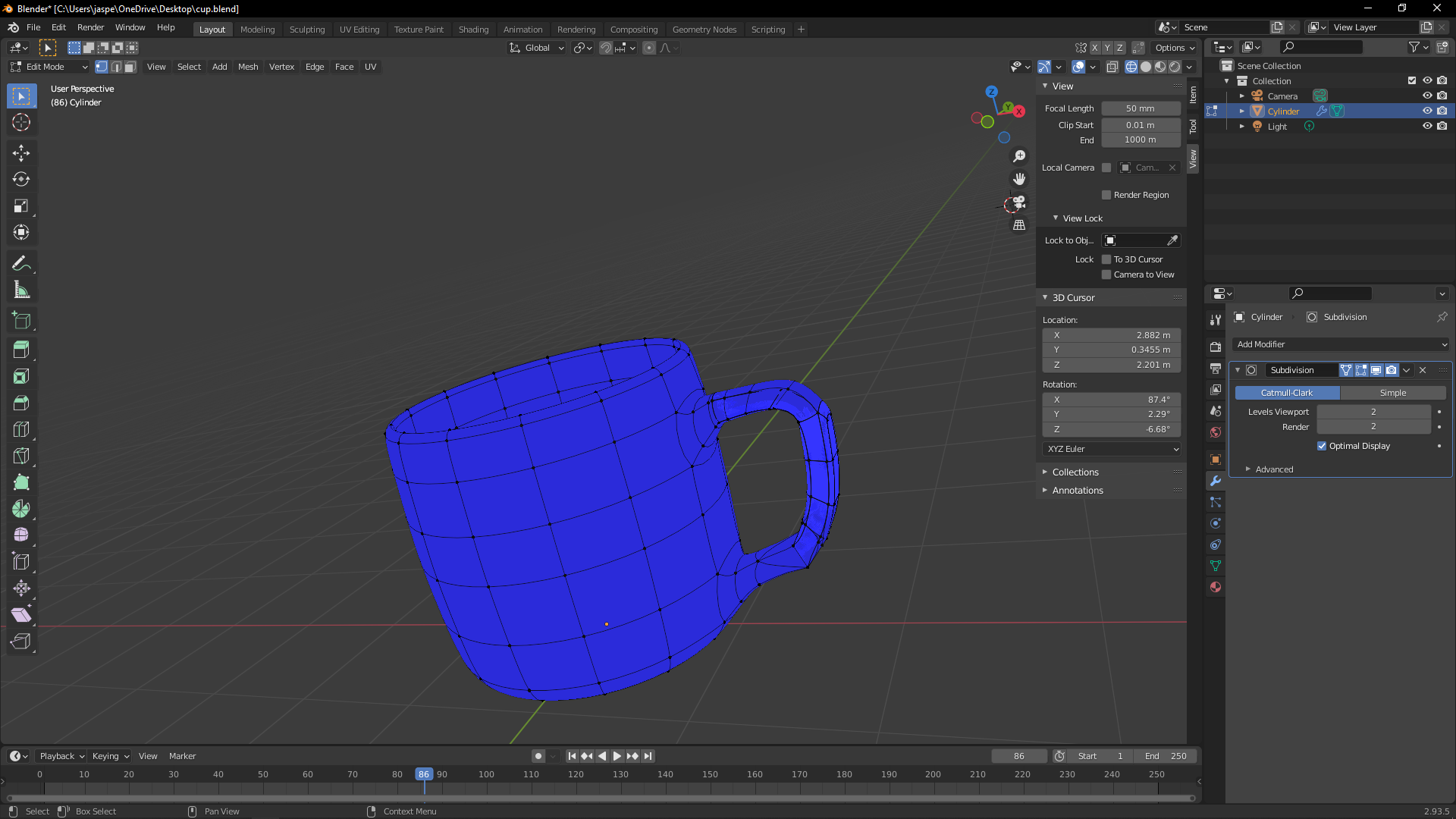
          Please enable the Face Orientation Overlay:

          Everything should be blue.

          If you see red,  you can, in Edit Mode, press A, to select everything and then SHIFT+N, to re-calculate the Normals.

          That should fix it. If not, let us know.

          #71154
          spikeyxxx
          Participant

            Actually, there might be something more going on here:

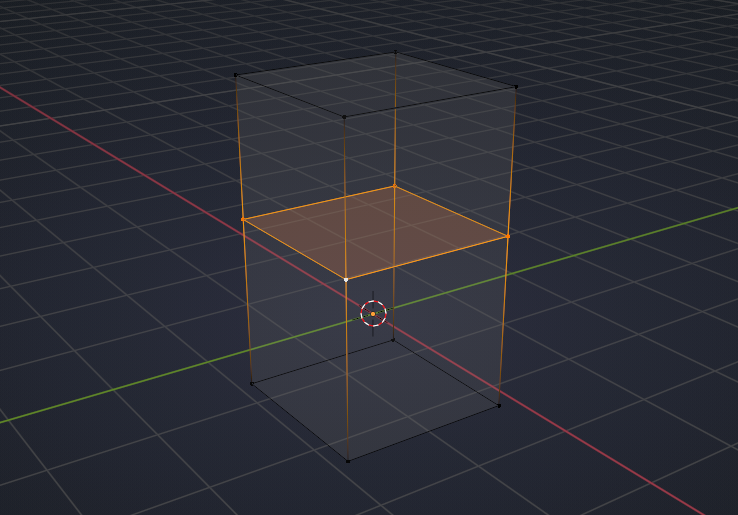
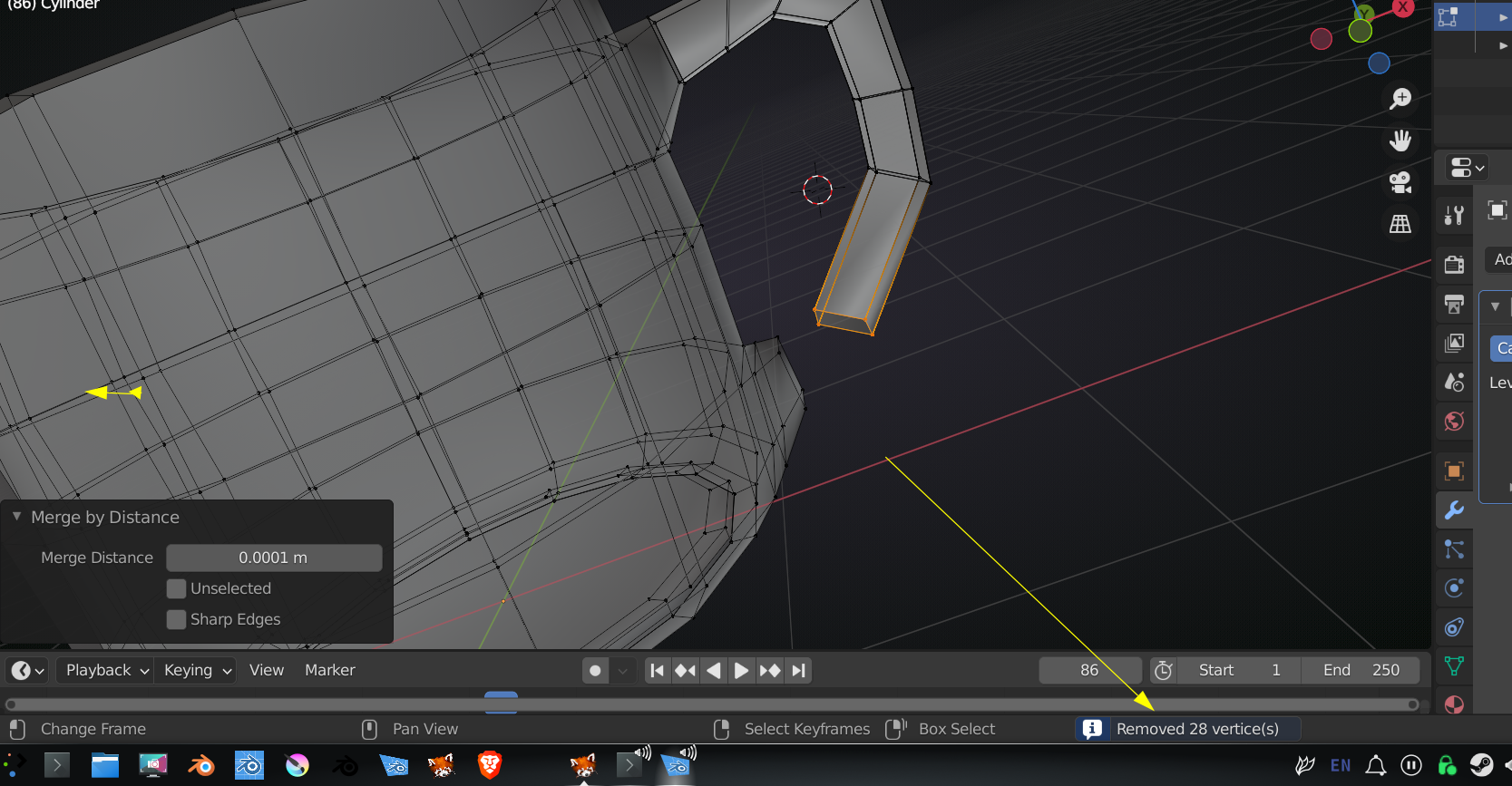
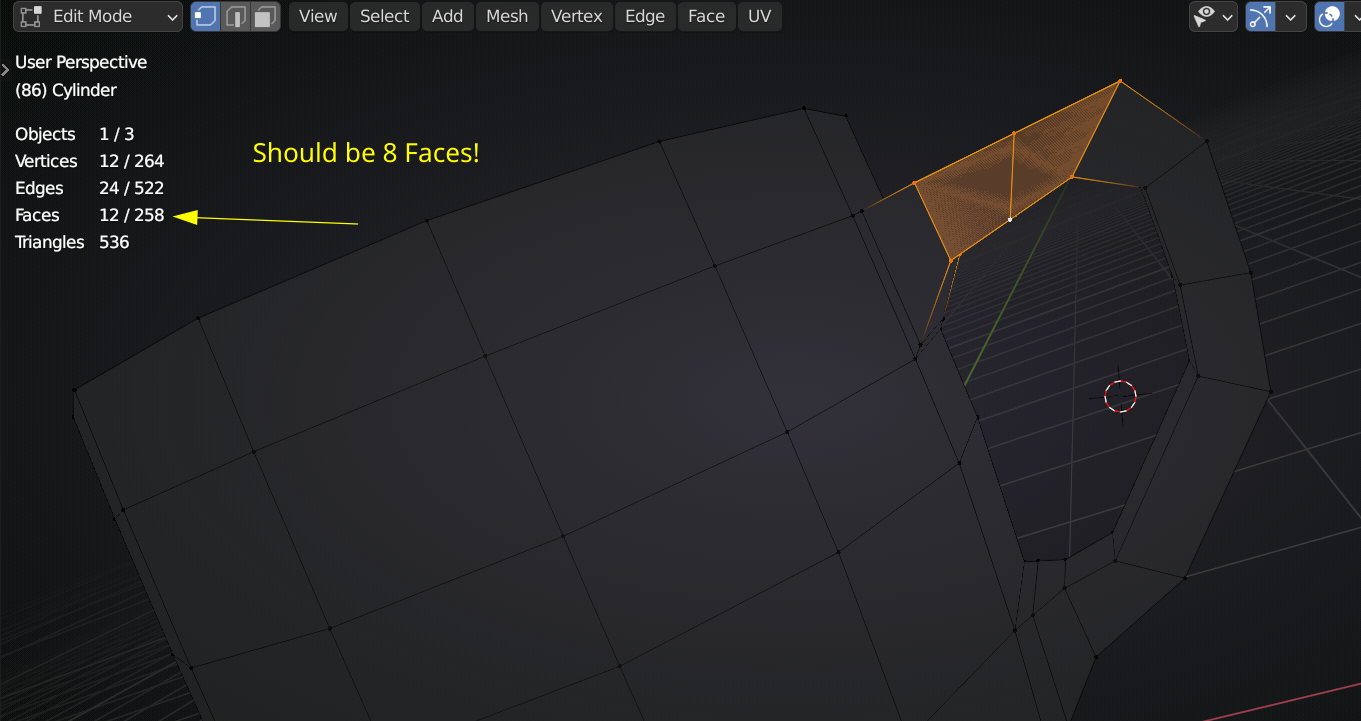
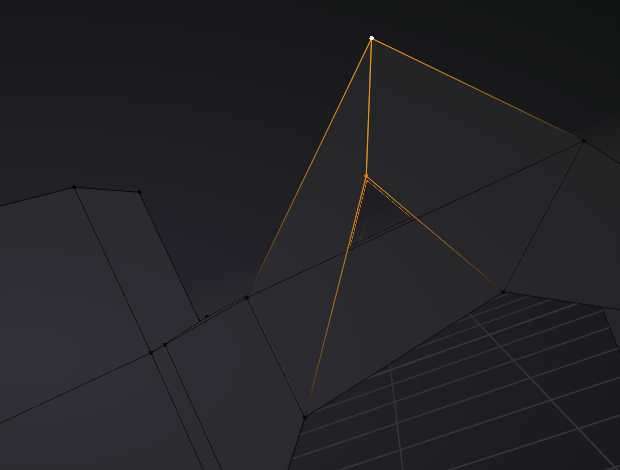
            If fixing the Normals isn”t enough,  try M > Merge by Distance (in Edit Mode, with everything selected) and check if there is an ‘inside Face’ like here:

            And is that a diagonal Edge that shouldn”t be there (same area), splitting the face into two triangles?

            #71155
            jasper108
            Participant

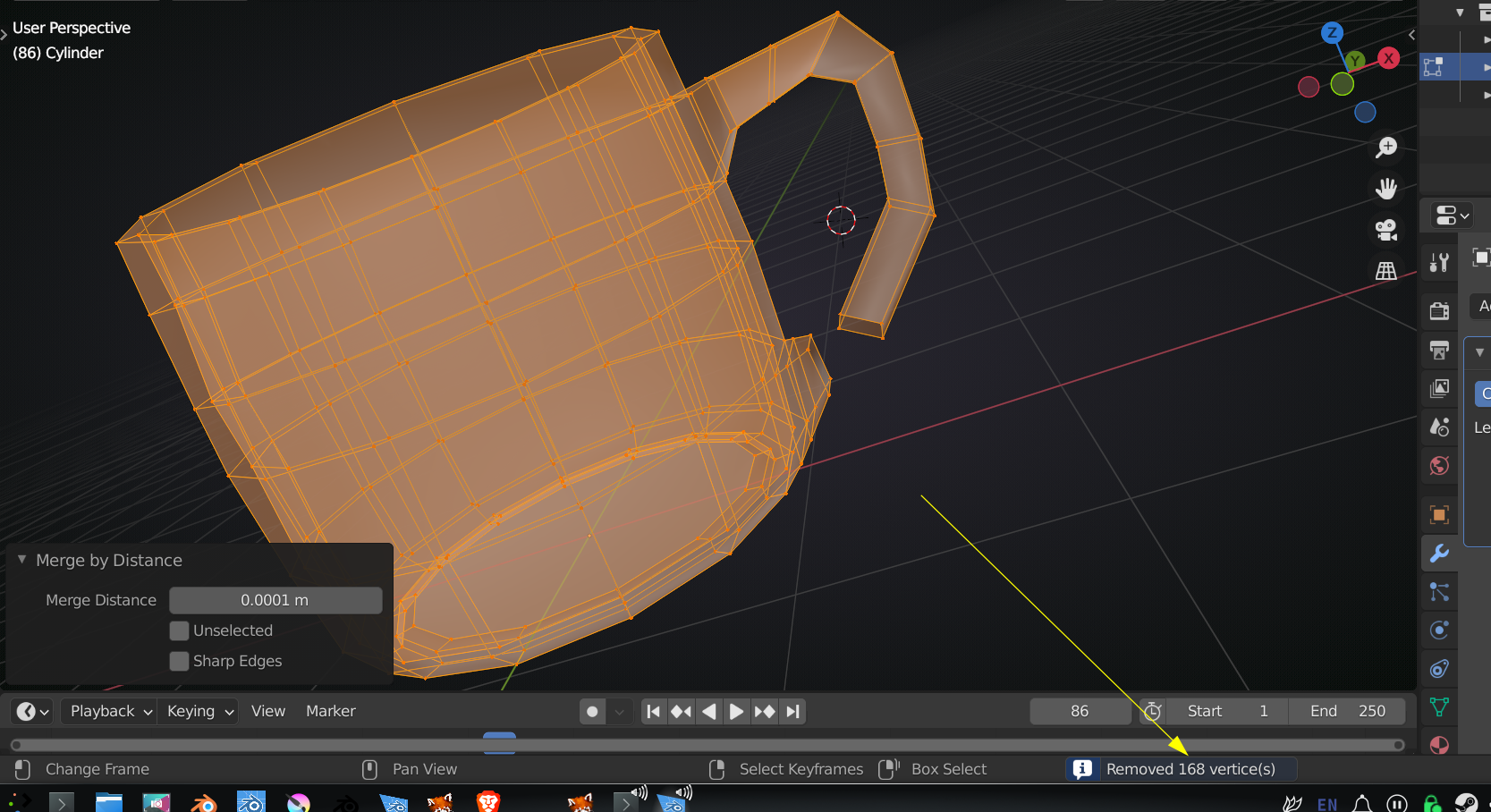
              HI, i tried recalculate normal. it didn’t work. Here’s a pre merge and after merge 

              Pre Merge:

              After Merge :

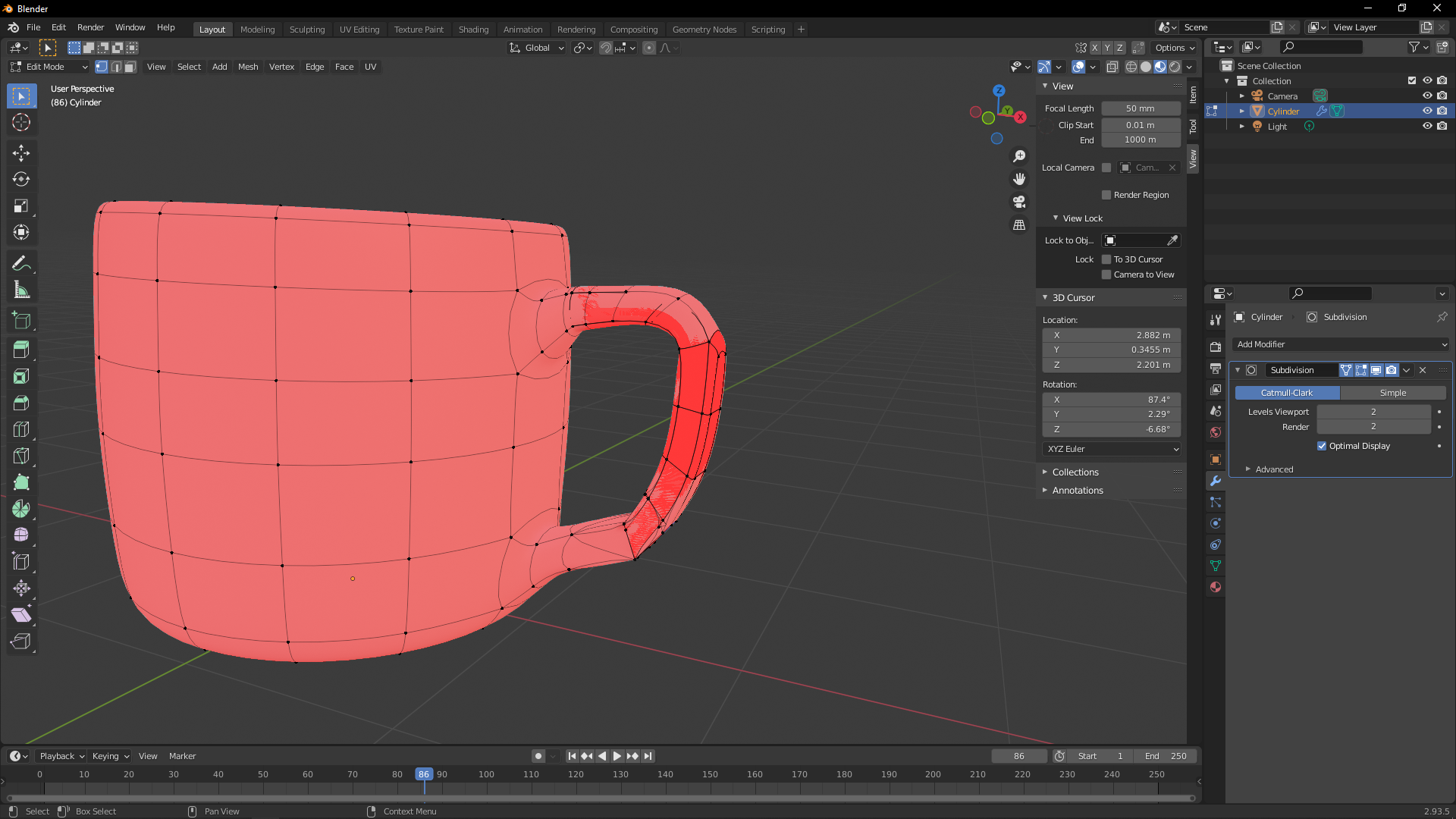
              This is with Face Orientation Overlay on :

              I try to flip to make it blue :

              Do you want the blender file to identify the problems?  Thanks for the help

              #71156
              Adrian Bellworthy
              Participant

                If you can share the file it would be useful

                #71157
                spikeyxxx
                Participant

                  I think I see the problem:

                  #71158
                  Jonathan Lampel
                  Participant

                    I think Spikey has the right answer here, but I would recommend turning the subdivision surface off in edit mode (the triangles with points icon and the quad with points icon) so that it’s easier to inspect. 

                    #71159
                    jasper108
                    Participant

                      kk i tried to delete both Vertices and bridge loop again. still didnt work. Same thing happened

                      Here’s the link :  https://drive.google.com/file/d/1u_ZNt5eaD2HuY90LuJDHQaMONsnS0LNF/view?usp=sharing

                      #71160
                      spikeyxxx
                      Participant

                        Thank you for the file @weeple 

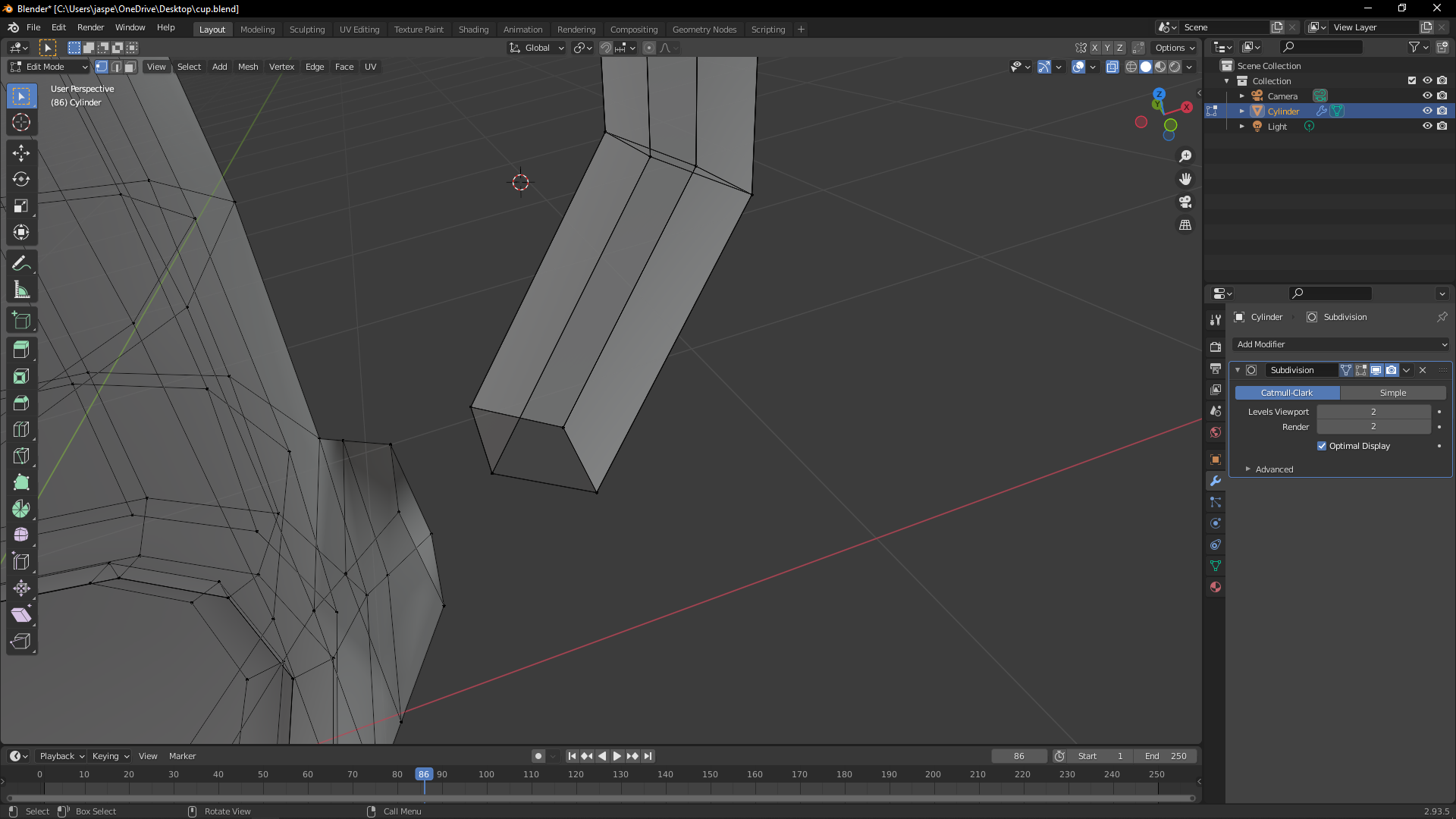
                        I looked at this edge loop and Merged the Vertices:

                        Did the same with the whole cup selected:

                        But there was still something strange going on here:

                        deleted those Vertices and:

                        The Normals are still flipped, but at least they are consistent, so not a huge problem…

                        #71161
                        jasper108
                        Participant

                          Kk, I will try it when i get back home from work. Do you how did this happened so I can avoid it?

                          #71162
                          Jonathan Lampel
                          Participant

                            My guess is that it’s the result of duplicating or extruding by accident, and then hitting escape to cancel. That can be deceptive because it looks like it’s cancelled the whole operation when actually the new geometry is still there on top of the original geometry and it’s just cancelled the movement of the new vertices. Happens to everyone at some point!

                          Viewing 12 posts - 1 through 12 (of 12 total)
                          • The topic ‘Some noobie questions’ is closed to new replies.