See the issues I have circled in red below:
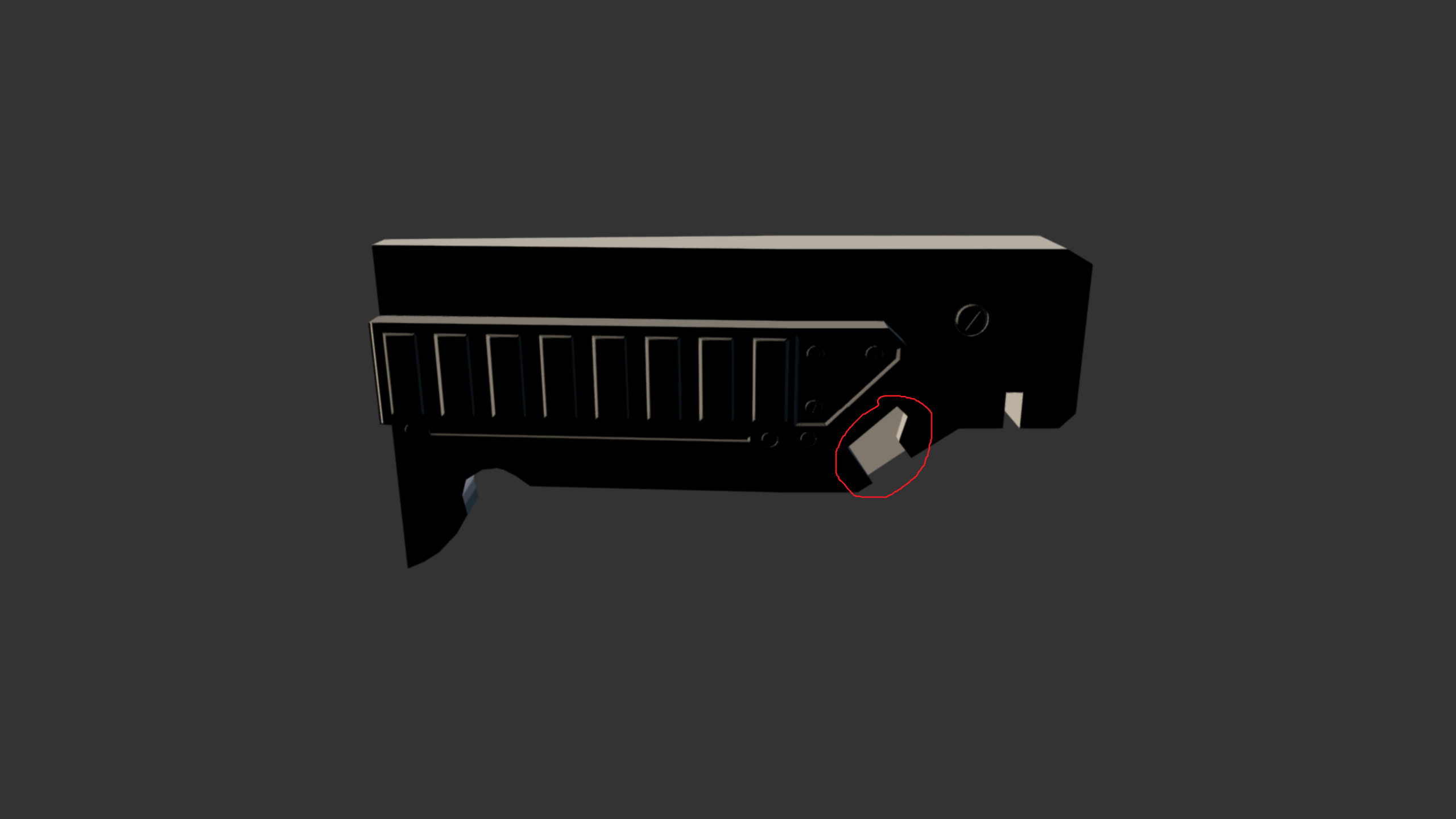
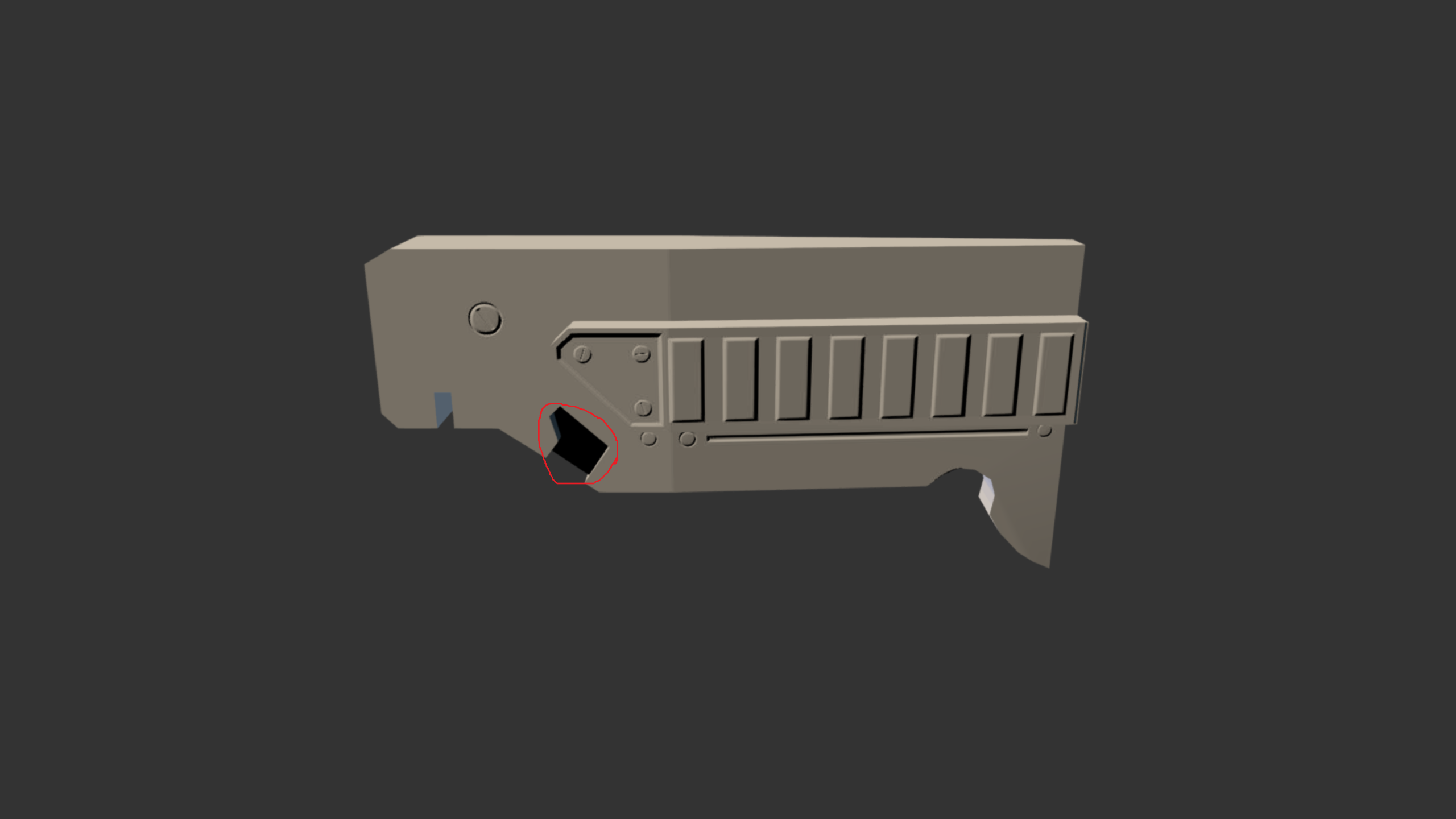
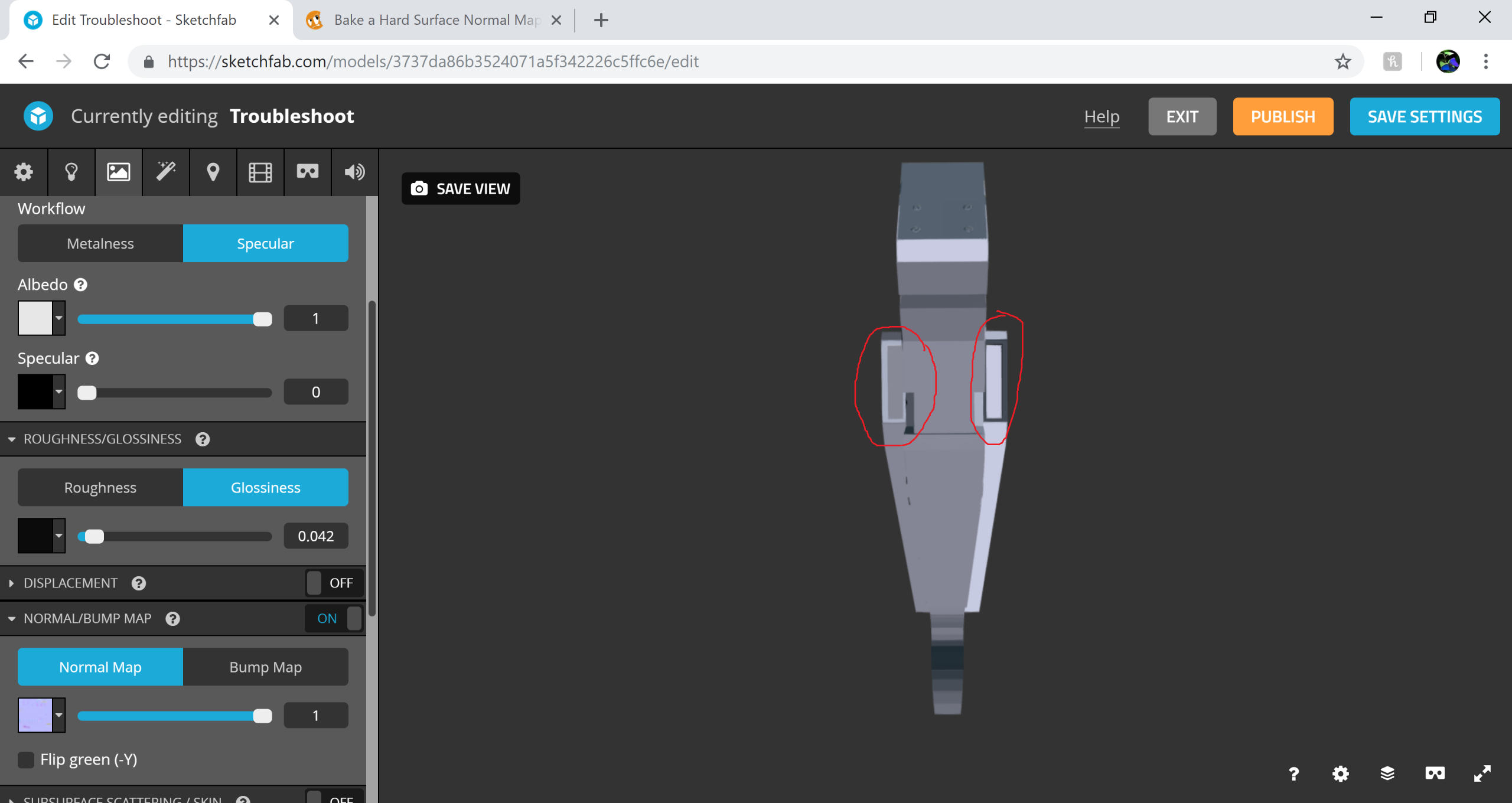
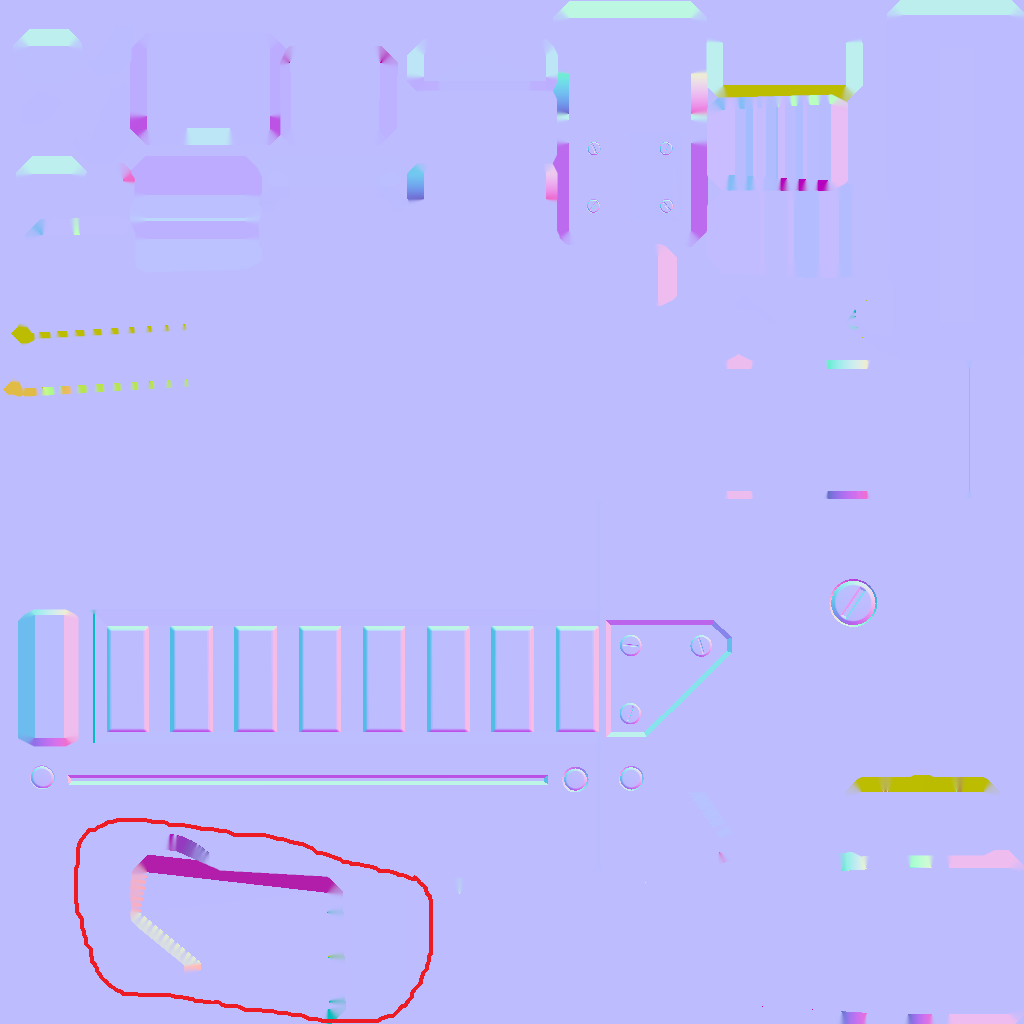
Trying to track down the problem, I have started from the provided blend file and done only the bare minimum required to get the bake going. The visual artifacts above do not appear in Blender, but they show up when I export to FBX and then upload to Sketchfab. I do not see a problem on the normal map:
The above Sketchfab screenshots are all with the Flip green (-Y) checkbox unchecked, and if I check that box then some areas look good, but there are still issues:
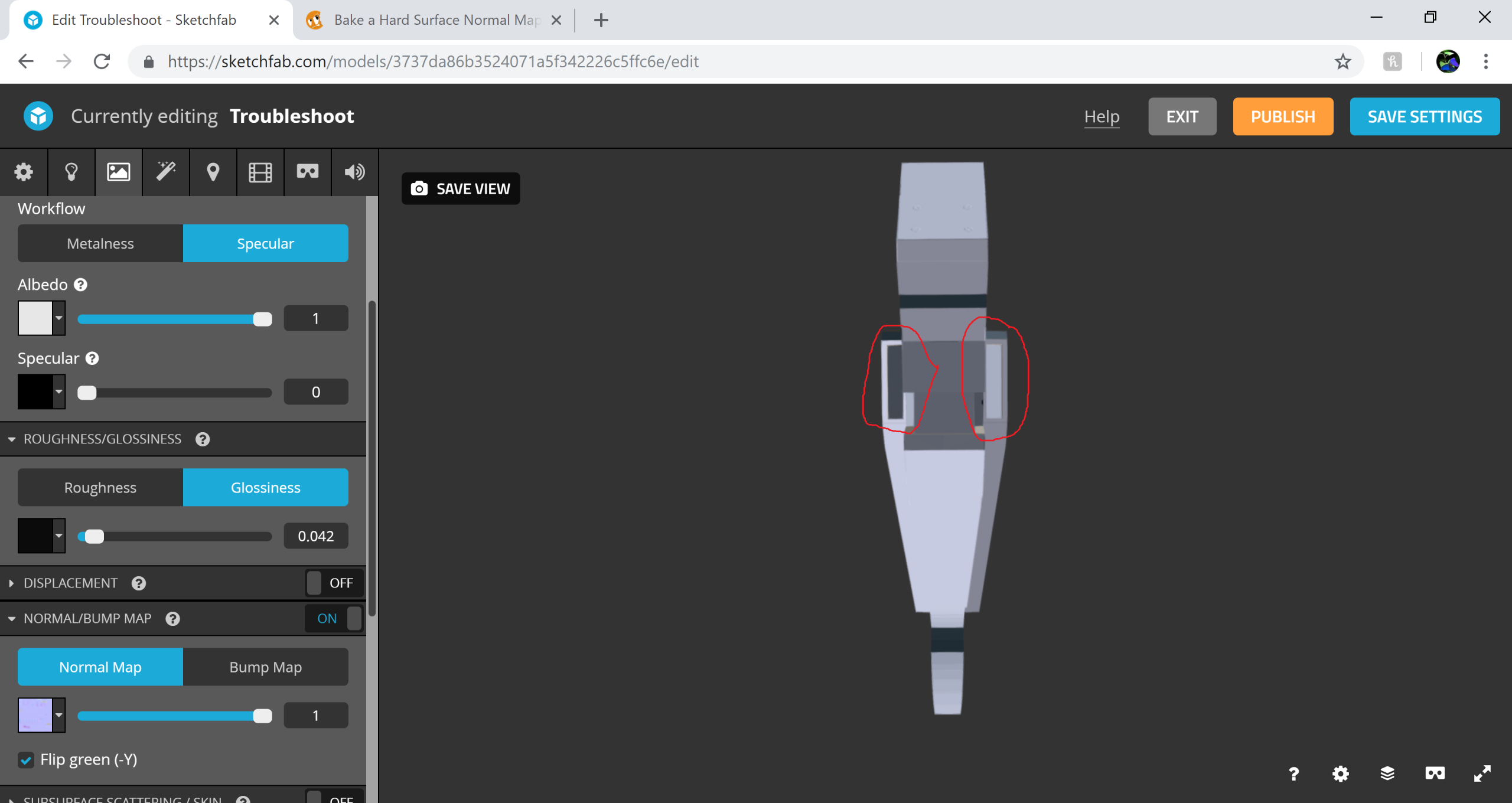 I have been experimenting with a few ideas but I cannot solve the problem. Should the Flip green (-Y) checkbox be checked or not, and what is going on?

.

