SOLVED: Pothead Tutoriall: Help UV Unwrap keeps exploding

Forum Archive SOLVED: Pothead Tutoriall: Help UV Unwrap keeps exploding

Viewing 9 posts - 1 through 9 (of 9 total)
  • Author
    Posts
  • #14734
    Ang Deaver
    Participant

      Link to Blend file

      OK I am home sick with COVID, and feel like I am losing my mind. I have been working on Pothead for about 3 weeks now. I FINALLY got to the UV Unwrap and realized I had one seam wrong. So I selected the seam and unmarked it, but it stayed on the grid. So I selected all the seams and unwrapped them. Then selected the entire pot and selected Reset.
      That is when everything broke. Of course I have saved it right as everything fell apart and not a clean UV free version.
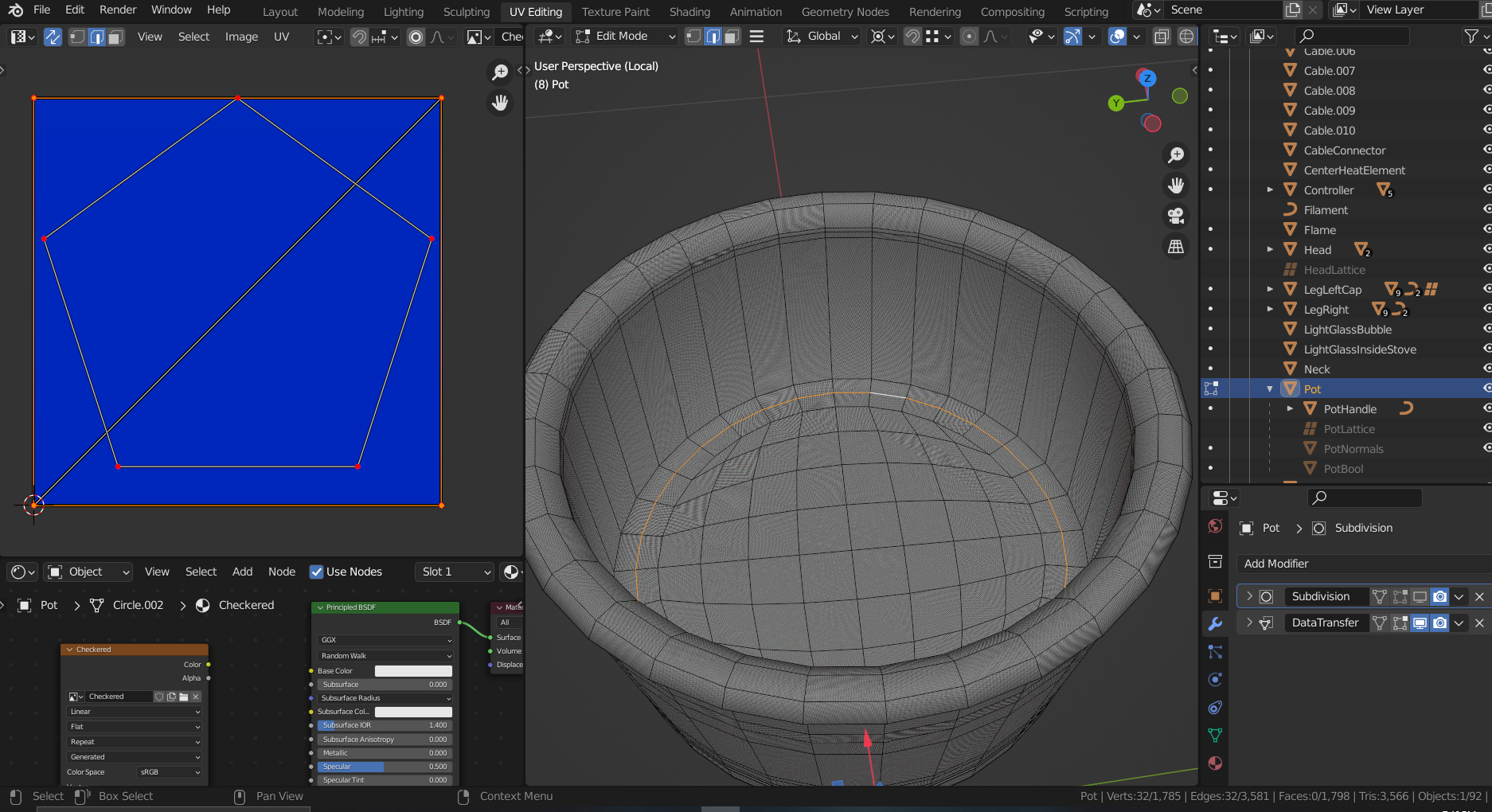
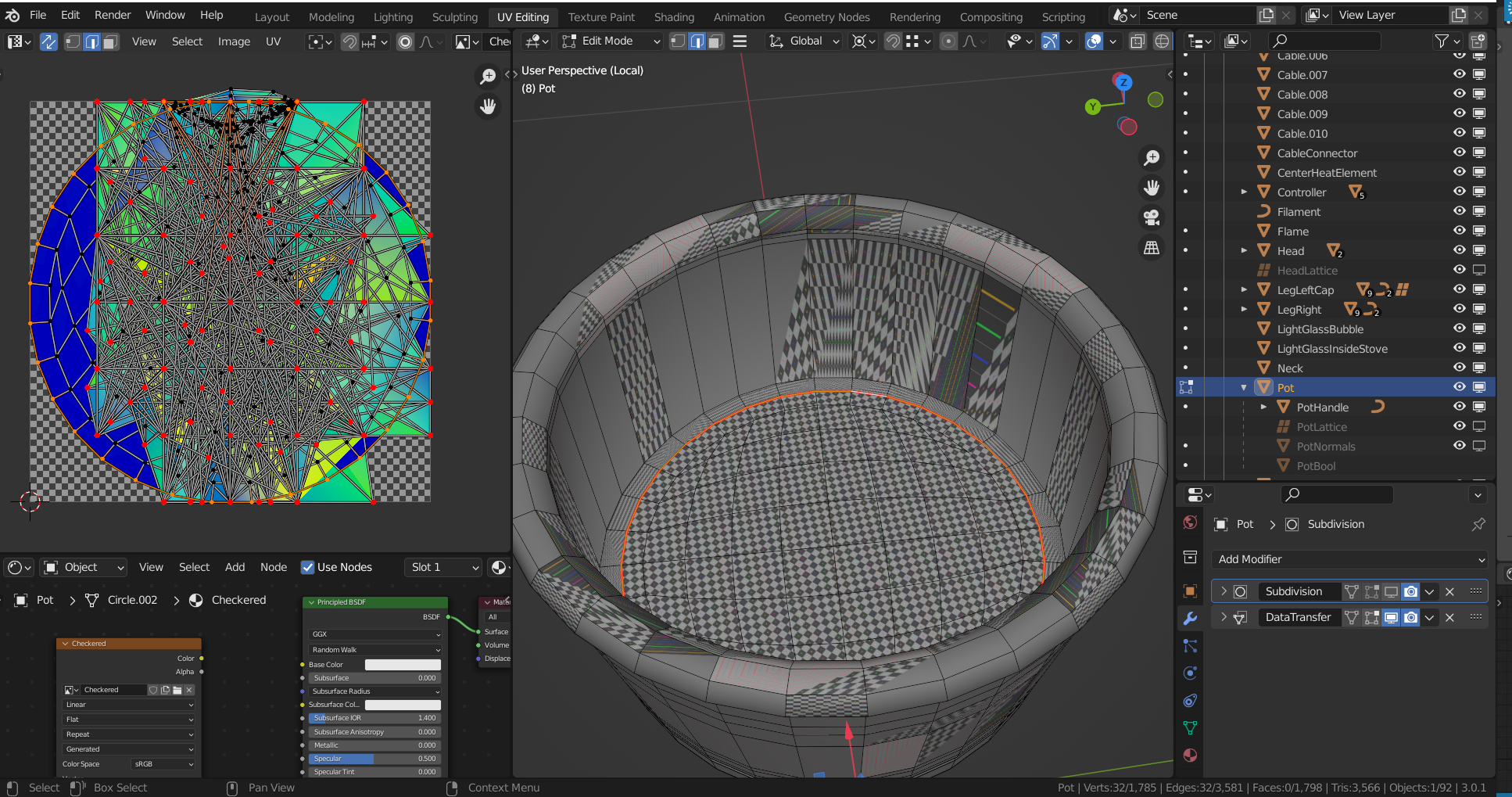
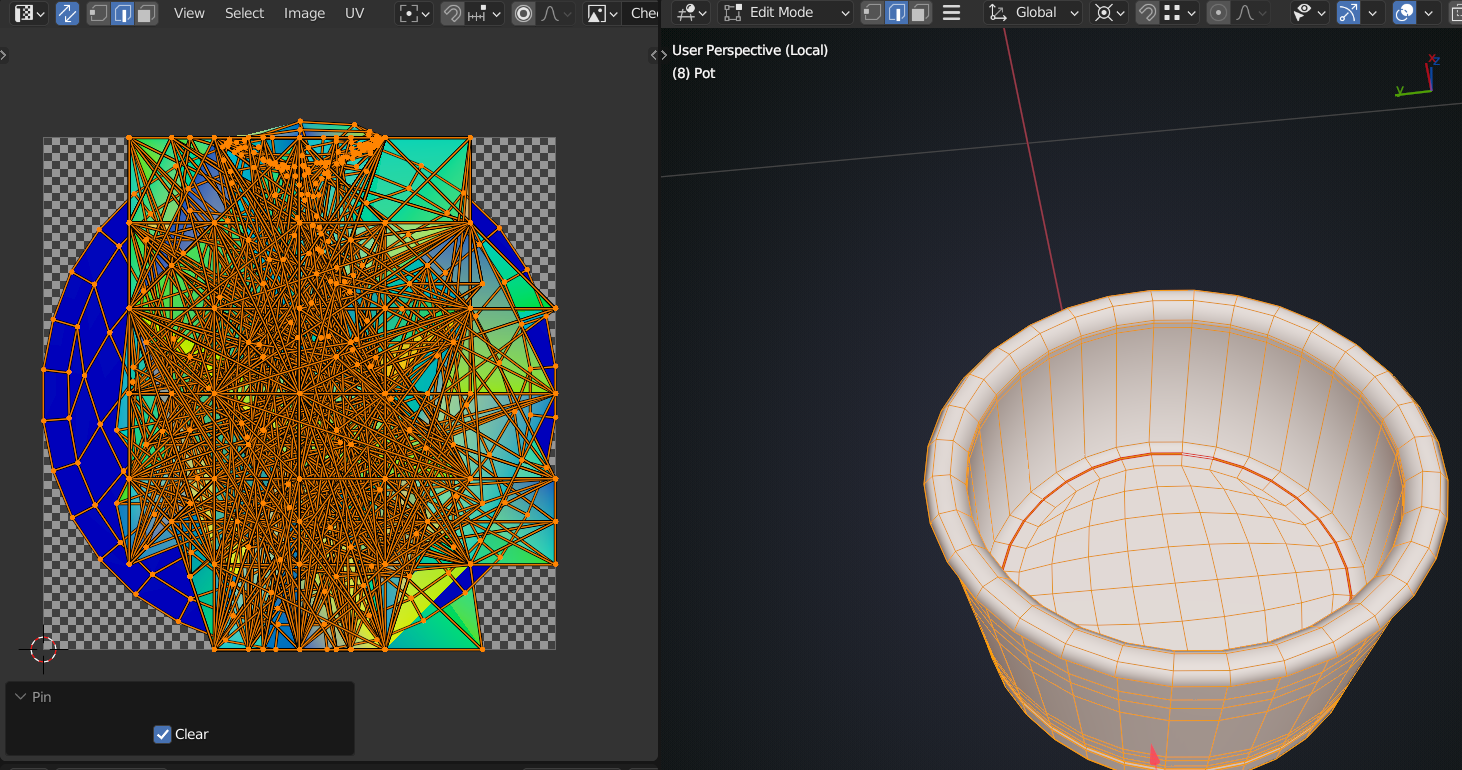
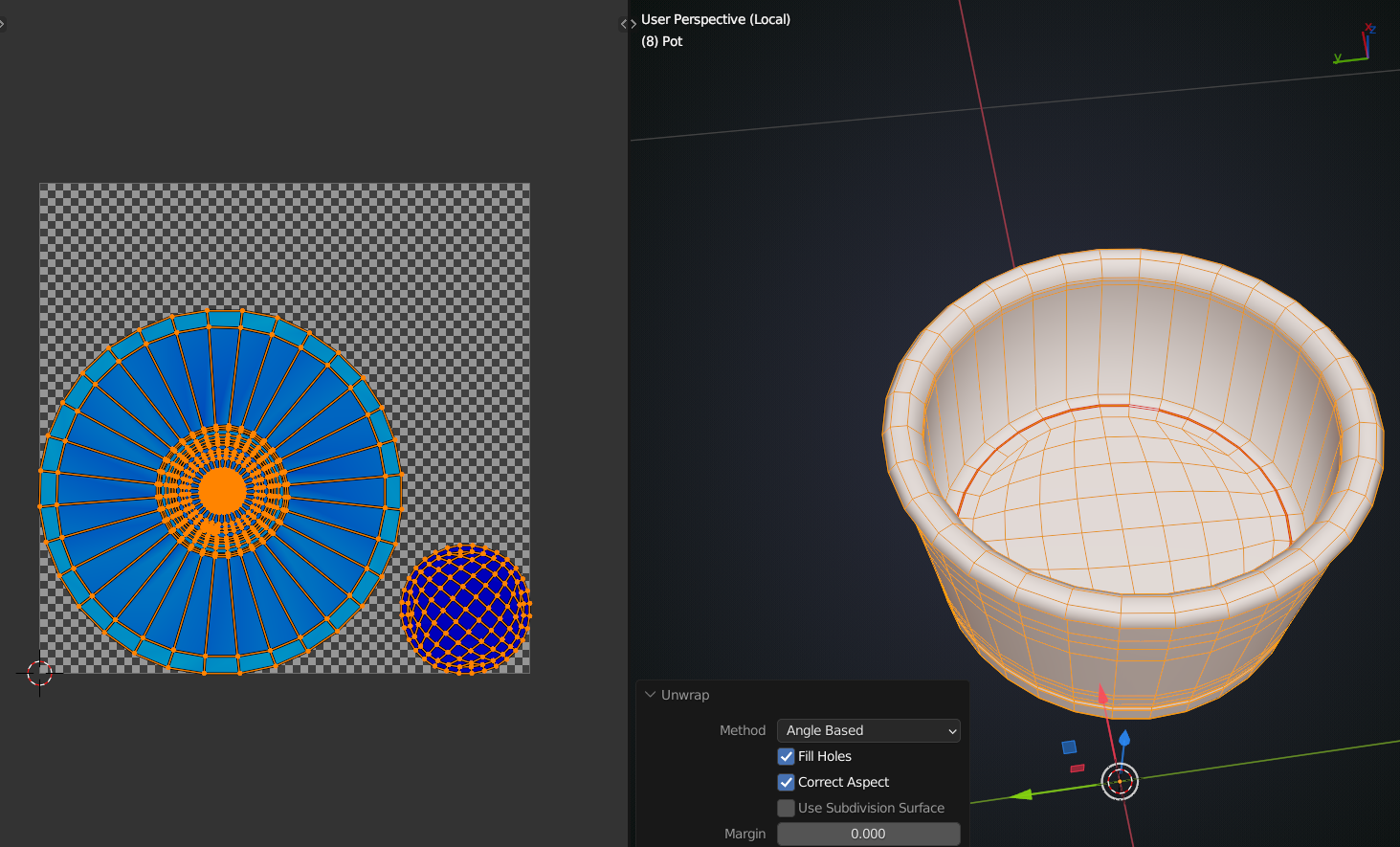
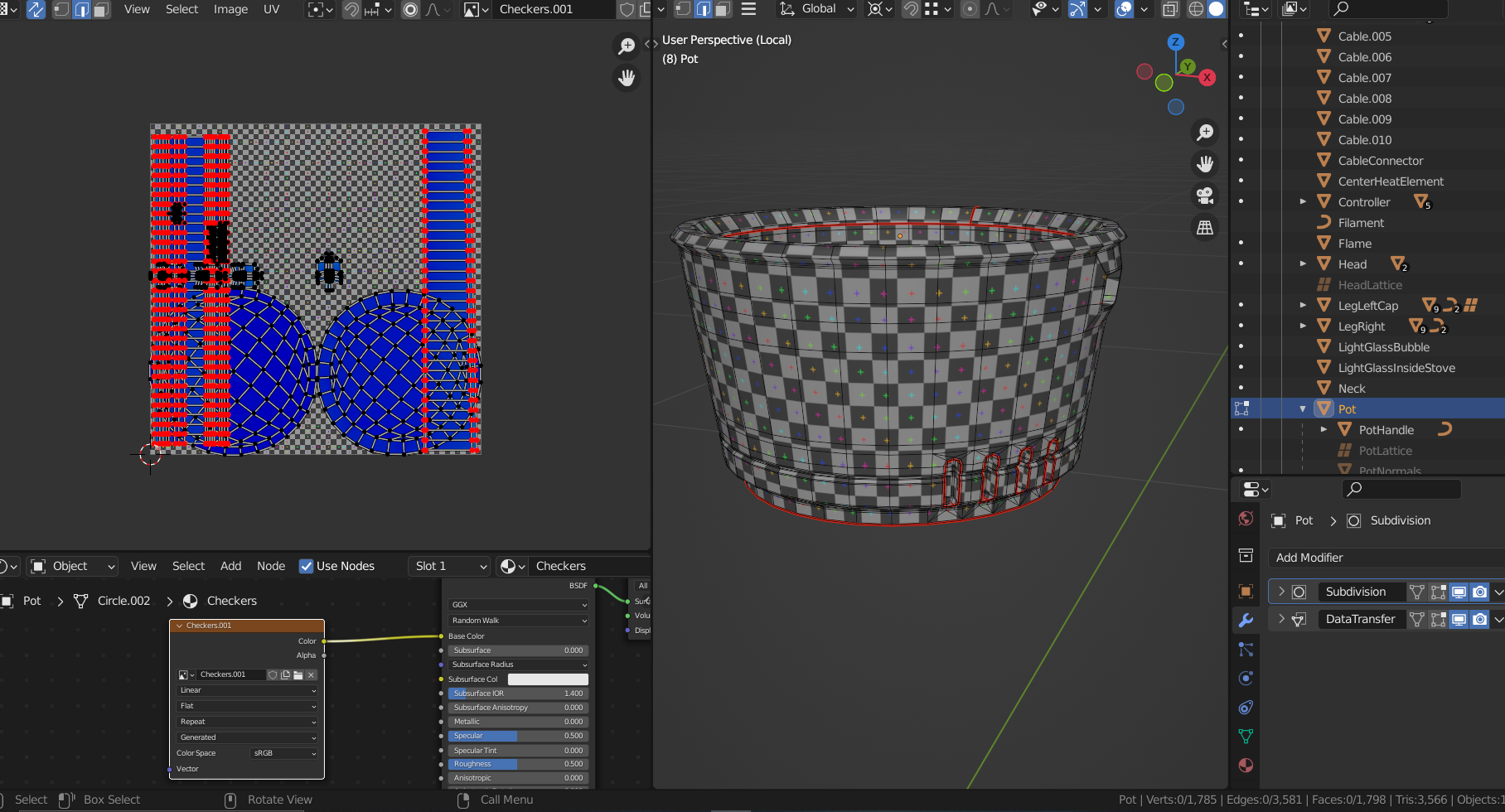
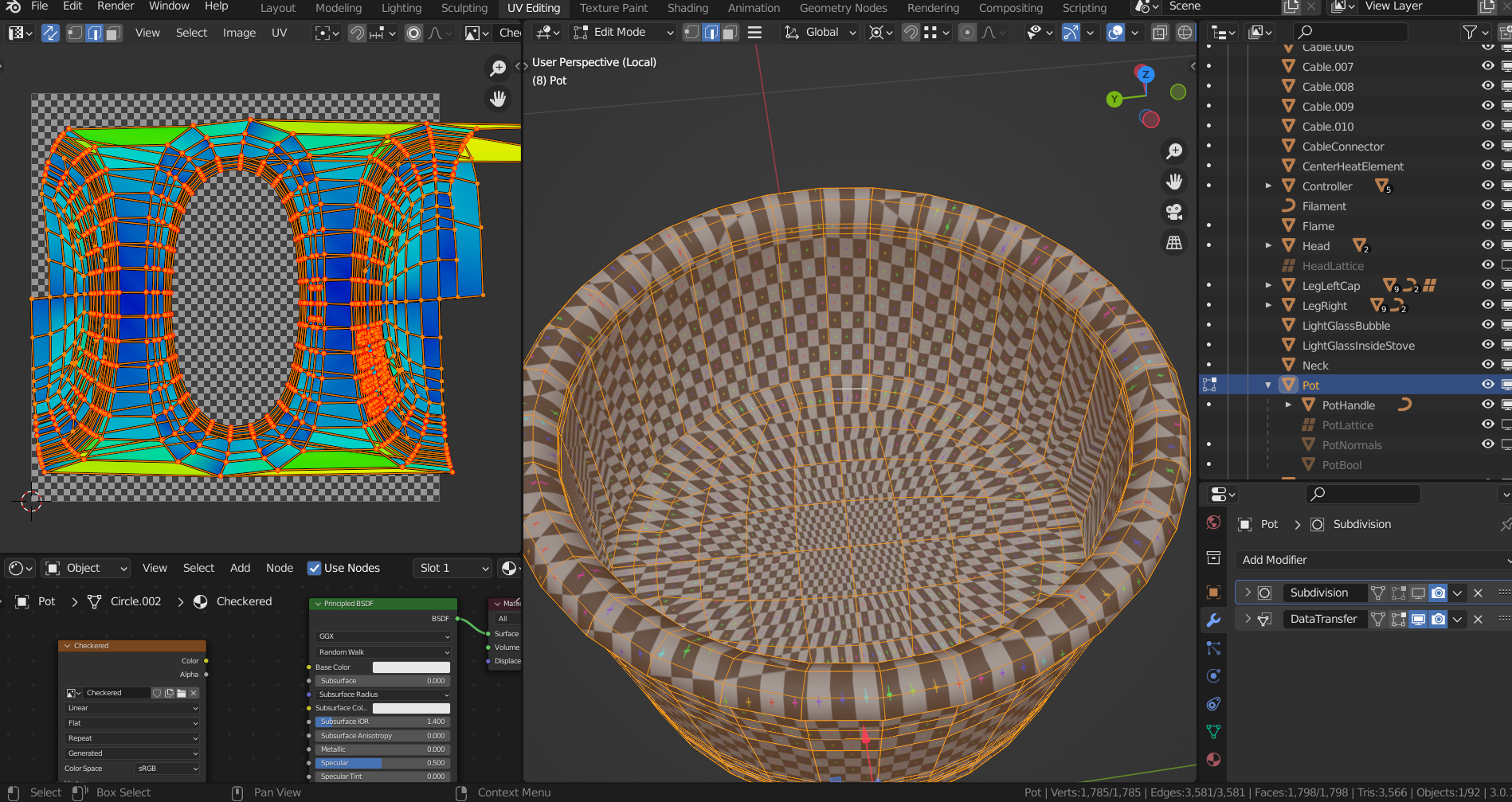
      Now when I try to make any seam and unwrap it literally blows up. Now I have spent hours randomly clicking on things and it is only getting worse. Here are 3 consecutive pictures. Me clearing the seams. Unwrapping. Putting in a new seam and EXPLOSION.
      At the top is the link to my file. I really don’t want to start over on this one. Is there a way to go in and delete any UV stuff from the file?

      Thanks,

      Ang

      #72534
      spikeyxxx
      Participant

        That is very annoying, to say the least.

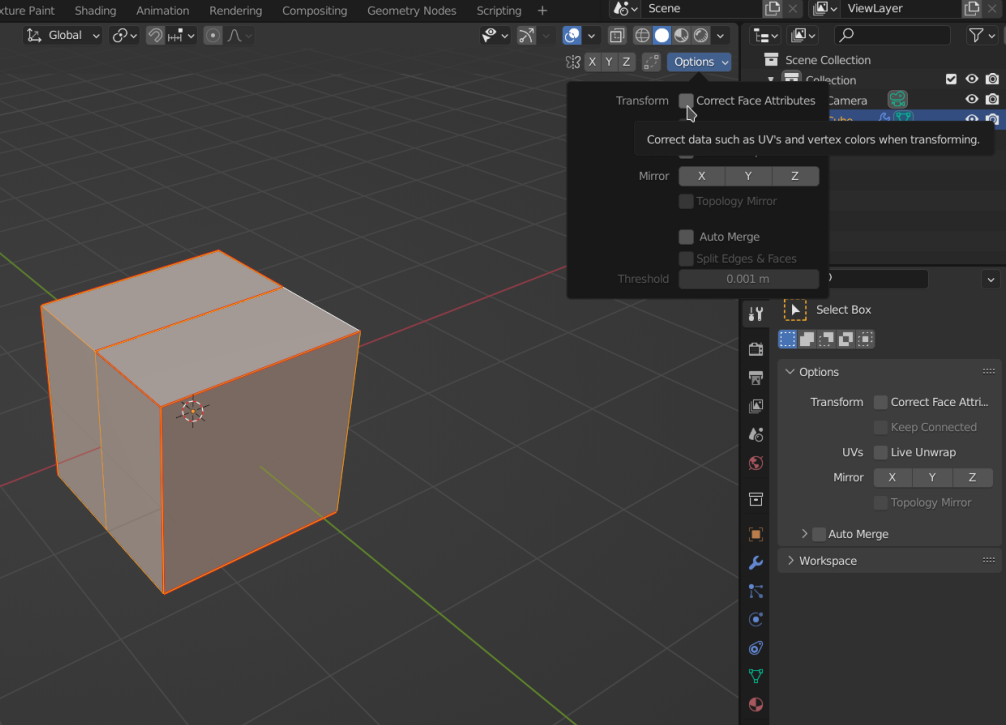
        First of al, make sure that Correct Face Attributes is un-checked (might mess things up and is an easy step):

        But my (wild) guess is, that it is your Data Transfer Modifier that is messing things up.

        Try deleting it together with your duplicated Mesh, fix your Unwrap duplicate the half of your Mesh again and add re-add the Modifier.

        If this doesn’t help and @jlampel also has no idea, maybe post a link to your .blend file (via Googledrive or Dropbox or something like that), so that we can have a look (there are many good troubleshooters in this community!)

        #72535
        Ang Deaver
        Participant

          My blend file is at the top of my post. I’m off to bed but will try your suggestion when I wake up thank you. 

          #72536
          spikeyxxx
          Participant

            Oops, missed that;)

            Good night and good recovery.

            #72537
            spikeyxxx
            Participant

              Found it!

              You have Pinned Vertices.

              In the UV Editor select everything and then ALT+P to un-pin all the Verts.

              Then unwrap again.

              #72538
              Adrian Bellworthy
              Participant

                Good find @spikeyxxx ,

                #72539
                Ang Deaver
                Participant

                  Spikey you rock!!!!!  Thank you so much.
                  cyber-germ-free hugs

                  //happy dance

                  Ang

                  #72540
                  Ang Deaver
                  Participant

                    Thank you – it now works perfectly. I doubt I will forget how to fix this one again 😀

                    #72541
                    Jonathan Lampel
                    Participant

                      Yay, glad that worked out! Haha I think forgetting and re-learning is definitely part of the process. Good luck with the rest of the course! 

                    Viewing 9 posts - 1 through 9 (of 9 total)
                    • The topic ‘SOLVED: Pothead Tutoriall: Help UV Unwrap keeps exploding’ is closed to new replies.