Course Library
Learning Paths
Free Courses
Learn Blender 3D in the way that’s right for you.
Inner Circle
Where members share progress and help each other learn.
›
The Commons
A free Blender community open to artists of all skill levels.
Forum Archive › [SOLVED] One face appears darker
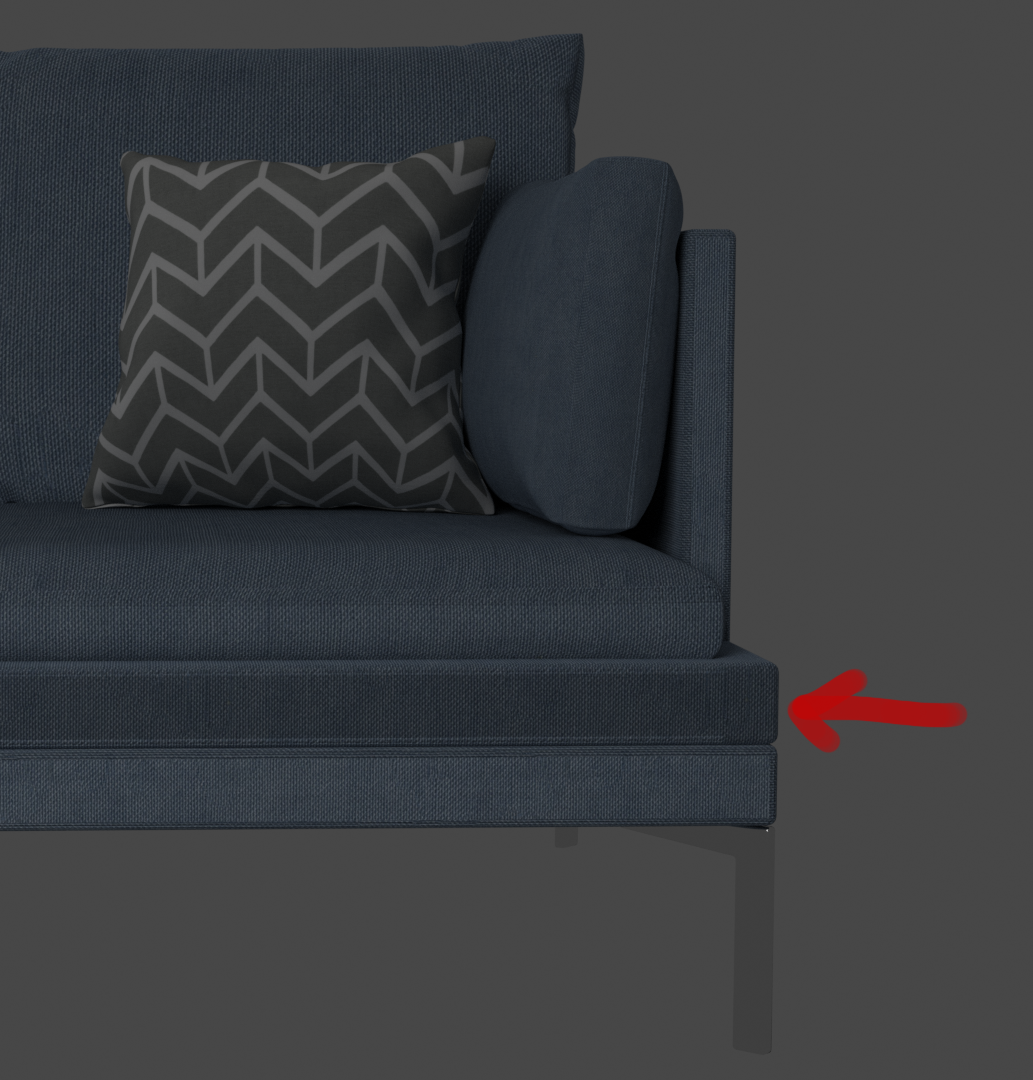
The face looks darker in viewport shading and when rendered.
So far I checked the normals, deleted the face and filledit again and unwrapped the mesh again
Does anyone have an idea what´s going on?
Hmm, it looks like it’s just unwrapped differently because it doesn’t have that bottom and top lighter edge. What do the UV’s look like for that area?
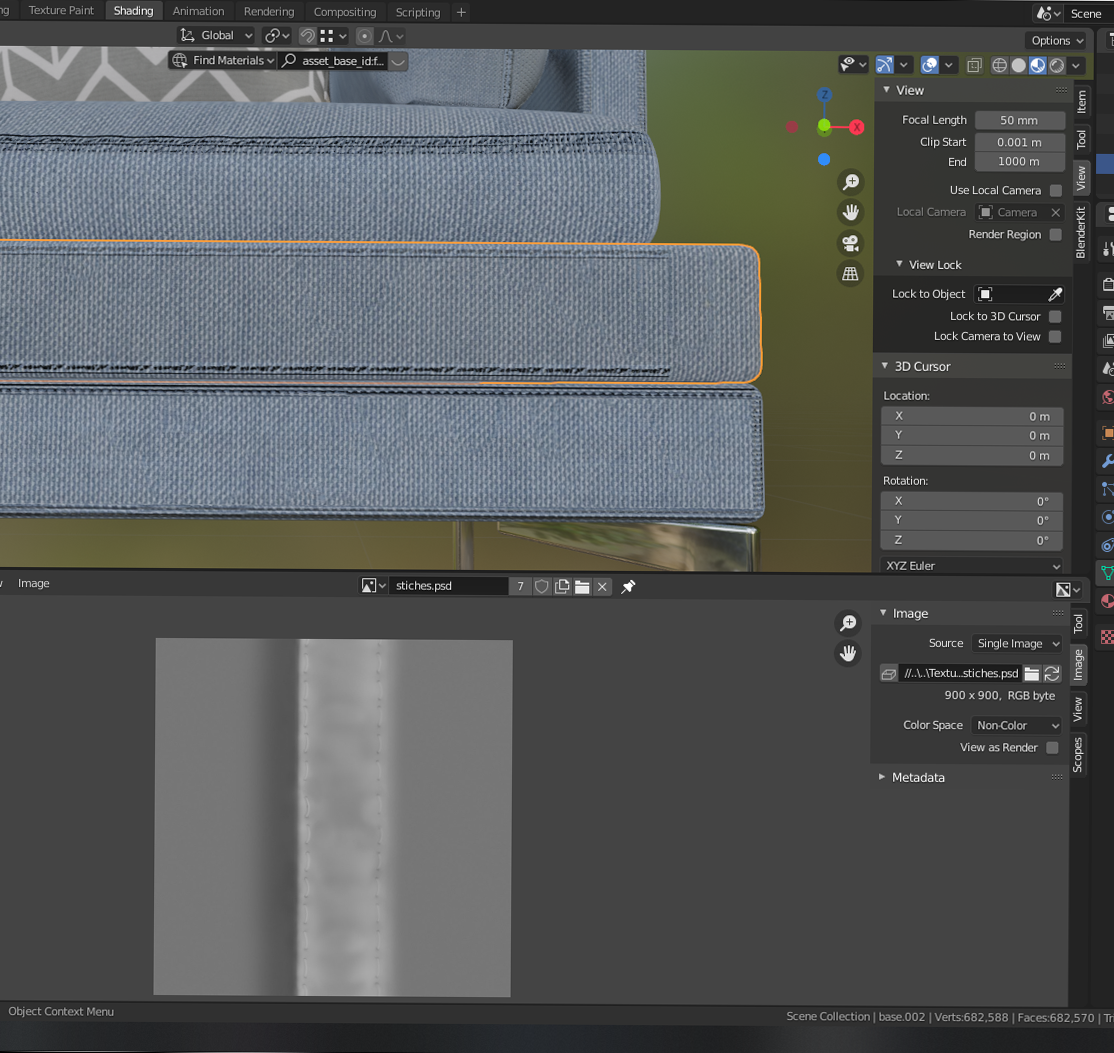
The lighter edges are because of the seams which I added with another UV map.
Seams
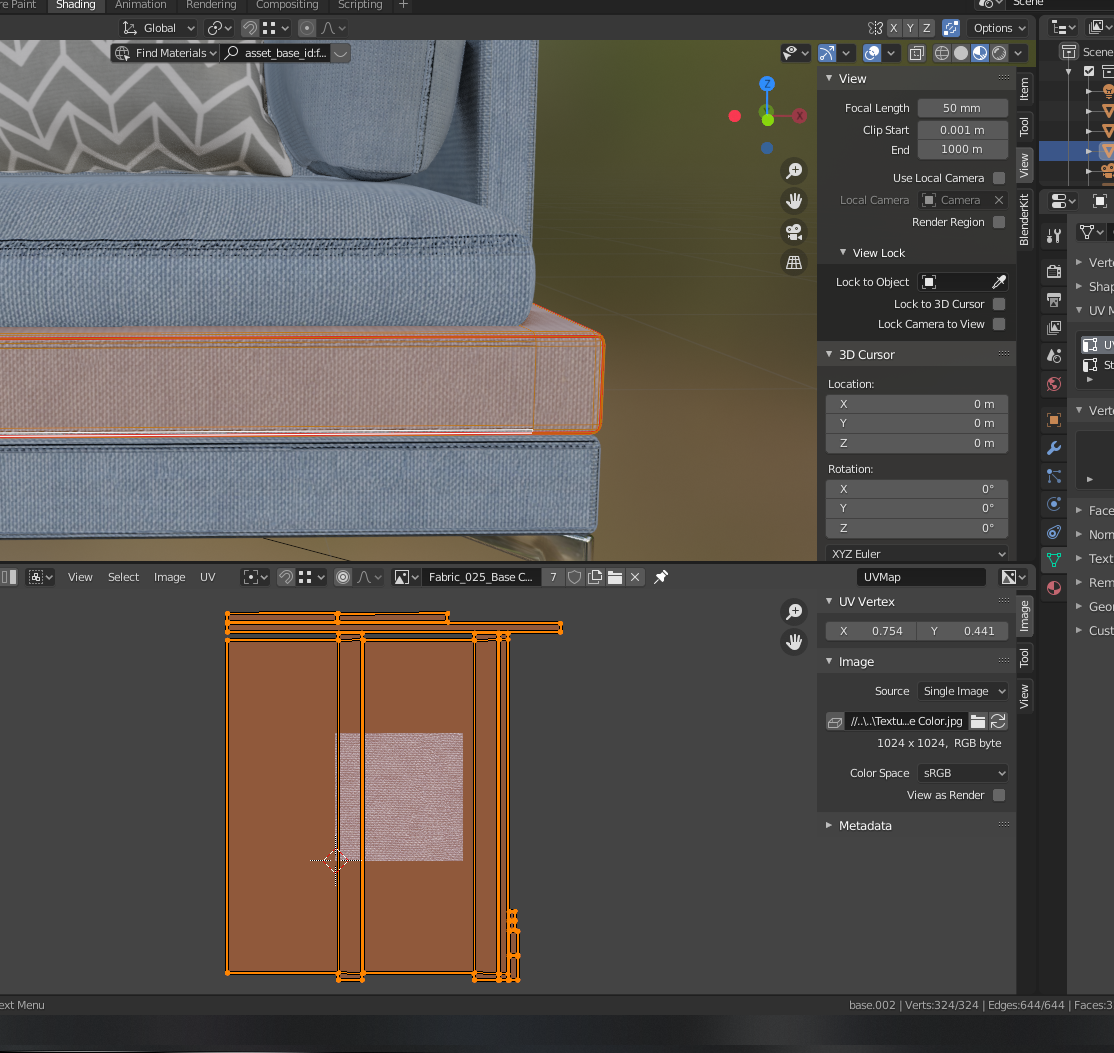
UV for the whole thing
I also tried to pack the islands and scale the texture with a mapping node instead of scaling the islands, but the same issue occurs
I was able to solve the issue.
Rotating the UV of the face for 90° fixed it