Solidify modifier problem

Forum Archive Solidify modifier problem

Viewing 9 posts - 1 through 9 (of 9 total)
  • Author
    Posts
  • #11359
    happybirthday
    Participant

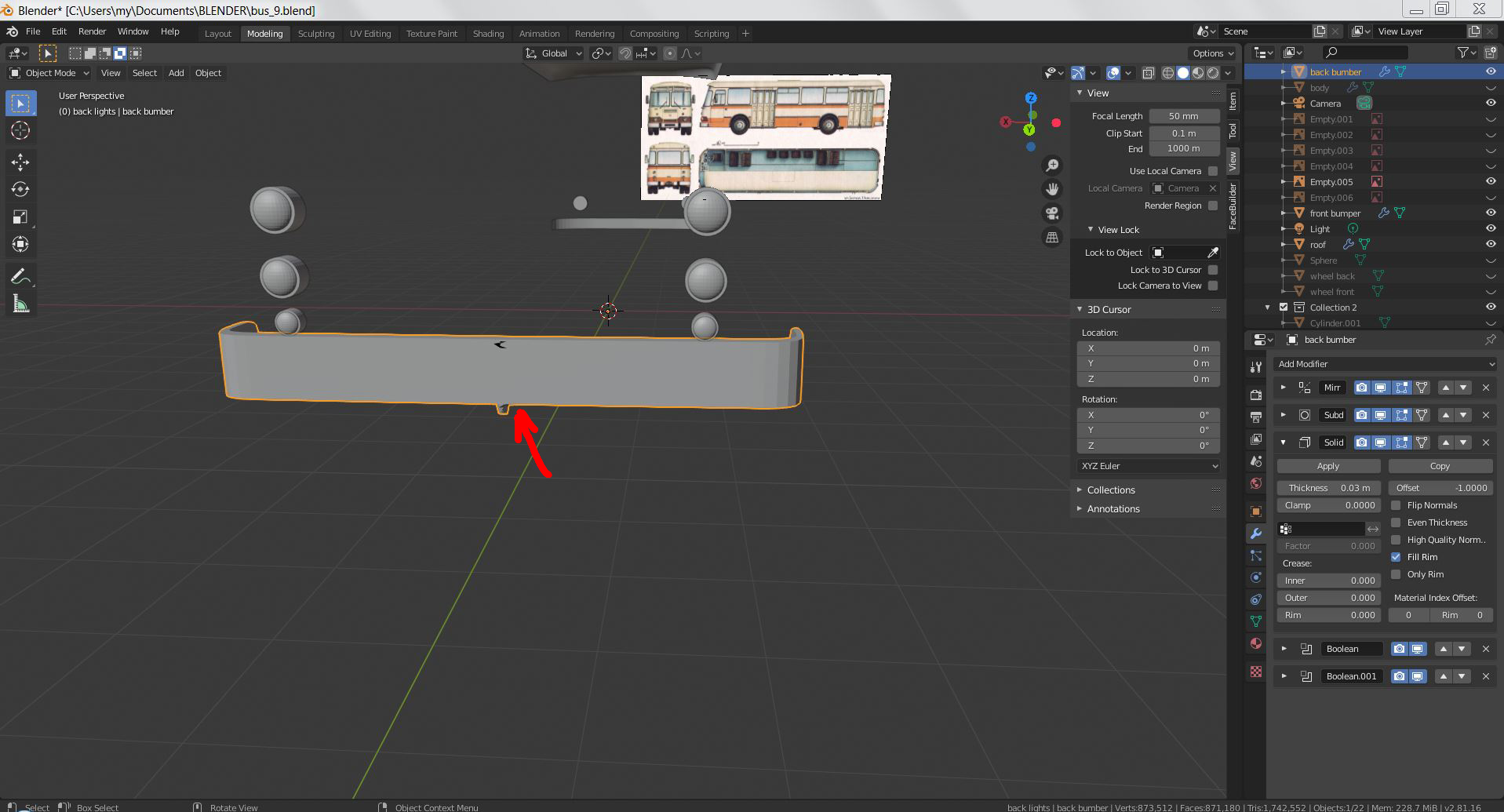
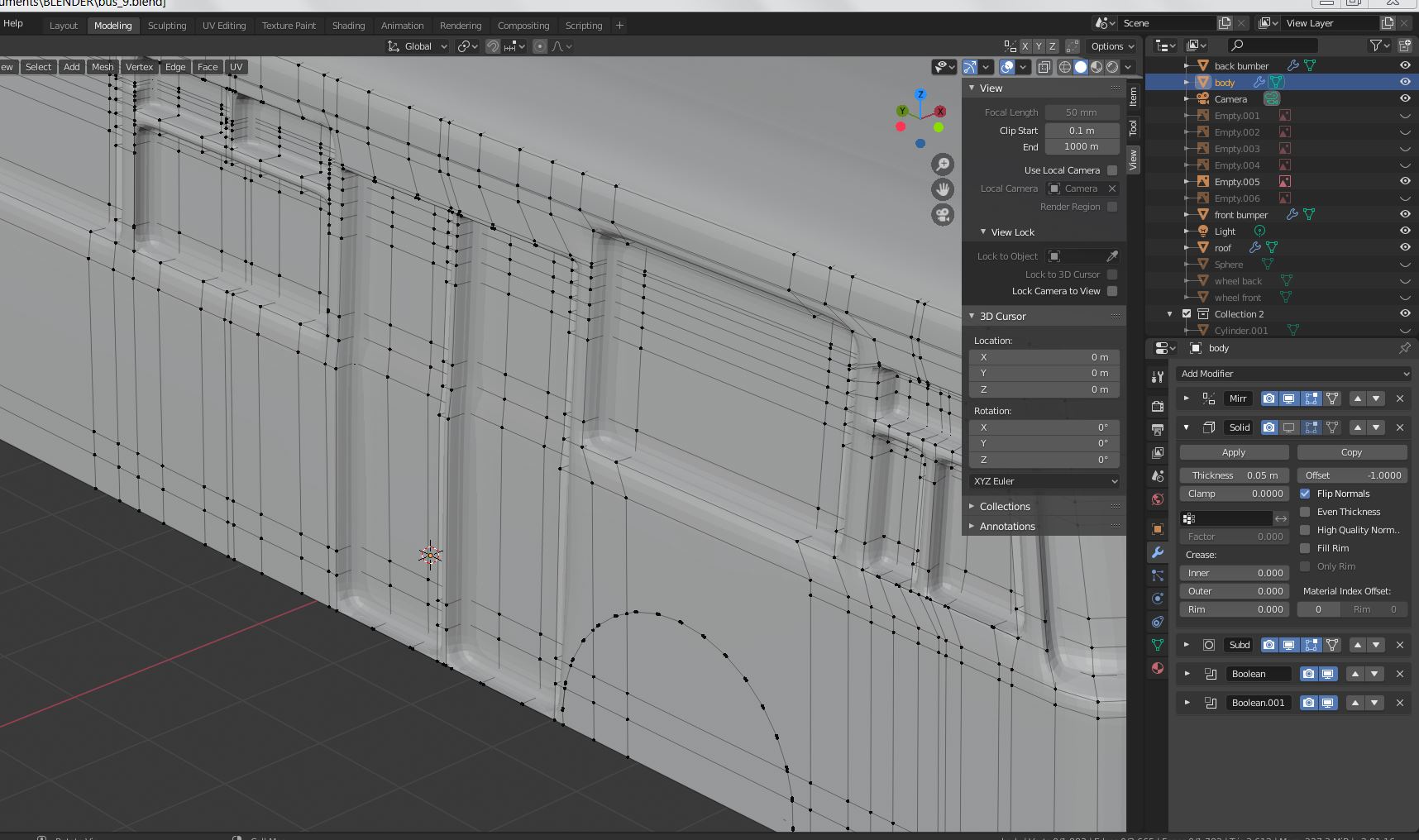
      I always having an artefacts – appearing extra volumes of material, while trying to apply Solidify modifier on my models.

      I only need thikness inside the model, not outside. What am I doing wrong? Chaniging order between other modifiers doesn’t help much. Could anyone help me?

      #53175
      of Nodes & Noodles
      Participant

        It looks like you could have duplicate vertices exactly on top of eachother. Try Merging them; Select all vertices, press Alt+M, click on By Distance.

        #53176
        spikeyxxx
        Participant

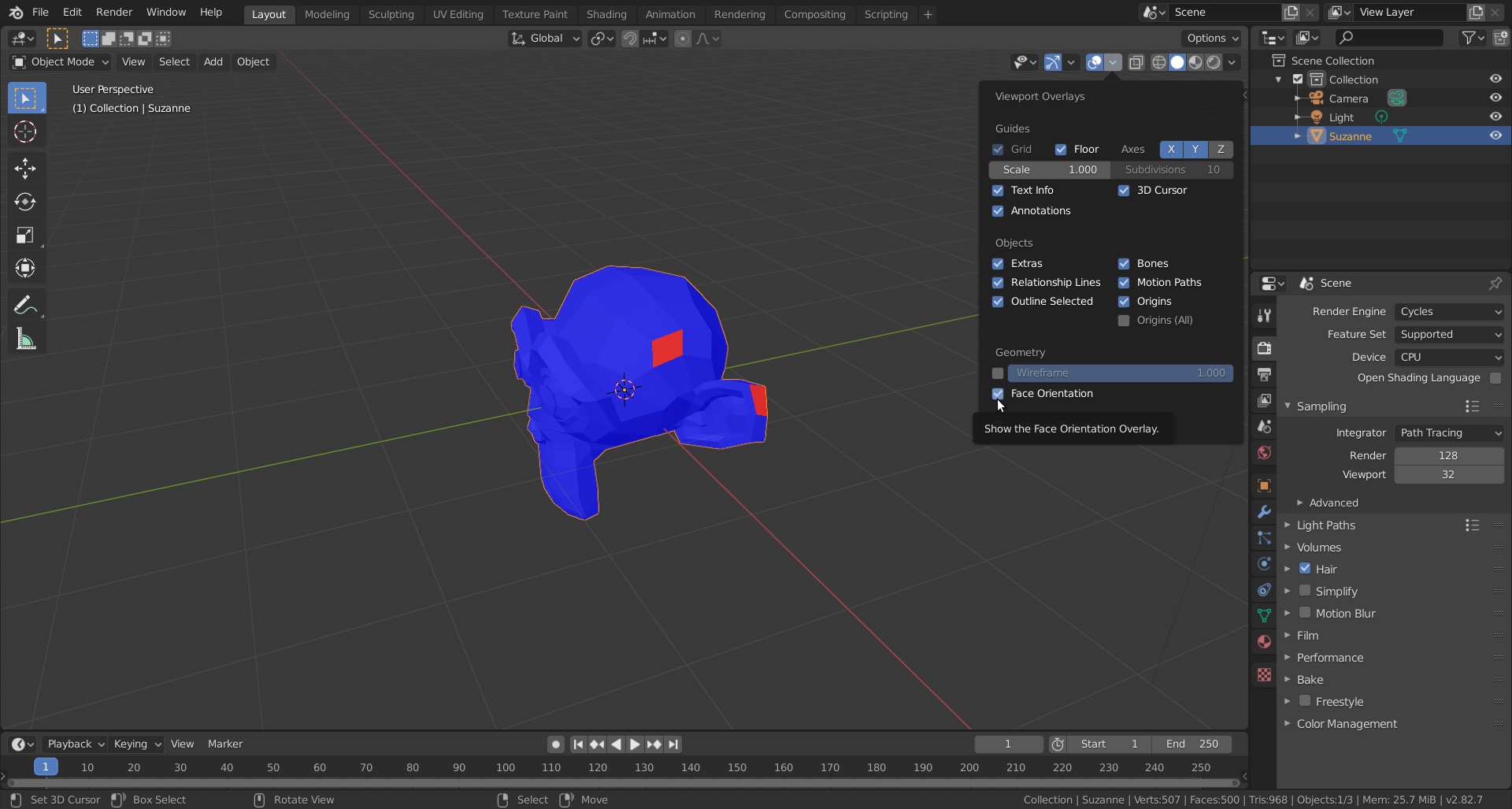
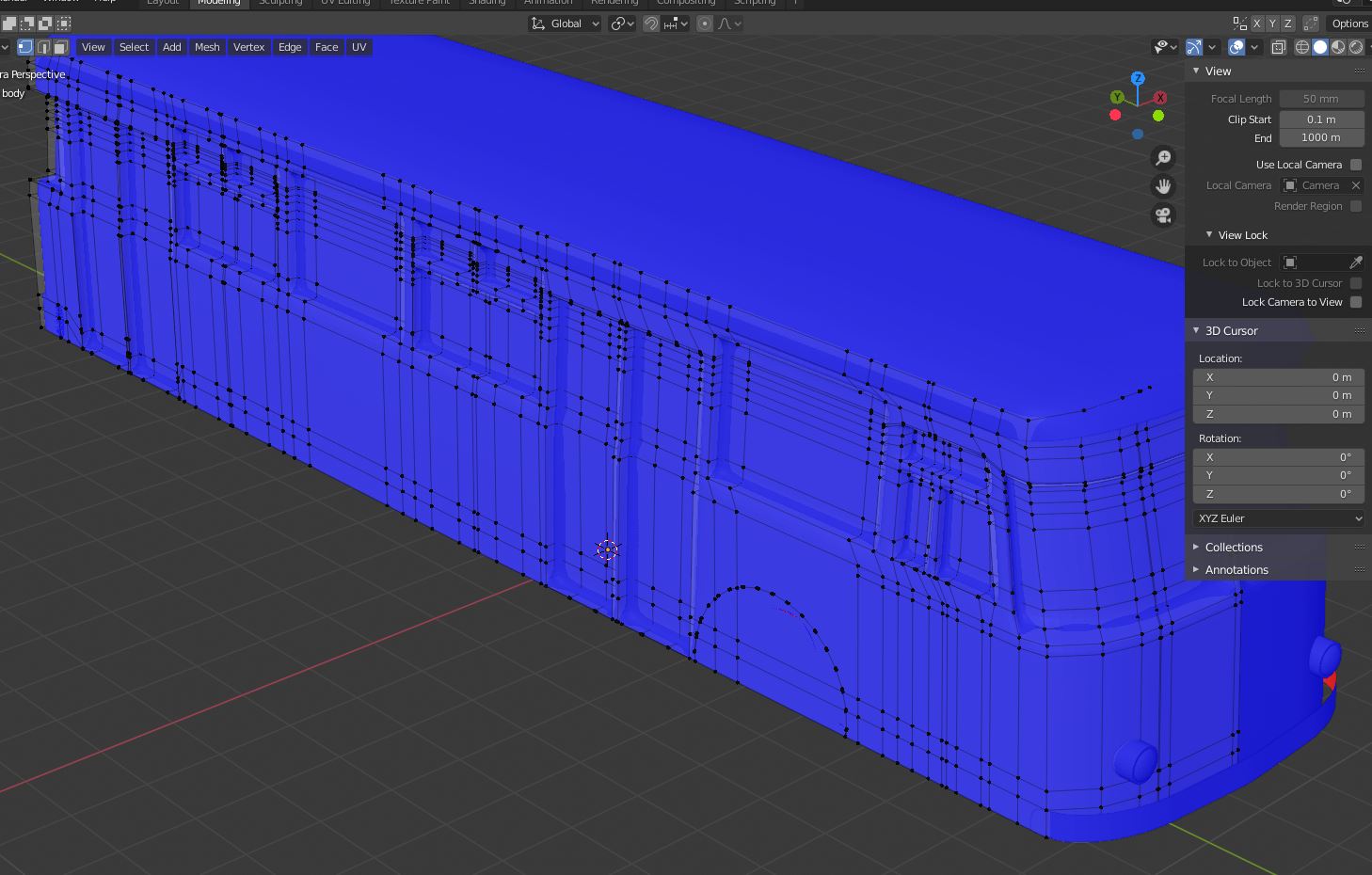
          Also check your Normals (after merging possible double vertices like @gcs_dev said):

          Everything should be blue.

          #53177
          happybirthday
          Participant

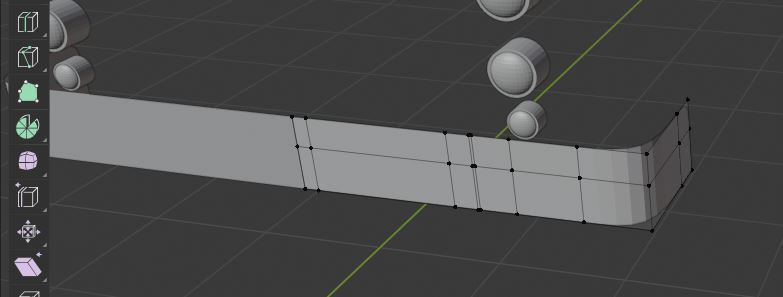
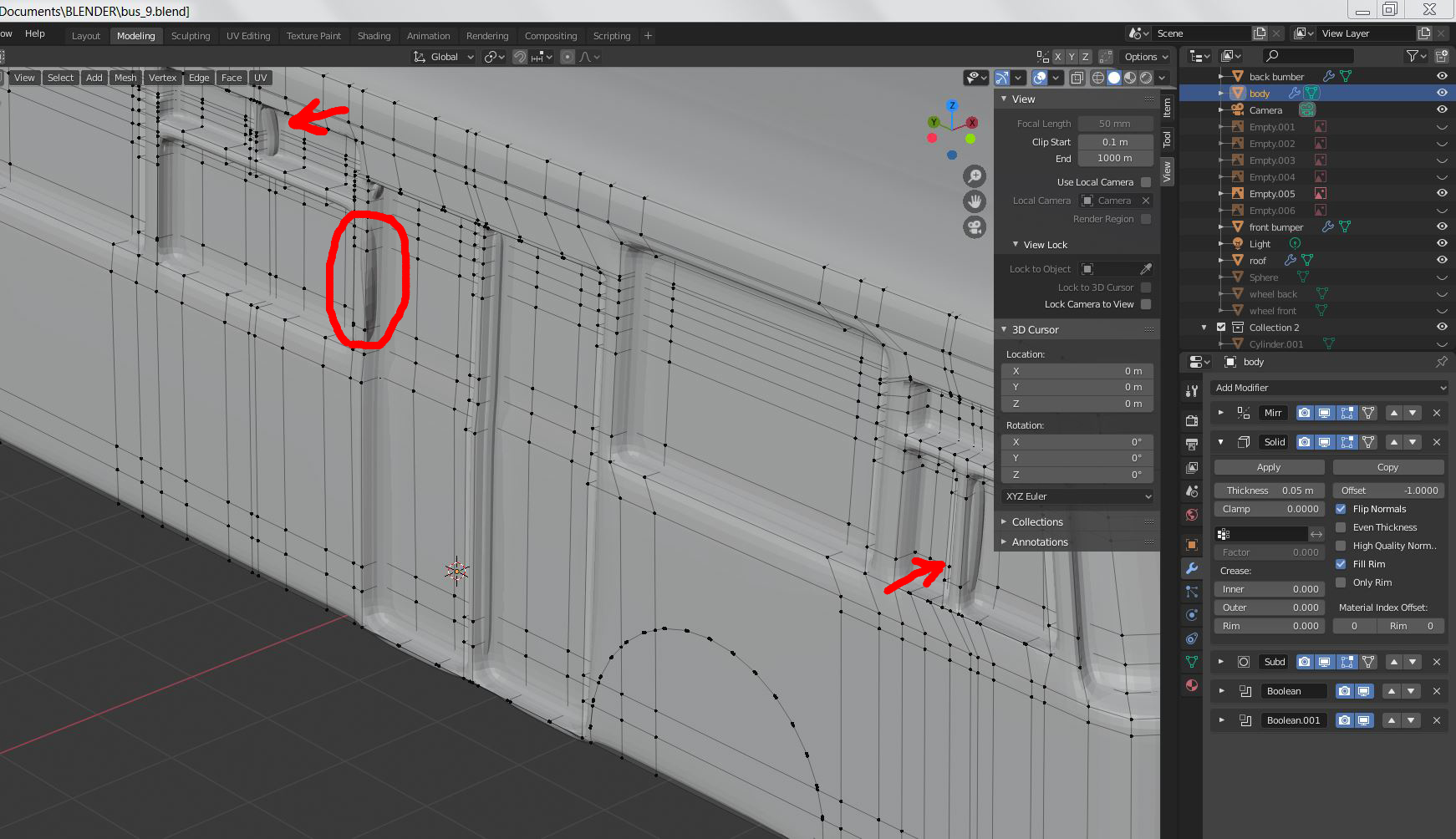
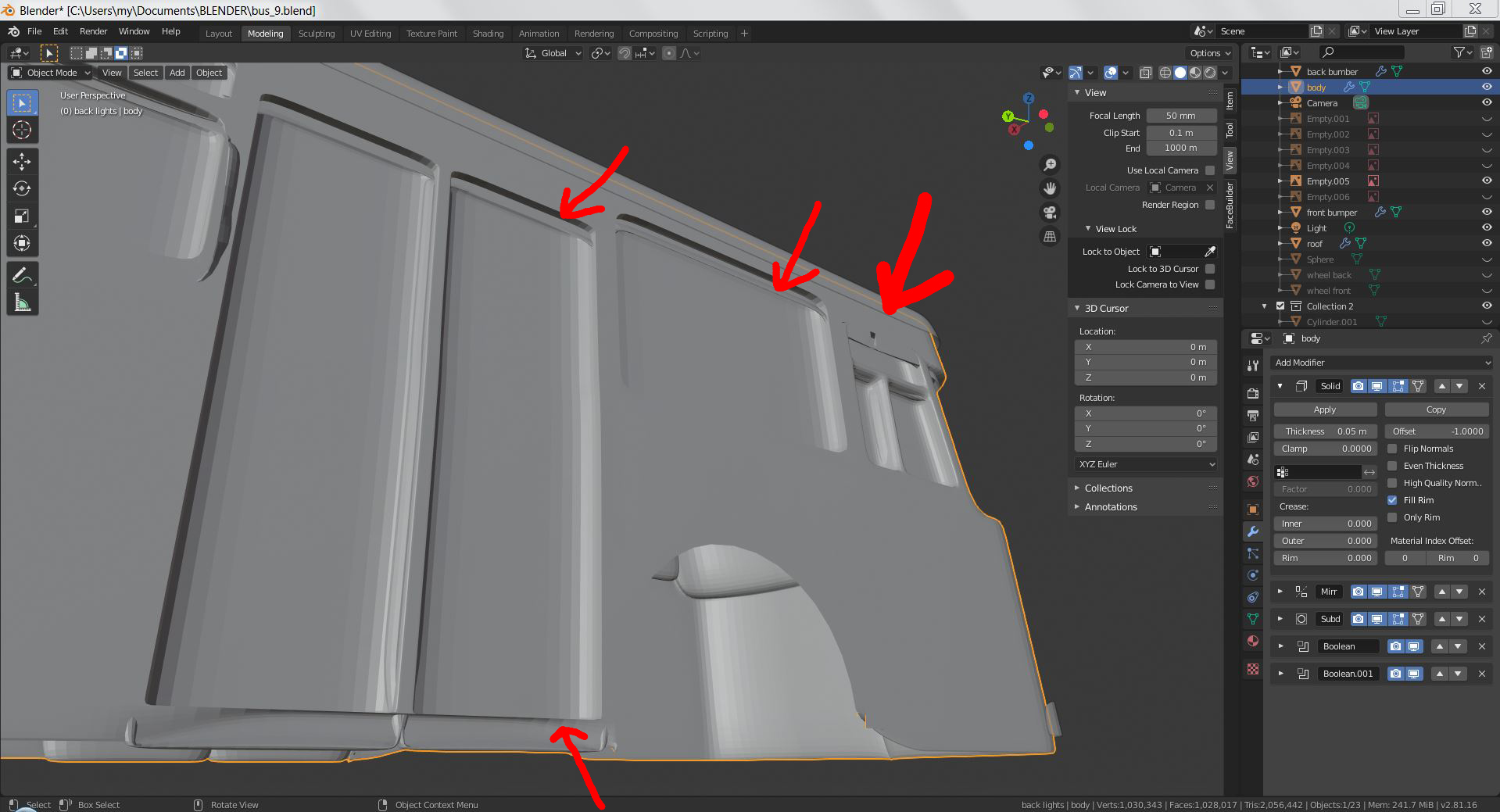
            Removing doubles helped much, thank you, but not fixed everything. Some material still appears from outside, especially in the narrow places.

            Please check the result with and without solidify:

            as for Normals, seems they are OK:

            #53178
            of Nodes & Noodles
            Participant

              Hmm. I’m seeing some pretty funky topology; lots of N-gons and “extra” vertices. Could you post a screener with the Boolean modifiers deactivated, please?

              #53179
              spikeyxxx
              Participant

                HI happybirthday, maybe the thickness of your Solidify Modifier is greater than the thickness of those problem areas?

                #53180
                happybirthday
                Participant

                  Probably it is! How to avoid bulging the material out of the model outside the external borders in that case?

                  #53181
                  spikeyxxx
                  Participant

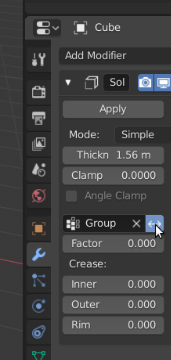
                    Make it smaller, or assign a Vertex Group to the problem areas (or everything but those areas) so you can exclude them from the Solidify Modifier.

                    You can invert the Vertex Group if you want here:

                    #53182
                    Palo Piktor
                    Participant

                      Hmm, i dont see any reason why you need to have solidify inside part of you mesh. You should separate such parts like windows, they are not one piece with the chassis in real life either. Also try RIM ONLY when solidifying.

                    Viewing 9 posts - 1 through 9 (of 9 total)
                    • The topic ‘Solidify modifier problem’ is closed to new replies.