Snapping problem :(

Forum Archive Snapping problem :(

Viewing 3 posts - 1 through 3 (of 3 total)
  • Author
    Posts
  • #7685
    Erik Lebediev
    Participant

      Hello everyone! like every other newbie i’m experiencing some problems during following this tutorial, although i’m trying to do exactly same things and in same manner as tutor does. So the problem is about snapping things together. When im trying to align faces (5:14) using snapping tool, it just won’t snap to the exact position, so i have to do it manually, which is not bad but time consuming.

      any ideas of why it doesn’t work?

      (i suspect my house to be crooked, so blender doesn’t know to what value it should snap things )

      here is a screenshot 
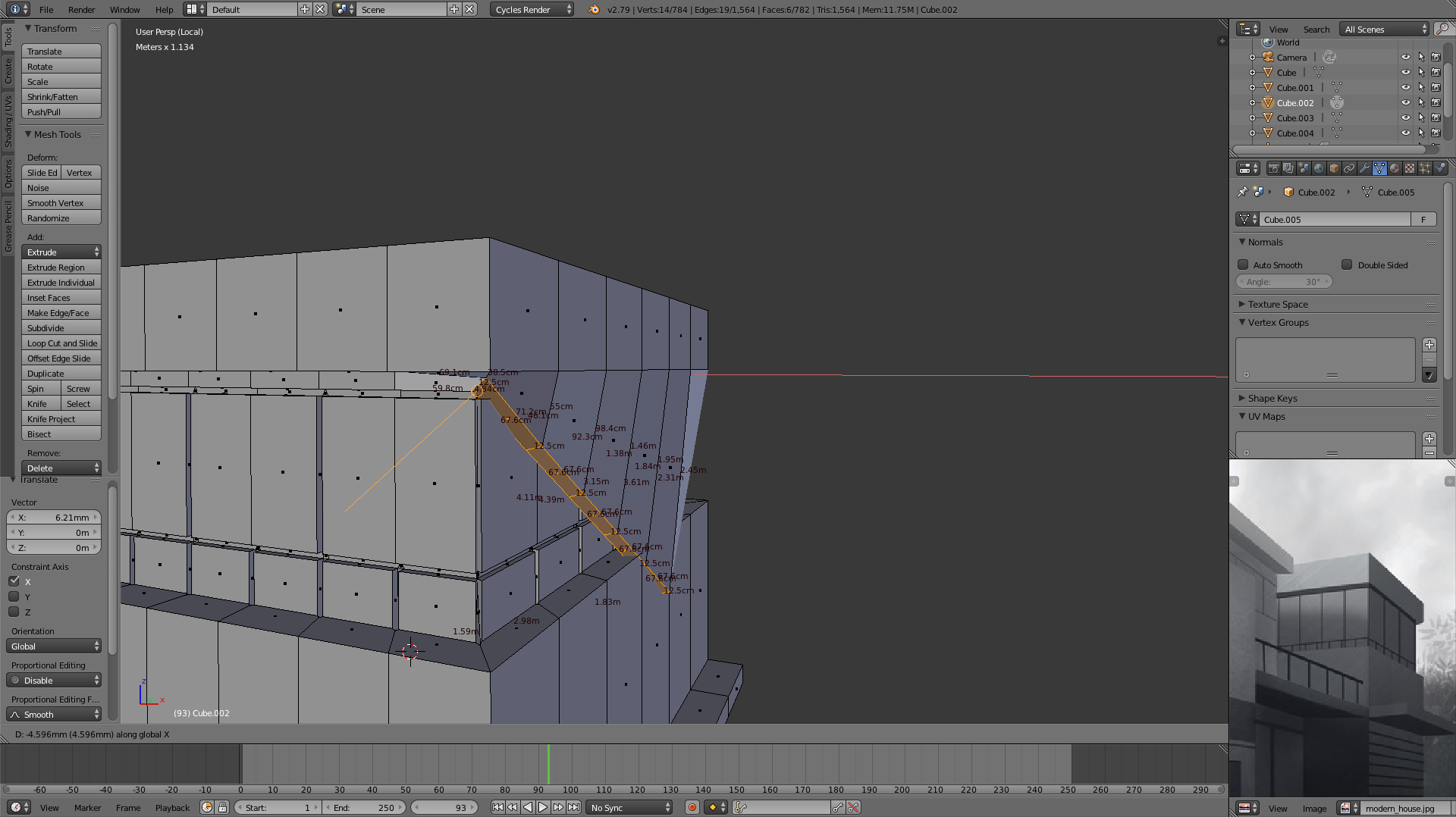
        

      P.S. Very nice course, thanks for doing it!

      #27495
      Jonathan Lampel
      Participant

        Hey Erik, I’m glad you’re enjoying it! In the screenshot, it looks like you have Align Rotation turned on, which can really mess with the snapping if it’s not what you’re intending to do. You can turn that off with the icon in the header (next to Closest) that looks like a sphere with a line sticking out of it. Hope that helps!

        #27496
        Erik Lebediev
        Participant

          oh yeah! it worked, must be magic or something  🙂 thanks one more time!

        Viewing 3 posts - 1 through 3 (of 3 total)
        • The topic ‘Snapping problem :(’ is closed to new replies.