Snake Hook not working properly anymore?

Forum Archive Snake Hook not working properly anymore?

Viewing 15 posts - 1 through 15 (of 20 total)
  • Author
    Posts
  • #14332
    Mathieu Dugon
    Participant

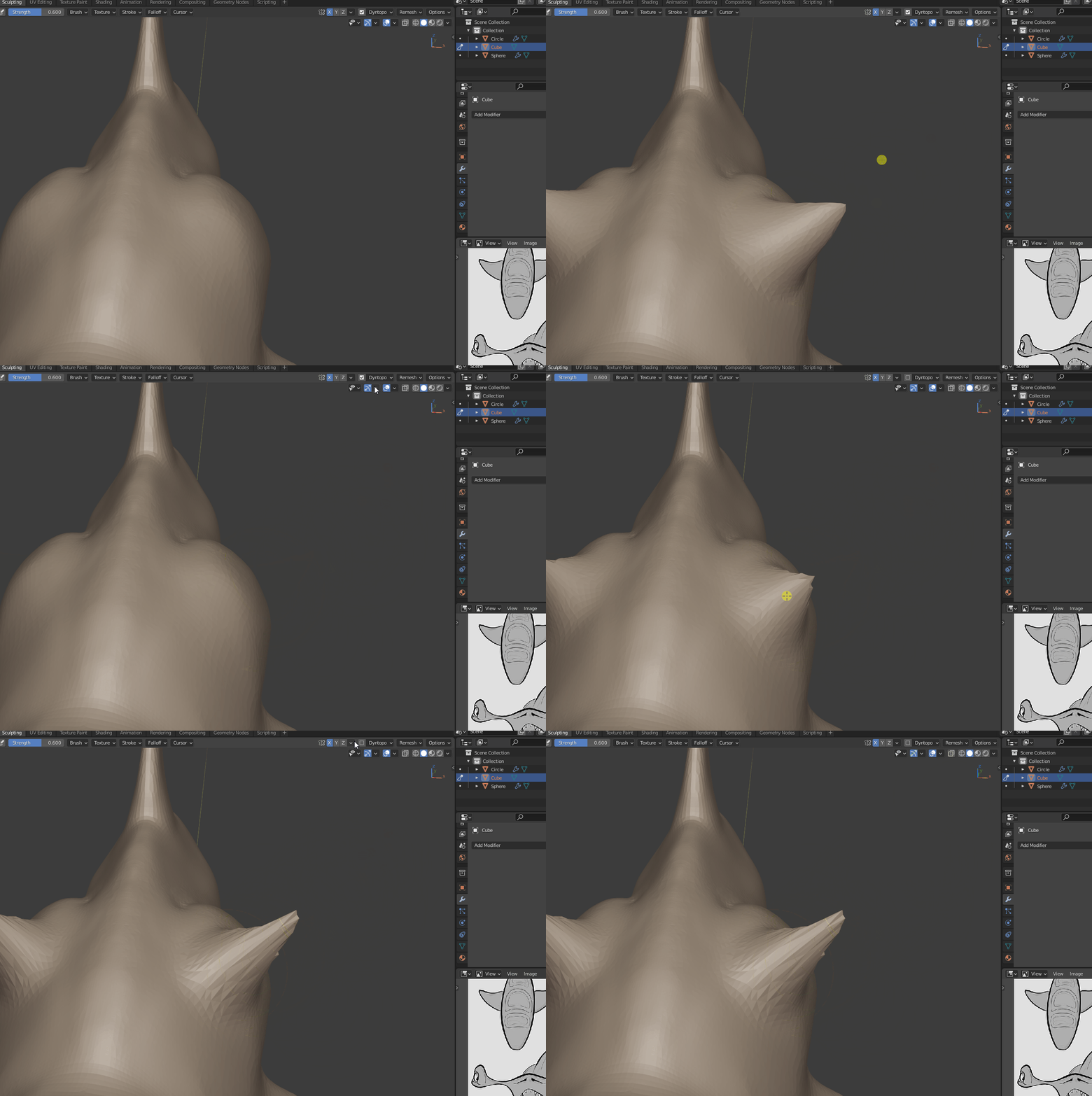
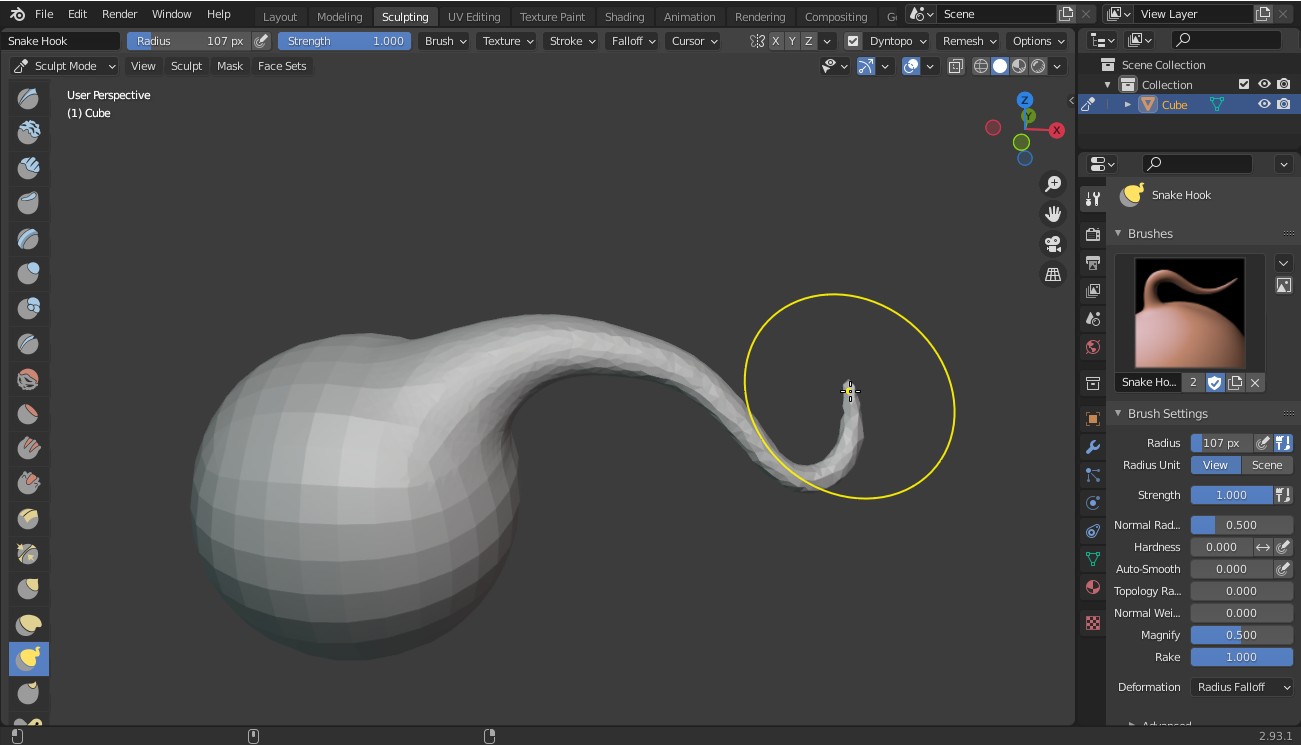
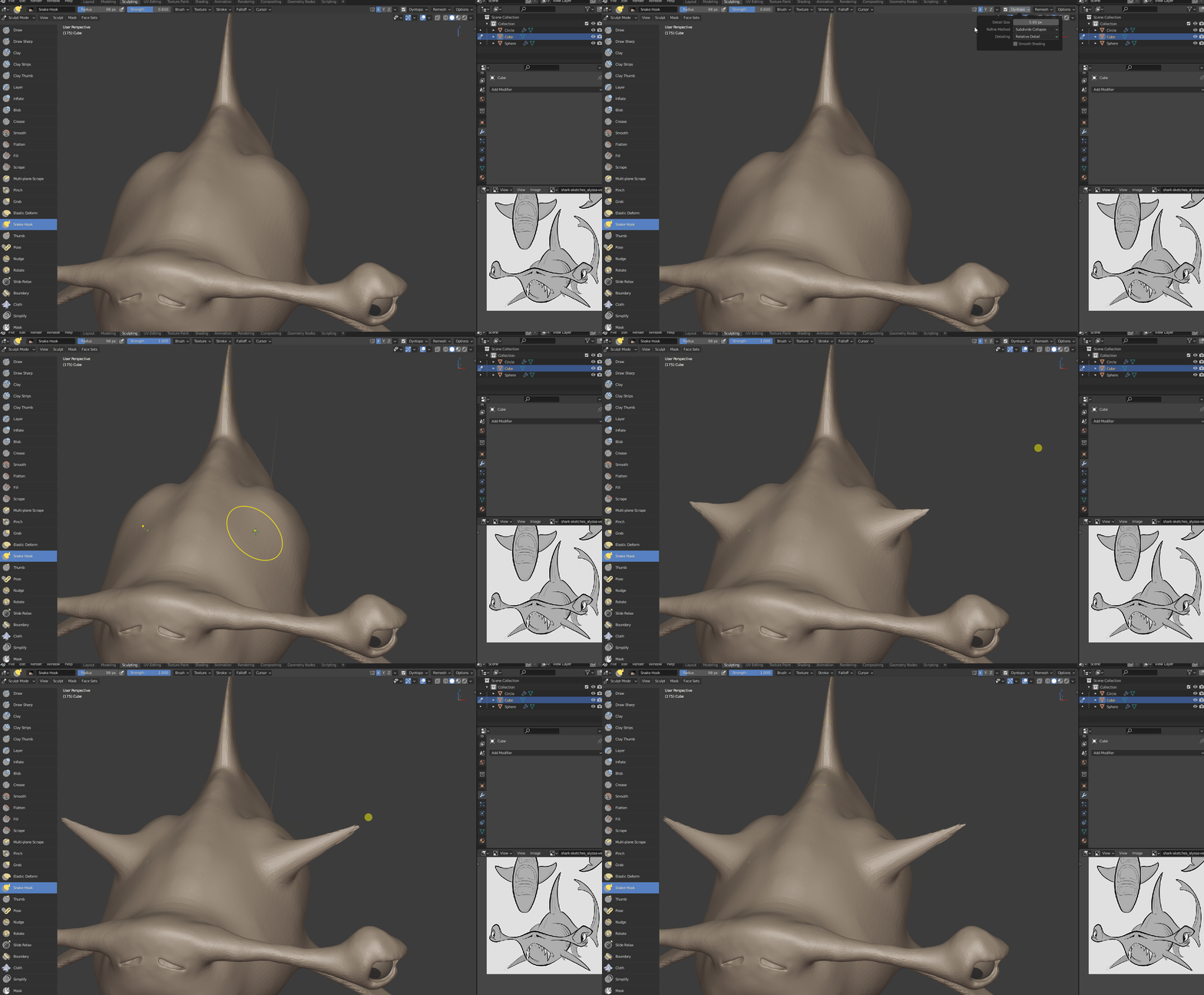
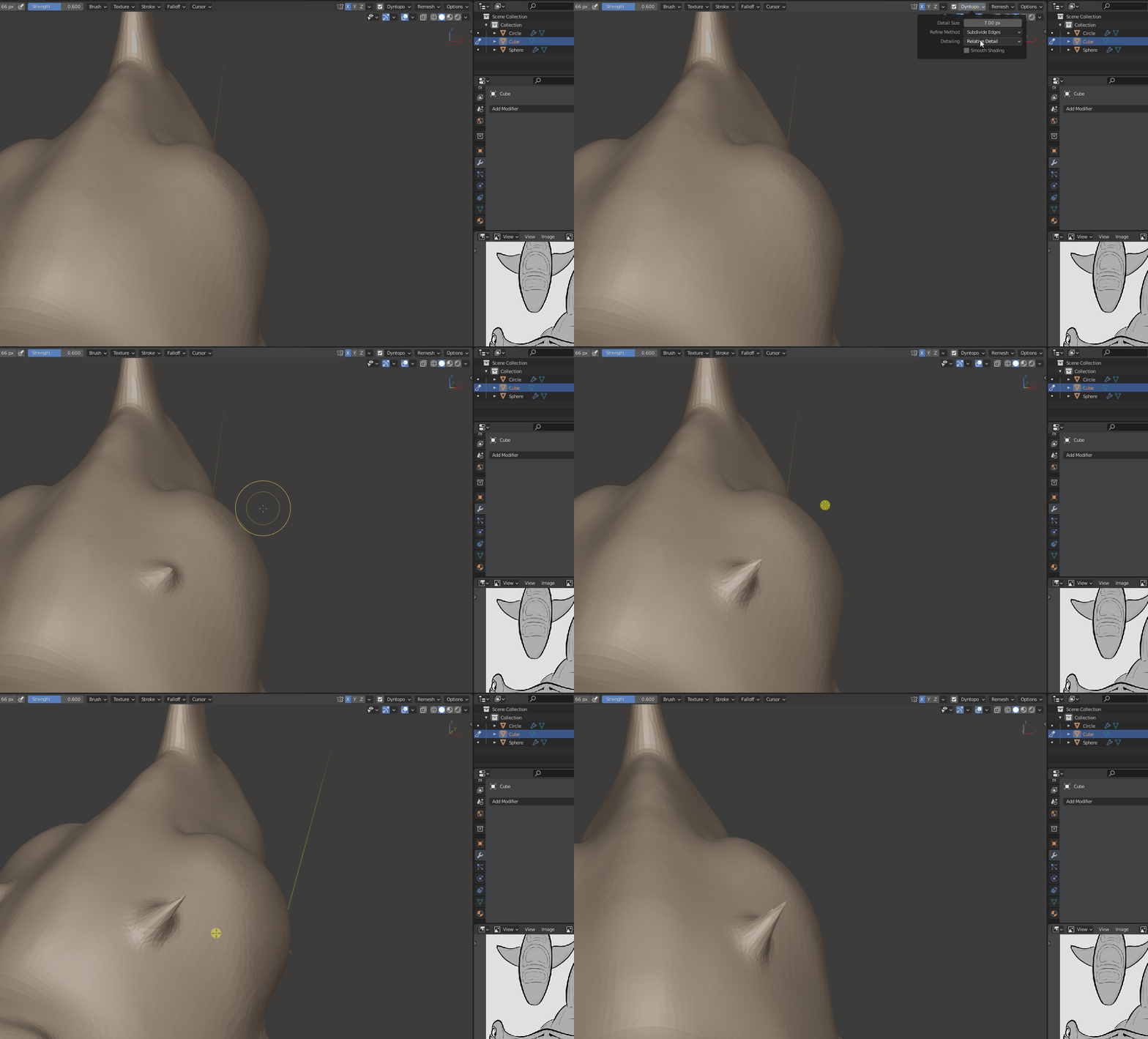
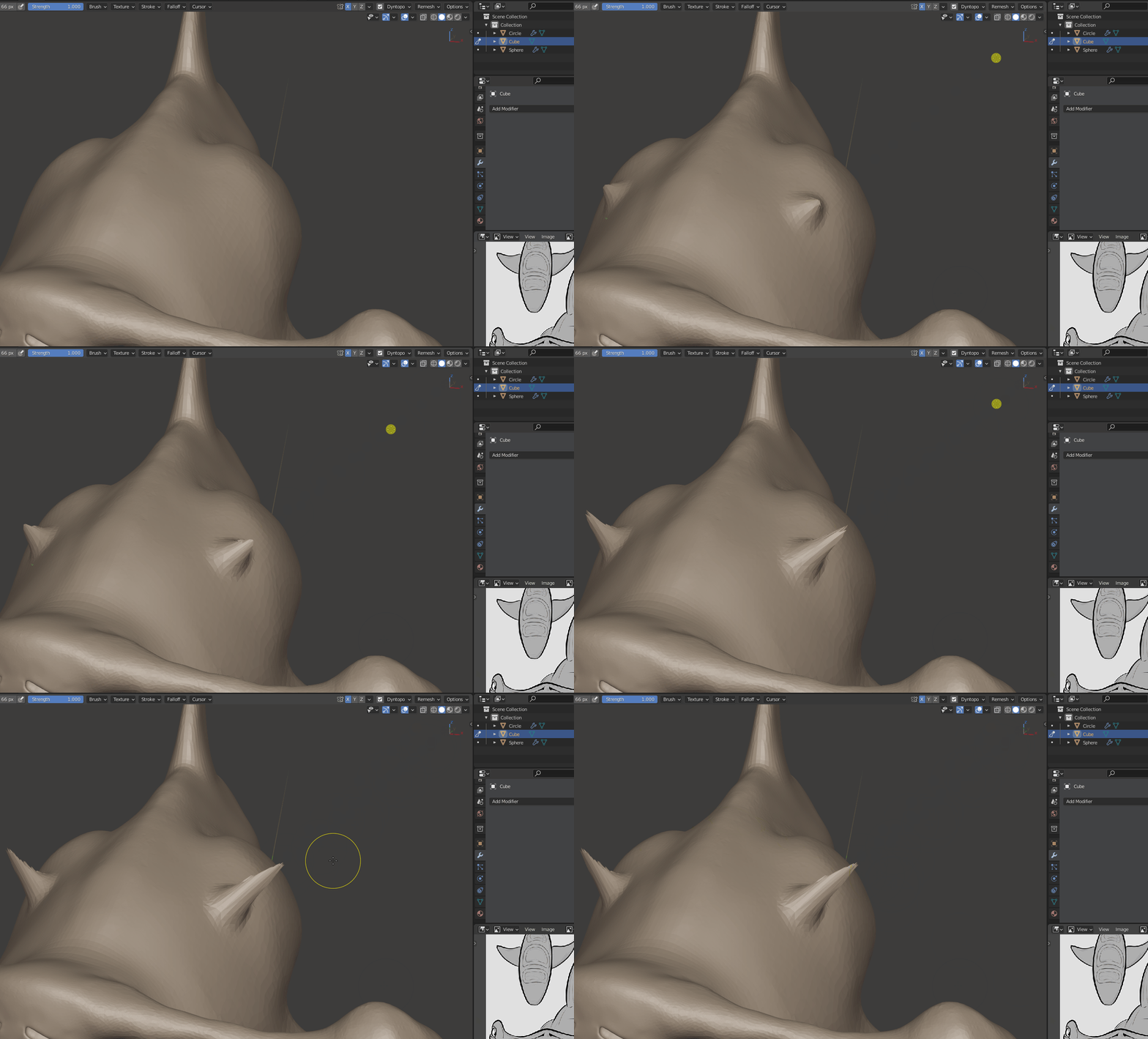
      Hi, I was trying to rework a part of my sculpt before submitting it and I appear to have messed up the behavior of Snake Hook – it now only works for a small distance and you have to click over and over to try and get more distance out of it. Dyntopo or not doesn’t affect it.

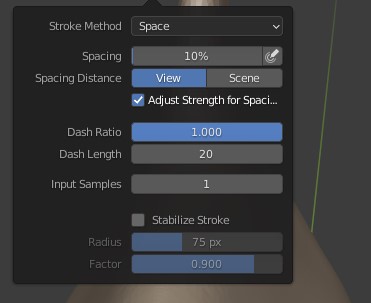
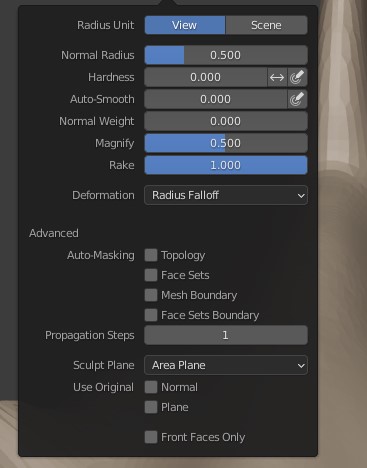
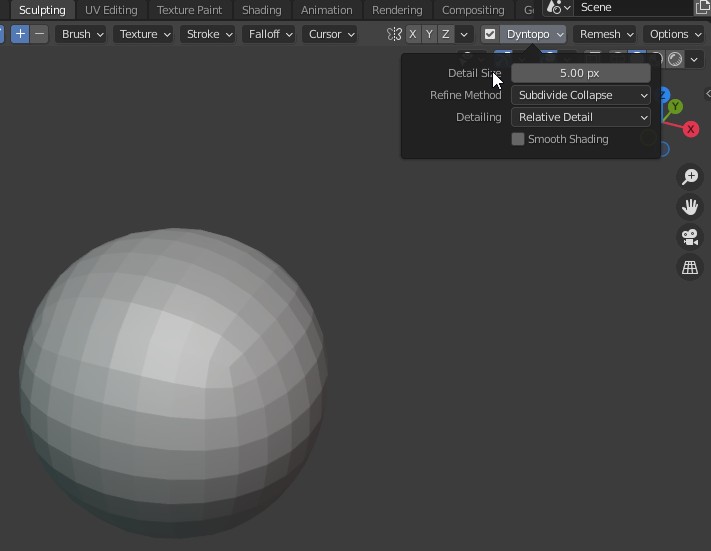
      If I load a new project with just a sphere then it’s back to working as it should. How do I fix this? I can’t see a difference between default settings and what I have now. Gif below to show, and picture below that with my settings.

      Any help appreciated!

      #70381
      Vue Thao
      Participant

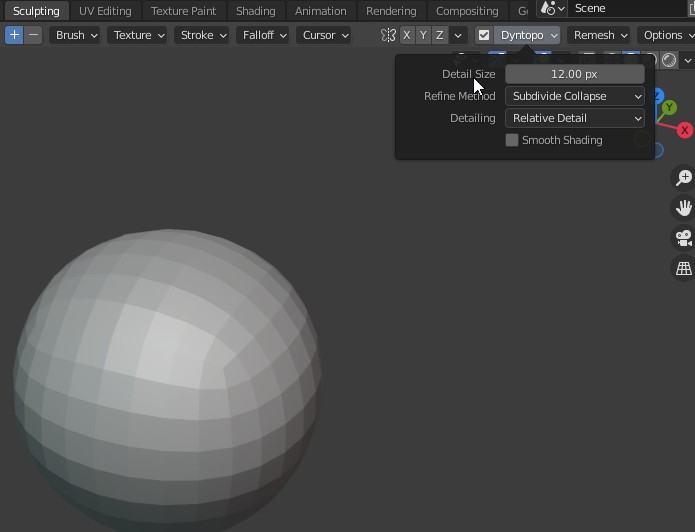
        Under Dyntopo > go to detail size and change it from 12 px to 5 px

        Make sure the strength of the snake brush is 100 or maximum of 1 so the mesh will be curved. 

        #70382
        Mathieu Dugon
        Participant

          Thank you for the suggestion, unfortunately that didn’t seem to help. It’s still “distance limited” for the lack of a better word.
          It still does it even if dyntopo is entirely turned off too. But when I start a new file with a sphere it works fine.

          #70383
          spikeyxxx
          Participant

            @mathieudugon maybe play with your Falloff setting; the default is Smooth.

            #70384
            Mathieu Dugon
            Participant

              It was smooth and I haven’t changed it, but I tried some of the other ones and no difference there either.
              I can’t find a setting that is different from a default project so I don’t understand why it stopped working on my sculpt, and it doesn’t matter if I change the geometry or choose a different spot to try it from.

              #70385
              Vue Thao
              Participant

                What’s the blender version are you using right now?
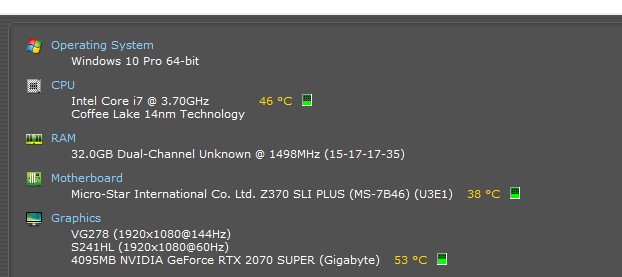
                What’s your computer specs?

                Probably there’s a bug in your system. 

                #70386
                Adrian Bellworthy
                Participant

                  Hey @mathieudugon ,

                  In the dyntopo settings change to subdivide edges, this should help solve the problem.

                  #70387
                  Mathieu Dugon
                  Participant

                    That didn’t seem to help either unfortunately. I also tried adding another mesh sphere into the same scene and tried snake hook on it and the same thing happened, so it’s not something with the shark mesh. But if I start a new project entirely then it works as it should, so something changed somewhere in the scene/project? But I don’t know where.

                    #70388
                    Mathieu Dugon
                    Participant

                      Blender 2.93

                      #70389
                      Adrian Bellworthy
                      Participant

                        Try increasing the brush strength to 1

                        #70390
                        Mathieu Dugon
                        Participant

                          No difference.

                          #70391
                          Adrian Bellworthy
                          Participant

                            Not sure what’s happening, try saving, close Blender, and open the file again, sometimes this can help with some issues.

                            #70392
                            spikeyxxx
                            Participant

                              @mathieudugon I can’t see anything wrong with your Settings from the Scrrenshots and GIFs you provided (but always keep the Strength at 1, you keep setting it back at about 0.5…) so maybe you can post a link to your .blend, ( via Dropbox or so) so we can have a better look.

                              #70393
                              Vue Thao
                              Participant

                                @mathieudugon Thanks for showing your specs. I gotta say your computer is way much better than mine. Probably Blender can’t handle your computer. I assuming. 

                                Since you tried everything we had explained to you, maybe try different approach like save your blend file, exit Blender, restart the computer, and relaunch Blender.  If that still don’t do the job then you can follow what  @spikeyxxx  suggested.

                                Sometime I sculpt in the older version, 2.79 as well when I had 2.82 and 2.91. These two have bugs so I uninstalled them and installed 2.92 and 2.93. to test their durability. 

                                #70394
                                Jonathan Lampel
                                Participant

                                  Yeah, could you share your file? I can’t replicate this either using the same Blender version and brush settings. 

                                Viewing 15 posts - 1 through 15 (of 20 total)
                                • The topic ‘Snake Hook not working properly anymore?’ is closed to new replies.