Selecting all Objects in UV Folder

Forum Archive Selecting all Objects in UV Folder

Viewing 4 posts - 1 through 4 (of 4 total)
  • Author
    Posts
  • #16751
    violetcrystal
    Participant

      At 22:33, we’re supposed to select everything in the UV folder and then tab to edit mode so all the selected parts are highlighted in yellow. When I do that and then select all in edit mode, it appears to overlap all the pieces on the chest so there’s many colors showing then just the blue ones I unwrapped in the UV folder. When I select each piece individually they all are blue so I’m not sure what it is I’m seeing. I would add an image if I could to show my issue.

      #80745
      violetcrystal
      Participant

        This is what I’m looking at:

        023-08-14 204628.png

        #80746
        Martin Bergwerf
        Participant

          Hi @violetcrystal ,

          this is ‘normal’/’weird’ Blender behavior…

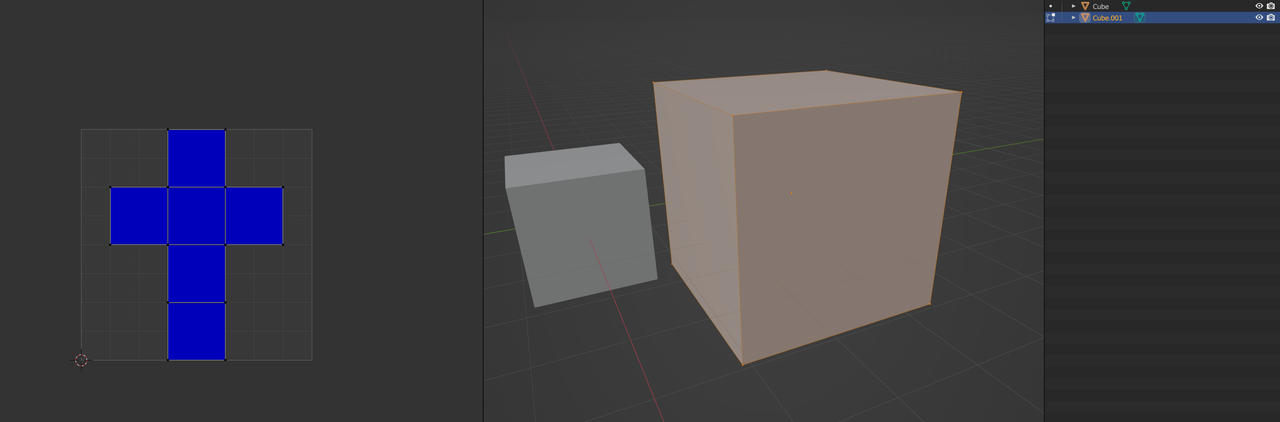
          This Cube is fine (Area Stretching-wise) by itself:

          Cubes_1.png

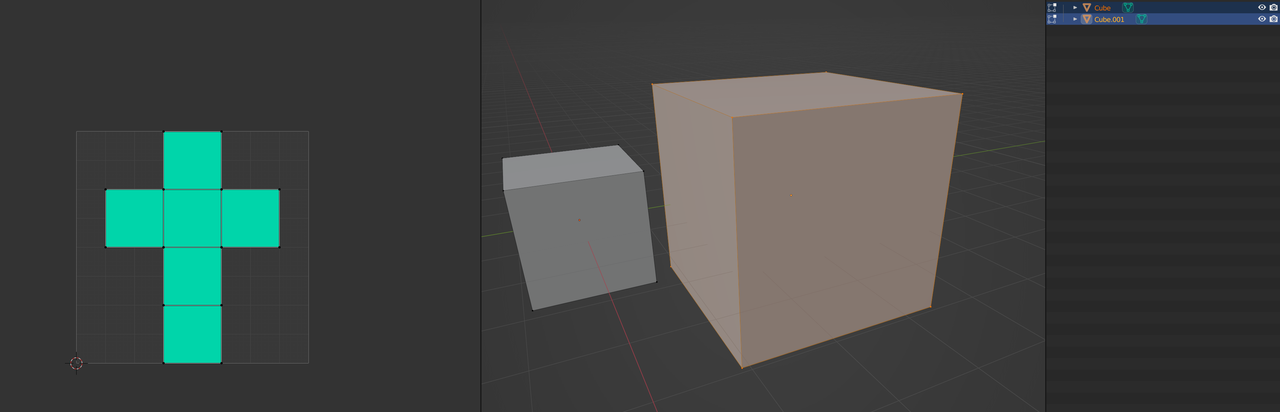
          But compared to the other one (both Selected):

          Cubes_2.png

          It’s probably best to disable the Stretching Overlay at this point (you already know, that all parts are fine).

          #80747
          Omar Domenech
          Participant

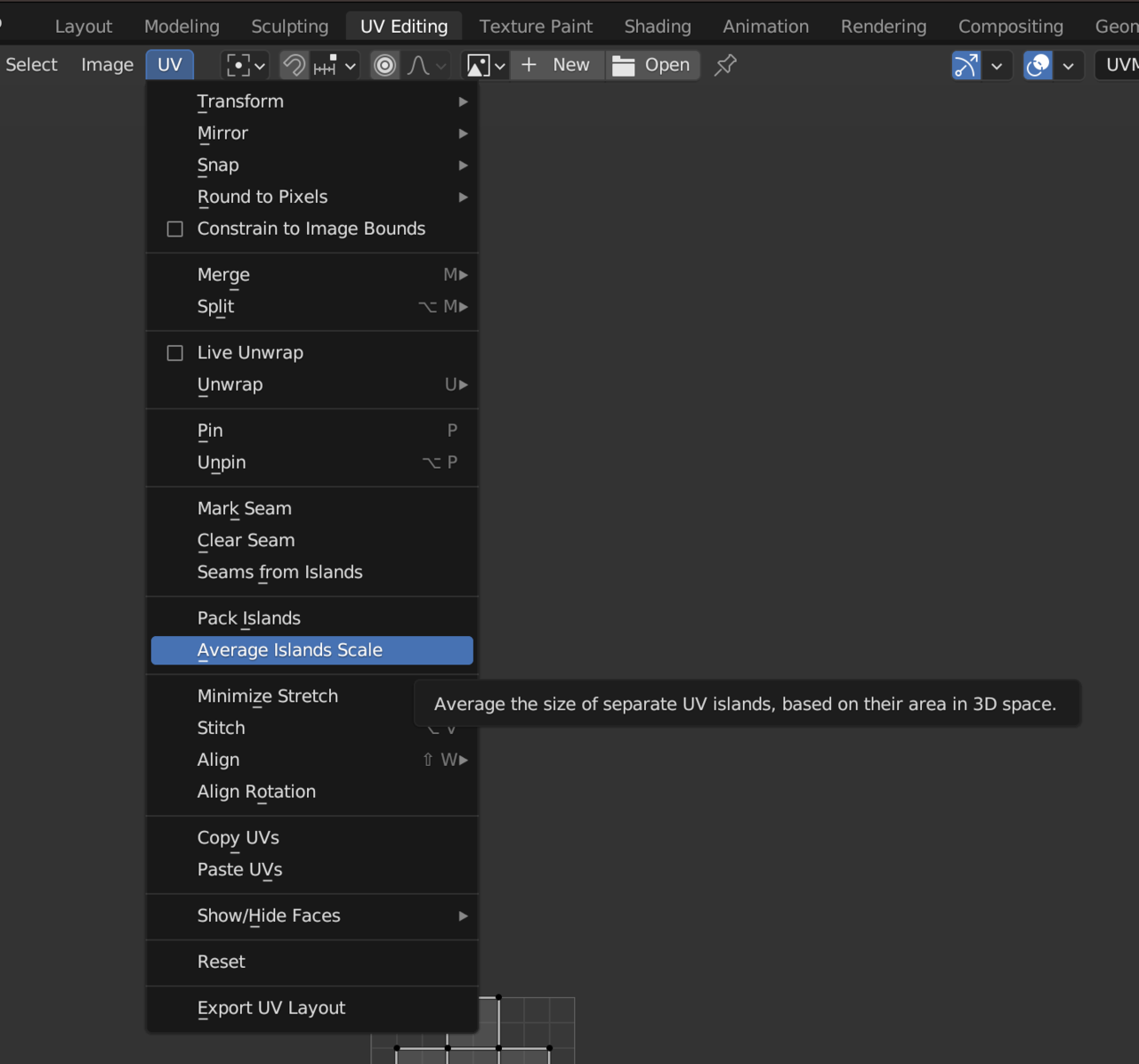
            There is an option to let Blender know the scale of each island compared to the 3D object. I’m a bit OCD about that and I like to average my scales. Here’s the option:

            age Island Scale.png

          Viewing 4 posts - 1 through 4 (of 4 total)
          • The topic ‘Selecting all Objects in UV Folder’ is closed to new replies.