
Seeking beta testers for new add-on (SplineSculpt)
Forum Archive › Seeking beta testers for new add-on (SplineSculpt)
- This topic has 21 replies, 3 voices, and was last updated 8 years, 8 months ago by
status451_cg.
-
AuthorPosts
-
December 18, 2017 at 5:14 pm #32940
Blender says that the modules are installed but I can’t find it back.
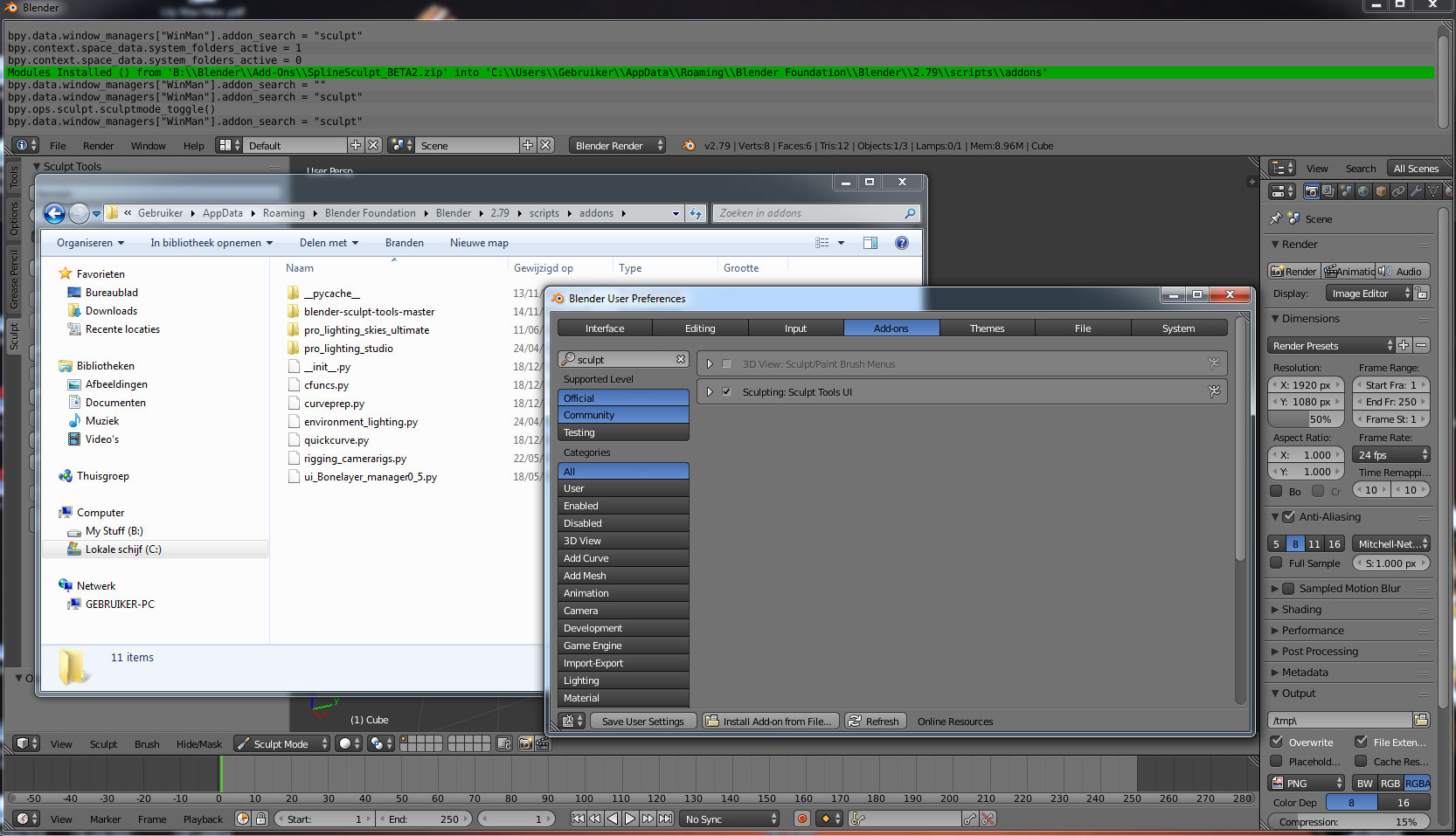 December 18, 2017 at 5:55 pm #32941
I reinstalled version 1 and replaced the 4 files with those of version 2
Adding points I had this error mesage :
Traceback (most recent call last):
File “C:\Users\Gebruiker\AppData\Roaming\Blender Foundation\Blender\2.79\scripts\addons\SplineSculpt\__init__.py”, line 217, in modal
quickcurve.qcurve_addpoint(context, event, newcurveobj, bm, counter)
File “C:\Users\Gebruiker\AppData\Roaming\Blender Foundation\Blender\2.79\scripts\addons\SplineSculpt\quickcurve.py”, line 73, in qcurve_addpoint
bm.edges.new((bm.verts[counter], bm.verts[counter-1]))
ValueError: edges.new(): this edge exists
After 4 attempts I was able to draw a curve. I did some other +-10 attempts and this error did not return. The enter key on the numpad does not work. Hitting the big enter key my dragon disappeared and the curve remained accompanied by this error :
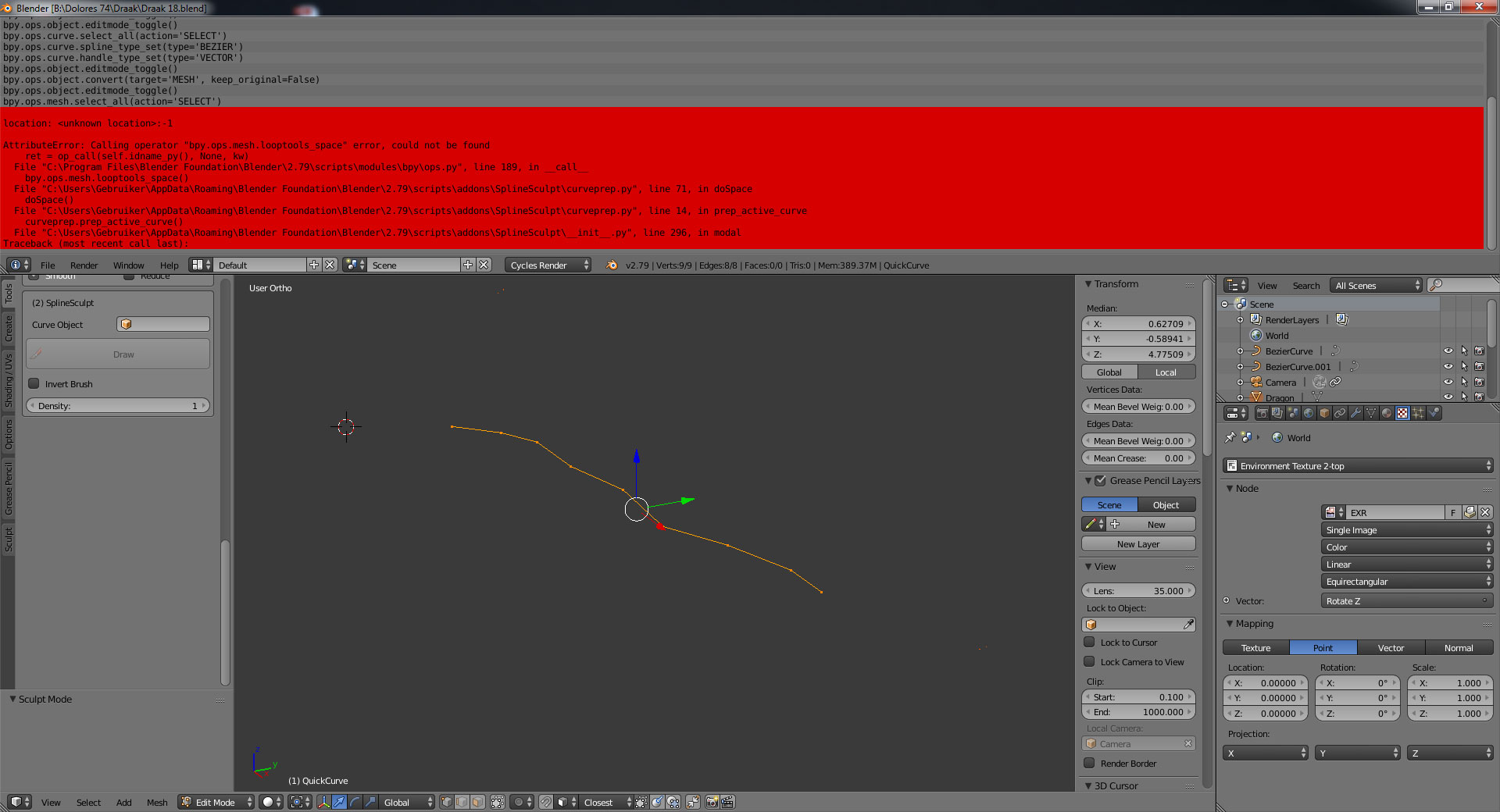 December 19, 2017 at 2:47 am #32942
Hi @dolores74
Thanks for sticking with this! I did say in the first post that I have no idea what I am doing really and you would need to be patient with me 🙂
OK, so I can see two problems and, unfortunately for me, they are both my fault :-(. They both have easy fixes though.
Firstly, I did not put a folder inside the zip file. As such, Blender has installed it in the wrong location, which will confuse it (Blender does not do any checking when installing addons, it just copies whatever is in the zip file into your scripts/addons folder). You are probably best to completely remove the add-on and install as follows:
- Close Blender;
- Delete the 4 files __init__.py, cfuns.py, curveprep.py and quickcurve.py from the root of your scripts/addons folder. None of those files installed by SplineSculpt should be there;
- Delete any folders for SplineSculpt in your scripts/addons folder;
- Re-download http://www.toohey.co.uk/SplineSculpt_BETA2.zip (which I have now fixed)
- Install again as normal either through Blender, or just copy the folder out of the zip file into the scripts/addons folder (both ways do exactly the same thing;
- Restart blender and enable the addon in the usual way
Secondly, you don’t have LoopTools enabled, which is causing the other error. LoopTools is an add-on that comes with Blender, and I am so used to having it available that I completely forgot it is not enabled by default. I will change the add-on to warn the user that LoopTools is not enabled, however, for now, you can simply enable it manually in the usual way:
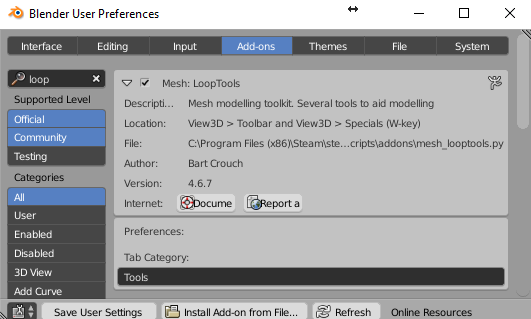
I have not done much experimenting regarding using textures, but I can confirm the size of your brush is related to the size of the brush before you click the draw button. That is the starting point, and the stroke should be a relatively similar size. Nothing, in theory, should depend on the position of the model in the viewport, but there is a bug at the moment with Blender’s calculations which I have flagged here.
Loving the dragon! It looks like you have got some cool effects, despite all the errors!
December 19, 2017 at 3:26 am #32943I found out that it all depends on the size of the brush and the position of the object in the viewport. It would be nice if Blender would be so kind to cooperate.
OK, so I am sure that I can fix this, but it will take time. Ideally, nothing should depend at all on the model position in the viewport. A texture applied to a brush should just work like it does when sculpting without the addon, including the “Rake” option to rotate the texture following you along the stroke.
The problem is the Blender API documentation is awful, and this particular function is undocumented (i.e. they confirm that it exists, but do not explain what it does…. ).
I will need to do some experimentation to work out what it does and how it works before I can use it.
Leave it with me.
December 19, 2017 at 11:16 am #32944“The problem is the Blender API documentation is awful, and this particular function is undocumented (i.e. they confirm that it exists, but do not explain what it does…. ).”
Welcome to Blender, there is a lot of stuff in Blender nobody knows what it does.
New version installed, Loop Tools enabled. It kinda works now, nice.
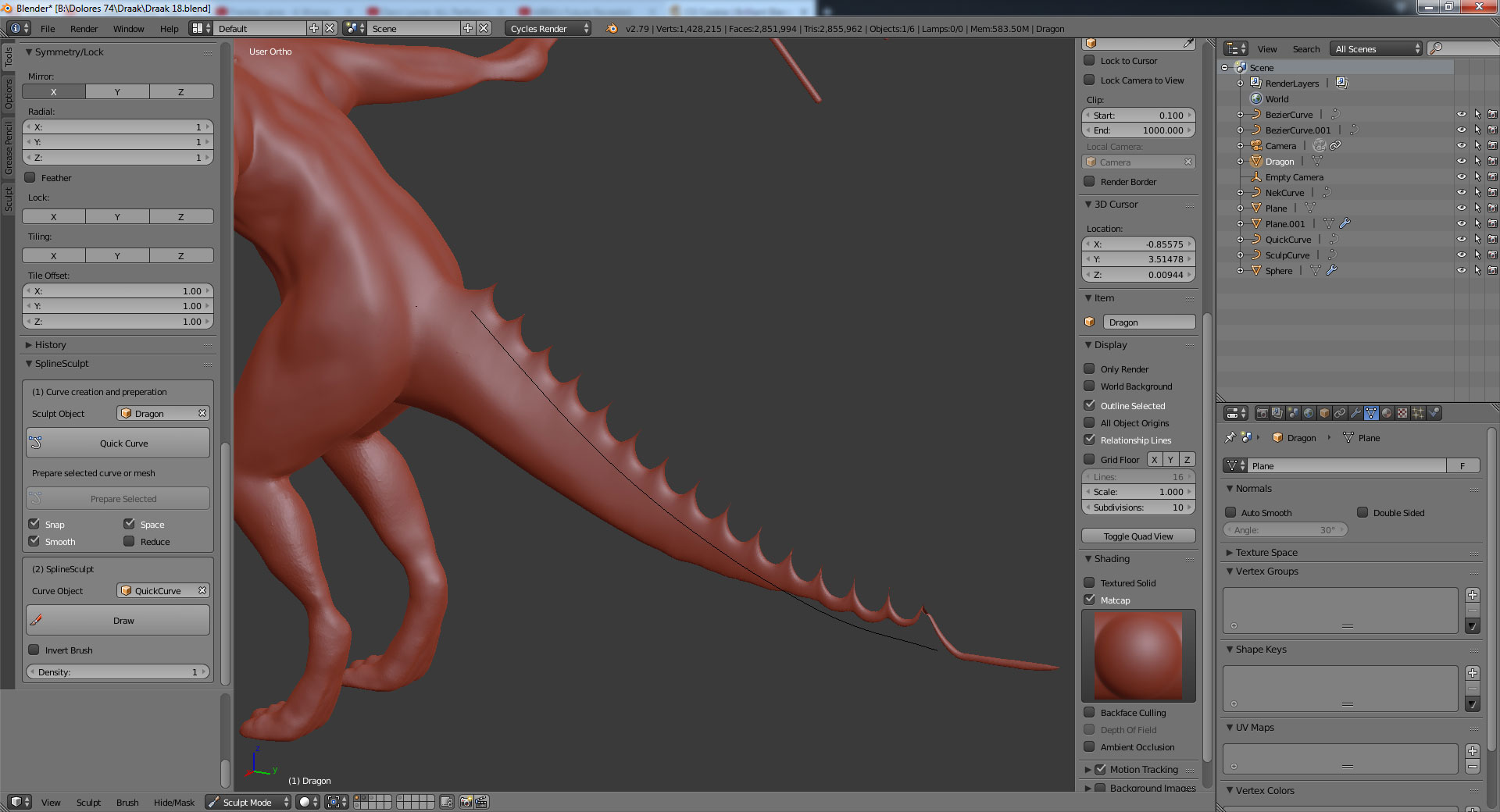
This ‘Set curve radius’ doesn’t work, it’s a pity.
 December 19, 2017 at 12:36 pm #32945
Hmmm. Set curve radius should definitely work (see the above gif). Not sure why that would be the case. Perhaps try proof of concept on a sphere to check.
December 19, 2017 at 1:03 pm #32946Oh, you should note that its currently only varying brush radius in accordance with curve point radius. Brush strength remains the same. That might be your issue.
-
AuthorPosts


- The topic ‘Seeking beta testers for new add-on (SplineSculpt)’ is closed to new replies.