Hi @tthao ,
First, don’t worry, you will learn these things soon, if you stick with a few Courses (Fundamentals of Modeling, followed by Press Start, for instance)
But let me see if I understood everything correctly.
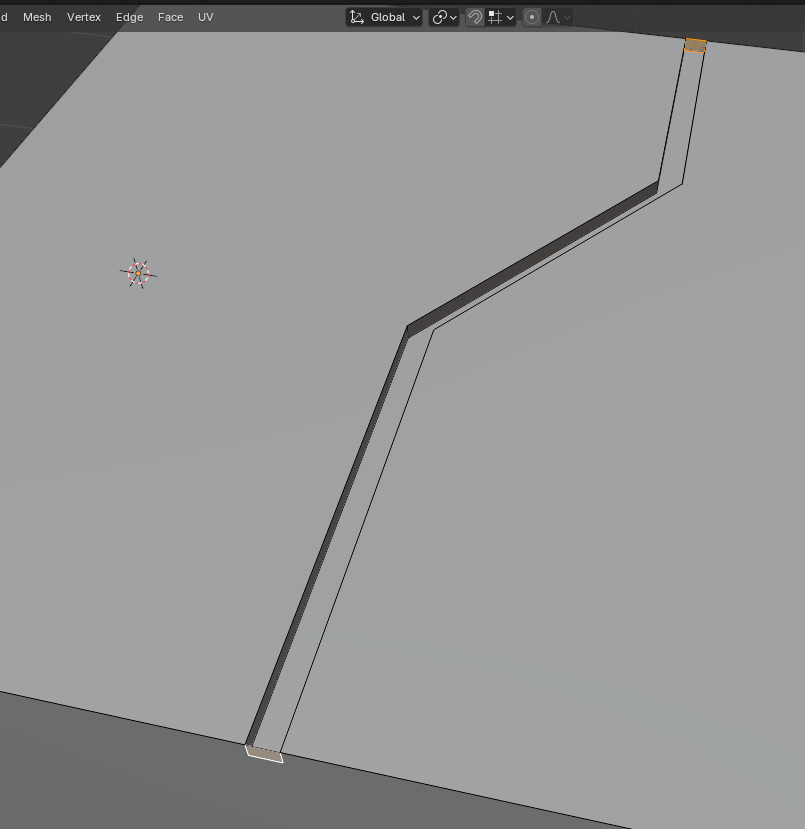
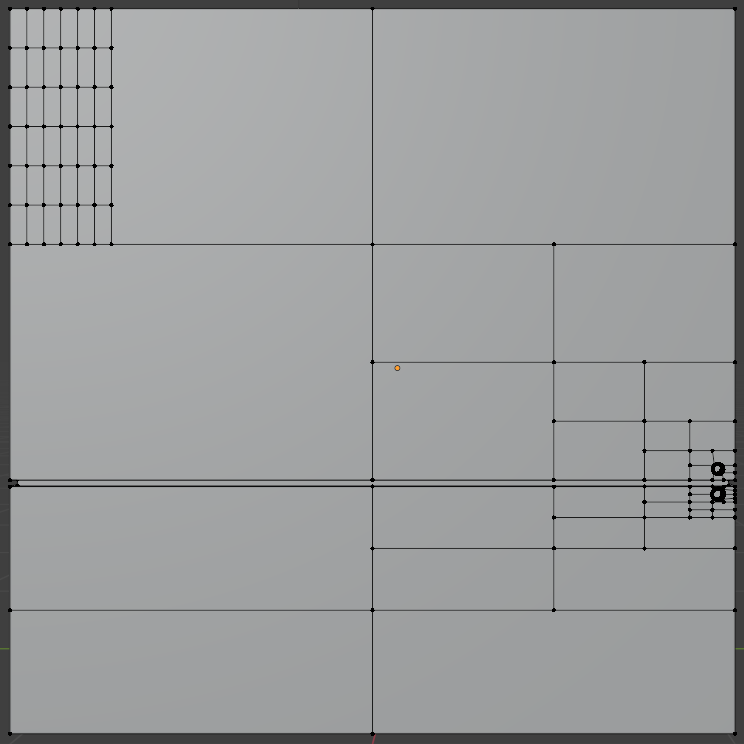
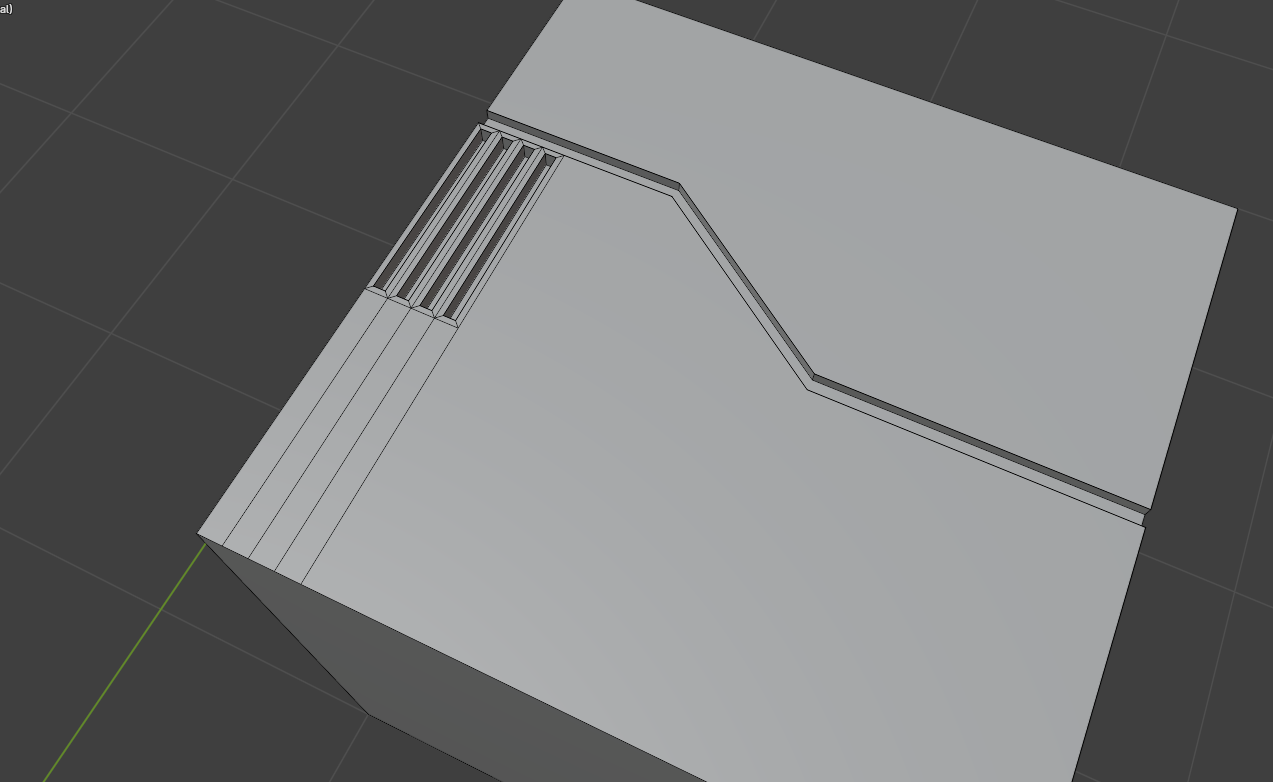
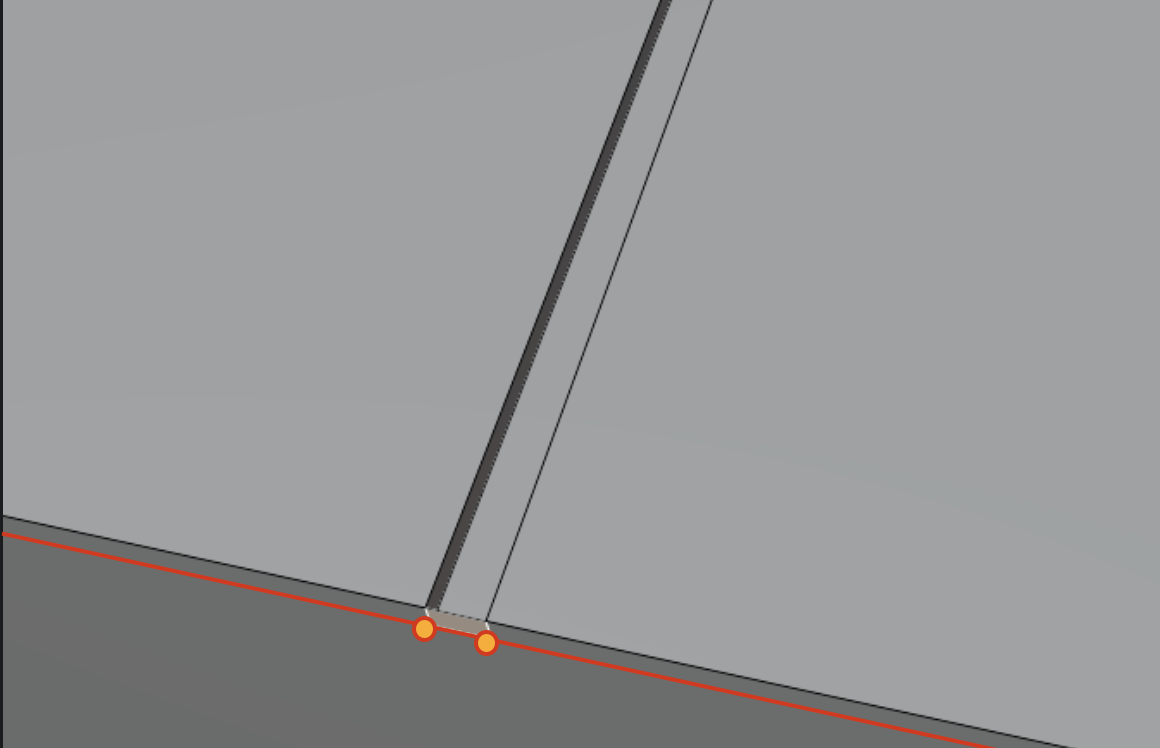
You could Delete those Faces, but you, for some reason, used X > Dissolve Faces, instead of X > Delete Faces.
There are many ways to create Circles. One way, would be to use Knife Project:
If you have a Mesh (here: Plane) in Object Mode, Add a Mesh Circle (still in Object Mode). then Select (only) the Plane, switch to Edit Mode:
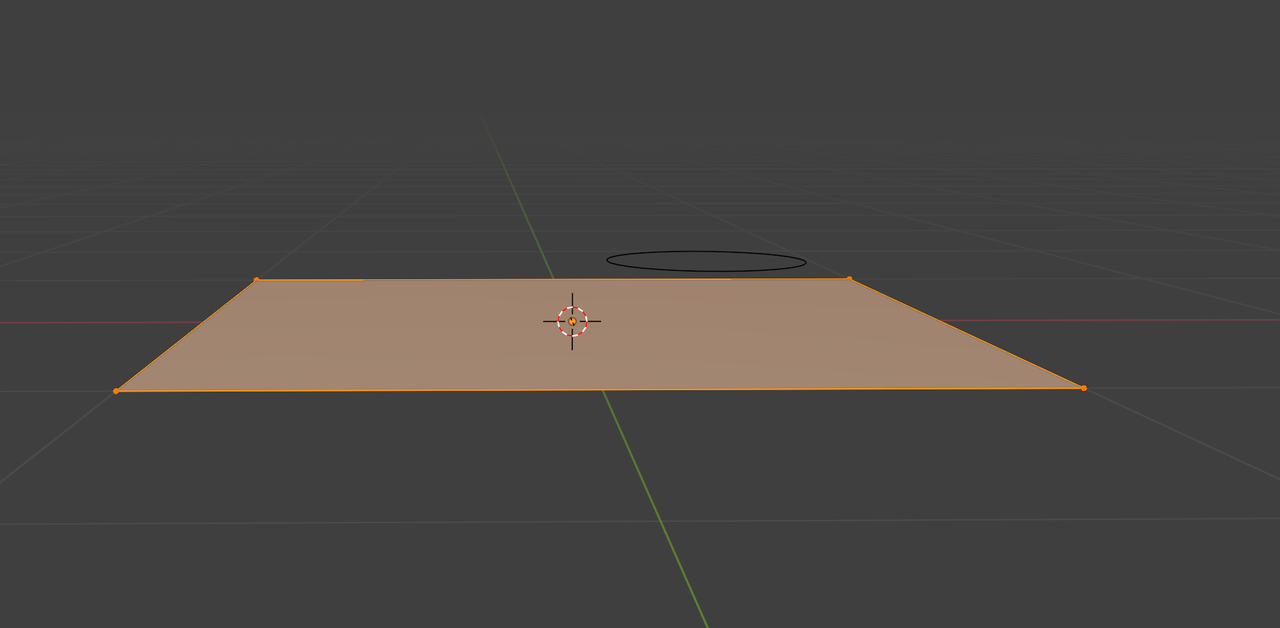
and then SHIFT+Select the Circle in the Outliner(!) and from Top View (in this case), Search for Knife Project:
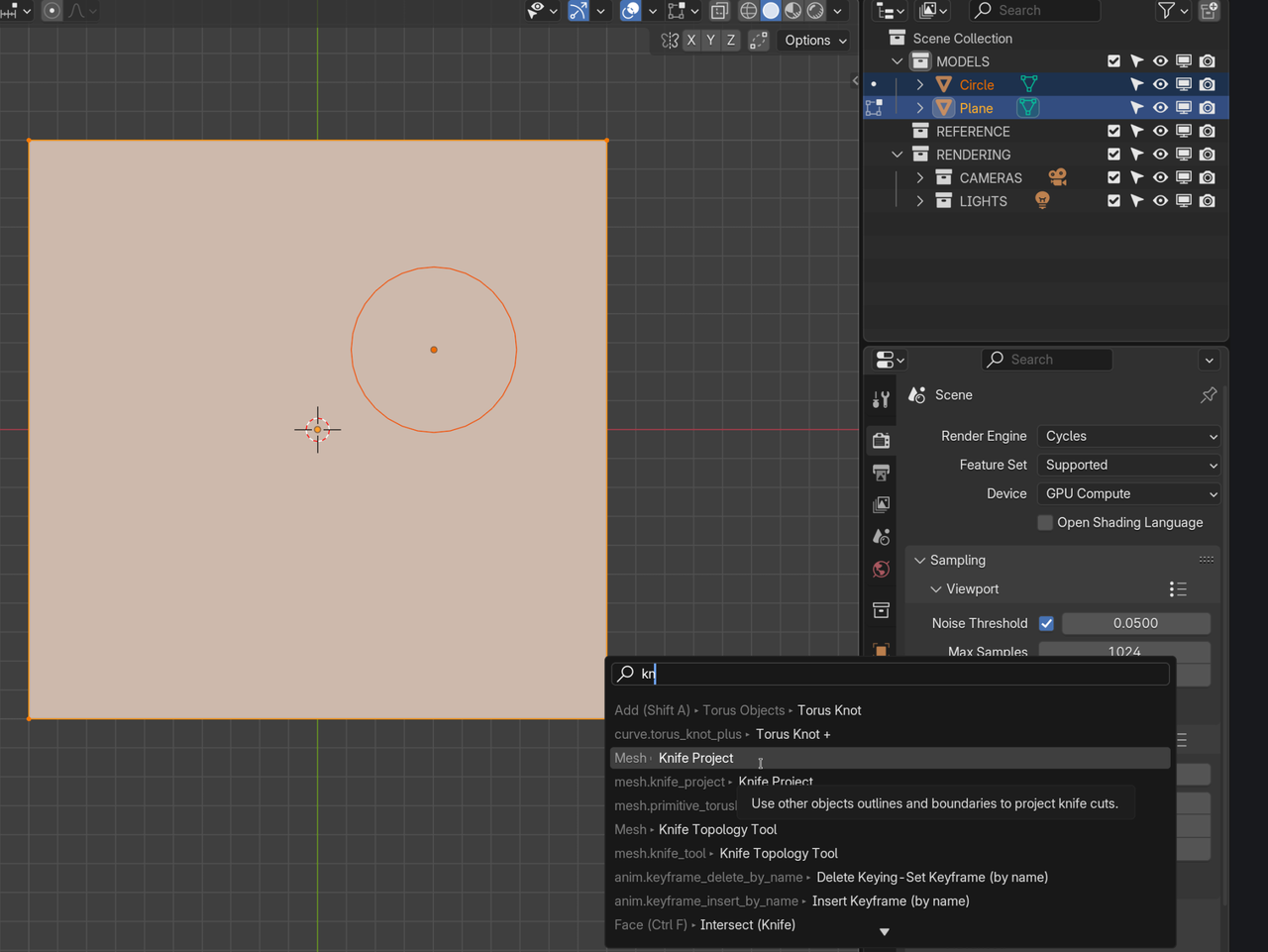
Enter and after that you can Delete the Circle Object.
You could also use Booleans (with a Cylinder).
The thing you were looking for with the Paralellogams, is in the Edge Menu (CTRL+E):
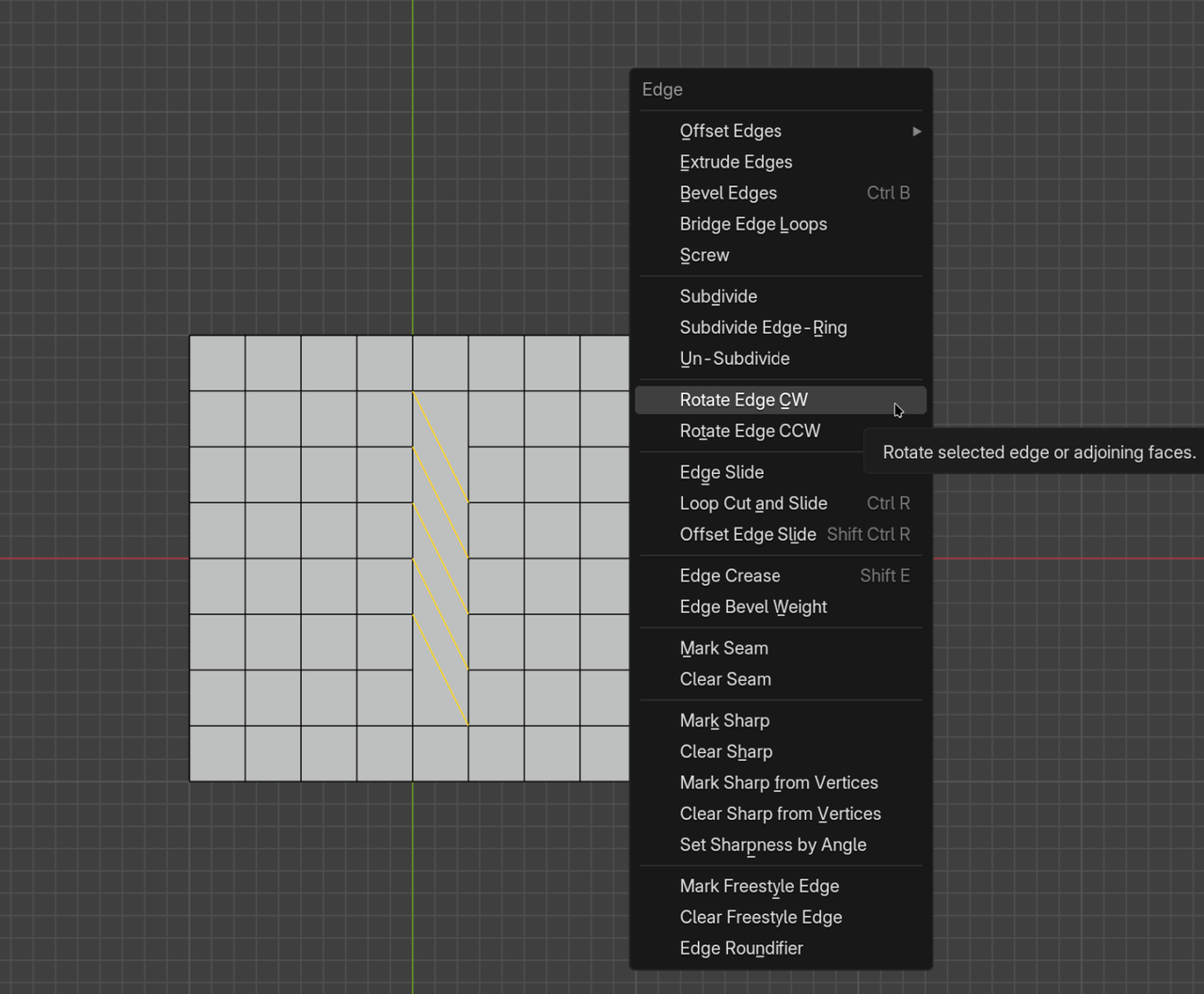
(Clock Wise and Counter Clock Wise, in case you were wondering).

.