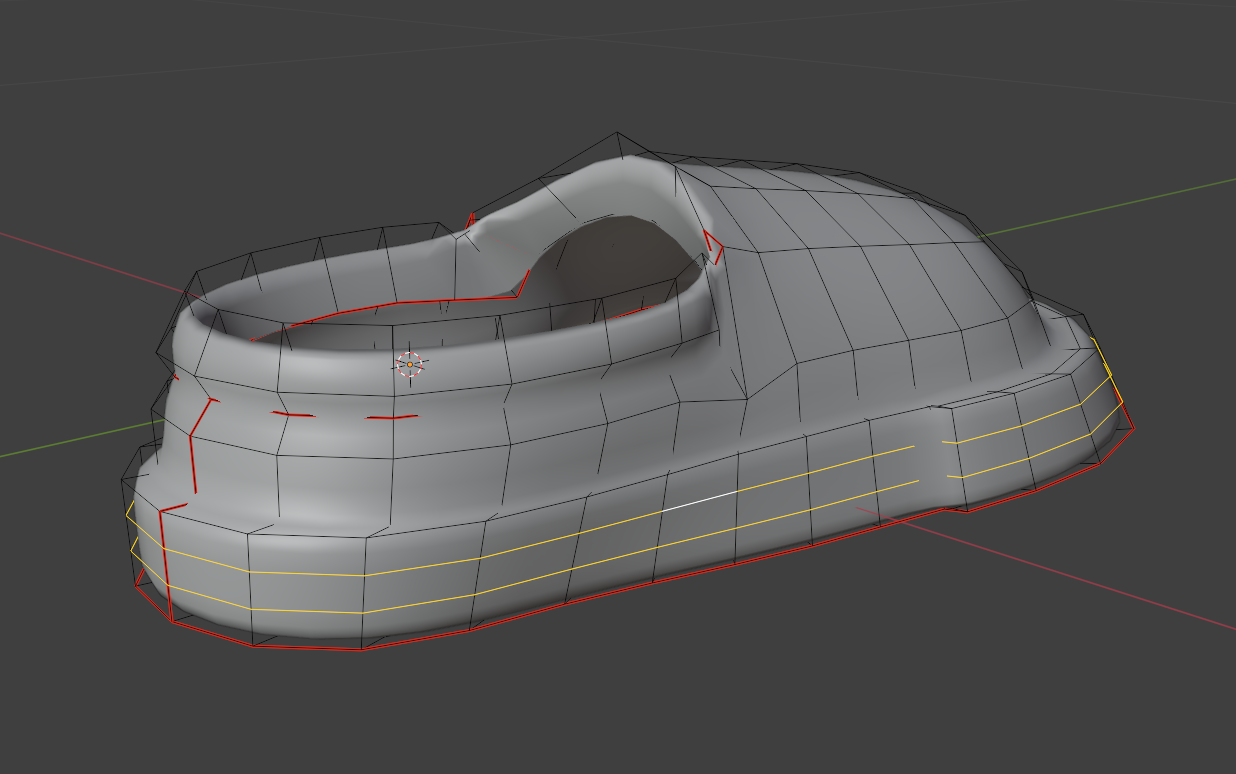
rubber wierd shading

Forum Archive rubber wierd shading

Viewing 7 posts - 1 through 7 (of 7 total)
  • Author
    Posts
  • #19422
    Christian Pohrer
    Participant

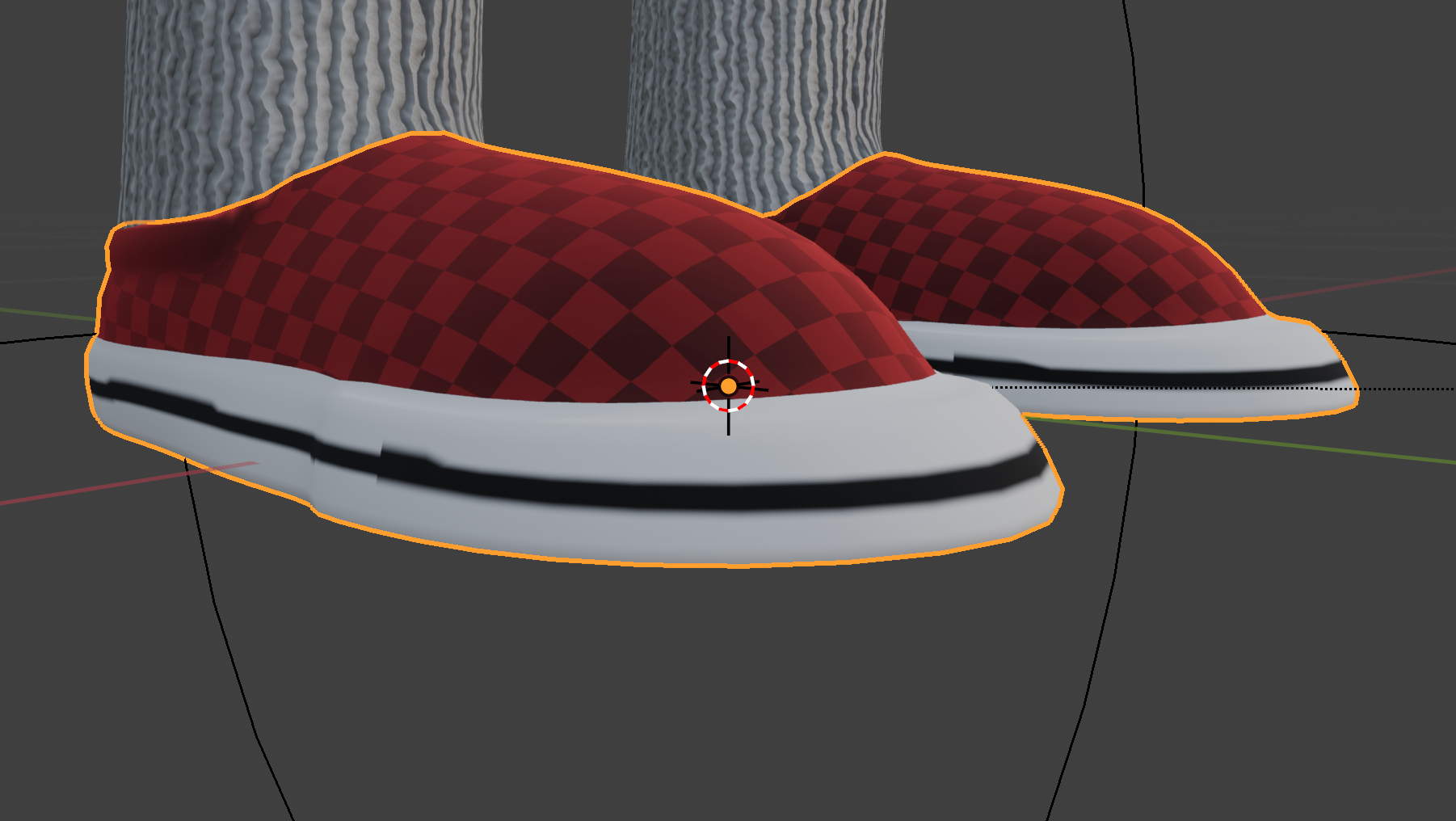
      Hello, in my file the black line has some wierd shading and I don’t know why.

      #92212
      Christian Pohrer
      Participant

        Here’s the Blender File: DOWNLOAD BLEND FILE

        and a picture:

        #92213
        Martin Bergwerf
        Participant

          Hi Christian,

          I am not this far yet in this Course, but your UV Unwrap looks very messy and is probably the cause of that ‘weirdness’ of the rubber strip.

          #92214
          Christian Pohrer
          Participant

            OK thank you for the quick answer, I’ll watch the uv unwrapping video again, maybe I forgot a step.

            #92215
            Omar Domenech
            Participant

              Also check your faces, you may have some flipped normals there. 

              #92216
              Lucas Falcao
              Participant

                Hey @pohrerhub,

                To fix the line:

                • Add 2 Loop Cuts (Ctrl+R) on the side of the rubber part
                • Then select the faces with the Rubber material assigned
                • Go the Side or Front view Orthographic (both should work)
                • Make sure to select the correct UVMap
                • Press “U” and choose Project from View (Bounds)

                Let me know if it worked 🙂

                #92217
                Christian Pohrer
                Participant

                  Hi Lucas,

                  the loopcuts fixed the shading, thank youu :).

                  I wish you all a merry christmas.

                Viewing 7 posts - 1 through 7 (of 7 total)
                • The topic ‘rubber wierd shading’ is closed to new replies.