
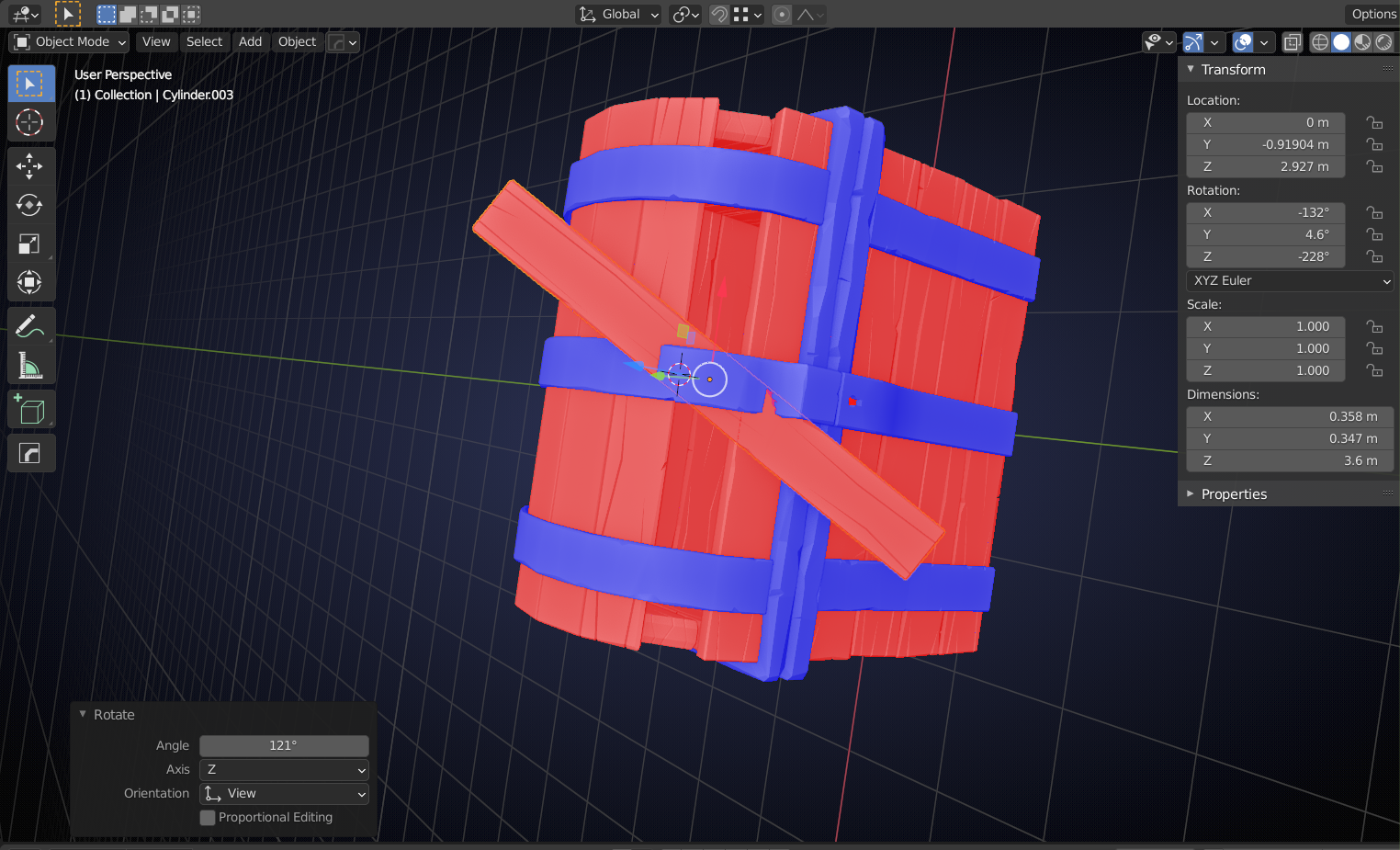
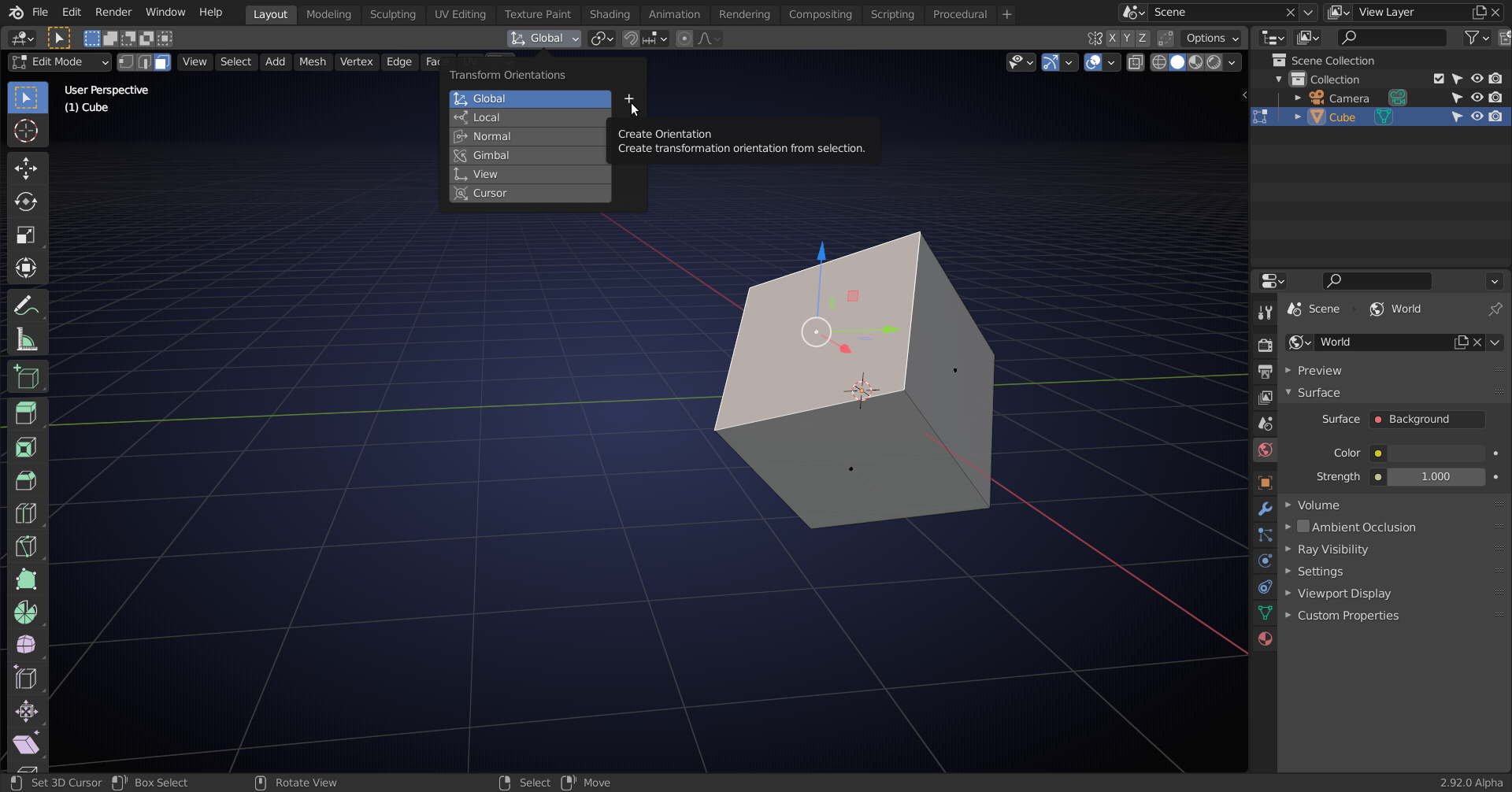
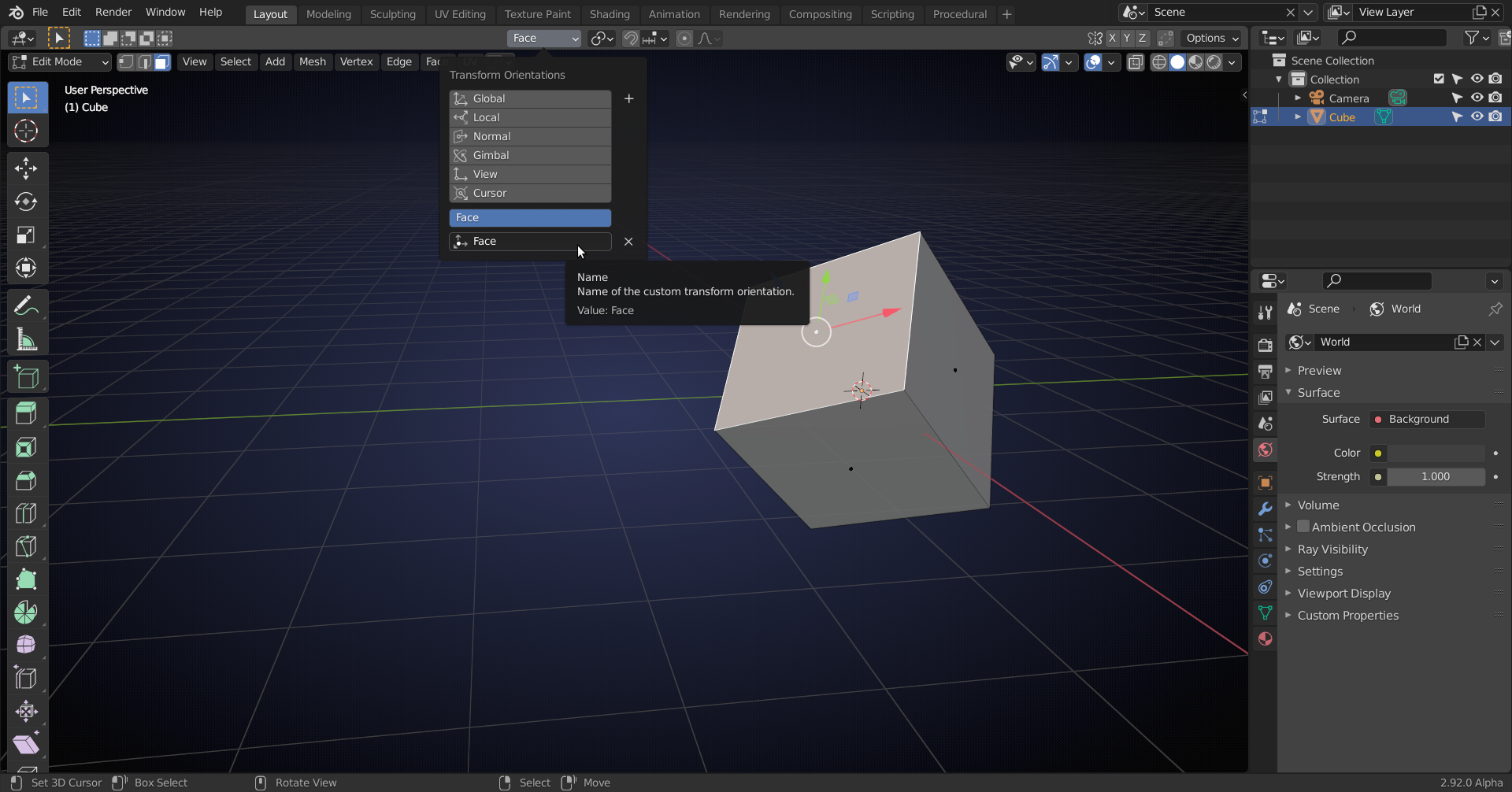
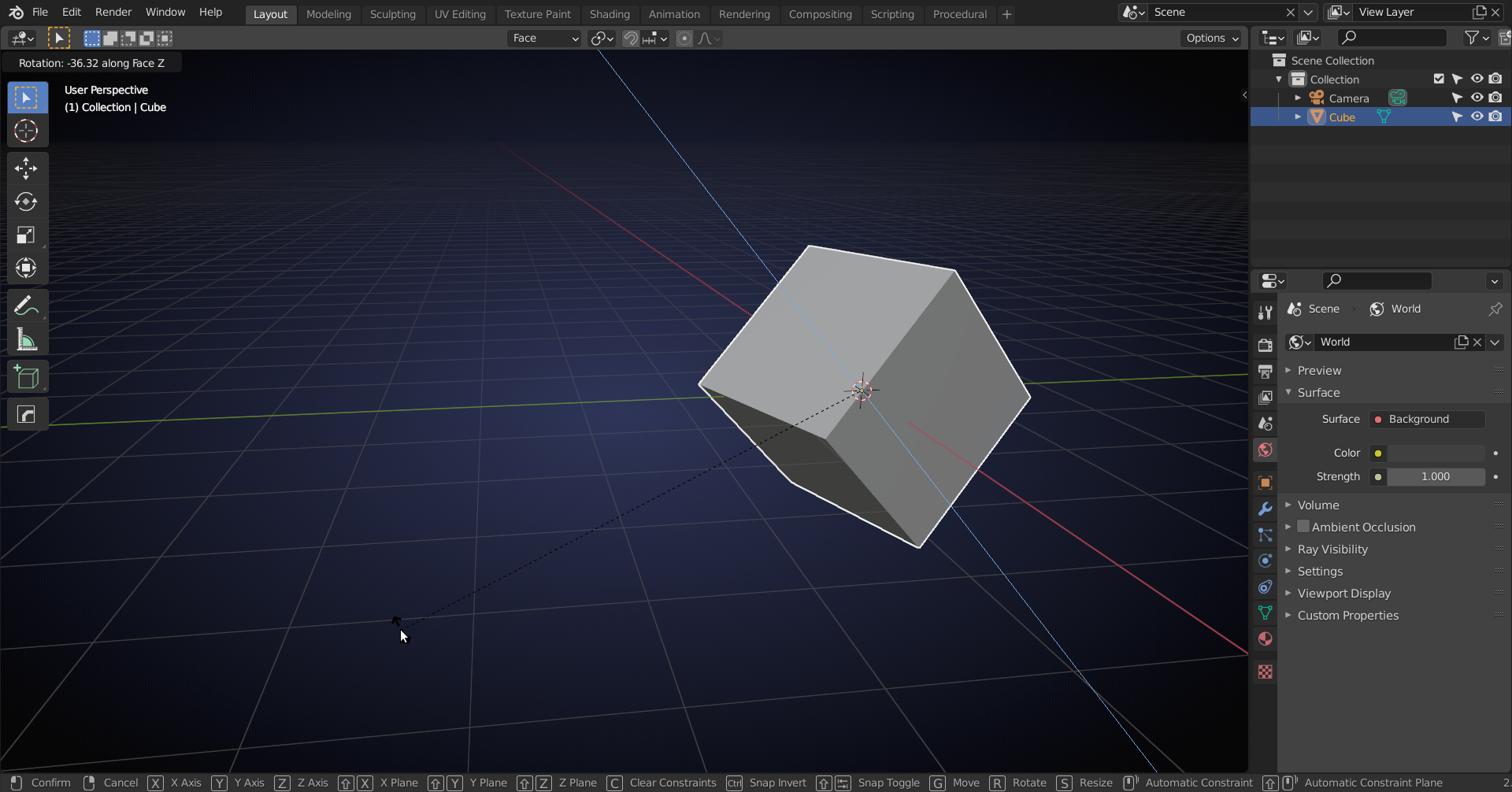
Rotating lid planks about their own origin using align view top technique not working (~11:03 in vid)
- This topic has 4 replies, 2 voices, and was last updated 5 years, 7 months ago by
.
Viewing 5 posts - 1 through 5 (of 5 total)


Viewing 5 posts - 1 through 5 (of 5 total)
- The topic ‘Rotating lid planks about their own origin using align view top technique not working (~11:03 in vid)’ is closed to new replies.