Rings are not rendered in render windor

Forum Archive Rings are not rendered in render windor

Viewing 7 posts - 1 through 7 (of 7 total)
  • Author
    Posts
  • #20069
    Nicholas Gri
    Participant

      Hey, thanks for the course, I’m stuck a bit with the rings, they are rendered fine in my blender viewport, but when I try to do render through the render->render image, they are gone….

      Any Ideas?

      #94583
      Omar Domenech
      Participant

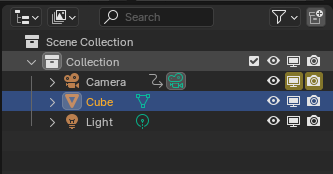
        Check the render camera icon in the Outliner, it may be turned off. 

        Icons.png

        #94584
        Martin Bergwerf
        Participant

          HI Nicholas @NicholasGri ,

          We’ve had this same problem once before, but I can’t remember if we were able to solve it or not…(might be a Compositor thing…).

          Could you please provide a link to your .blend file (via Dropbox, GoogleDrive, or so), so we can see what’s happening here?

          #94585
          Nicholas Gri
          Participant

            Hi Omar,

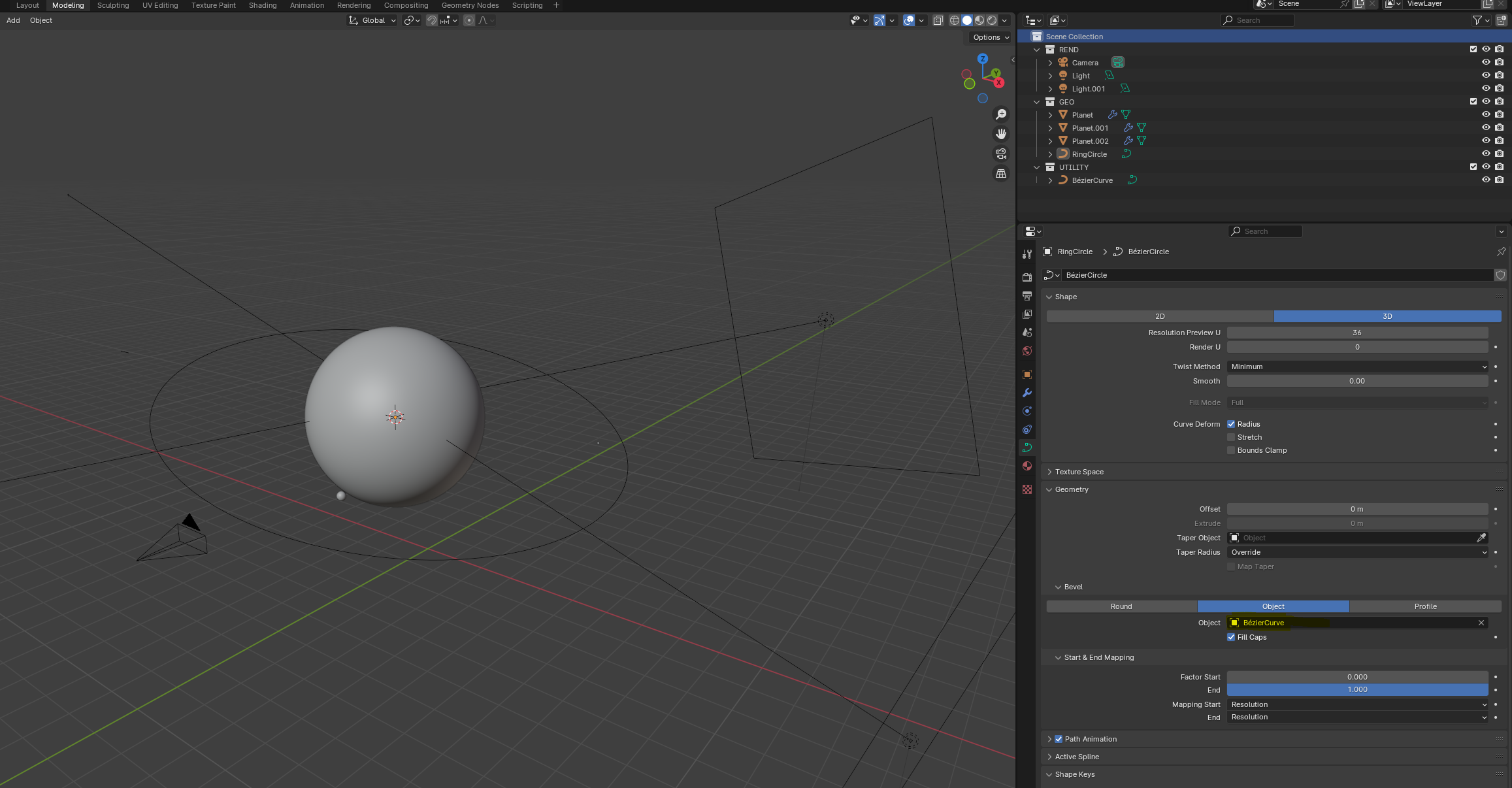
            I double checked, and the render option is on for all elements.

            Martin,

            I’ve uploaded the blend file to Google Drive
            https://drive.google.com/file/d/1PLnT5R63ENosyjqtXaJ4aoXMZ2iIiwyG/view?usp=sharing

            One weird thing I’ve noticed today, when I reopened the file, is that the ring was also not rendered in the viewport.

            I fixed that by going to the data section of the ring, and re-selecting the curve (even though it IS selected, just like in the picture). I’ve just clicked on it, and selected again, and the ring appeared.
             I’m on 4.1.1 version  BTW

            #94586
            Martin Bergwerf
            Participant

              HI Nicholas @NicholasGri ,

              Thanks for the file!

              Select the RingCircle and go to Object > Convert > Mesh. That should do the trick.

              #94587
              Martin Bergwerf
              Participant

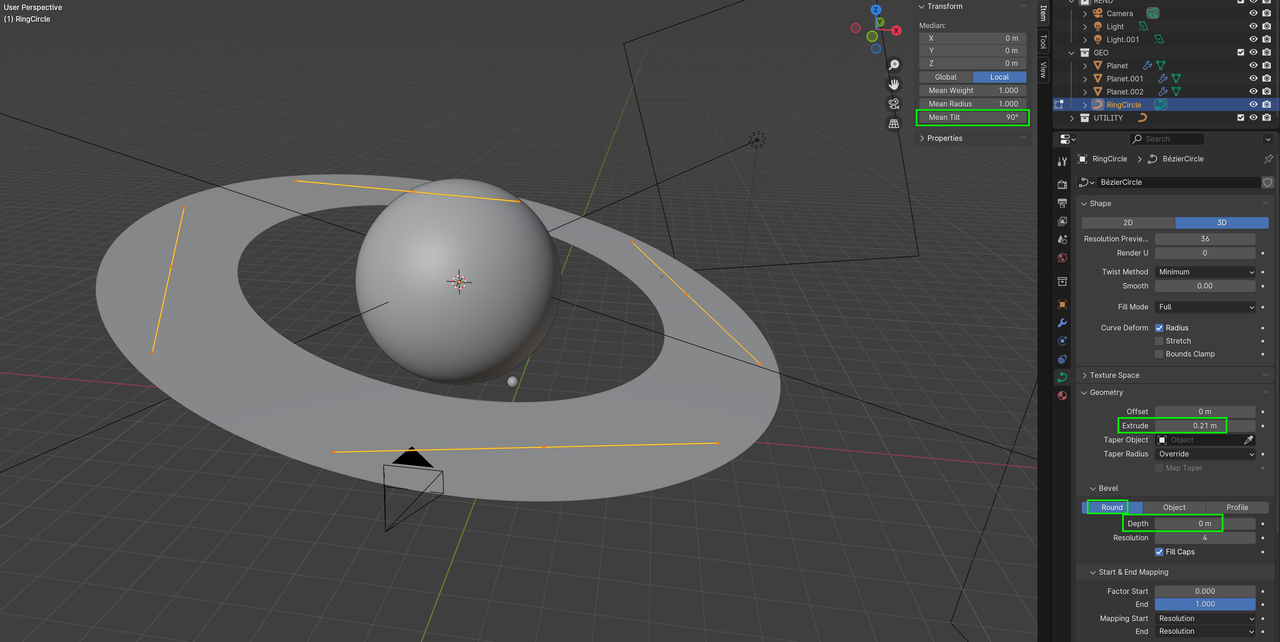
                There is an alternative method (so you can Render it as a Curve):

                Rings.png

                #94588
                Nicholas Gri
                Participant

                  Hi @Martin Bergwerf,

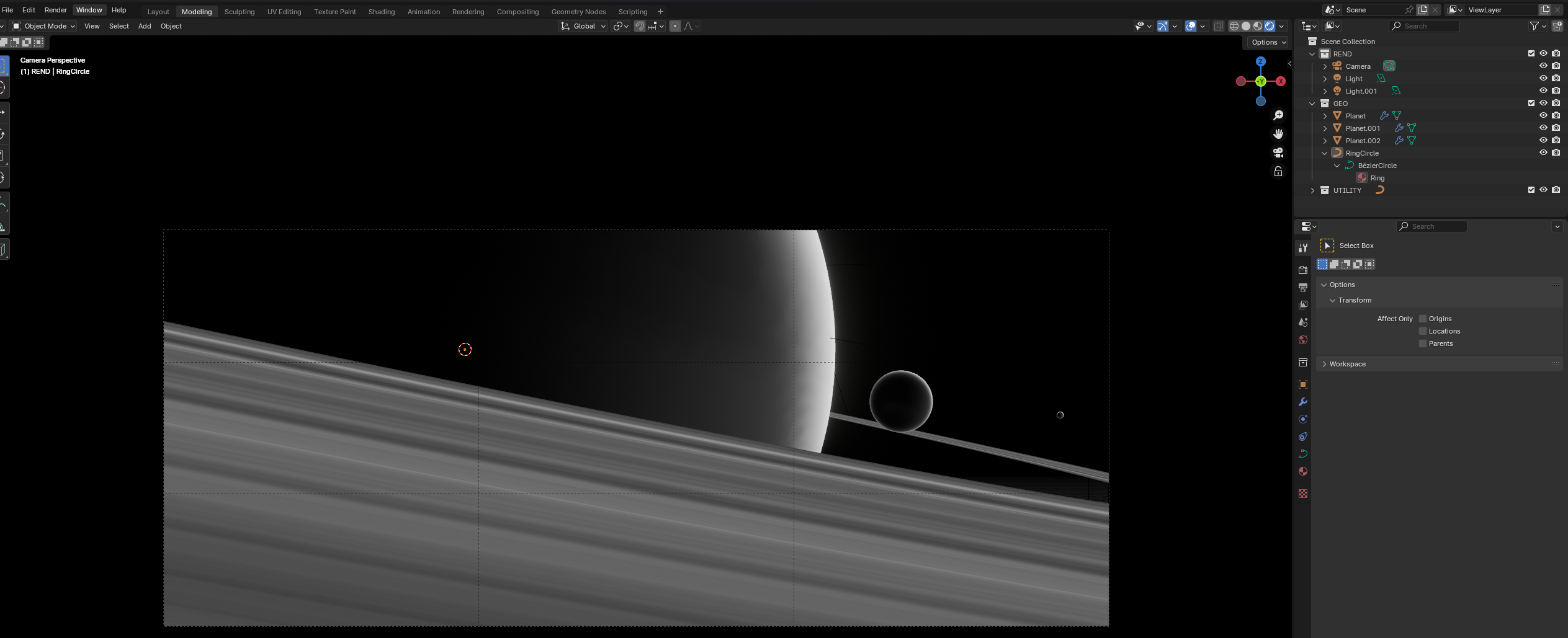
                  Thank you for the replies. I’ve tried both approaches, and it worked like a charm!

                  For those who are new, like me, if you want to go with the second option, it should be done in edit mode, then you need to select all 4 points on the ring, and the transform panel will display the Mean Tilt

                Viewing 7 posts - 1 through 7 (of 7 total)
                • The topic ‘Rings are not rendered in render windor’ is closed to new replies.