Rig Tools and Rigify tabs

Forum Archive Rig Tools and Rigify tabs

Viewing 7 posts - 1 through 7 (of 7 total)
  • Author
    Posts
  • #15495
    Derek Phifer
    Participant

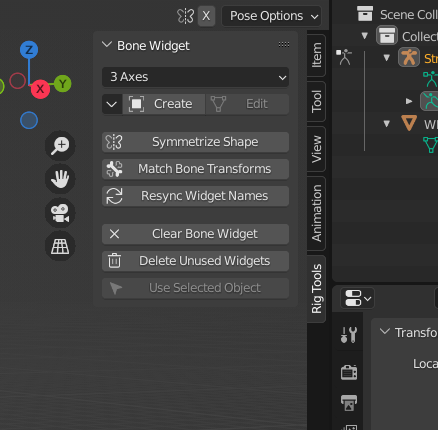
      I’m following along with the video, and at the 14:15 mark, he uses the “Rig Tools” tab on the sidebar. How do I add that tab and the “Rigify” tab to my sidebar?

      #75748
      spikeyxxx
      Participant

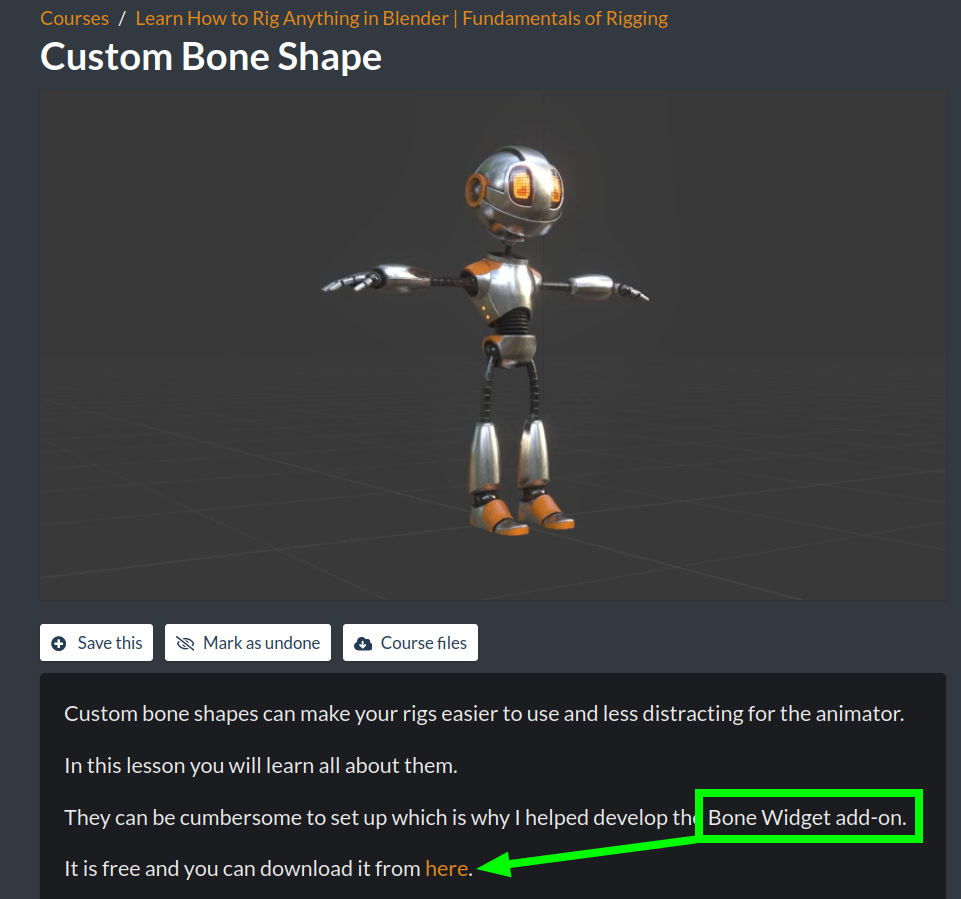
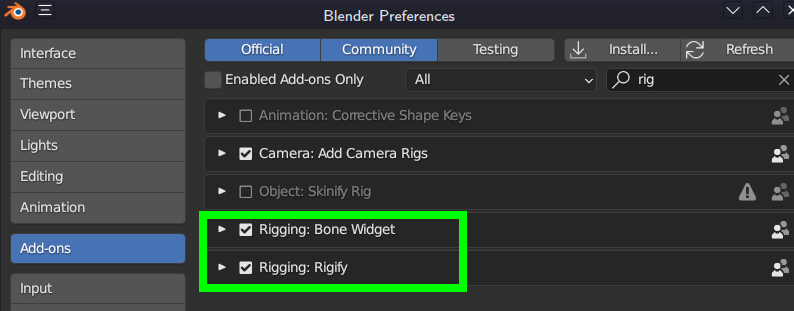
        The Rig Tools is part of this Addon:

        BoneTool.png

        and Rigify is an Addon that comes shipped with Blender:

        Rigify.png

        #75749
        Adrian Bellworthy
        Participant

          Hey @cookiemonster,

          Cool name!

          Rig tools is the bone widget add-on Wayne shows in the Custom Bone Shapes Lesson. The link to the download is in the lesson description. I’ll include it HERE.

          Rigify is another free add-on, and ships with Blender, you just need to enable it in the preferences.

          Happy rigging! 
          🍪

          #75750
          Derek Phifer
          Participant

            Thank you both so much! The only thing now is the Rigify tab still won’t show even though I enabled the add-on.  Any tips? 

            #75751
            Martin Bergwerf
            Participant

              I believe you have to be in Edit Mode on your Armature for the Rigify Tab to show up in the N-Panel.

              #75752
              Wayne Dixon
              Participant

                Hey Cookie Monster,
                You won’t need the rigify add-on for anything in this course.
                But I’m glad you got the BoneWidget add-on sorted.  And I hope it saves you a bunch of time.

                #75753
                Derek Phifer
                Participant

                  Thanks for the help, everyone!

                Viewing 7 posts - 1 through 7 (of 7 total)
                • The topic ‘Rig Tools and Rigify tabs’ is closed to new replies.