
Rest vs Pose Root bone problem
Forum Archive › Rest vs Pose Root bone problem
- This topic has 19 replies, 3 voices, and was last updated 6 years, 7 months ago by
Chuck Shultz.
-
AuthorPosts
-
January 28, 2020 at 1:20 am #11265
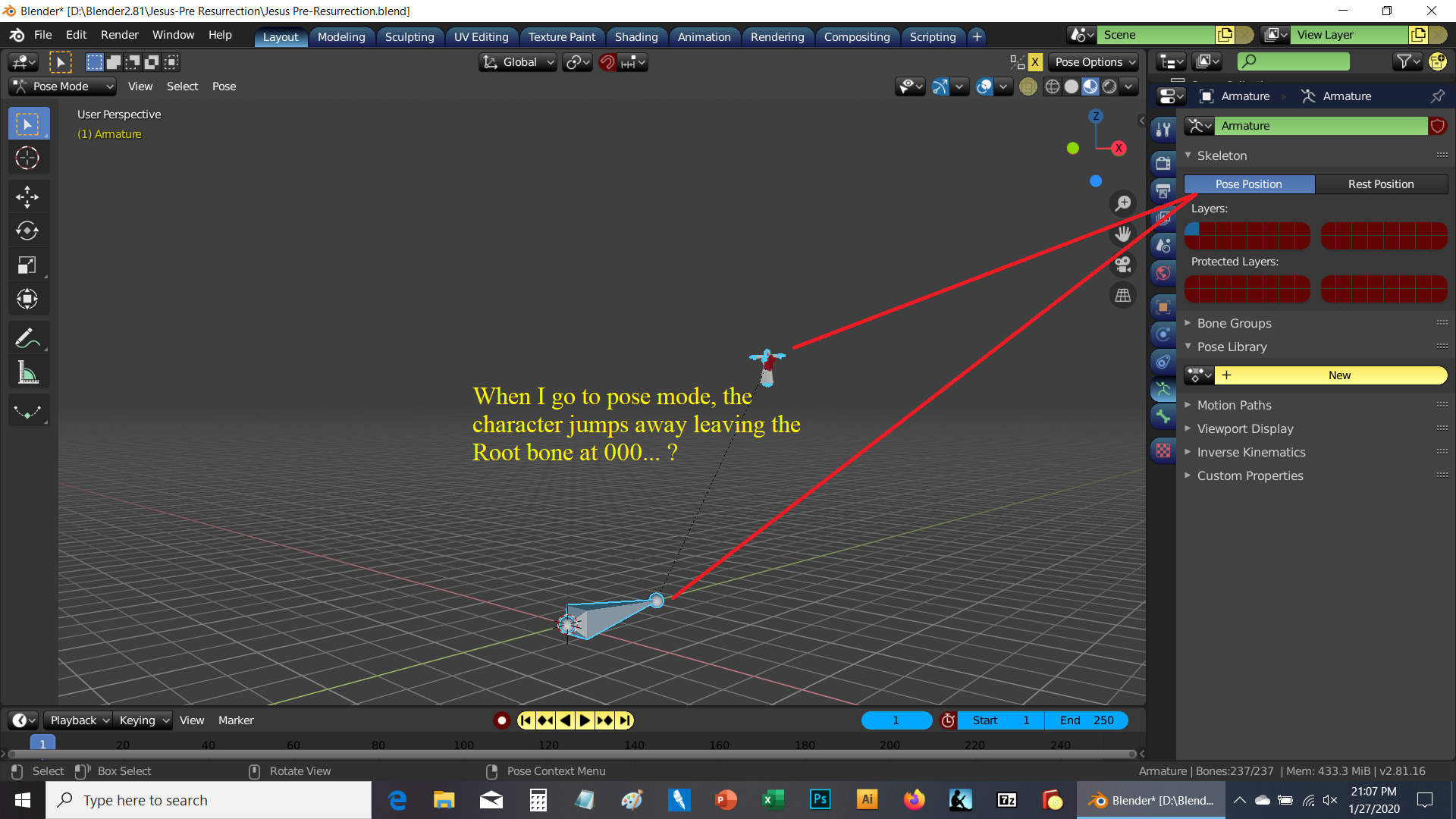
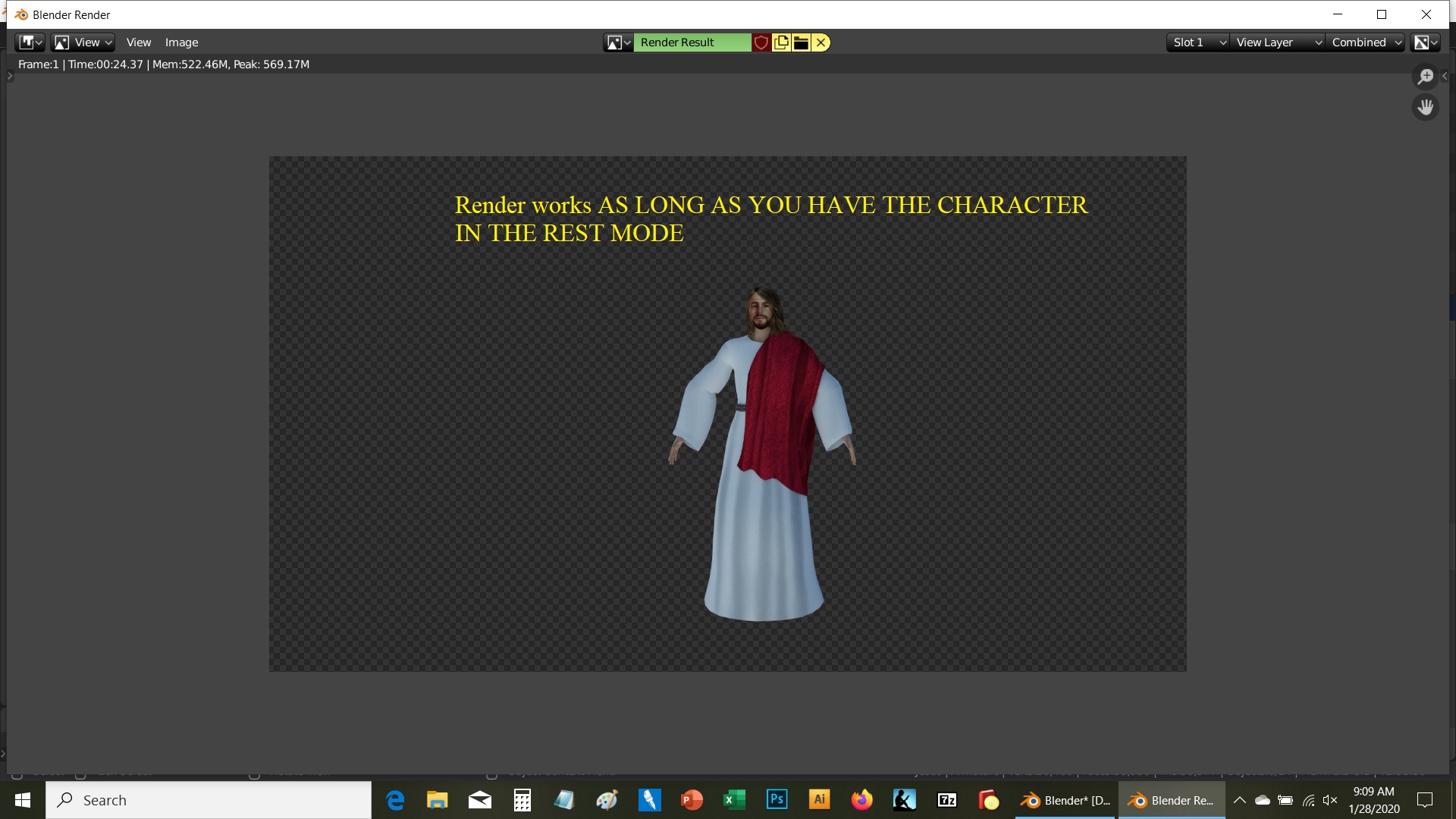
Used character creator for the character creation/export fbx to blender…. needs to be IKed but for the life of me not seeing what is wrong with the root bone to character rig beyond the obvious…. in Rest it looks ok, but in Pos it jumps away….any ideas for fix….I know I am missing something in the rigging tutorial…txs
 January 28, 2020 at 9:39 am #52839
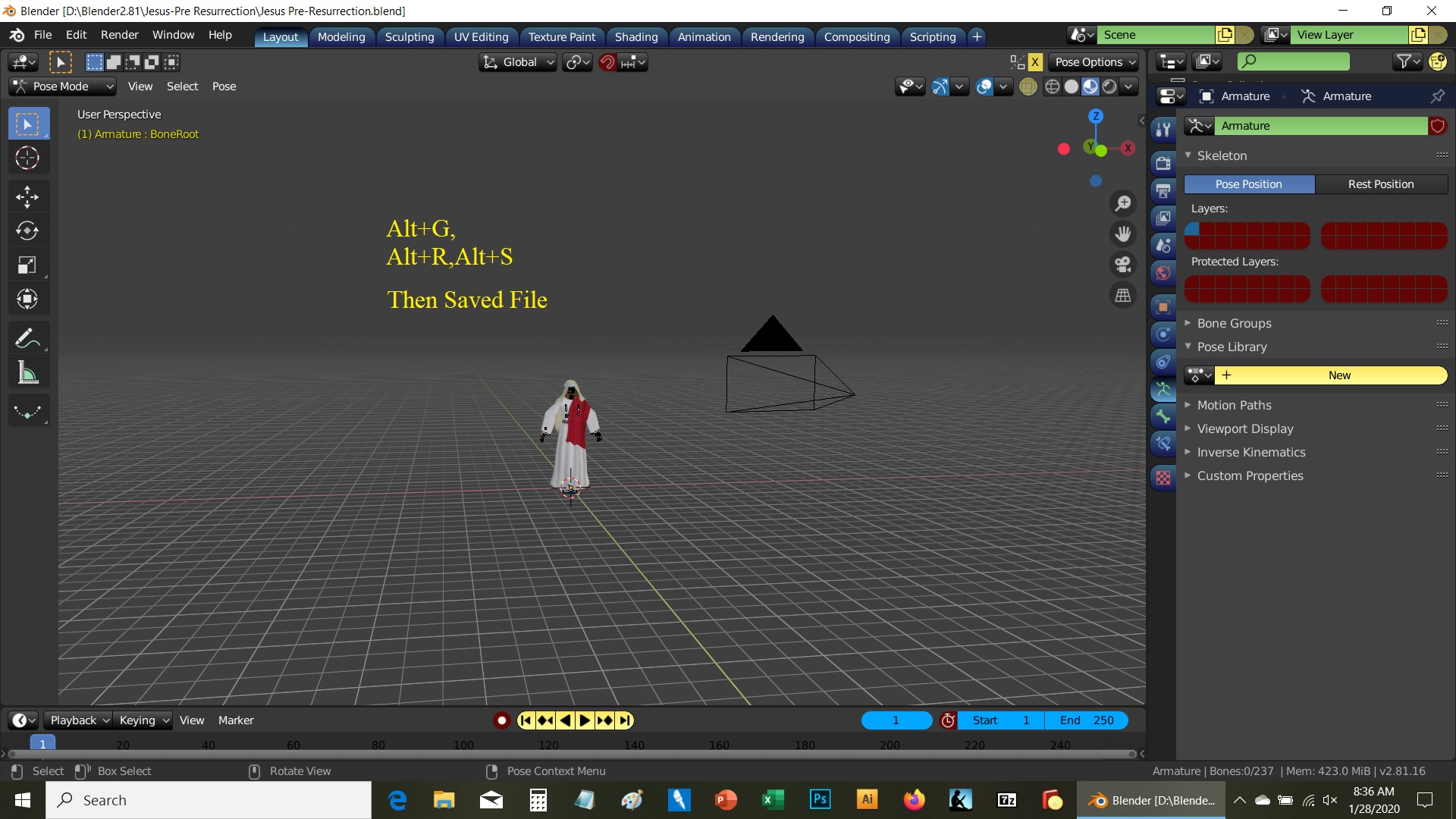
Could be the transforms. Have your tried selecting all the bones and resetting them? (alt+g, alt+s, alt+r)
January 28, 2020 at 11:48 am #52840Yep,,, kept forgetting I had to do it in POSE MODE with Everything Selected…..tough being a Jack of All Trades and Master of None…. you forget all the little things for each specialty….. thanks all for being here for people like me..
January 28, 2020 at 12:32 pm #52841Ok…. the resetting works….. BUT even if I save this new change, when I leave and come back to this saved file, the character is seen as if it was never rest…. it’s like the save is not saving this new change….even saved as a new file and still the same thing…. could this be a bug?
January 28, 2020 at 12:45 pm #52842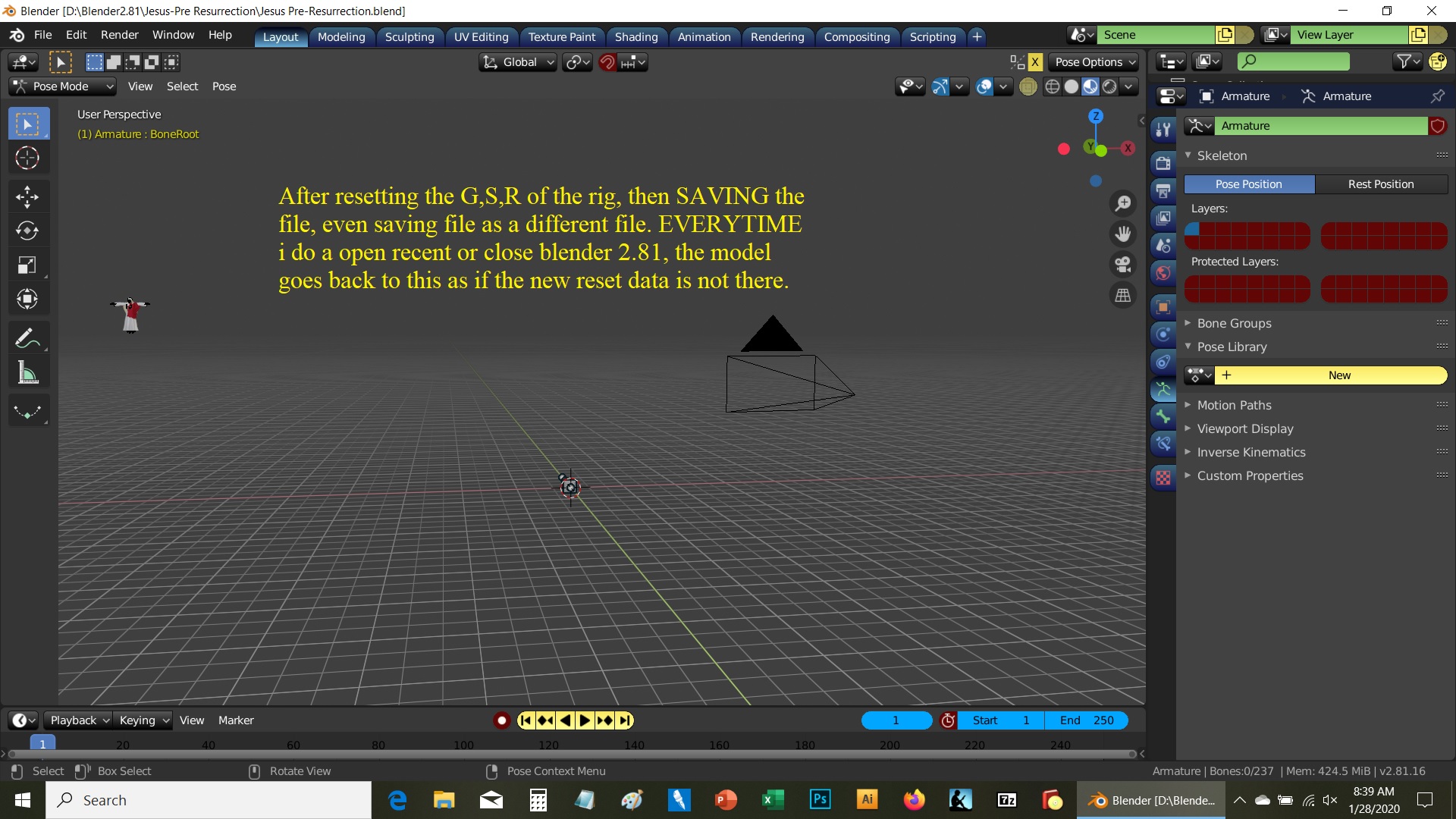
 January 28, 2020 at 12:51 pm #52843
would you be able to provide the blend file? (by Dropbox, Google Drive or some kind of sharing service) It would be much easier to trouble shoot.
January 28, 2020 at 1:15 pm #52844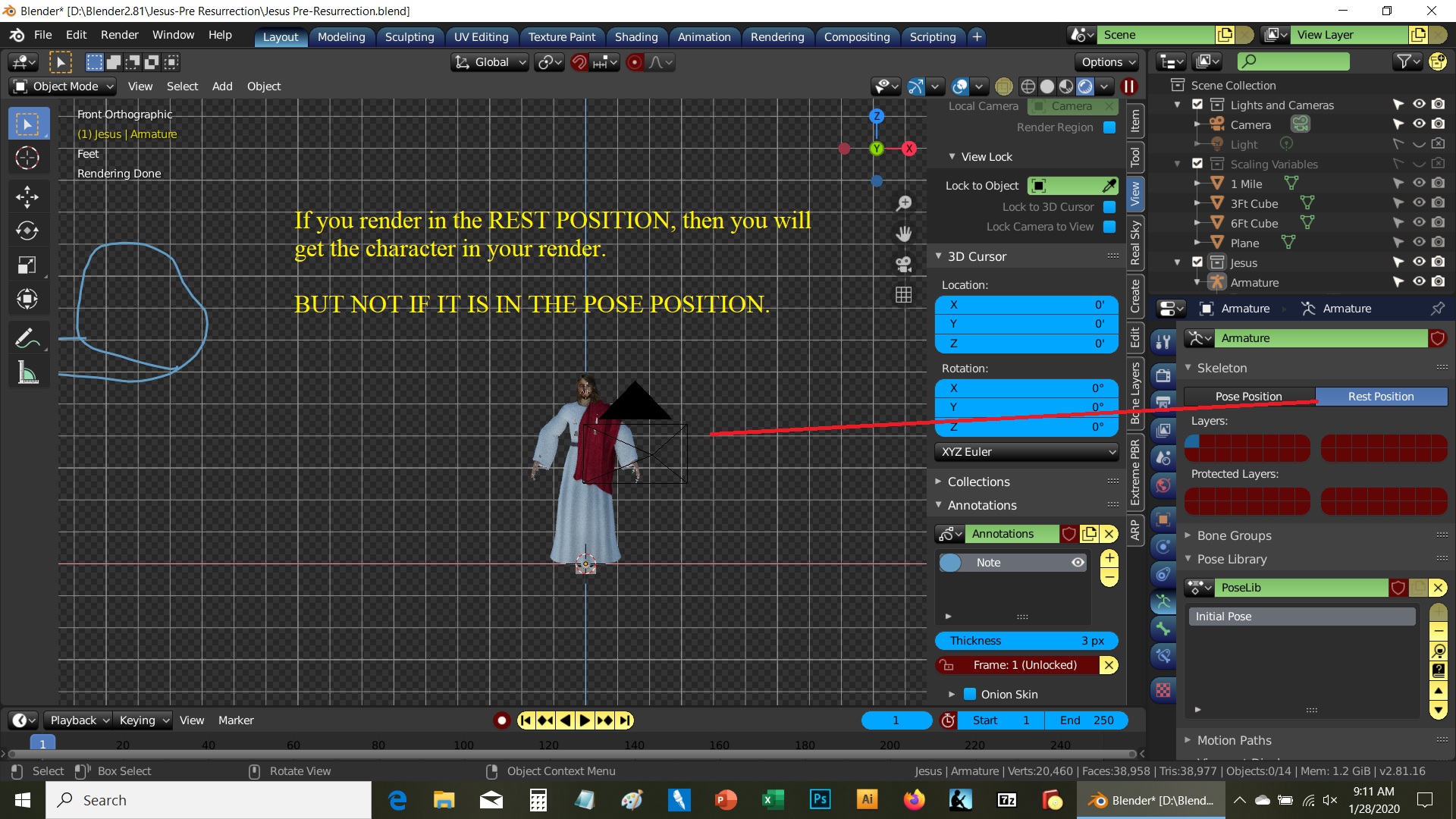
 January 28, 2020 at 1:16 pm #52845
Will Try.
January 28, 2020 at 1:21 pm #52846Sent File via email…file is about 31M
Thanks
January 28, 2020 at 5:50 pm #52847Hi Chuck,
It looks like you have auto keying turned on.
So it’s possible that you have set a key frame on your rig to that position in 3d space, so even if you clear it, it could be jumping back there because it has been keyed there on another frame.
31MB is probably too large for email, so you can try Dropbox or Google Drive
January 29, 2020 at 2:43 am #52848There is nothing in: Dope Sheet, and its sub-selection, nothing in Timeline, Nothing in Graph Editor, Drivers, Non-Linear Amim,
Noting in Bone Constraint, in Bone Properties except Local Location is selected and unchecking that does not solve the problem, (Deformed unchecked does not solve the problem, Object Data, Cleared everything, nothing in the Pose Library.
1. I used the various editors to do all the clears just in case…. no good
2. Went to Pose mode, REST POSITION, pulled down the POSE selection and cleared any selection on the pulldown….
so far it is now working. So will let you all know, but a question:
Shouldn’t I have seen something in the editors, and Bone selections in the Properties Panel?
Shouldn’t I have been able to see something in the Editors, etc as well as cleared anything there?
Never had to use the POSE dropdown in 2.79 so no experience there. So is this a 2.8 thing?
anyway, will let you all know….
will now go and get the IK working.
Thanks again…
January 29, 2020 at 4:22 am #52849When you are in Pose Mode and you enable “Rest Position”, it will disable any pose you have on any bones.
Kind of like muting it and returning everything back to it’s rest position (ie edit mode position plus any constraint transformations) You do not need to enable this to reset everything.
What do you mean by “pulled down the POSE selection and cleared any selection on the pulldown….”?
Bone Groups, Pose library, something else?
To answer your question, no, you will only see something in the editors if you have keyed the change.
It is possible to transform your controls w/o keying it, so you won’t see anything in the editors.
But can’t tell w/o the file.
January 30, 2020 at 1:18 am #52850In Pose mode, on the left of the upper menu (for me) are selection of pull-downs in POSE MODE… one is listed POSE.
Hold the mouse on that, and a list of things you can do come down. In that list is access to all the things you can do and in a number of them are CLEAR ??????
I went into every selectin and Cleared Every possible item in the master and sub-lists
once that was done…. the character no longer jumps away once I select Pose mode in the properties window.
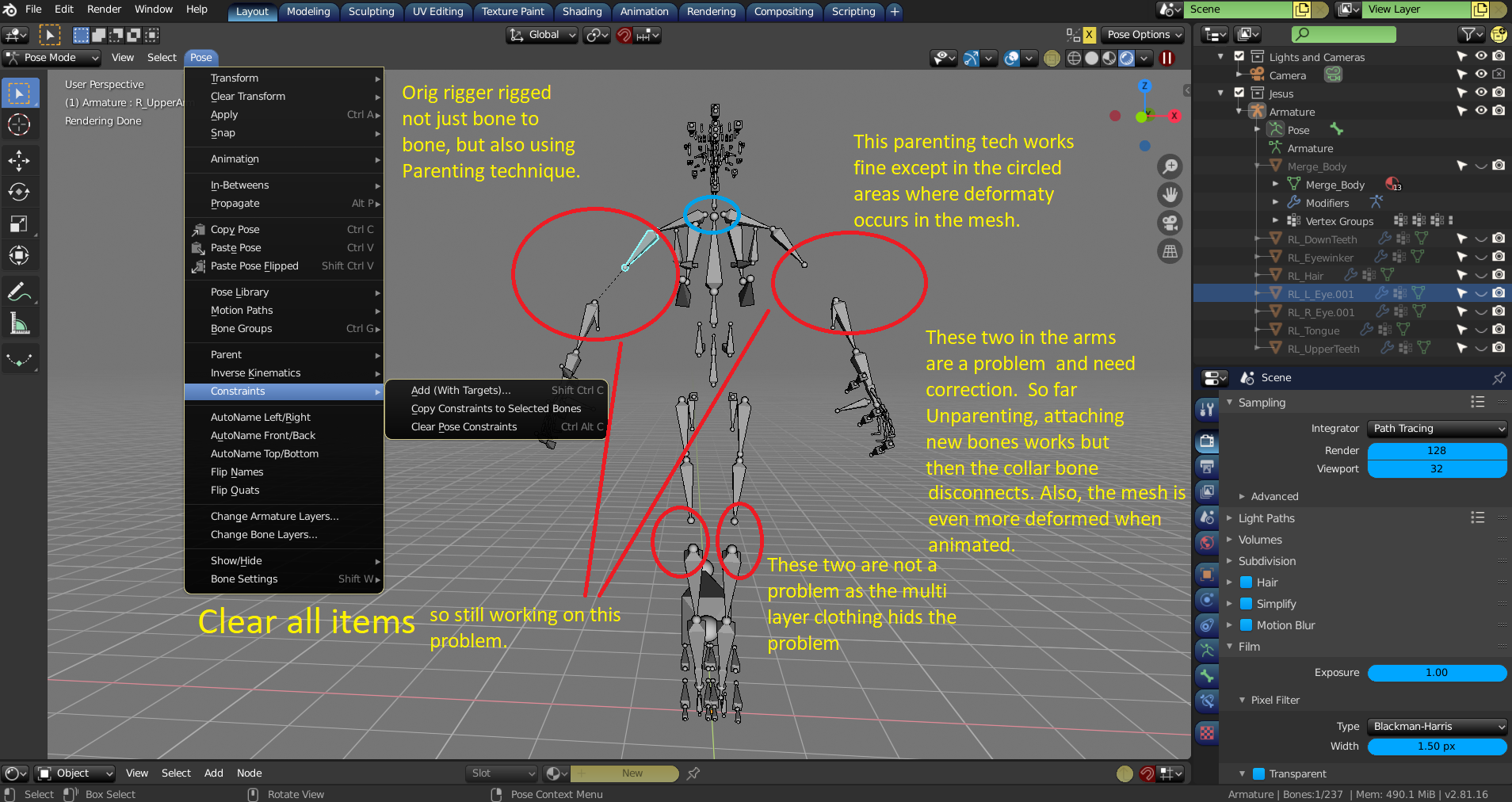
so now on to another weird thing it is doing as this rig has bones missing in the rig but a lot of parenting which works well except in four areas…. more questions to come on that one…but first I want to review the Rigging vids CG Cookie has plus a few others…
learning the long way….
thanks again for your help…
January 30, 2020 at 2:24 am #52851Ok…. the clearing the rig elements is working. Now on to the next problem…. MISSING Bones.
No as shown below the rigger decided to use Bone to Bone and Parenting Techniques which is ok and does work great…except for the areas marked in Red and blue. The top two are the worst because in animation you def see mesh bending problems. I put some notes as to what I have done so far and am still reviewing CGC rigging course I took long time ago. But in summary…. if I unparent the two bones and attach a new bone to each end….it works except the collar bone (blue) becomes disconnected and the mesh around the new bone deforms (I suspect weight paint may solve that.) but reattaching the collar bones messes up the next bones, etc…. so back to the learning curve….any suggestions for me to try would be appreciated…. thanks in advance…
 January 30, 2020 at 2:26 am #52852
Oh, on the 31mg file I sent via email to support, I got no error message saying it wasn’t received….and I don’t use sharing drives…sorry…
-
AuthorPosts


- The topic ‘Rest vs Pose Root bone problem’ is closed to new replies.