Rendered image does not match saved image

Forum Archive Rendered image does not match saved image

Viewing 5 posts - 1 through 5 (of 5 total)
  • Author
    Posts
  • #18907
    randomuser
    Participant

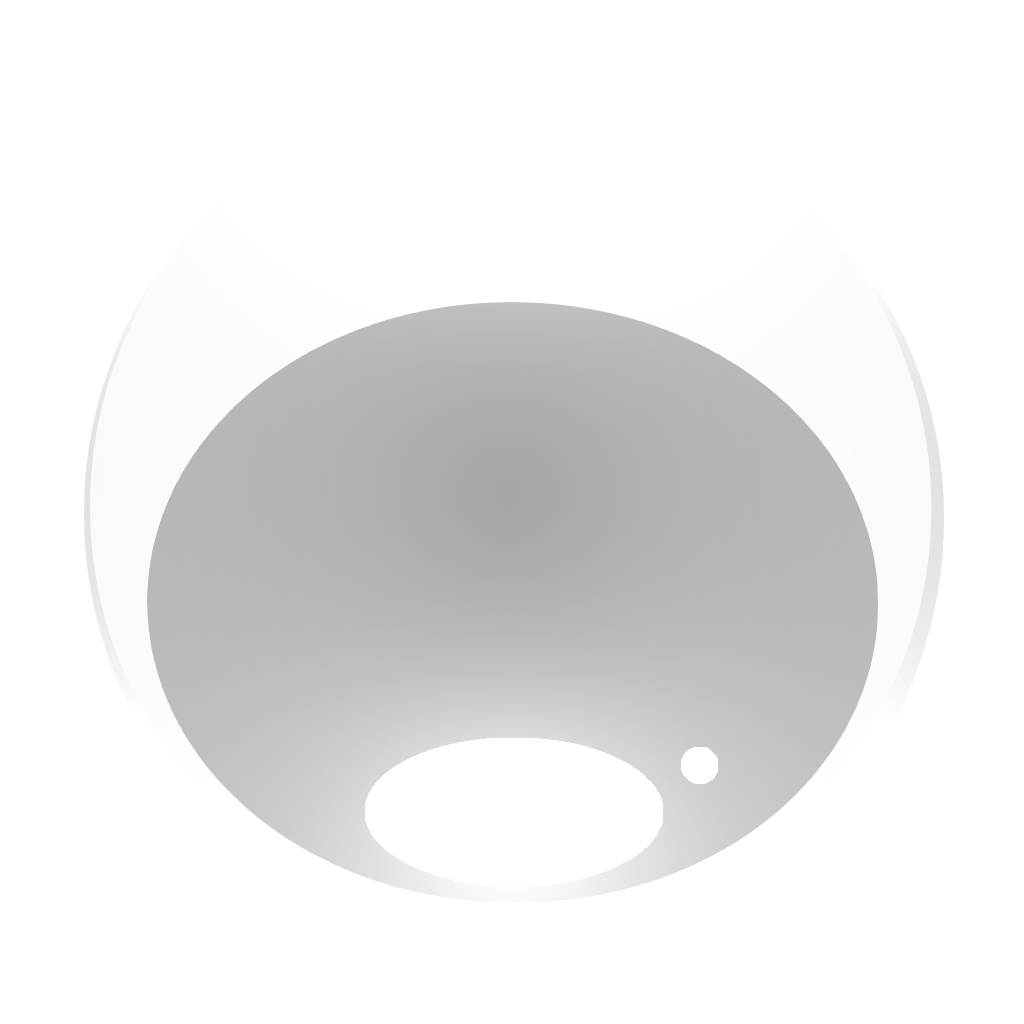
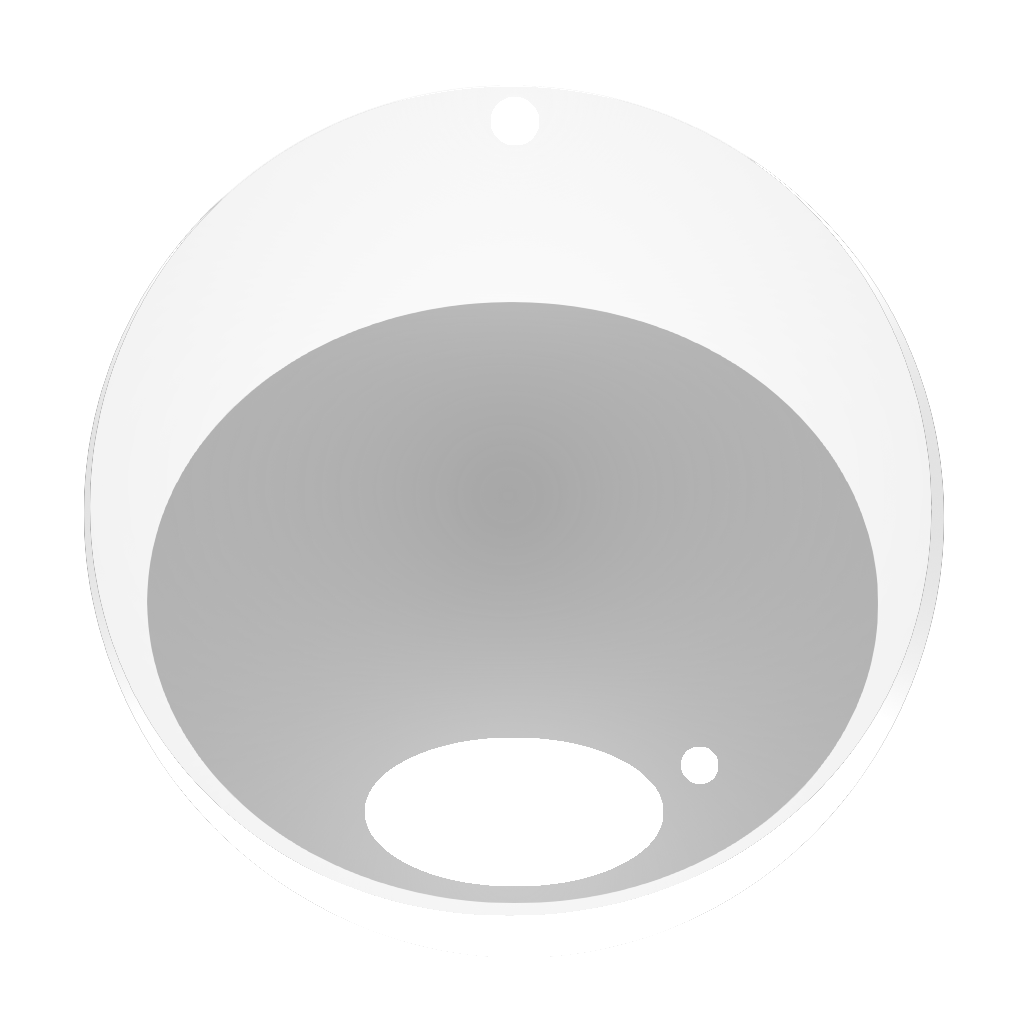
      Glow created by added light shows well in render preview but is very faint in saved file (PNG RGBA). It’s so faint in fact that you have to render it twice (one with light, one without) and put next to each other to see the difference. To create textures I used Brush_Maker.blend file provided by Paul Caggegi and Blender 4.2.

      1-Bubble-Render
      2-Bubble-RGBA

      To create the type of glow I wanted I saved file as PNG RGB and used Krita to create alpha channel (Filters > Colors > Color to Alpha). The only downside of that method is visible stepping when zoomed close enough or with very strong light source.

      Left bubble texture made by Paul with Blender; Right texture made by me with Blender and Krita:

      brushes

      Question:

      How can I create bubble texture on the right using only Blender?

      #90116
      Paul Caggegi
      Participant

        Oh wow! The results you produced are amazing, first off. Let me do some tests and see if I can help you figure this out. It has to do with the alpha, obviously. I’ll get back in a future comment after trying some things.

        #90117
        randomuser
        Participant

          No worries, thank you for speedy reply. I tested it with Blender 3.5, 4.2 and 4.3. Worked the same. It might be issue with Blender creating/saving alpha channel since the glow is clearly visible when saving without alpha. Changing the colour of the Point Light to red or purple makes the issue more apparent.

          #90118
          Martin Bergwerf
          Participant

            I remember something like that, you’ll need a trick to save glow with Alpha to a PNG in blender…Here is one way that works:

            https://www.youtube.com/watch?v=tmb5HRU1cUo

            #90119
            randomuser
            Participant

               Using this YT video I updated the nodes setup used for rendering brushes:

              nodes-setup

              The Composite node needs to be plugged in otherwise this setup will not work. 

              Before (left) and after changes (right). Both done using only Blender.

              Bubble01TN.pngBubble_shiny01TN.png

              Blend file: https://filetransfer.io/data-package/X0Si3a1w#link

            Viewing 5 posts - 1 through 5 (of 5 total)
            • The topic ‘Rendered image does not match saved image’ is closed to new replies.