Render Layers not aligned

Forum Archive Render Layers not aligned

Viewing 4 posts - 1 through 4 (of 4 total)
  • Author
    Posts
  • #14102
    Steven Ayilola
    Participant

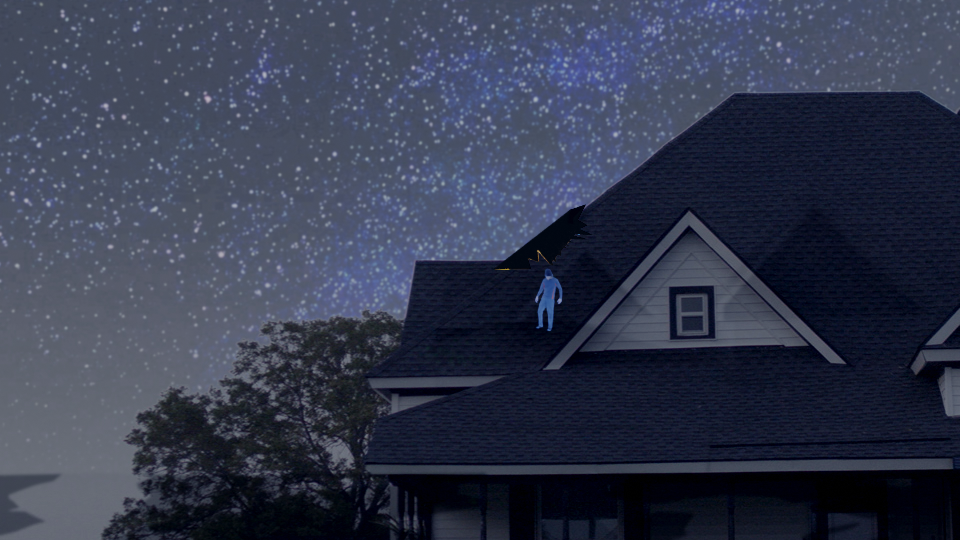
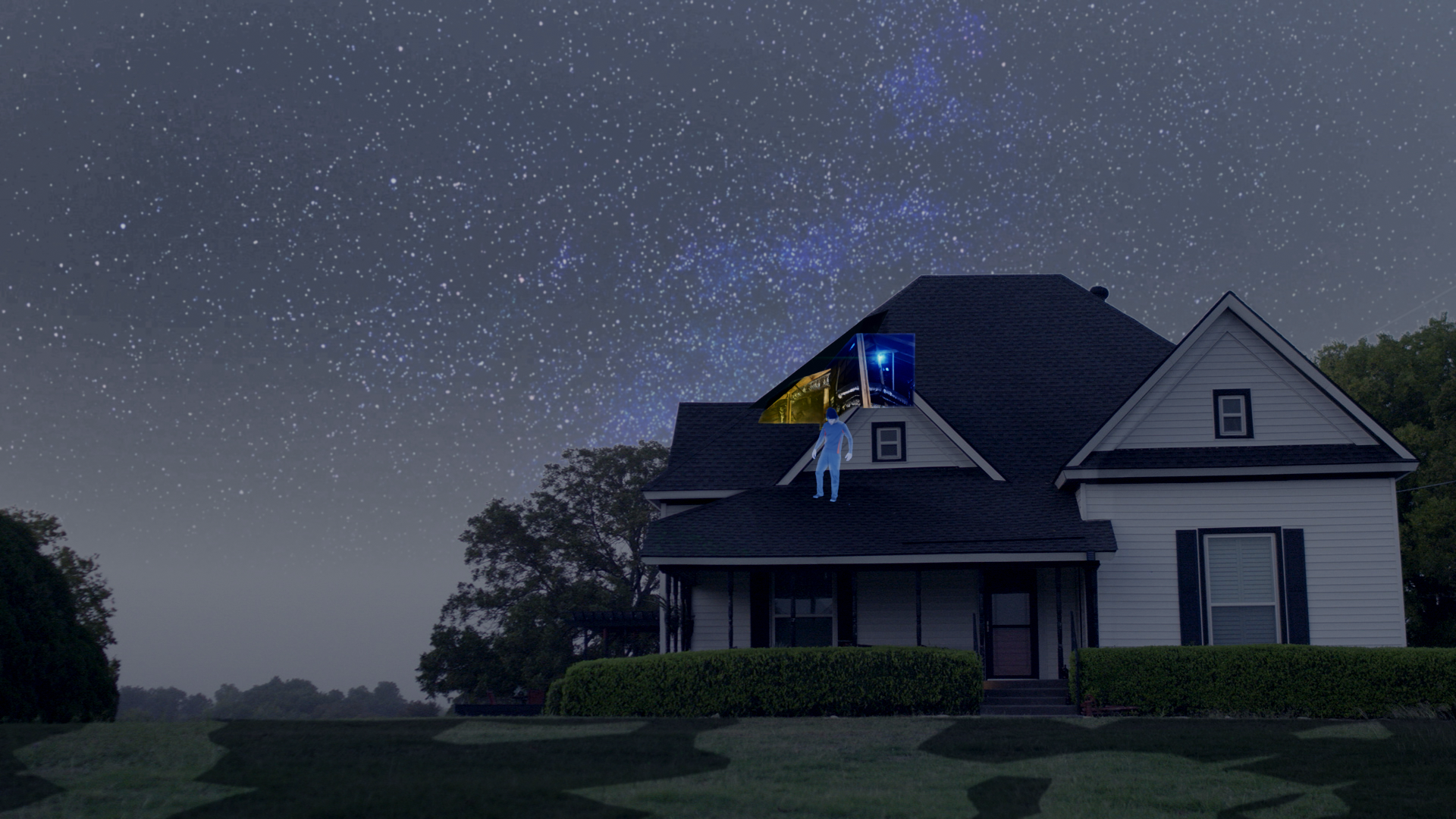
      This is an Render of my first frame. I assume that I’ve followed all the steps of the compositor correctly but my IMG for the interior attic and human are not behind the house. what would cause this and how can i change it to be seen behind the roof inside the attic.

      , Thank You

      #69238
      Adrian Bellworthy
      Participant

        Hey @mac562223 ,

        It looks like you missed a step. It’s all to do with your holdout setting.

        Go back to the render layers lesson, the second half of the lesson goes through holdout, and check you have everything set up correctly.

        Probably best to go back to this lesson, rather than try and explain it here.

        Hope this helps.

        #69239
        Steven Ayilola
        Participant

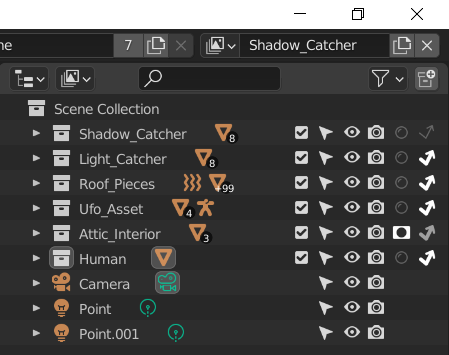
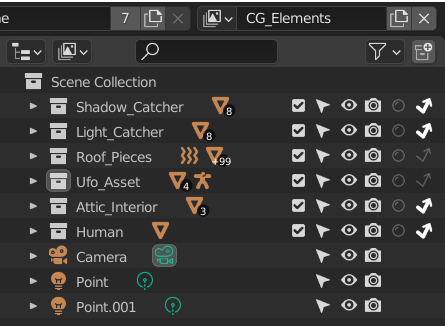
          This is a render at frame 1, 50% Resolution, all of my holdouts and indirect are the same put the “human ” is still showing. the attic I placed in the “Attic_Interior” which the course teacher never mentioned but i noticed in the next video and assumed he place the imaged in the attic interior. however I’m still stumped at to why the human is still showing.

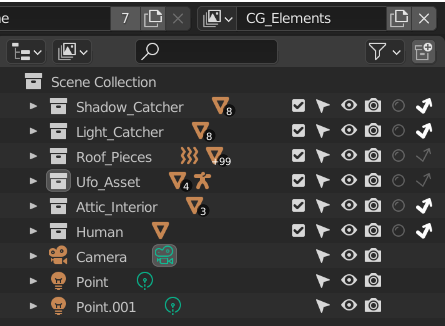
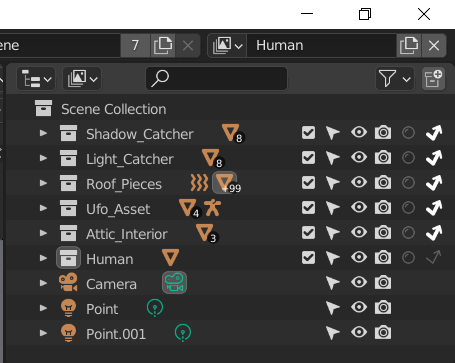
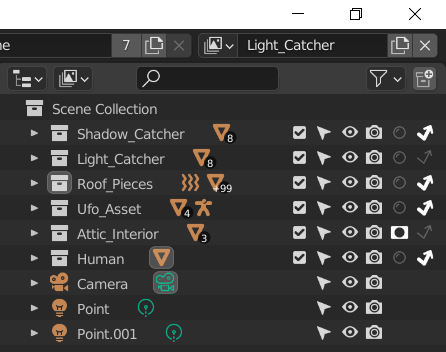
          These are screen shots of my properties, if your able to spot something that I may have mislooked i would be grateful.

          #69240
          squidring
          Participant

            Hi,

            I assume that by now you will have sorted this out, but if not I think your problem is that in the layer ‘Human’ you need the Attic_Interior and Shadow_Catcher set to Holdout which you haven’t done in your screen shots.

            This is mentioned around the 3 minute mark of the Rendering and Compositing video.

            Hope it helps

          Viewing 4 posts - 1 through 4 (of 4 total)
          • The topic ‘Render Layers not aligned’ is closed to new replies.