
Render issue using animation toolkit course files
Forum Archive › Render issue using animation toolkit course files
- This topic has 9 replies, 2 voices, and was last updated 7 years, 1 month ago by
Jonathan Lampel.
-
AuthorPosts
-
July 16, 2019 at 3:05 pm #10458
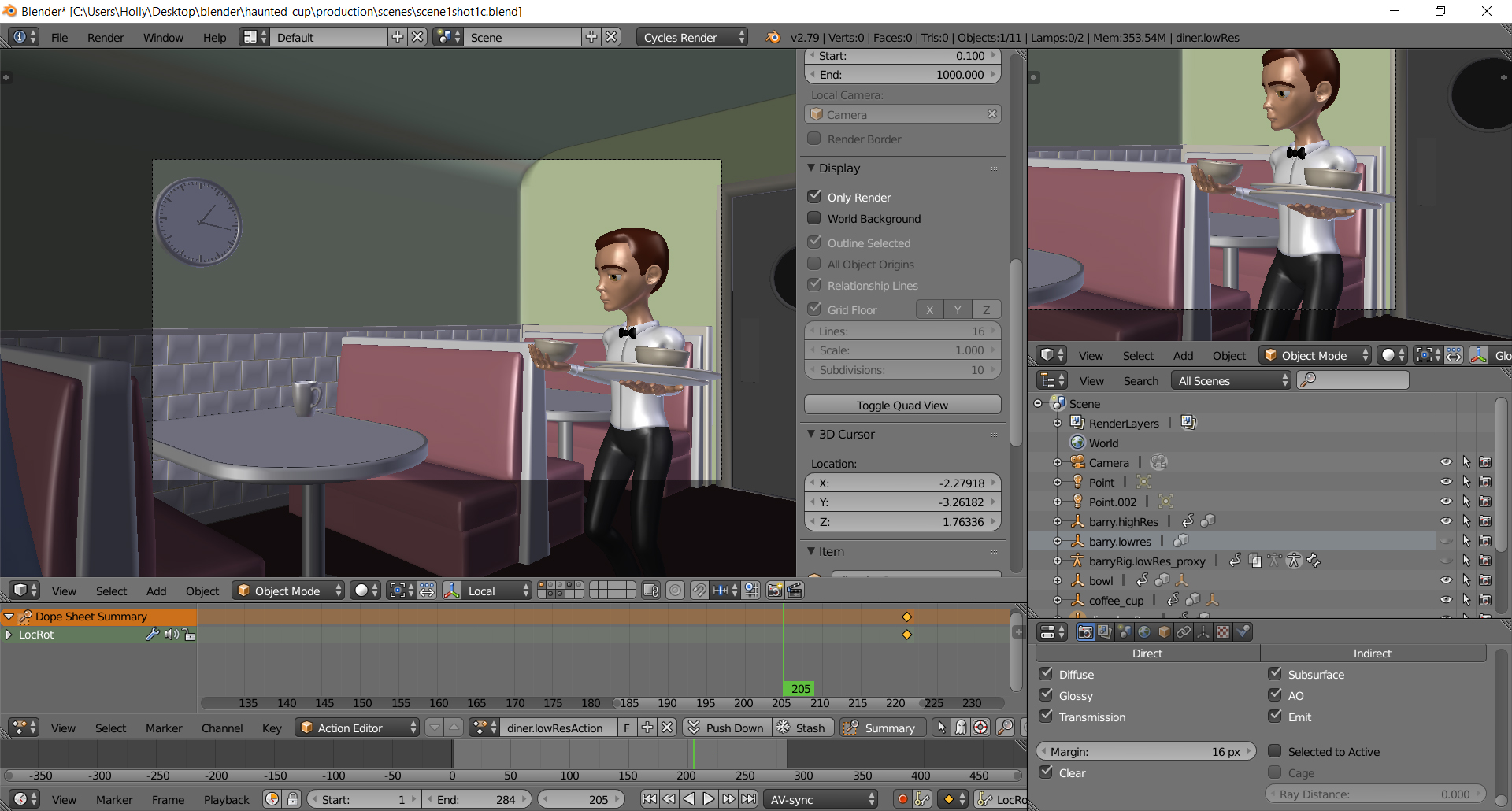
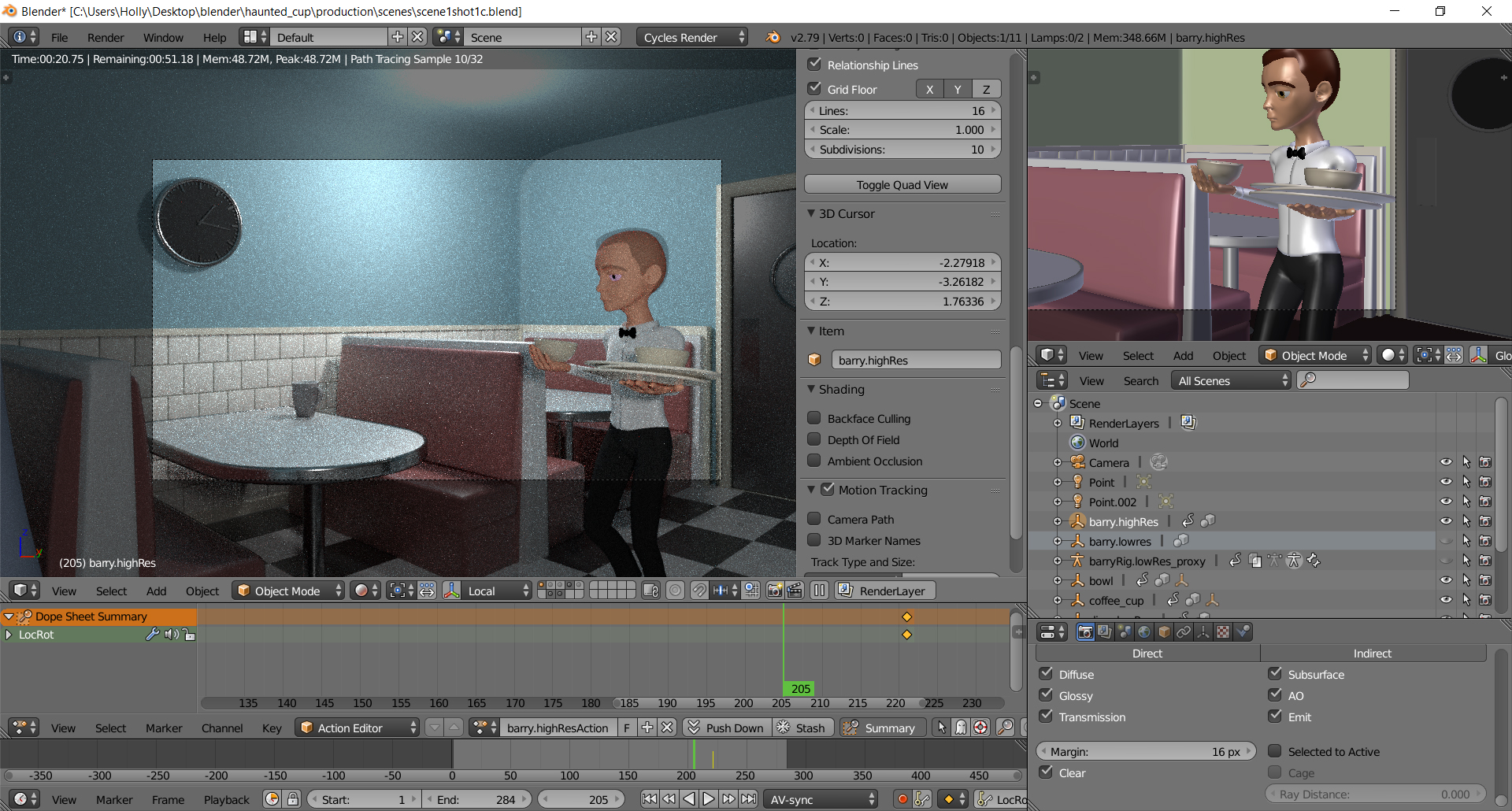
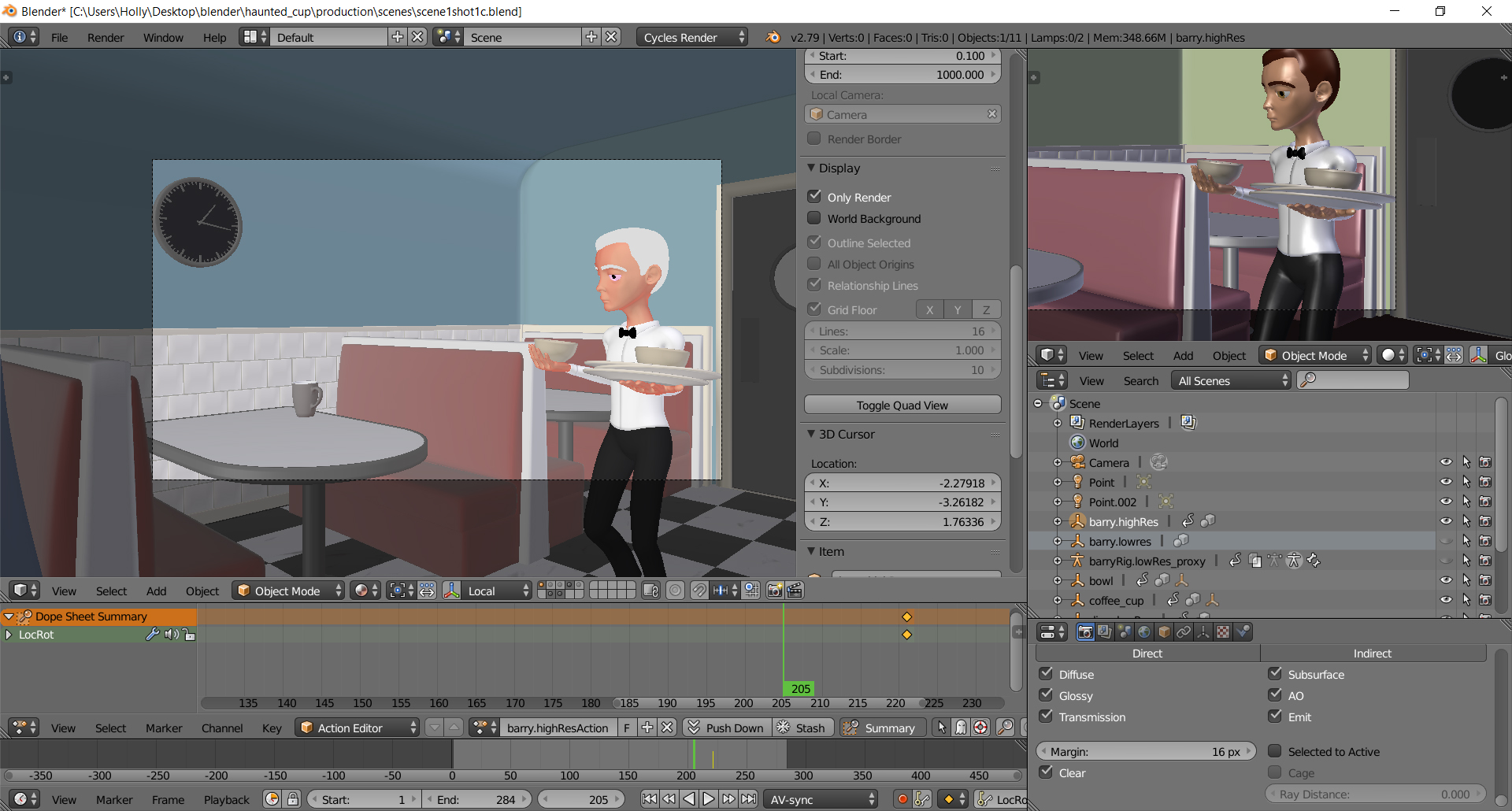 Hello, I have created an animation following the character animation toolkit course in animation in blender and I am trying to render my scene but the hair looks invisible in the render and is white in the materials preview also the eyes are showing up pink I am not sure how to fix this and have attached images to show what I meanJuly 17, 2019 at 6:39 pm #48268
Hey Holly, since that file has everything linked to it, downloading it shows an empty scene because it’s missing the references. Could you share the file that the character mesh is linked from?
pasteall.org is great for this BTW!
July 18, 2019 at 5:21 pm #48269@jlampel I just used the Barry & waiter characters from the animation toolkit files and linked them in. It won’t let me upload the files to this discussion board or another one because it is too big even when compressed. You just need the character files? I can email them to you otherwise I’m not sure how to send them. I also tried to check out that website you mentioned but it says bad server and won’t show anything.
July 18, 2019 at 5:32 pm #48270Aha! So this happens if the Hair Alpha texture is missing or not connected.
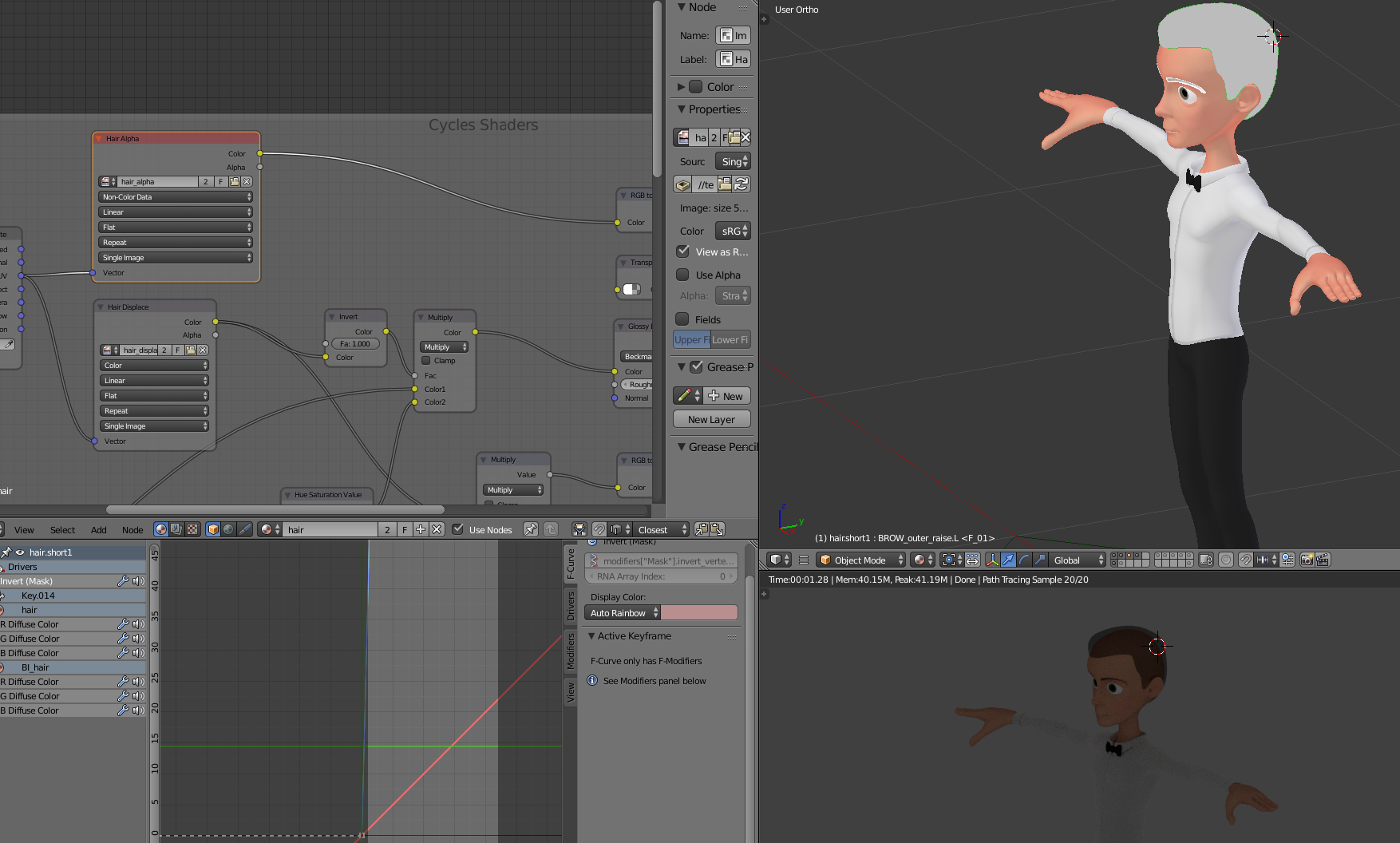
In the file that it’s linked from, head to File / External Data / Report Missing Files to see if it’s missing. If so, you can find it in the source files / source / rigs / textures folder. Same goes for the eyes if they’re pink.
Hope that helps!
July 23, 2019 at 7:04 pm #48271@jlampel I did report missing files and it says eye_diffuse_color_mask.png is not found so I tried to link it in from where it is in the textures file in the cookieFlexRig but it is still missing. I’m not sure why it still says it is not found if I go back to Report Missing Files after linking it in. I also tried to link in the hair alpha texture but nothing is happening and the hair still looks like my screenshot and the eyes are pink.
July 29, 2019 at 1:42 pm #48272@hllyluvsdogs I’m having a hard time reproducing this problem on my end. If the Find Missing Files and navigating to the textures folder isn’t doing it, try heading over to the image editor and doing Image -> Replace and use that to load in the correct textures.
Hope that helps!
July 30, 2019 at 5:22 pm #48273@jlampel These are the files it says are missing
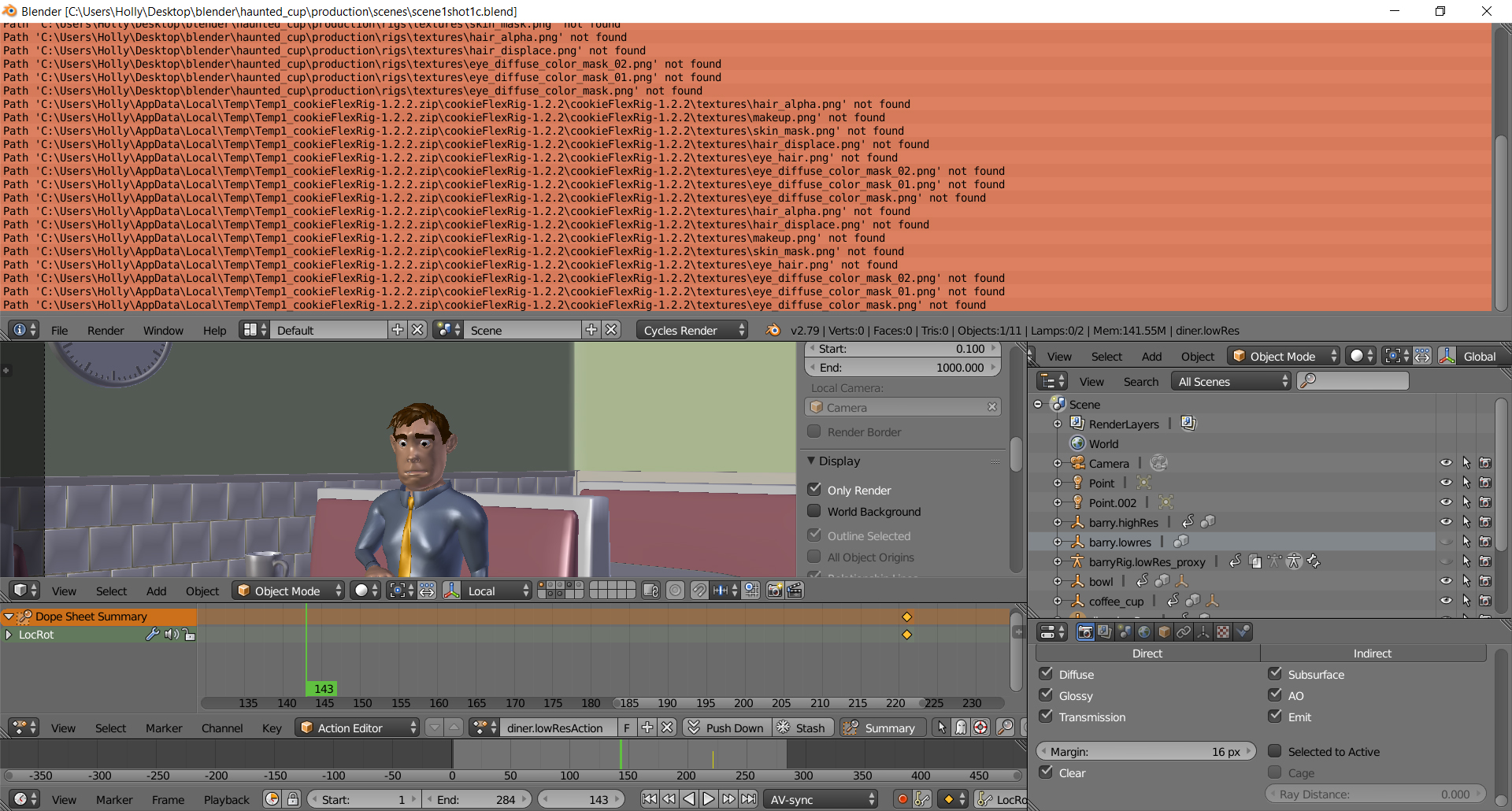
I located the files in the texture and images folder which is where I linked them from and nothing happens
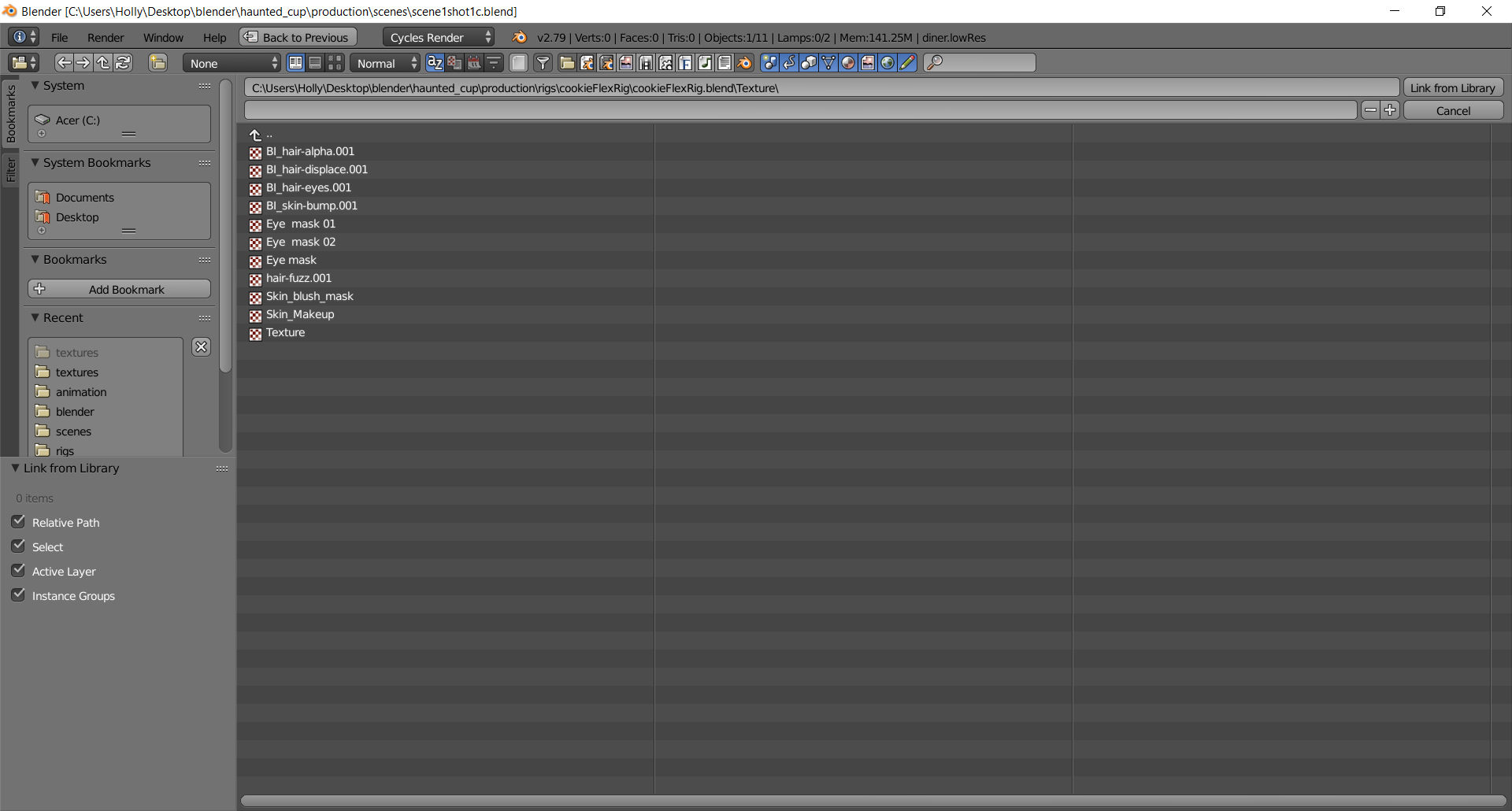
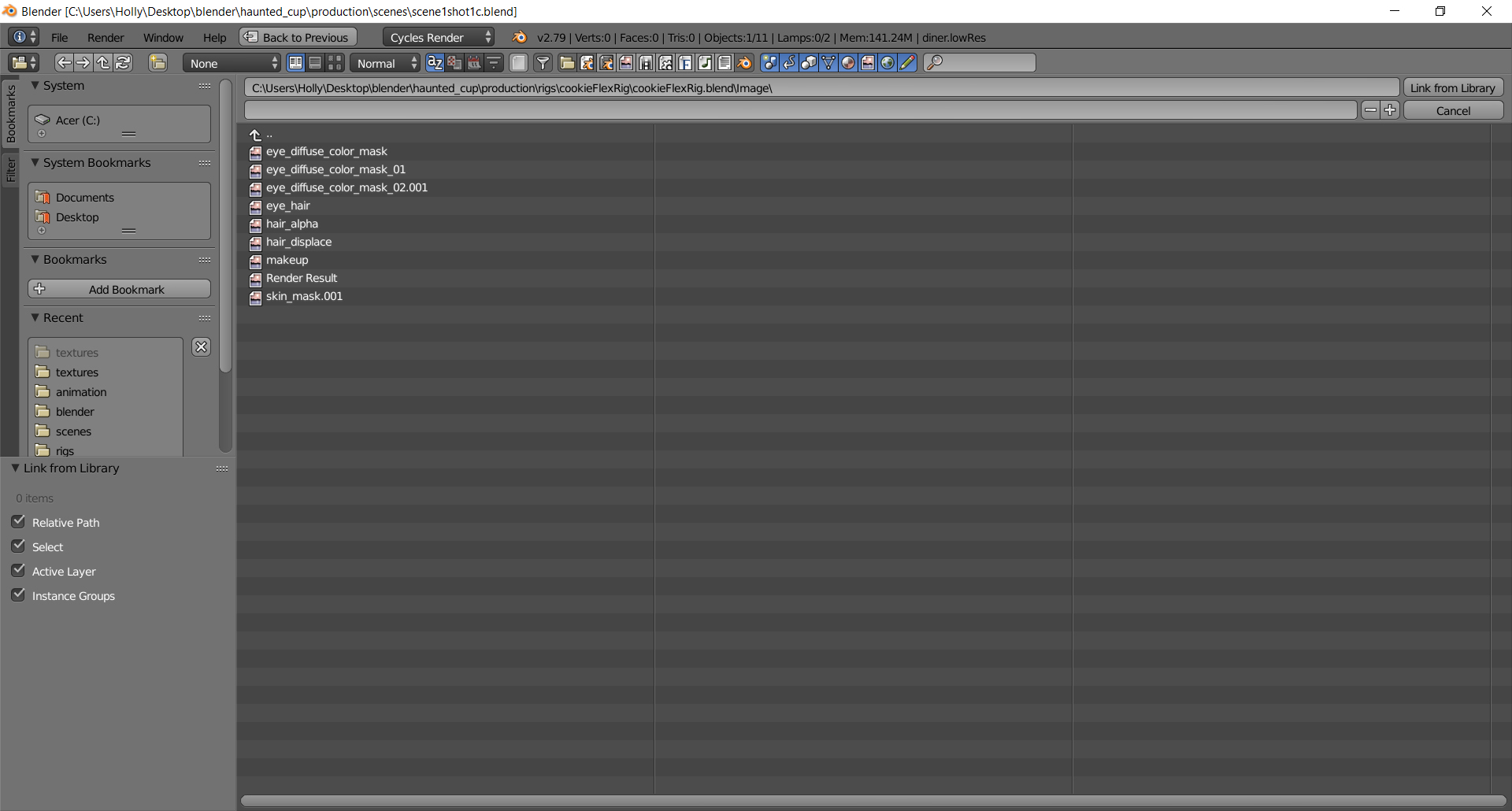
I find it weird how these textures are the only ones shown in my file explorer when I click on CookieFlexRig like they are missing, but when I try to move them inside the file nothing happens either.
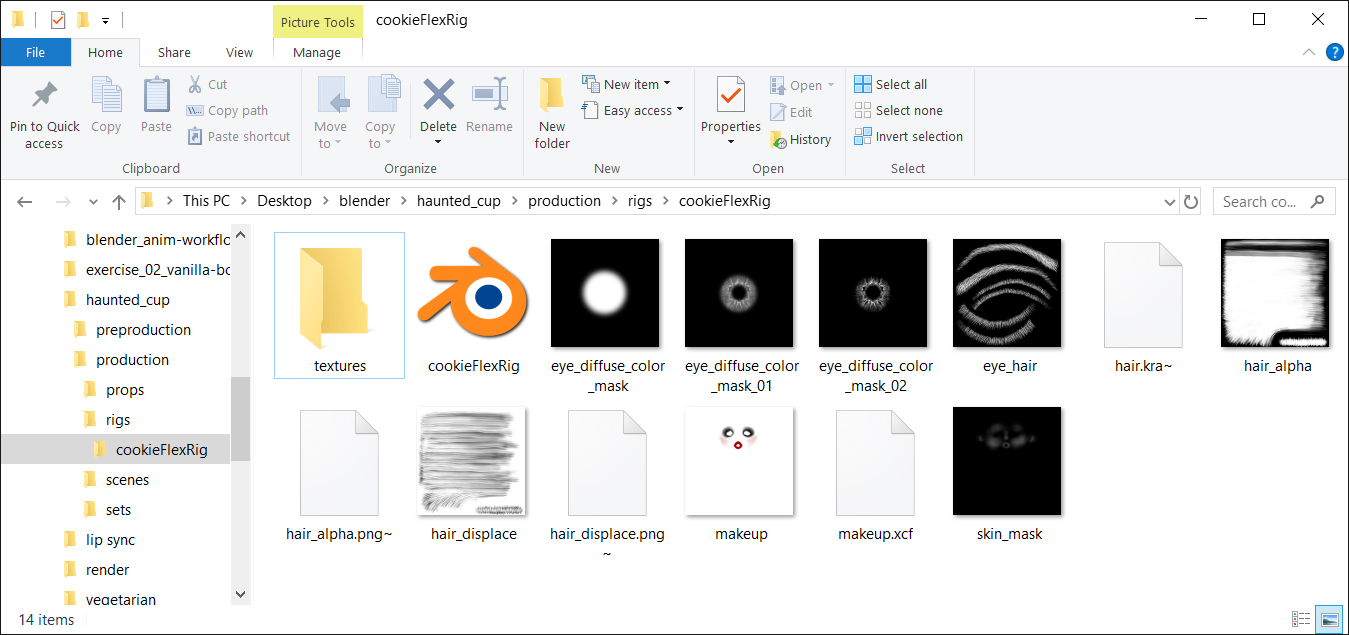
It might be easier if I could send you the file with my animation (maybe email?) so you could see how it is missing and maybe link them in from the file you are using? I don’t know where to go for replacing an image or looking into the cycles shaders either.
July 30, 2019 at 7:15 pm #48274@hllyluvsdogs I think I see the issue! Instead of using Link from Library, use File -> External Data -> Find Missing Files and select the folder that contains the textures. I’d also recommend putting them in the textures folder before you do that, just to keep organized.
If you want to replace them one-by-one instead, you can do so via the Image menu of the Image editor.
August 1, 2019 at 8:52 pm #48275@jlampel I messed up the link to one of my characters in this scene so I relinked the Cookie Flex Rig of him then just used the action from the character that got deleted so the animation would be there. I linked in the textures/images missing and it is now appearing for that character. However, I am still having issues with the waiter’s textures missing. I tried linking them, finding missing files, and replacing images in the image editor and it isn’t working for some reason.
August 5, 2019 at 1:49 pm #48276@hllyluvsdogs Are you doing those things in the scene file where you are animating, or a file that you’re linking the waiter character from? If it’s the first one, try doing those things in the waiter’s file since that’s where it’s actually sourcing the textures from even if the same textures are in the animation file.
-
AuthorPosts


- The topic ‘Render issue using animation toolkit course files’ is closed to new replies.