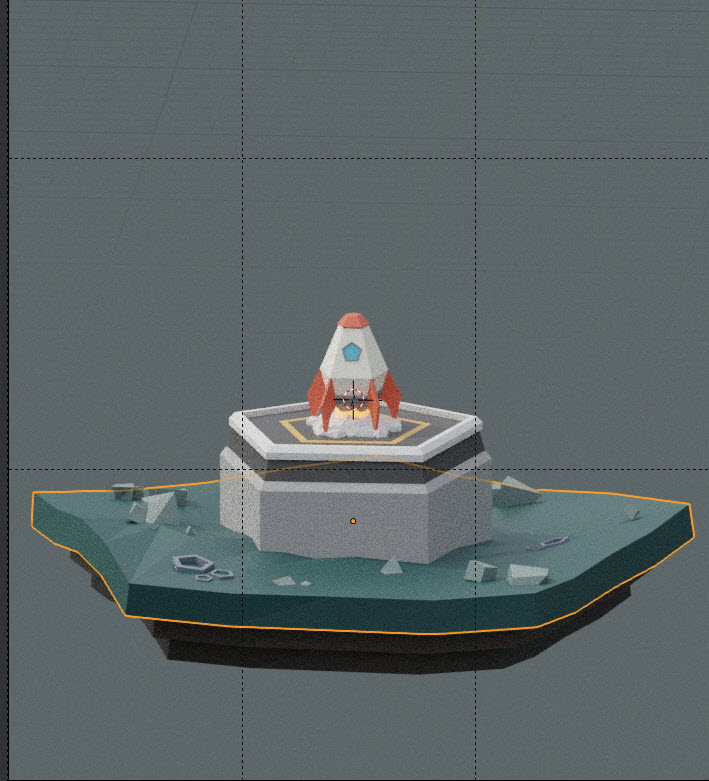
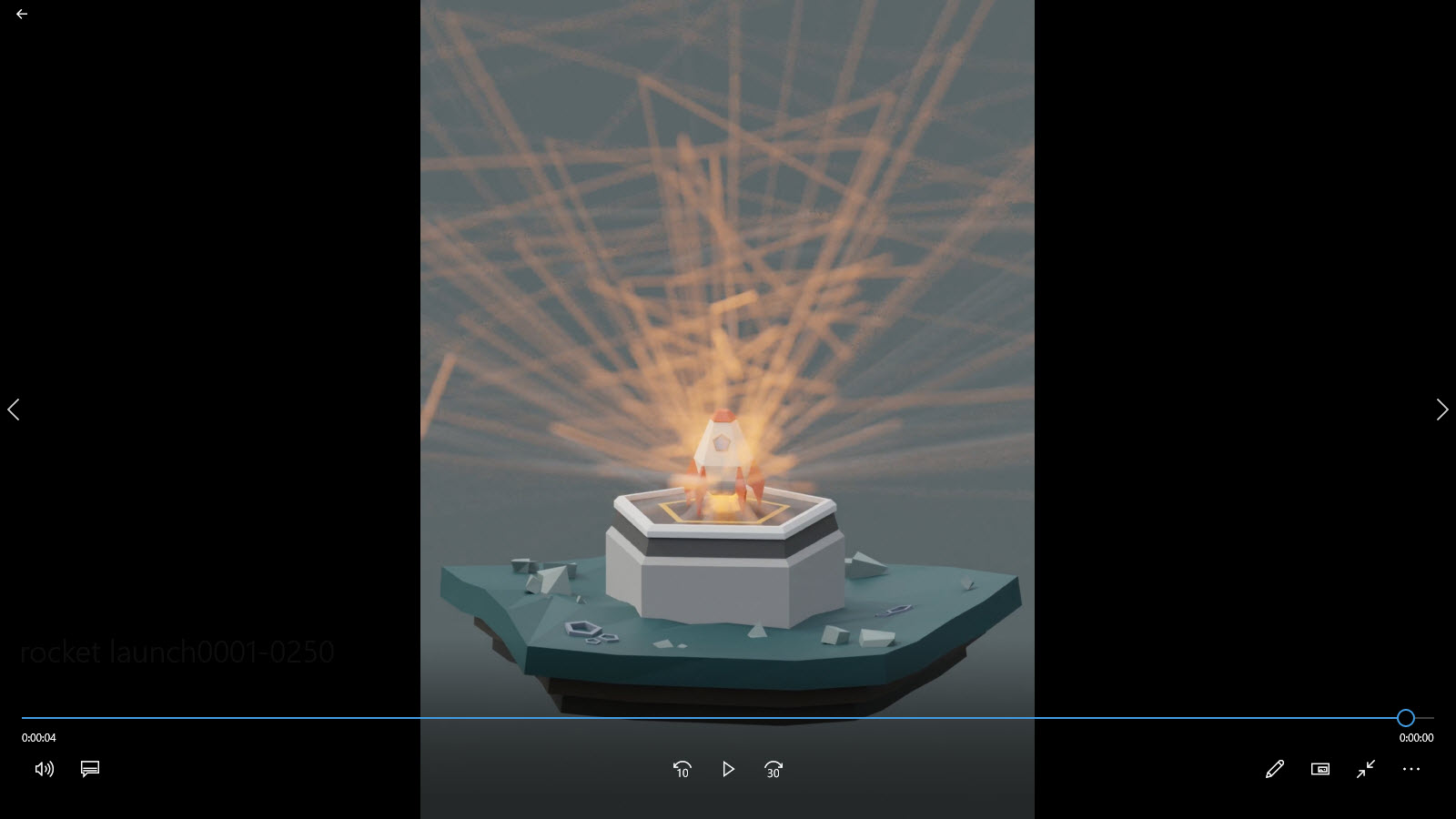
Hey Ron!
First thing I’d do is to make sure that your particle system was properly baked. To do this, select the Smoke Emitter object, open up its particle settings in the properties panel, and navigate to the cache tab.
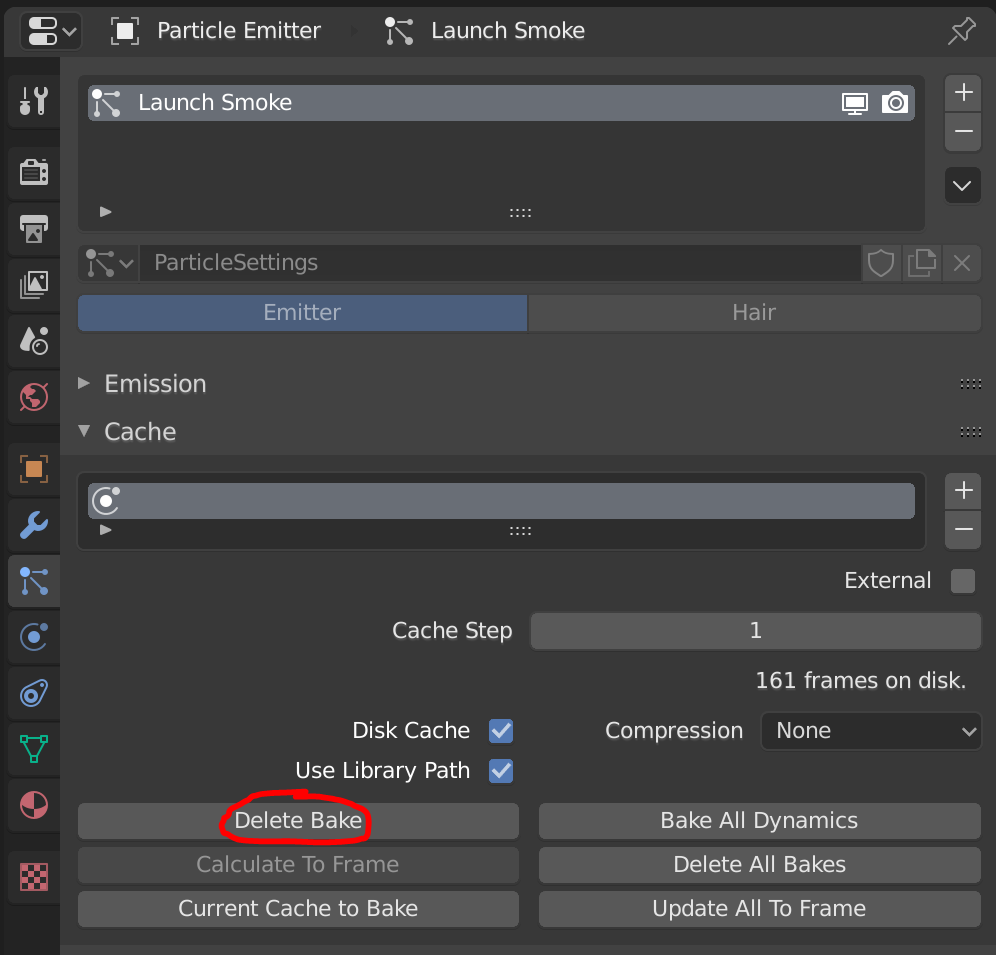
If the button I circled above reads “Bake”, then you must have missed the step where we baked our particle system. Go ahead and click it, then try re-rendering (by hitting F12) a random frame during the launch to see if the issue is fixed.
If the button I circled above reads “Delete Bake”, then I’m guessing something went wrong during the baking process. Try clicking “Delete Bake” then re-baking the simulation by clicking “Bake” again. Then you can try re-rendering (by hitting F12) a random frame during the launch to see if the issue is fixed.
Let me know if this solves your issue!

.