Relieving Stress in Hard Surface Modeling

Forum Archive Relieving Stress in Hard Surface Modeling

Viewing 5 posts - 1 through 5 (of 5 total)
  • Author
    Posts
  • #15004
    Austin Dunham
    Participant

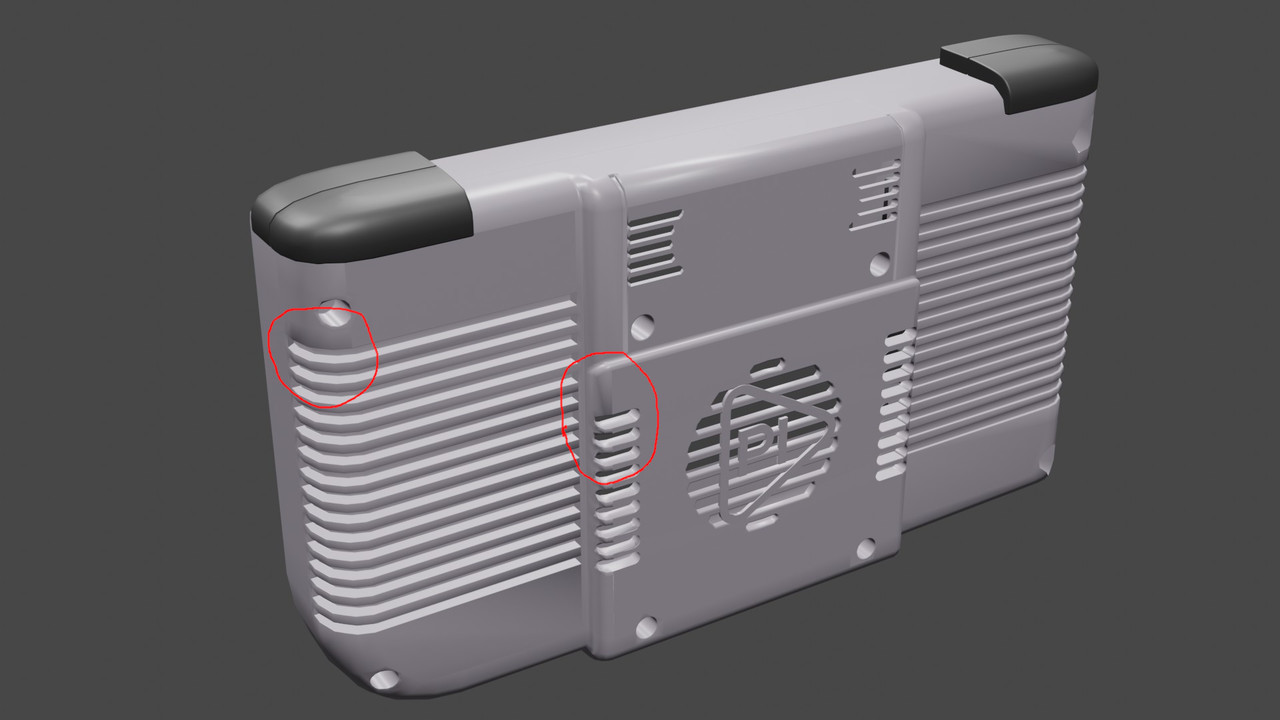
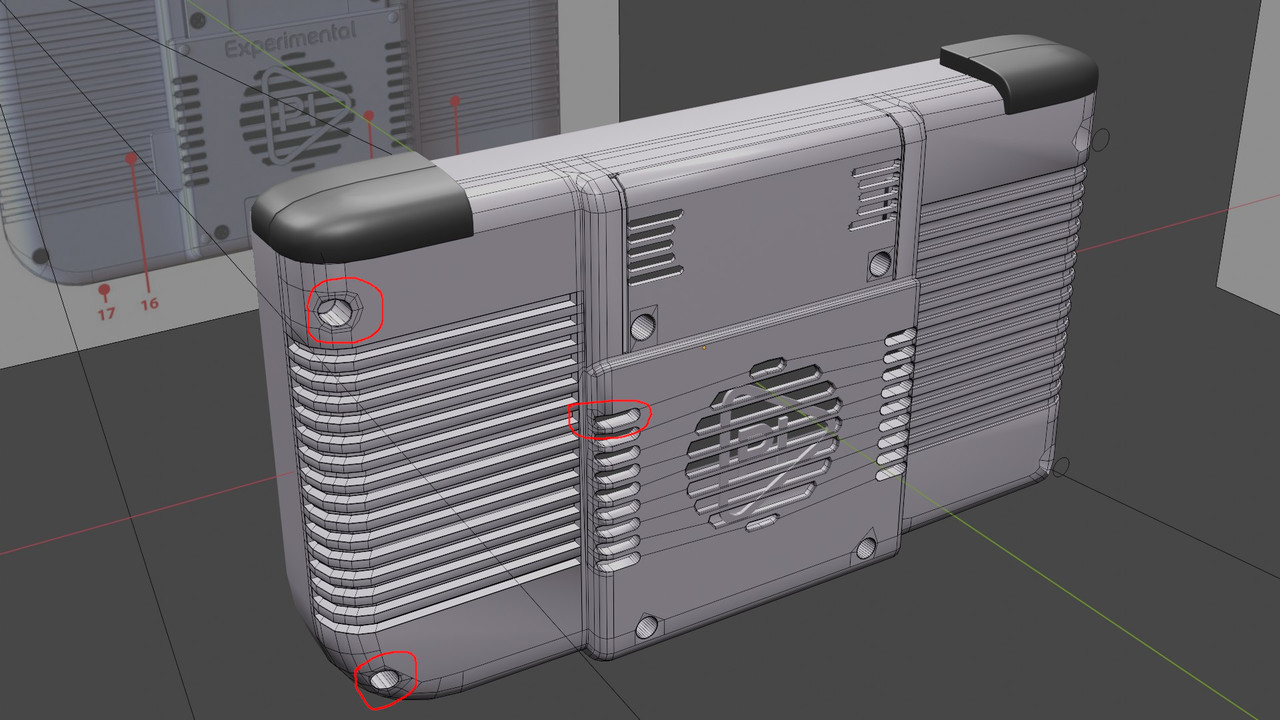
      I need to re-watch some tutorials on hard surface modeling.  One of the trickier thing’s I’m running into is sharpish edges along curved surfaces.  I’ve circled some problem spots in my model and wonder about the best approach to evening things out.

      One note, where the horizontal ovals are, the large flat surfaces are “shade flat” and the curves are shade smooth.

      RenderRearProblemSpotsEdges.jpg

      RenderRearProblemSpots.jpg

      #73943
      spikeyxxx
      Participant

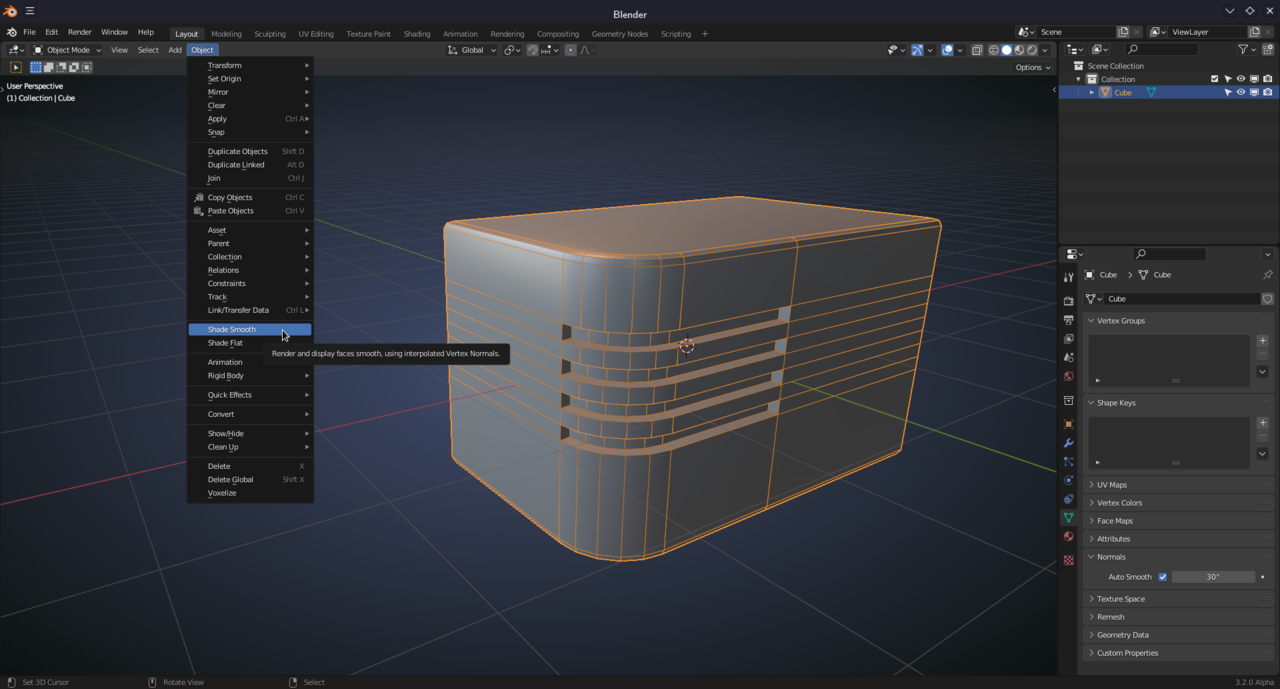
        Normally Auto Smooth is able to handle those kind of situations quite well (Properties > Normals > Auto Smooth):

        Smooth.png

        #73944
        Austin Dunham
        Participant

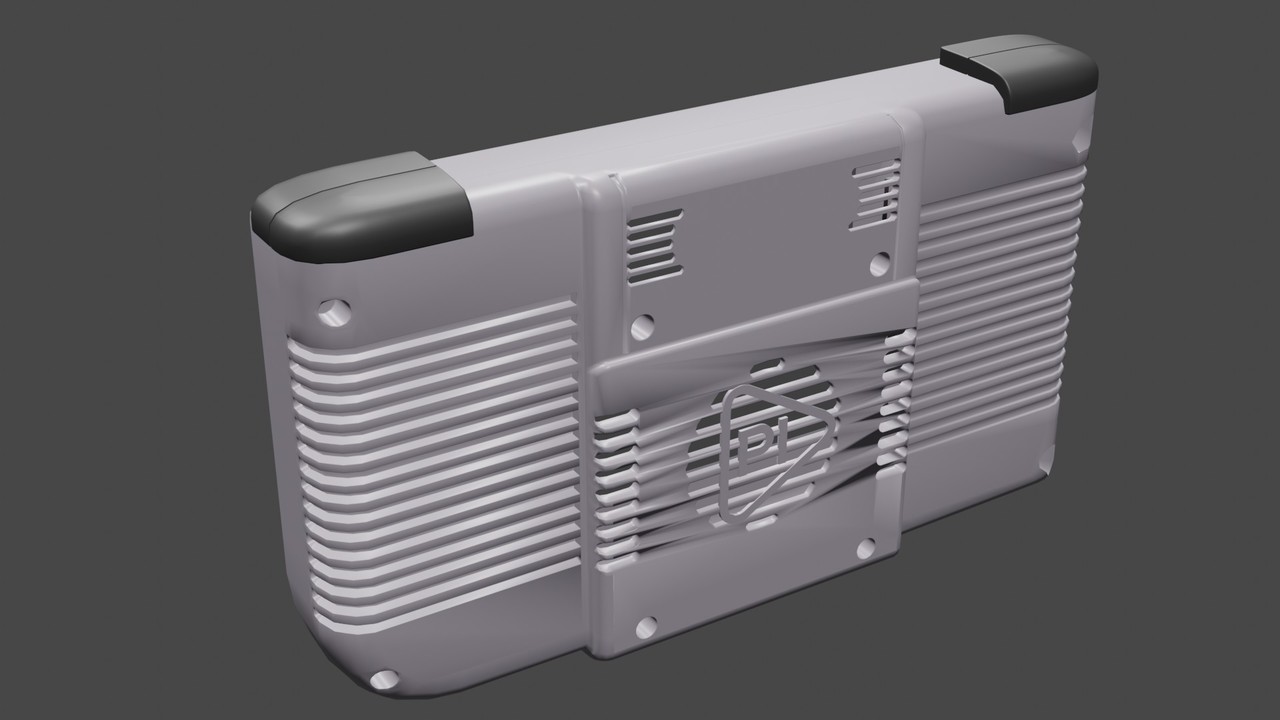
          Thanks @spikeyxxx.  I think the difference between your example and mine is yours is all quads.  If I have auto smooth on the flat surfaces on the back, I get crazy wavy looking plastic.

          I did do some cleaning up of vertices that helped.

          BackCraziness.jpg

          #73945
          Austin Dunham
          Participant

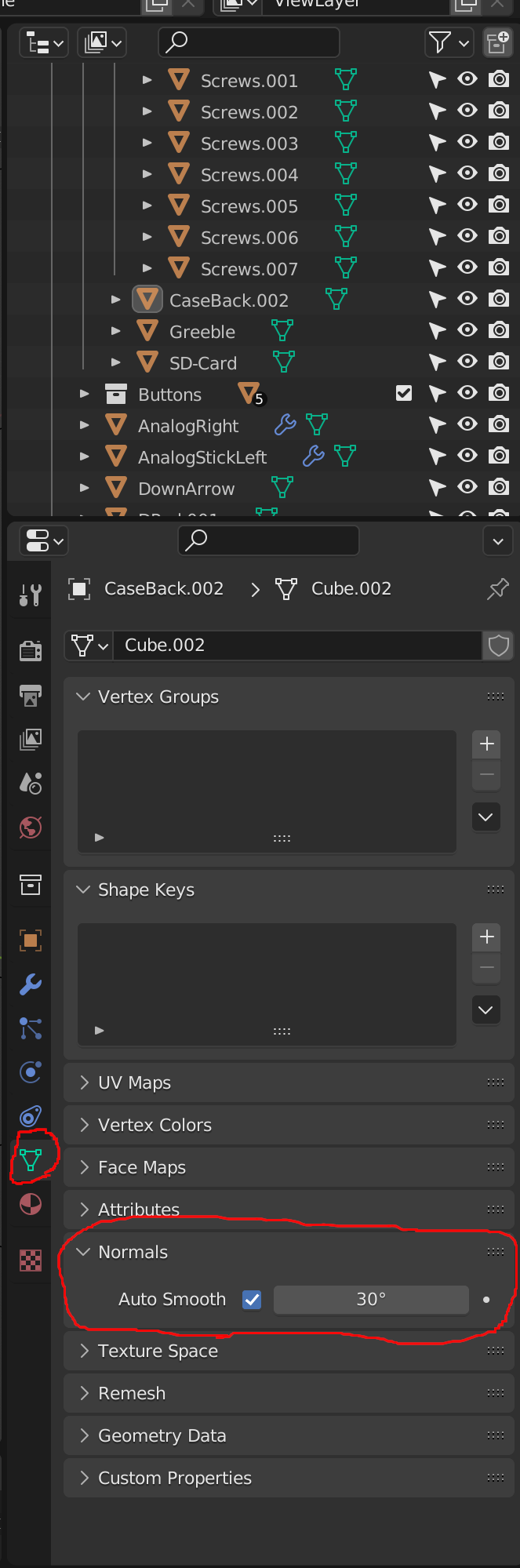
            @spikeyxxx – I found what you were talking about.

            I thought you were talking smooth shading on object.

            You were talking about auto smooth under Object Data Properties->Normals->Auto Smooth. . . which you said, but I wasn’t finding.

            I feel silly, and that did really help.

            Thank you!

            #73946
            Austin Dunham
            Participant

              Menu.png

            Viewing 5 posts - 1 through 5 (of 5 total)
            • The topic ‘Relieving Stress in Hard Surface Modeling’ is closed to new replies.