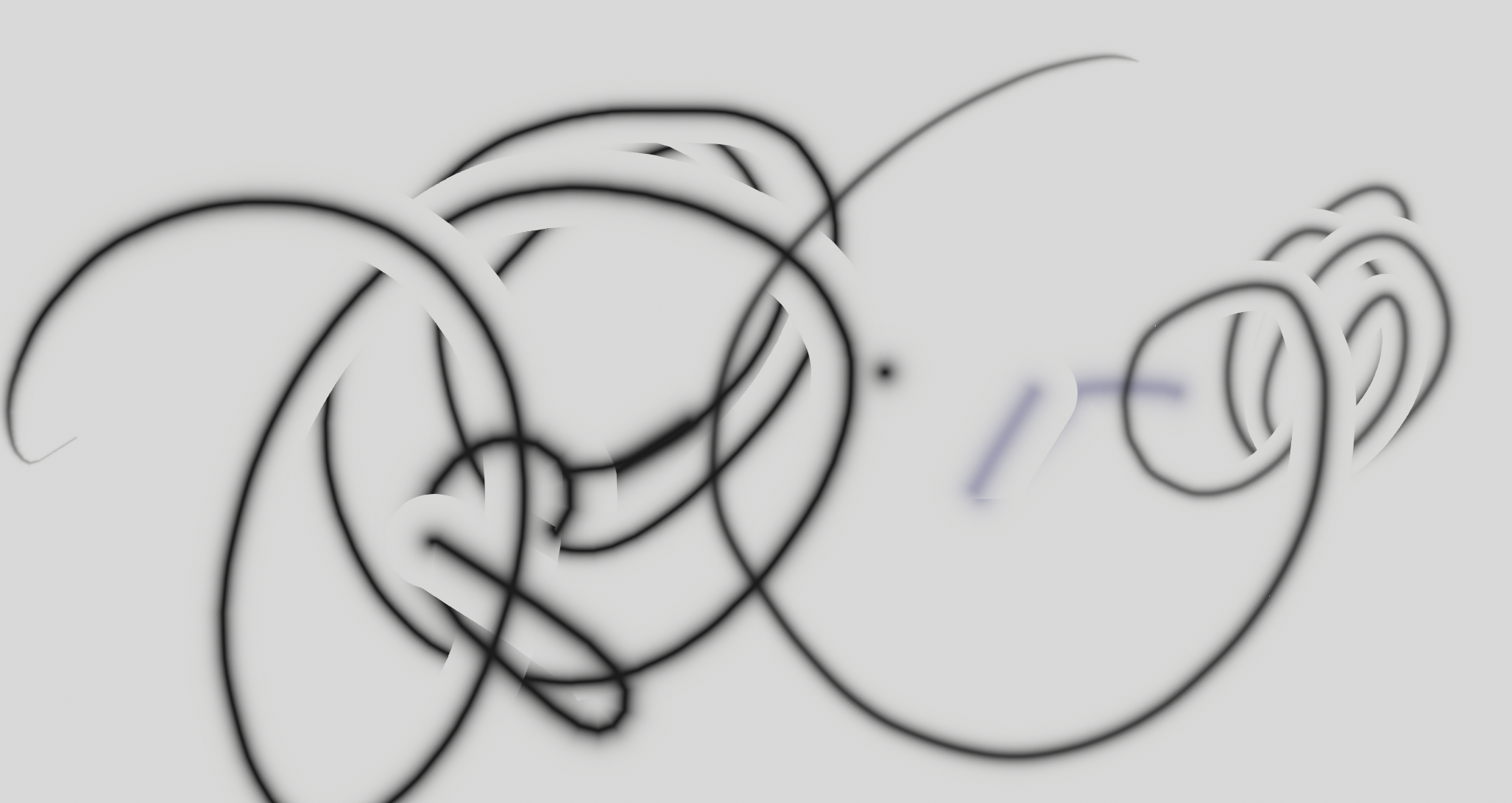
Reduce hardness create this transparent outline, how do i make Airbrush?

Forum Archive Reduce hardness create this transparent outline, how do i make Airbrush?

Viewing 4 posts - 1 through 4 (of 4 total)
  • Author
    Posts
  • #20382
    ki13n0
    Participant

      #95670
      Martin Bergwerf
      Participant

        Hi @ki13n0 ,

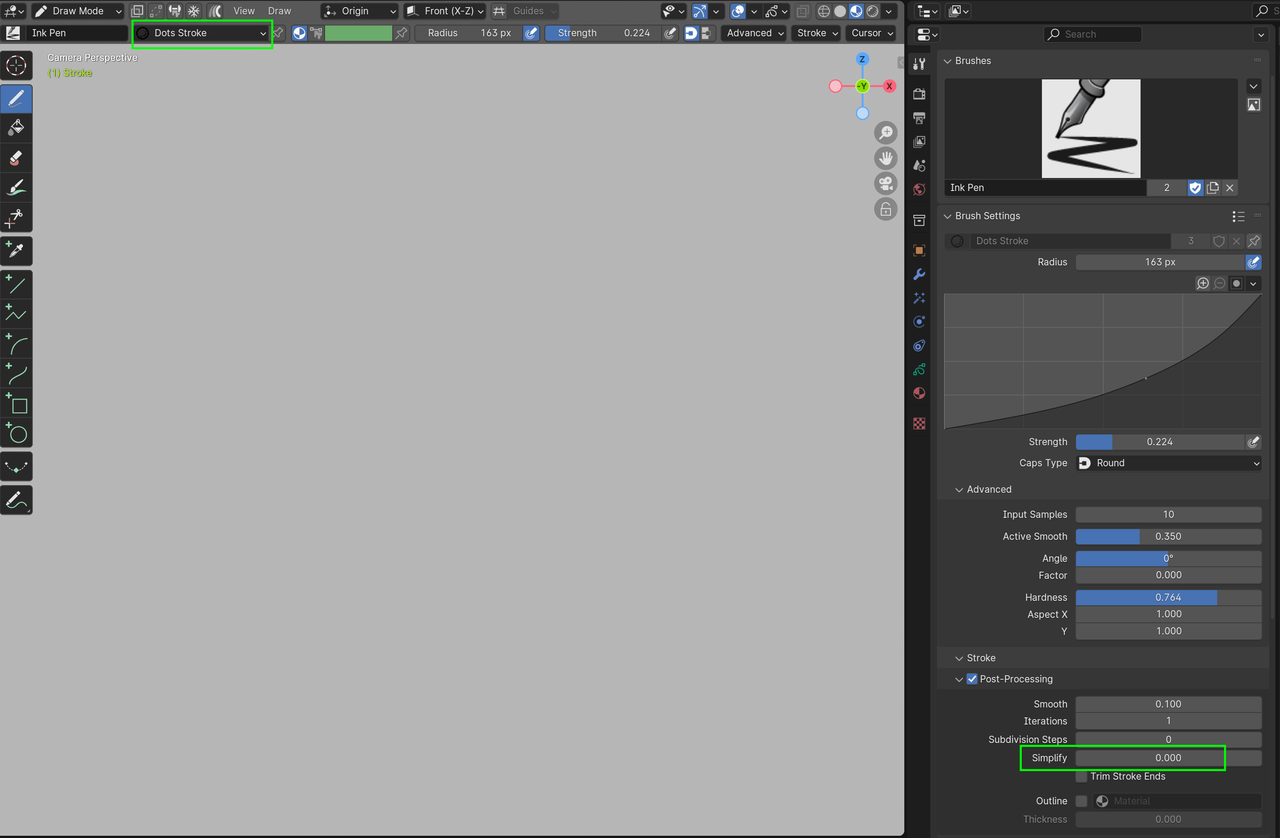
        You can have a look at the Airbrush Brush and compare the Settings.

        The two main ones are:

        Airbrush.png

        But this might be a bit different in newer Blender Versions. There have been a lot of changes made to GP, so it’s best to always  mention the Blender Version you are using (especially with Grease Pencil questions).

        #95671
        Paul Caggegi
        Participant

          Let me know the version of Blender you’re using? Also what viewport shading mode you’re in. I’ll try and replicate this in a few versions – 4.2, 4.4 and the new beta for 4.5. The alpha channel on airbrushes has been notoriously buggy for a while, leaving a bit of a brown tinge in the softer areas, unless you drop the opacity of the layer you’re painting on even slightly (0.990 corrects it). This issue might be something else in the materials. If you could let me know the version, I could narrow it down and see if I can trouble-shoot.

          #95672
          ki13n0
          Participant

            for some reason my reply from few days ago was never post, So here go again.

            I’m using Blender 4.4.3. I found that the problem is the Line type in Material. With line type: Line, a stroke overlap itself will have these outline, this doesn’t happen with the next stroke that overlap the previous stroke however.

            But switch to Line Type: Dot work fine for me. No overlap outline.

          Viewing 4 posts - 1 through 4 (of 4 total)
          • The topic ‘Reduce hardness create this transparent outline, how do i make Airbrush?’ is closed to new replies.