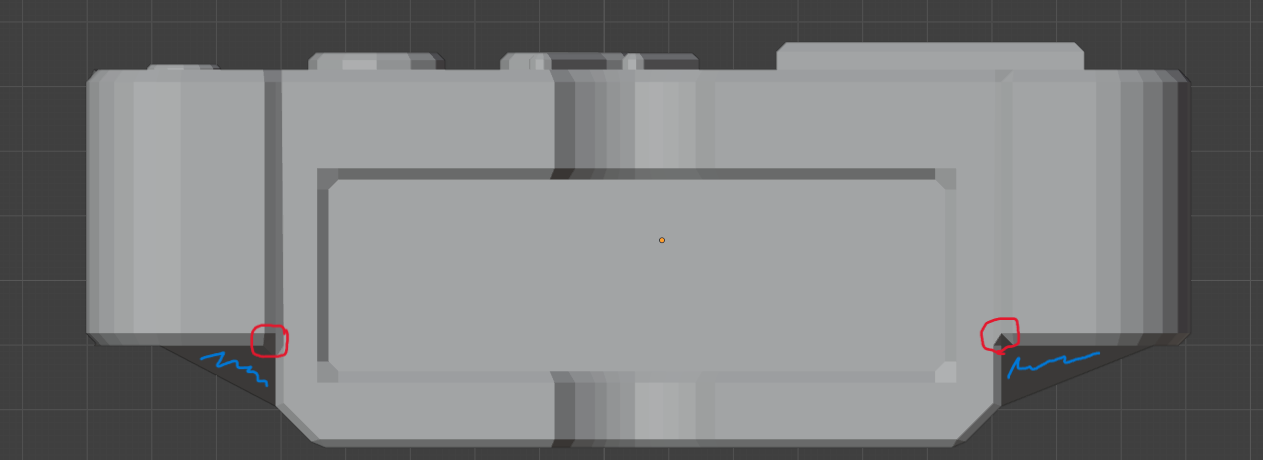
Random unselectable faces (blue) and different corners (red)

Forum Archive Random unselectable faces (blue) and different corners (red)

Viewing 7 posts - 1 through 7 (of 7 total)
  • Author
    Posts
  • #19129
    Timo Eiter
    Participant

      Why are there these blue marked faces and these different red corners? Did I something wrong?

      #90993
      Dwayne Savage
      Participant

        [blue]Are you sure those are faces and it’s not the reference image? It may also be faces that are part of another object. 

        [Red] I think those are inverted/ flipped normals. You can go to overlays and check face orientation. If they are red then they are flipped normals. Select all and press alt+n-> recalculate outside 

        #90994
        Martin Bergwerf
        Participant

          Hi Timo,

          For those blue Faces, look at your model from different angles (and not only Orthographic Views), to better see what they are.

          Those in red, just lie in the shadow.

          #90995
          Omar Domenech
          Participant

            Those faces in blue may the result of some modifier misbehaving? If you do have modifiers at this point, turn them all off and see if it goes away. Then you know it’s a geometry issue coupled with a modifier and we have a start at the mystery. If not then we have to keep trying to figure it out. Post more screenshots and give us more context.

            #90996
            Timo Eiter
            Participant

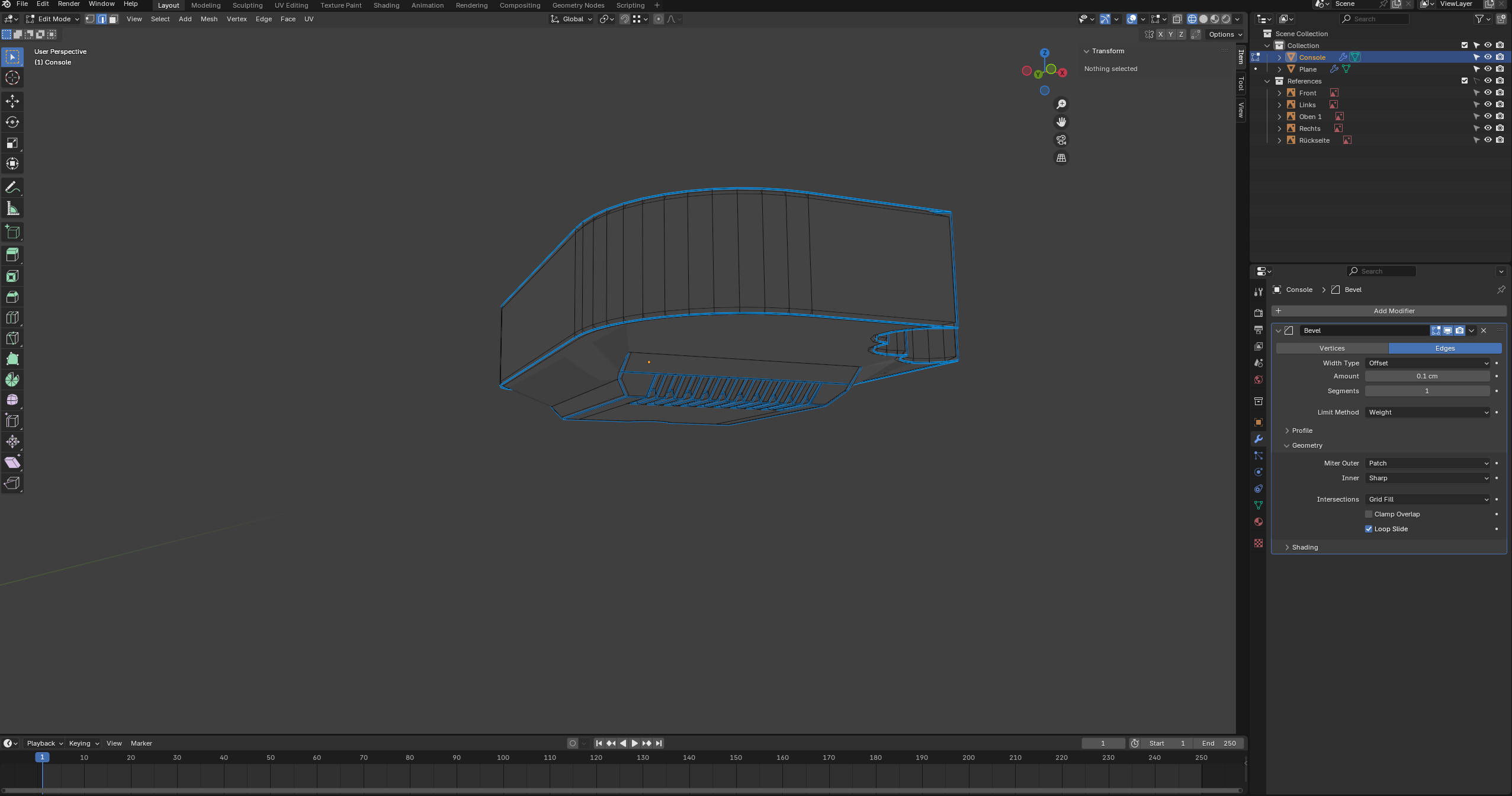
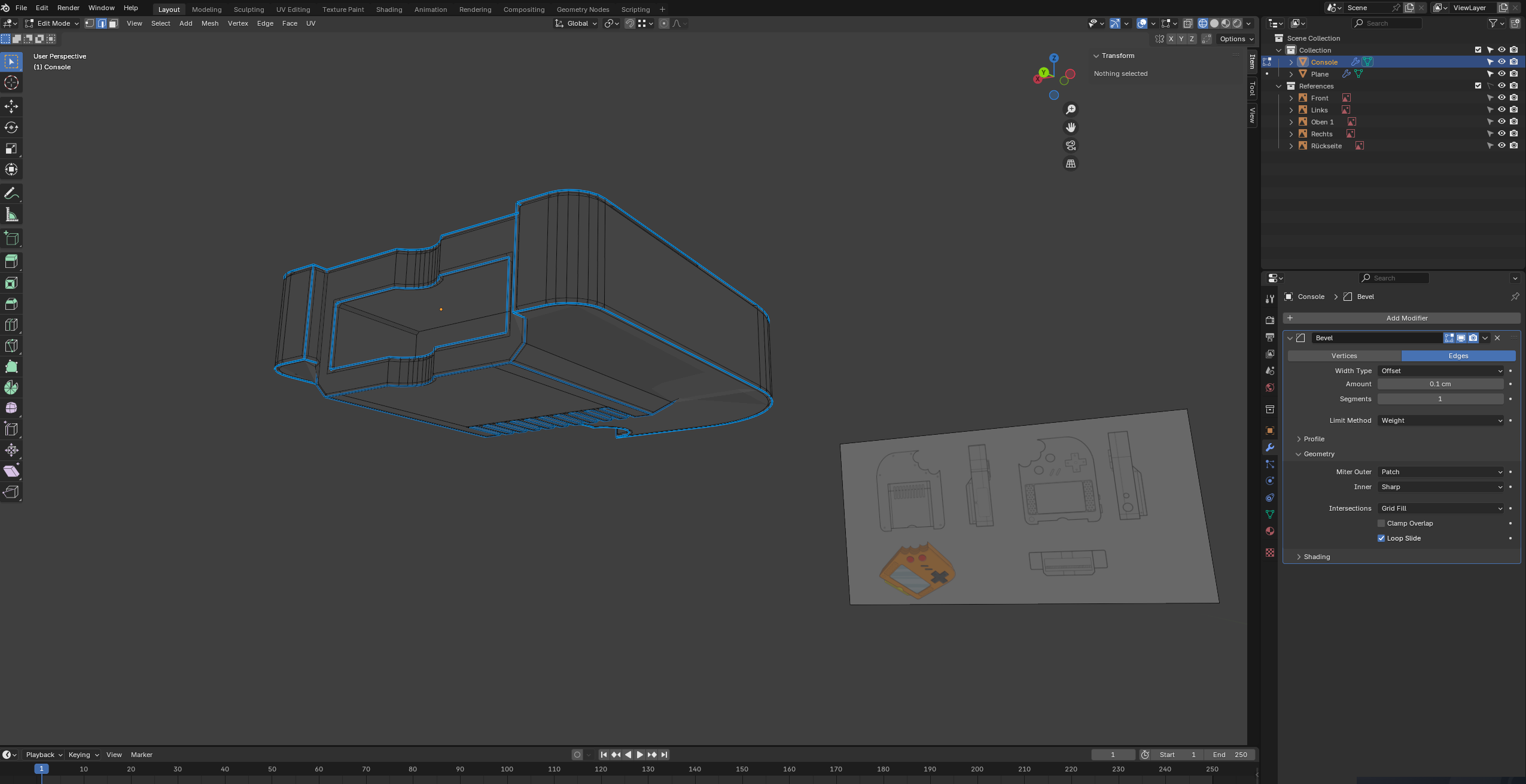
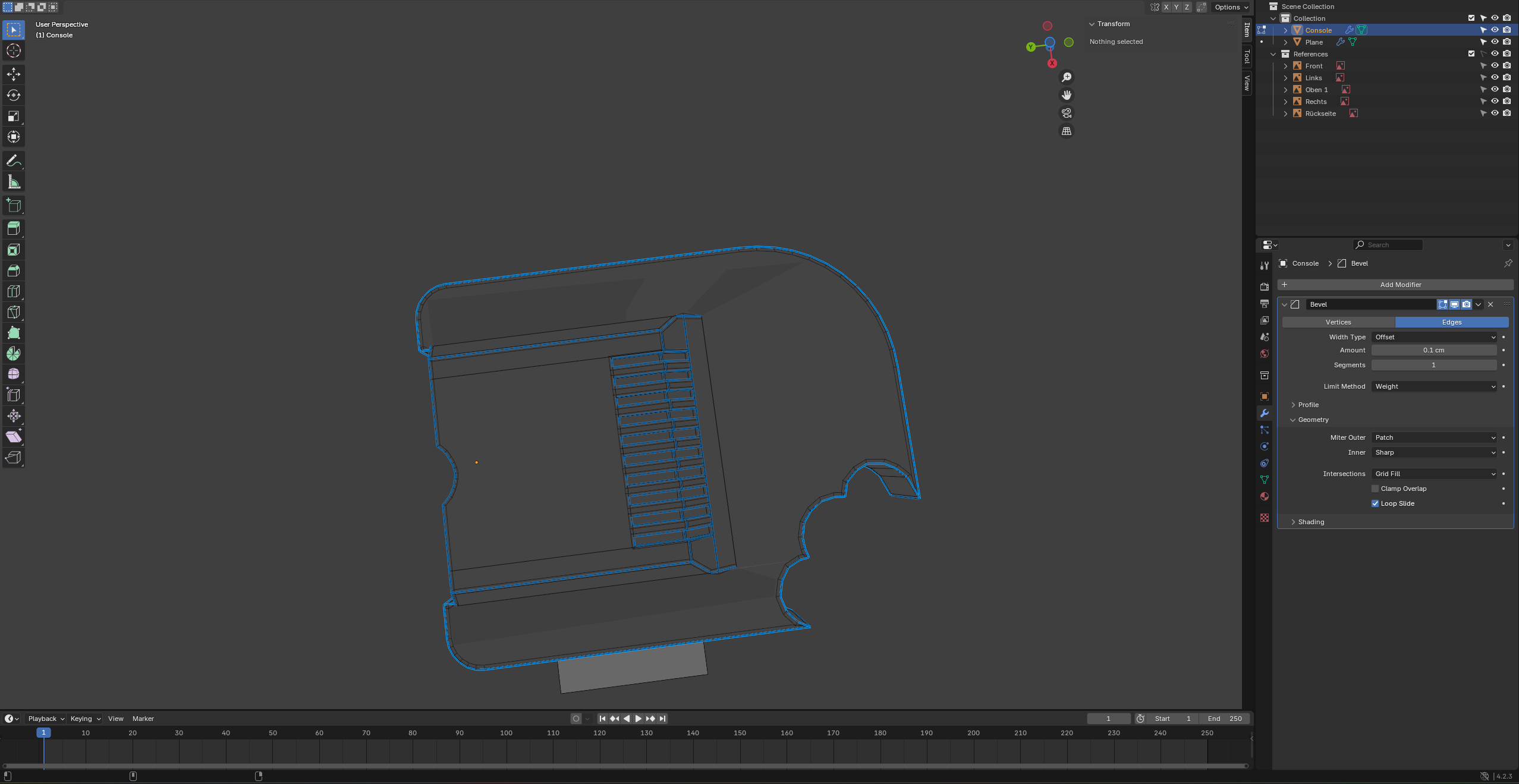
              It was actually because of the bevel modifier. How do ich fix it? Here some screenshots.

              #90997
              Martin Bergwerf
              Participant

                HI Timo,

                Can’t really see anything with that Wireframe Mode, but try changing the Miter Outer to the default Sharp, instead of Patch. (don’t know if that will help though).

                #90998
                Omar Domenech
                Participant

                  I must be something to do with your geometry. But as we always say, you will spend so much more time trying to fix it and just puzzled to what’s wrong and wont even understand best the solution, and you’ll get much more frustrated, so it is much better to start over. Alarm bells will ring in your head, as if it was a defeat, but it’s all the contrary, the refresh works wonders. When you start from scratch, you will absorb all the information better the second time around, since you’ve already made the mistakes, the knowledge will solidify in your mind and you’ll get to where you left much faster and it’s an overall win. 

                Viewing 7 posts - 1 through 7 (of 7 total)
                • The topic ‘Random unselectable faces (blue) and different corners (red)’ is closed to new replies.