Hi,
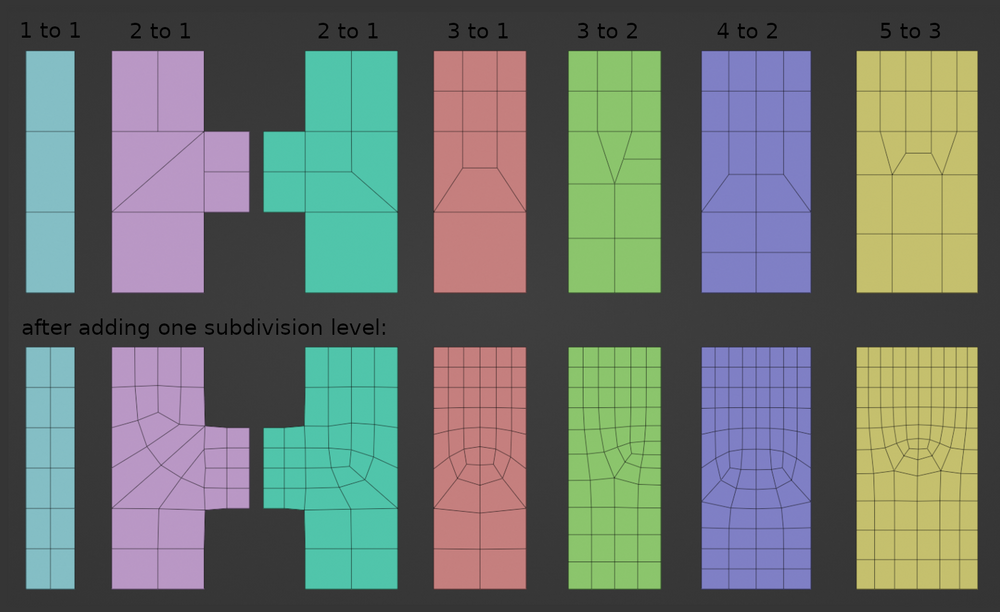
I am still learning my way around low poly modeling, subdivision surface, good practices etc. and trying to juggle all of them together while practicing, so I apologize in case my question has an obvious answer, but – I often find myself confused when it comes to low poly modeling and round(-ish) shapes.
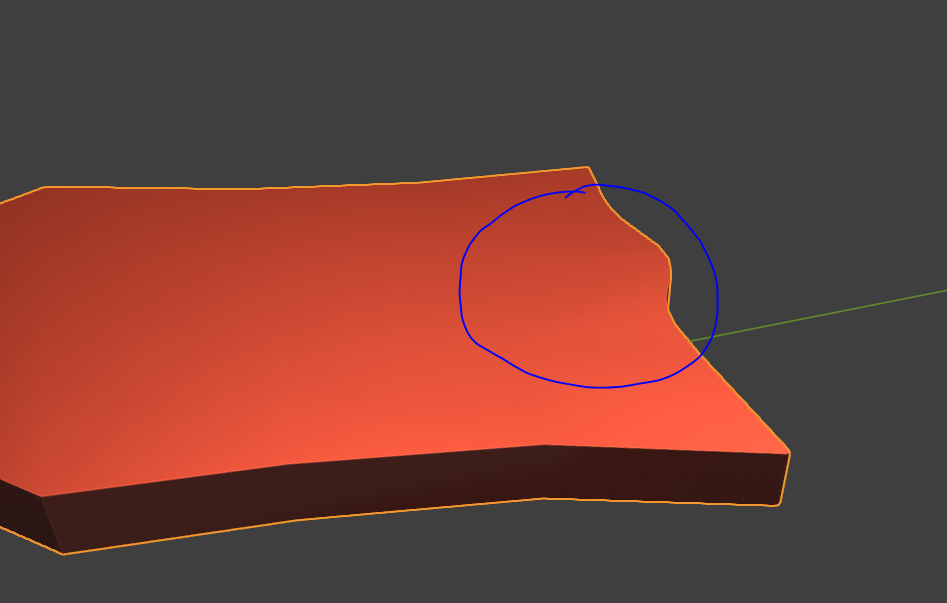
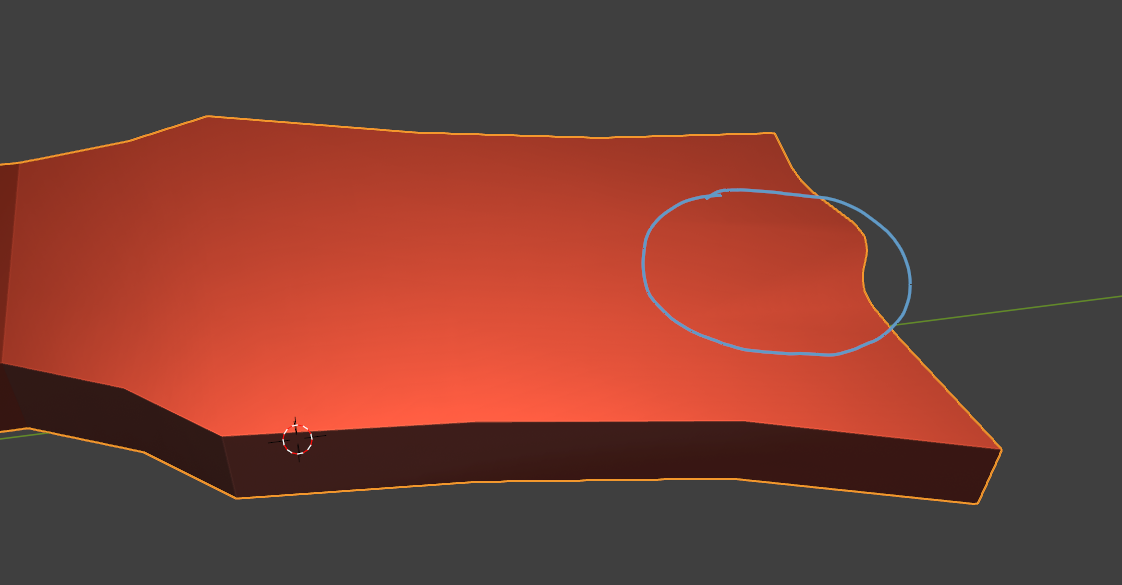
For example, in the case below, I am trying to model a guitar headstock. I want to keep it low poly, but the headstock has a more custom defined shape at the top where its border kind of undulates and it’s asymmetrical.
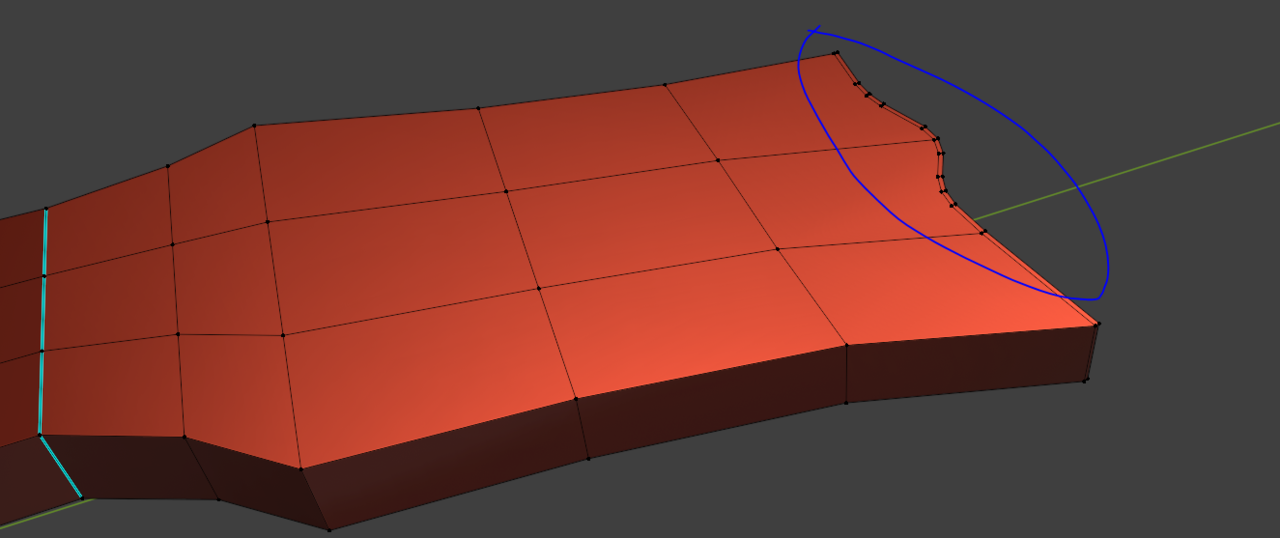
To be able to achieve the shape, I added more vertices than I wanted. (See the blue markings).

The headstock is not fully straight/flat. It bends slightly downwards (true to the guitar model).

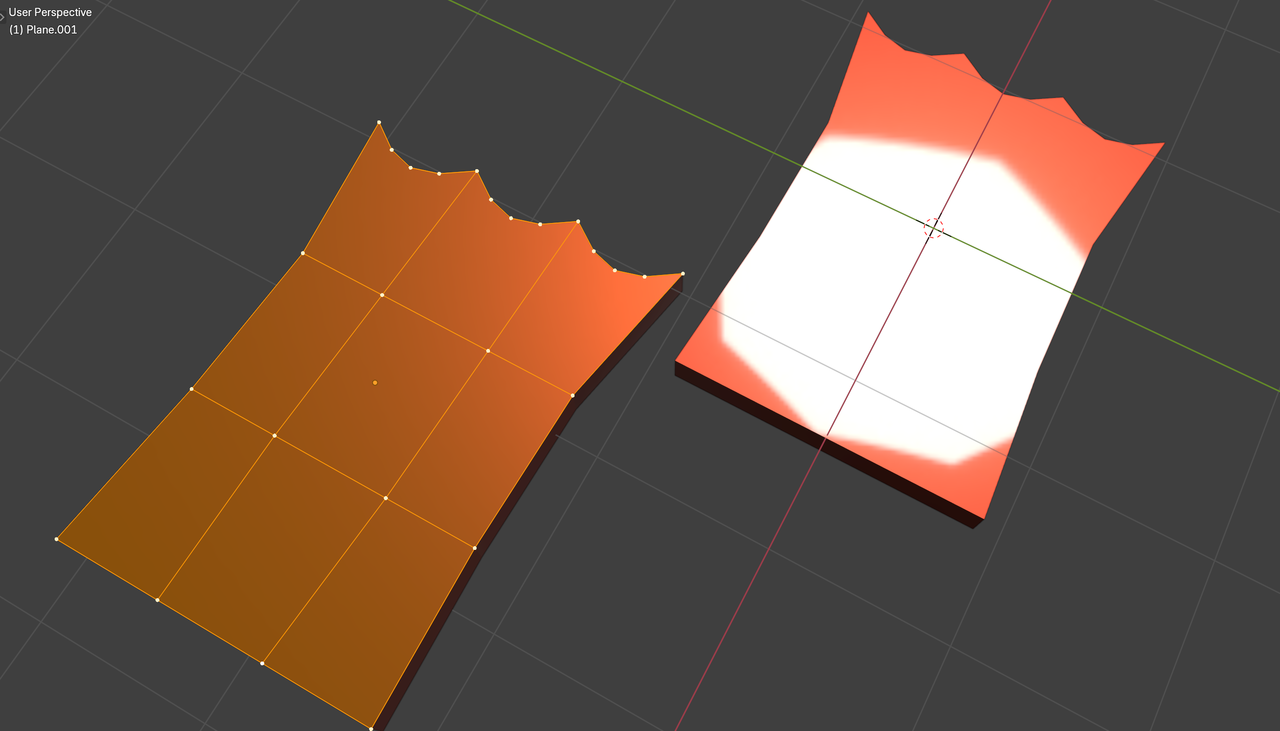
And this causes some ugly shading due to the extra vertices:
So my question is:
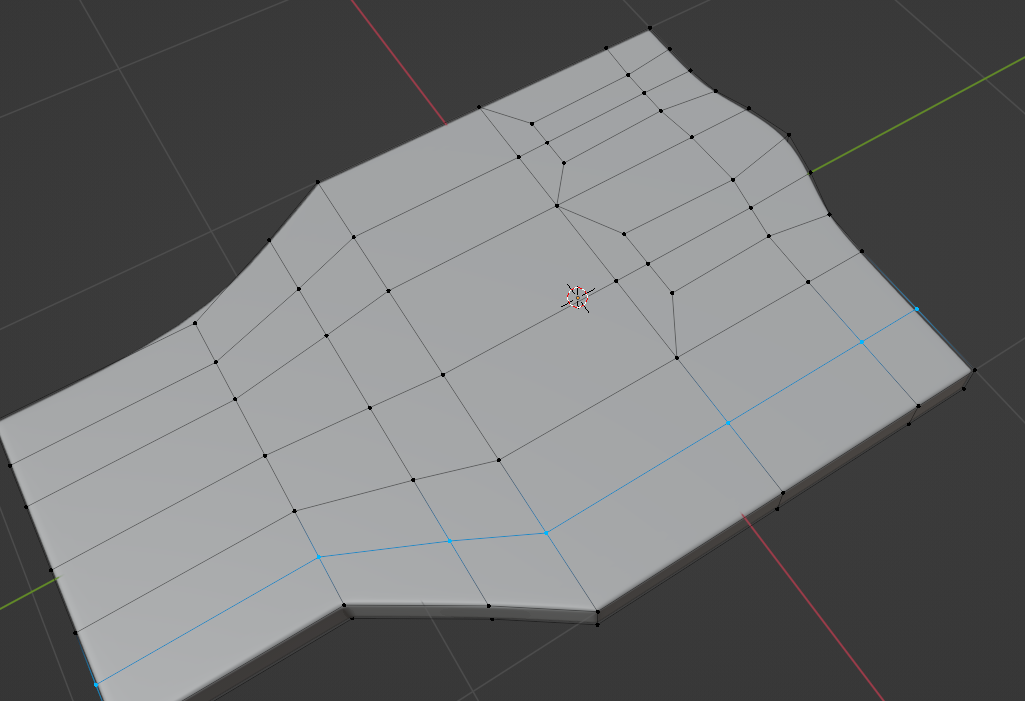
What is the right way to achieve this type of shape while keeping it low poly and free of shading issues? (Do I need to add quads all over to adjust to the new vertices?)
Thanks in advance!

.