Posing a sculpt after remeshing

Forum Archive Posing a sculpt after remeshing

Viewing 4 posts - 1 through 4 (of 4 total)
  • Author
    Posts
  • #17013
    Ross Franks
    Participant

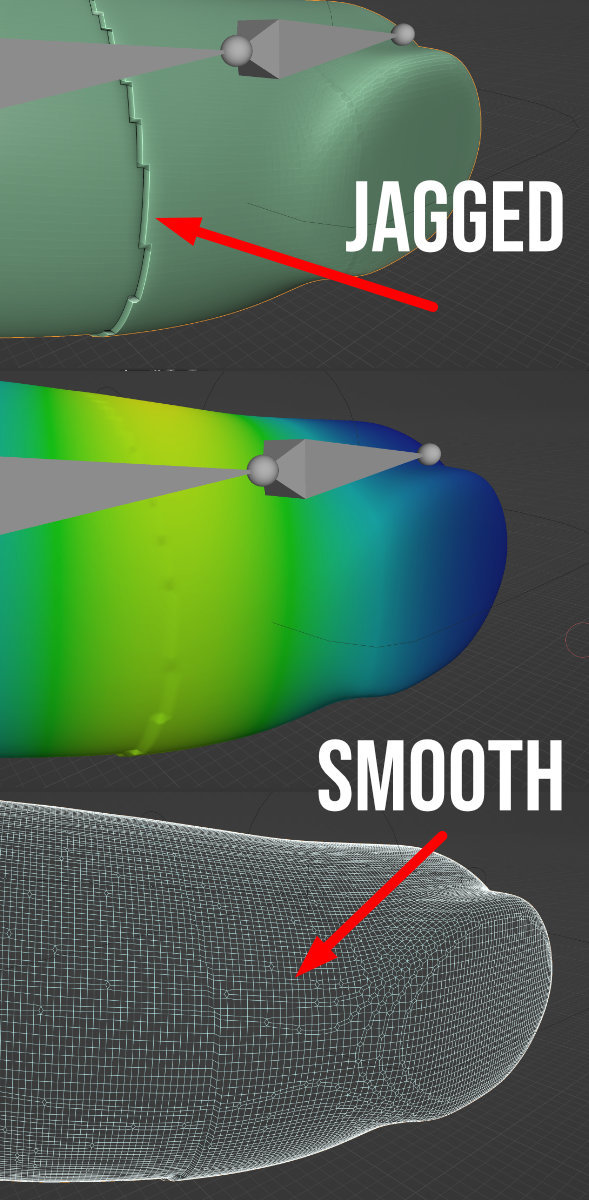
      Hey there I’ve watched Yan’s video on sculpting and posing a character ( https://www.youtube.com/watch?v=alK_YjMH9zk&ab_channel=YanSculpts ) and I’m pretty sure he hasn’t retopologised his sculpt, but when I pose my simple character for a 3d print, I’m getting ugly mesh noise.

      bear.jpg

      Is it because I’ve used remesh on the sculpt?

      Thanks in advance.

      #81859
      Adrian Bellworthy
      Participant

        Hey @rfranks,

        Looks like the mesh is way to dense and I’m guessing you used automatic weights.

        When you say you used remesh, you mean the remesh modifier, right?

        Have you applied the modifier?
        If not you need to adjust the setting for a less dense mesh and I would also suggest using manual weights with the remesh modifier.

        #81860
        Ross Franks
        Participant

          Thanks,

          I used Remesh in Sculpt Mode.

          I’m also wanting to try and avoid retopologise (as I will be sculpting fur onto this base model as it’s for 3d printing).

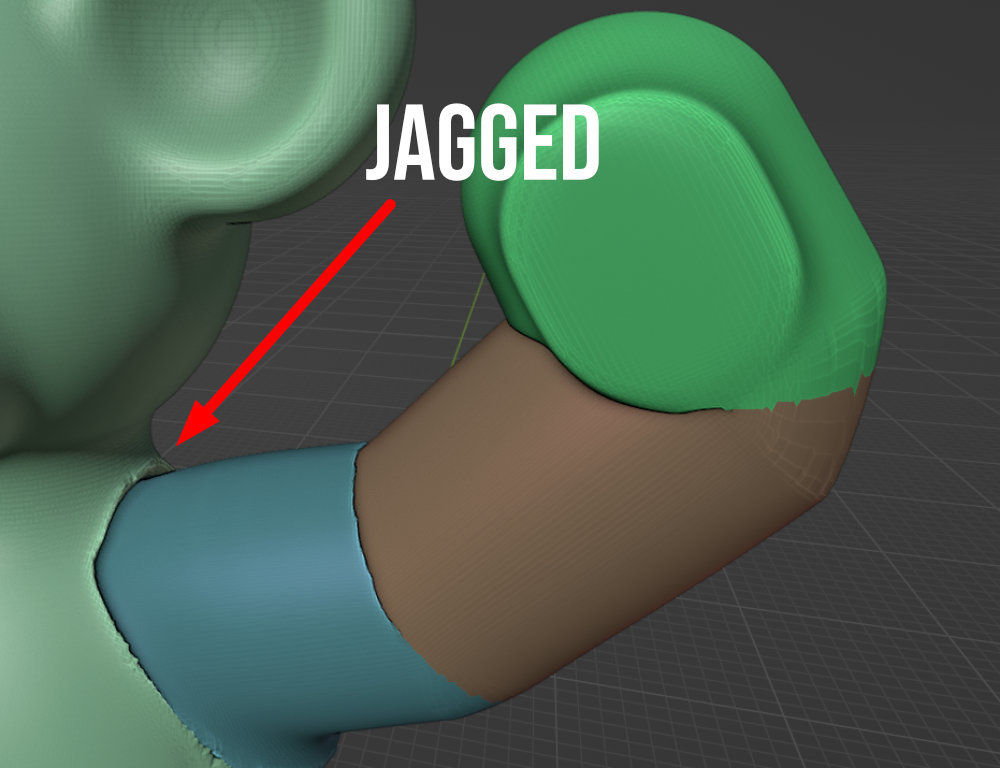
          Just wondering why I’m getting these jagged lines when in wireframe mode it looks smooth and in Weight painting mode it blends off smoothly.

          arm.jpg

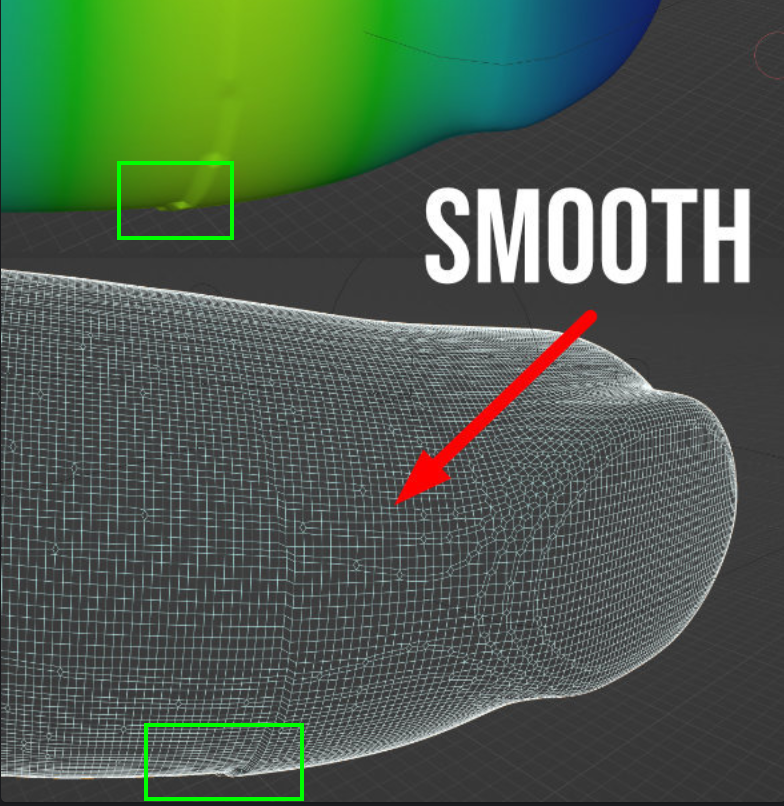
          And if I use the Pose brush in Sculpt mode with Face Sets I’m also getting this harsh falloff too.

          pose.jpg

          Am I missing something?

          #81861
          Martin Bergwerf
          Participant

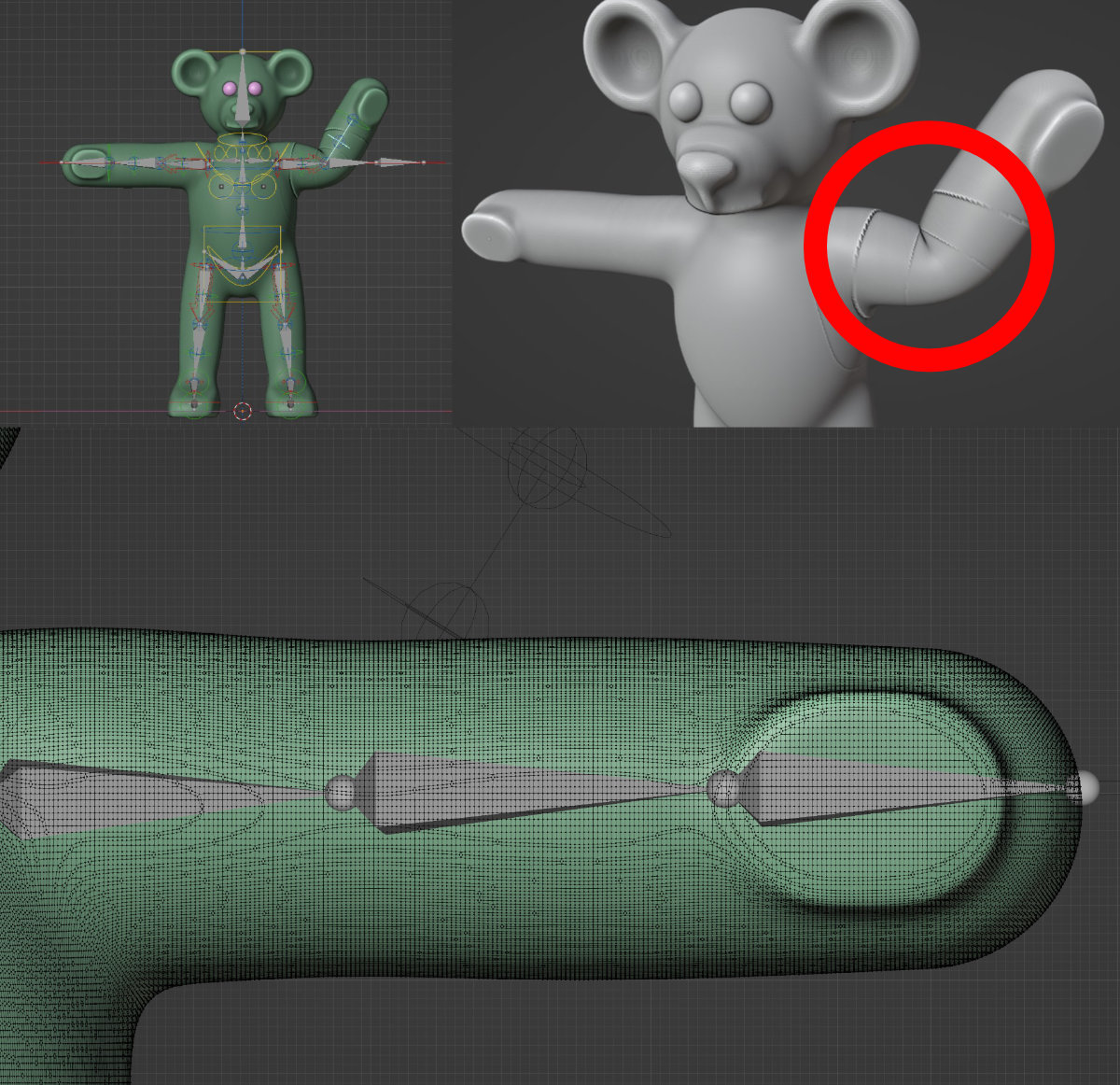
            I wouldn’t call that Wireframe smooth:

            Smooth.png

            The Weight Painting only shows one Bone (of course), so maybe the influence of other Bones in combination with this one are  causing the jaggedness?

          Viewing 4 posts - 1 through 4 (of 4 total)
          • The topic ‘Posing a sculpt after remeshing’ is closed to new replies.