please somebady help me to reach this effect

Forum Archive please somebady help me to reach this effect

Viewing 13 posts - 16 through 28 (of 28 total)
  • Author
    Posts
  • #80958
    Adrian Bellworthy
    Participant

      I think what you are asking is beyond the scope of an answer to this question here.
      You seem to be asking about the shading, the highlights of the materials, is that correct?
      You will need to learn the techniques to achieve the result you are looking for.

      Here are some courses to help you

      fundamentals-of-blender-materials-and-shading
      fundamentals-of-texturing-in-blender
      modeling-texturing-and-shading-a-treasure-chest-in-blender-2-8 – Chapters 2 and 3 of this course may be especially useful for what you require.
      cubicity-creating-and-utilizing-asset-libraries-with-blender – This course has some interesting techniques that can be utilized for materials and shading.

      I hope these help

      #80959
      Mohammad Arman
      Participant

        Screenshot (24).png

        #80960
        Mohammad Arman
        Participant

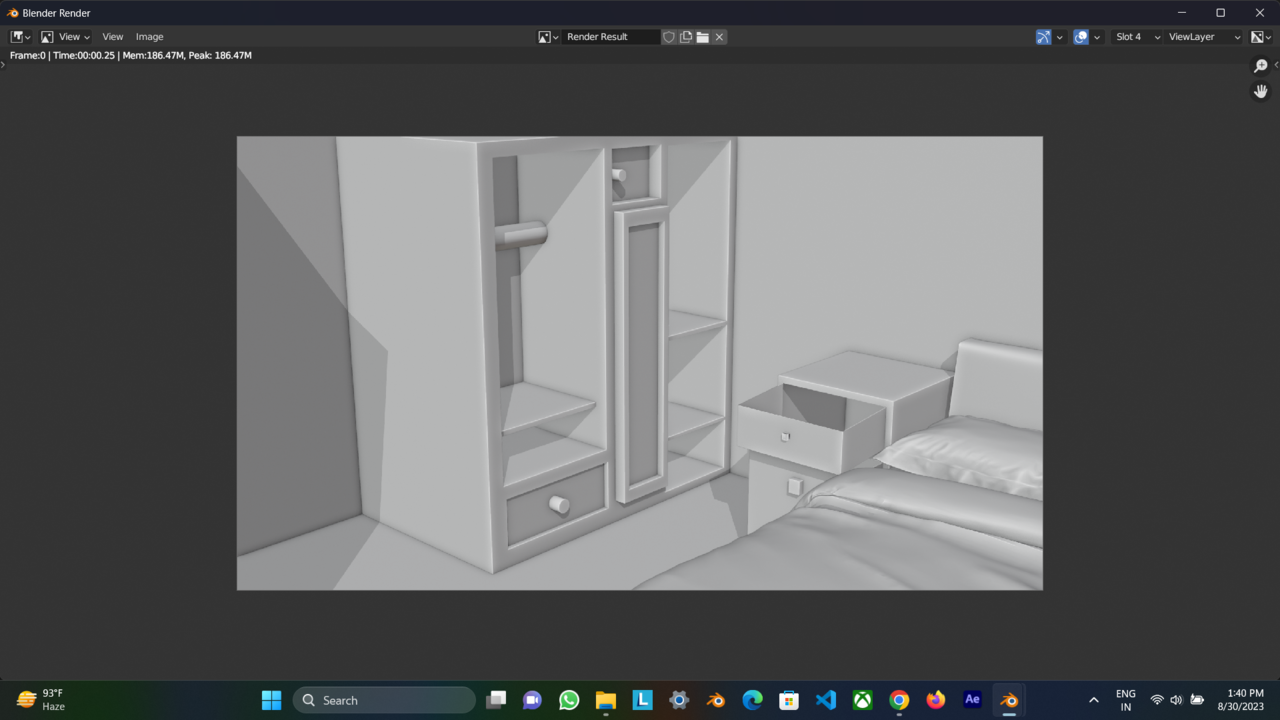
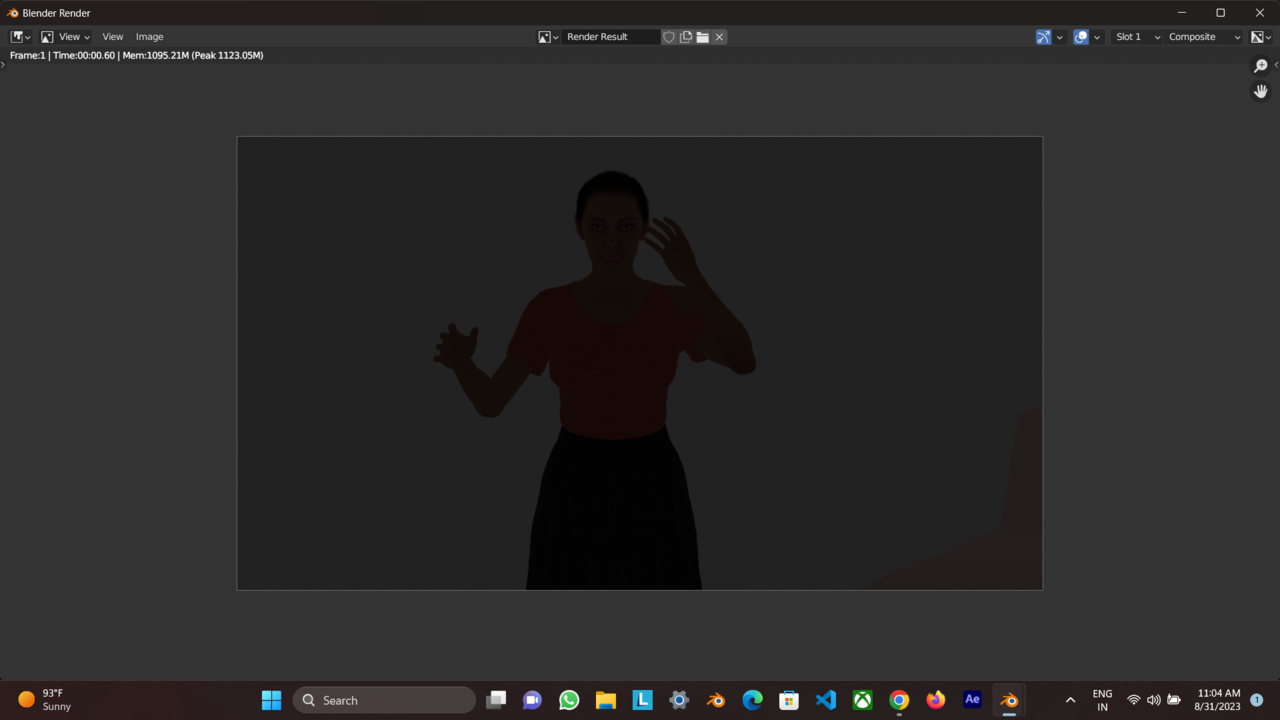
          i render this …Do you think this is okay?

          #80961
          Mohammad Arman
          Participant

            but i really don’t know how can i composite color full object like characte, book etc?

            if you know about this please help me

            #80962
            Mohammad Arman
            Participant

              martin bro help for compositing 

              #80963
              Martin Bergwerf
              Participant

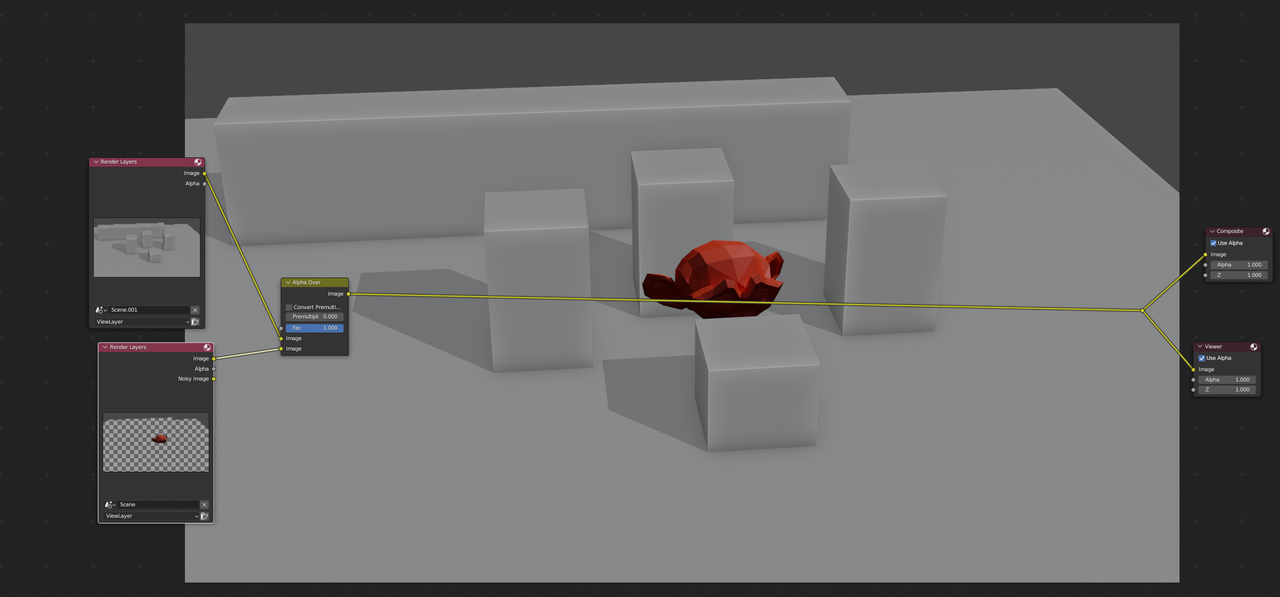
                In short:

                Duplicate your Scene.

                Render one Scene in Workbench, without the Characters.

                Render the other Scene in Cycles, with all the ‘background’ Objects given a Holdout Shader.

                Then use an Alpha Over Node in the Compositor:

                Compositing.png

                #80964
                Tom Fransson
                Participant

                  Yes Mohammad,

                  Martin has the solution right there

                  The theory behind it you can find in the course: Fundamentals of Compositing 

                  And if you need check also the course: Moving from Blender 2.7 to 2.8

                       and especially chapter 4. Render Layers vs. View Layers

                                                                   View Layer Outliner Toggles

                  #80965
                  Omar Domenech
                  Participant

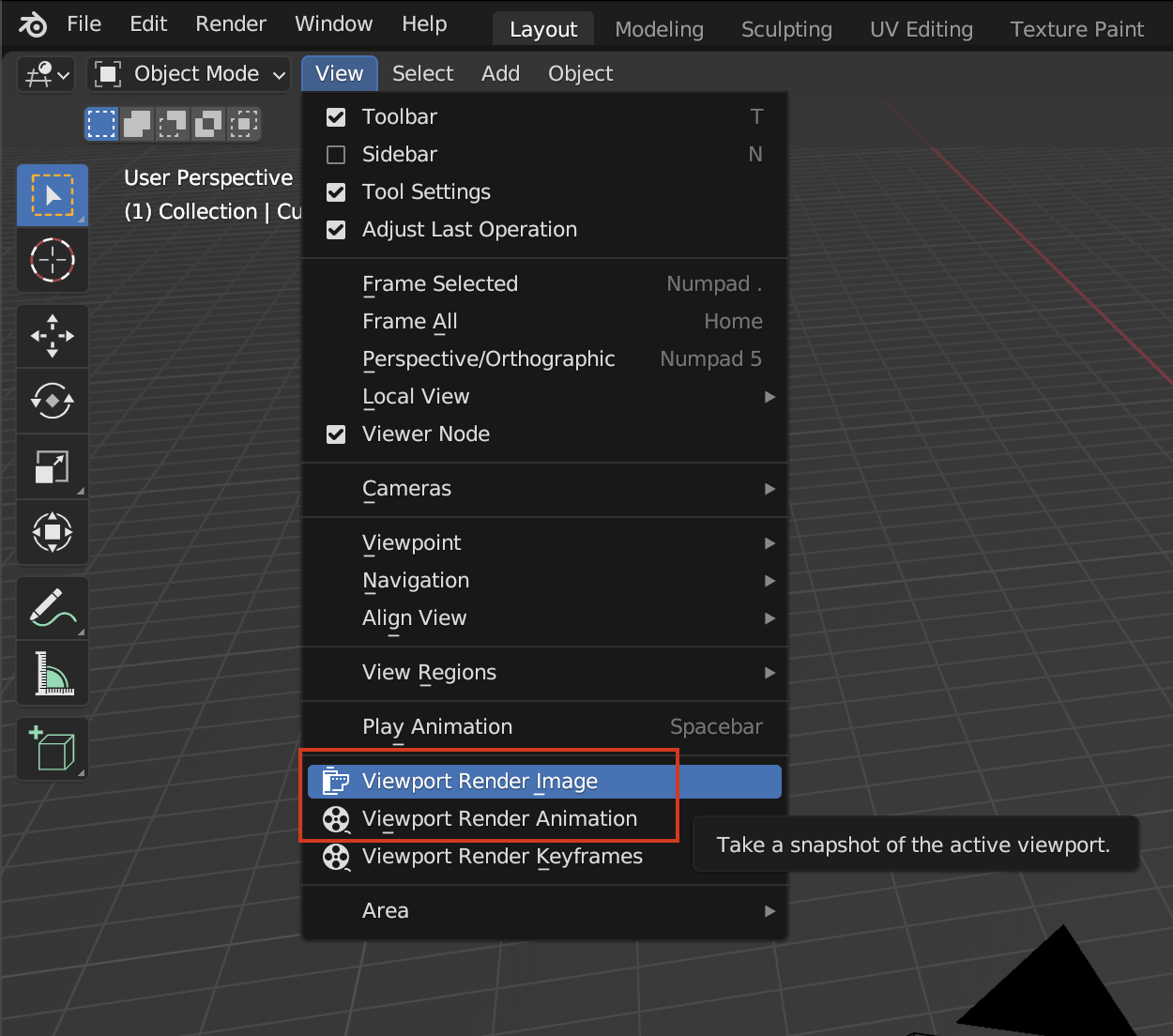
                    Also remember you can do quick renders of your viewport, that way what you see is what you get. Just remember to turn off the overlays so you don’t get all the widgets. 

                    Viewport Render.png

                    #80966
                    Mohammad Arman
                    Participant

                      how I upload my blender file I have some issue to render seen please tell me how i upload the file 

                      #80967
                      Mohammad Arman
                      Participant

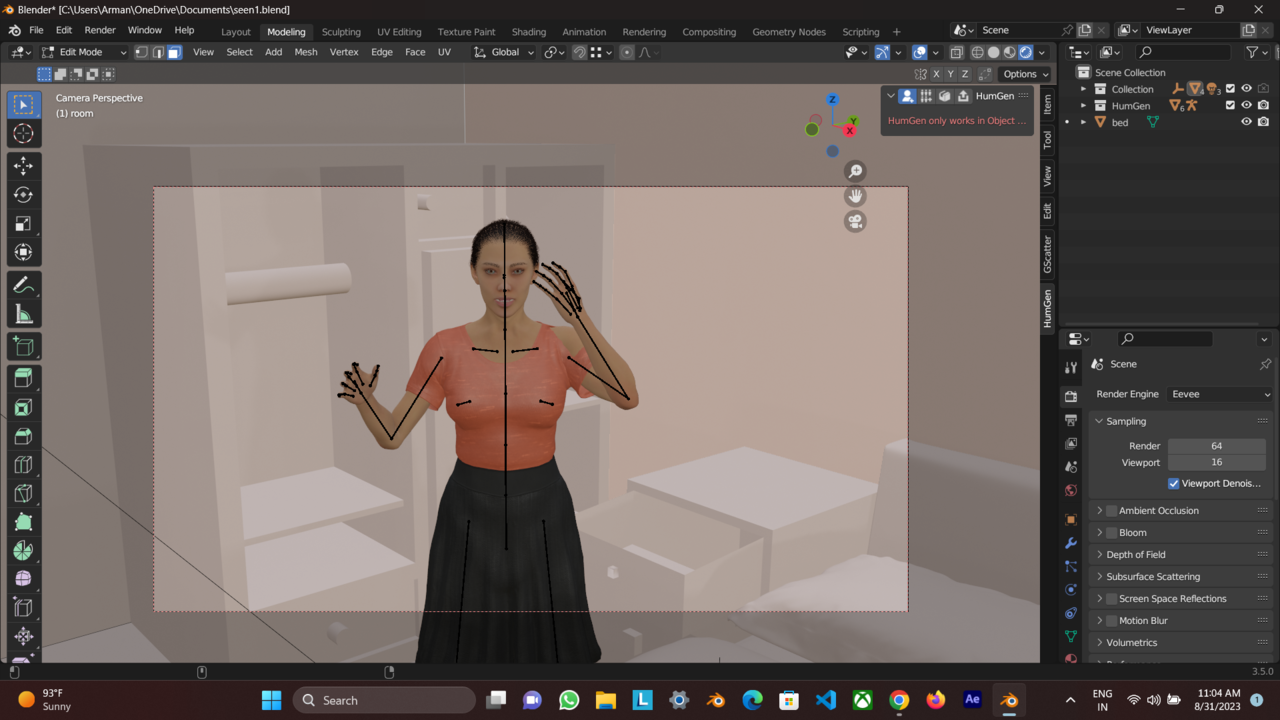
                        in eevee ……i dont know what happen
                        Screenshot (26).pngScreenshot (27).png

                        #80968
                        Mohammad Arman
                        Participant

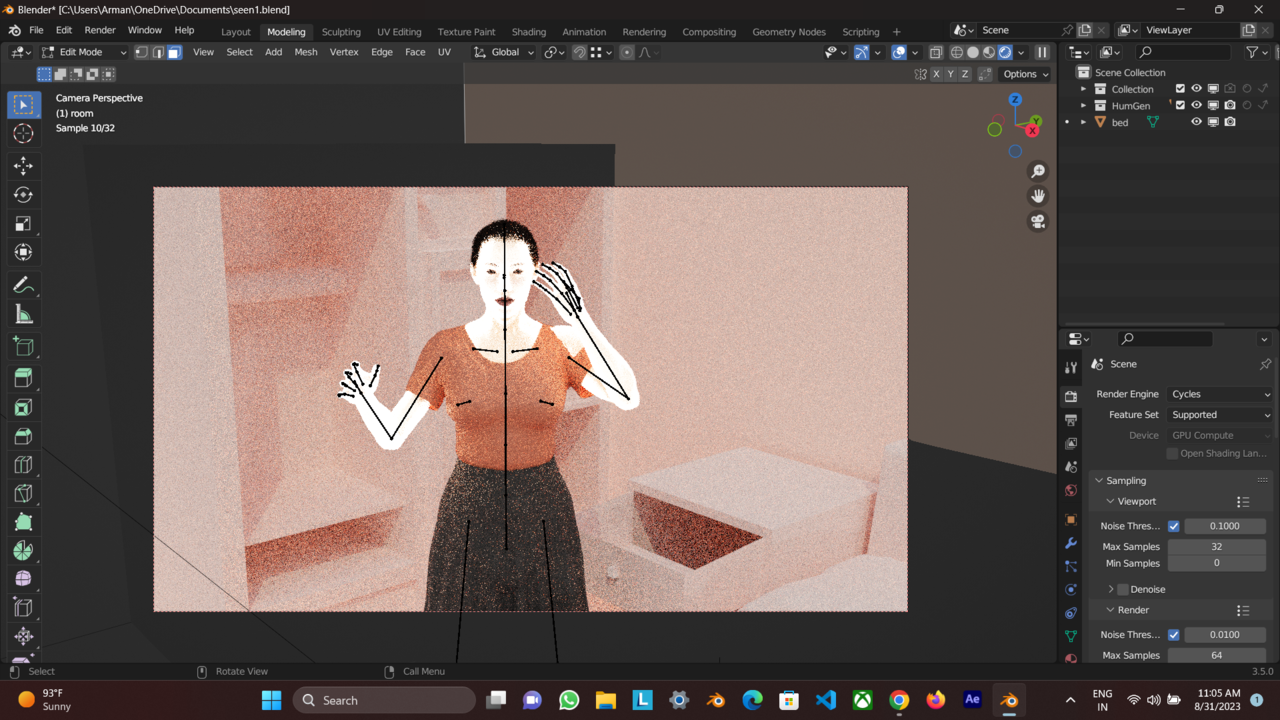
                          in cycle…I don’t know what’s going on somebody can  solve this please
                          Screenshot (28).png

                          #80969
                          Martin Bergwerf
                          Participant

                            Hi Mohammed, you can upload your .blend file to googledrive, Dropbox or so and then post a link here…

                            But one thing that’s wrong, is that the model is in Edit Mode (see Warning),

                            Also, if you want to use Eevee to Render the Character, the Objects with the Holdout Shader need to have the Blend Mode set to anything but Opaque, in order to work.

                            #80970
                            Omar Domenech
                            Participant

                              I suggest you watch some of the training that’s on CG Cookie, Adrian put of some of the links for you. Blender is a big beast and it is impossible to walk someone through the entire process by text on threads. You need to have the basics right and then practice a lot. We are here to help, yet we can’t walk everyone through every click of the mouse though.

                            Viewing 13 posts - 16 through 28 (of 28 total)
                            • The topic ‘please somebady help me to reach this effect’ is closed to new replies.