“please select a viewer node before pressing play”??

Forum Archive “please select a viewer node before pressing play”??

Viewing 9 posts - 1 through 9 (of 9 total)
  • Author
    Posts
  • #18060
    James Treweek
    Participant

      Hello Guys,
      I just opened a file created with Blender 3.5 (a simple rigged/animated character) in Blender 4.1 and I get the error:
      “please select a viewer node before pressing play” when I try to play the animation.
      I’m a bit stumped as to where I need to add the viewer node and can’t really find any information in Google.
      I have node wrangler installed. I’m sure it’s an easy fix? (please tell me it is!)
      Thank you!

      #86459
      Martin Bergwerf
      Participant

        Opening old files in newer versions can cause all sorts of problems (although it very often just works).

        Maybe you can provide a link to your .blend file, so we can see what that error is all about.

        #86460
        James Treweek
        Participant

          Hi,
          Yes, I guessed as much 🙂 I was trying to see if I could make use of some updated addons with an old file.
          Here’s a link to the file that works fine in 3.5:

          https://drive.google.com/file/d/1BQO4K8DHllIFgTfiUBOMRQCul6DRlUnu/view?usp=sharing

          #86461
          Martin Bergwerf
          Participant

            Hi James, I don’t get that warning in 4.1 and the animation seems to play fine.

            There are a bunch of errors about Shapekeys (invalid from pointers, key will be deleted) and Drivers, but those are the same in 3.6 and 4.1 (sorry, didn’t have a 3.5 lying around..)

            #86462
            James Treweek
            Participant

              Ah, how strange. I got those shape key errors too but the file won’t play.

              #86463
              James Treweek
              Participant

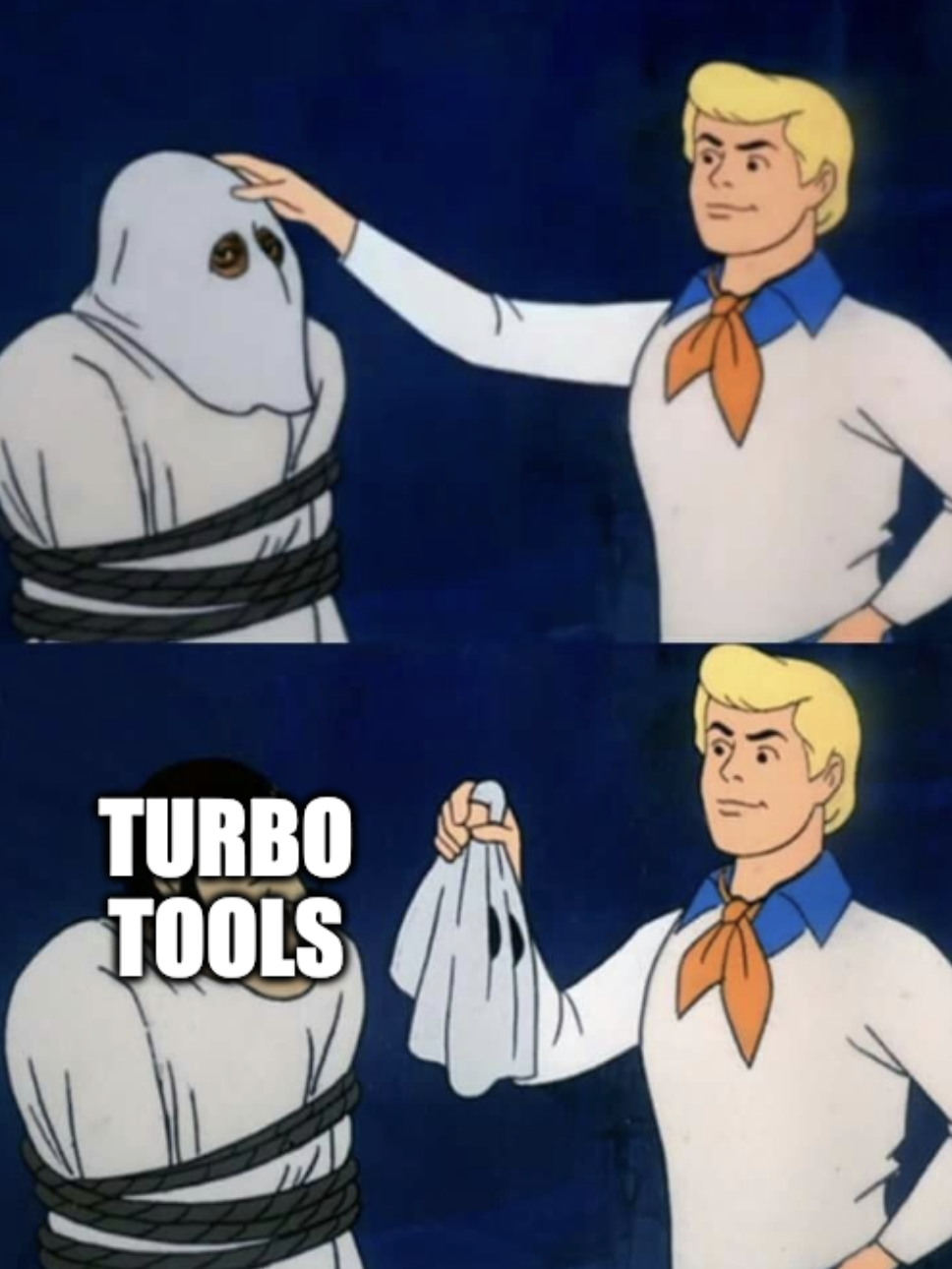
                Found the issue! It seems to be an issue with the Turbo Tools addon. I disabled it and it works fine.

                Thank you!

                #86464
                Martin Bergwerf
                Participant

                  Ah, good to know!

                  (Always those sneaky Addons 😉…but actually, I heard about more problems that were caused by Turbo Tools 🤔)

                  #86465
                  Omar Domenech
                  Participant

                    Turbo.png

                    #86466
                    James Treweek
                    Participant

                      If it’s of use to anybody if they use Turbo tools, apparently this was a bug which was quickly fixed in an update the next day.
                      So if anybody encounters the same things, update and restart Blander and it should be ok.

                      🙂

                    Viewing 9 posts - 1 through 9 (of 9 total)
                    • The topic ‘“please select a viewer node before pressing play”??’ is closed to new replies.