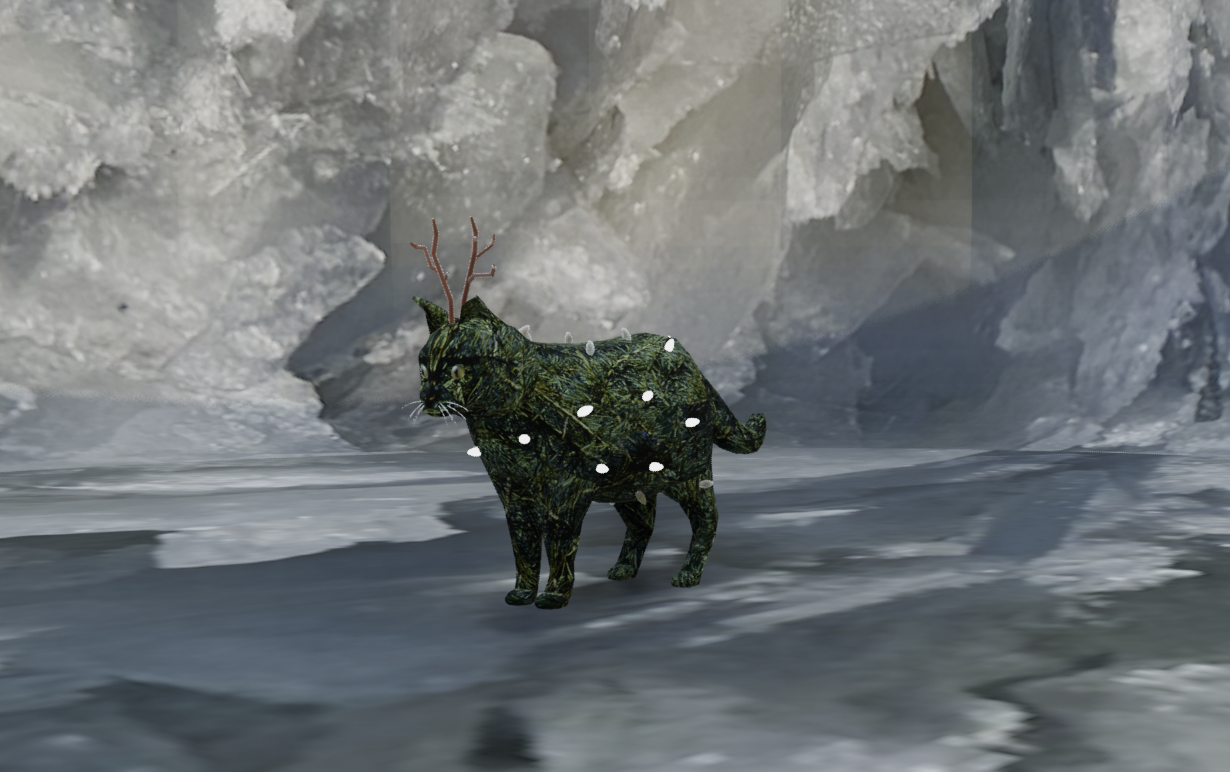
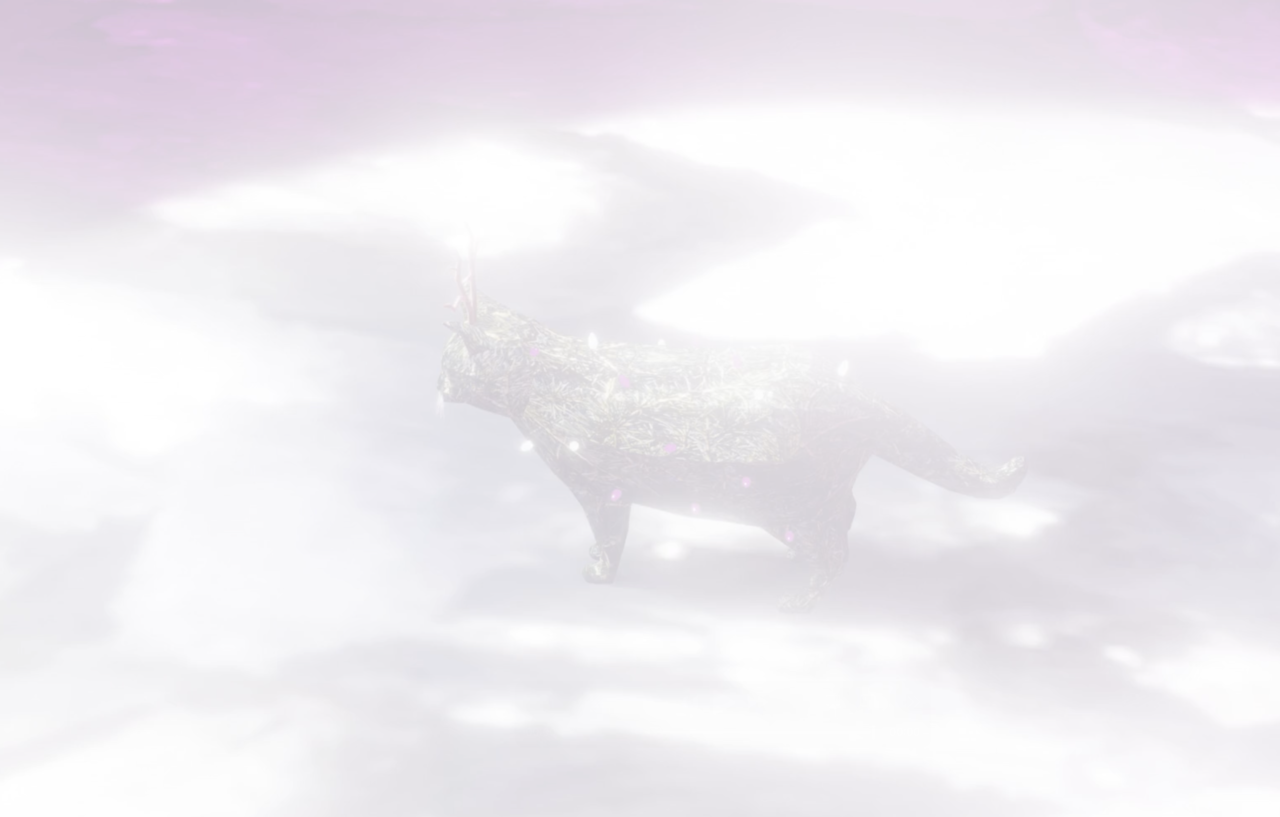
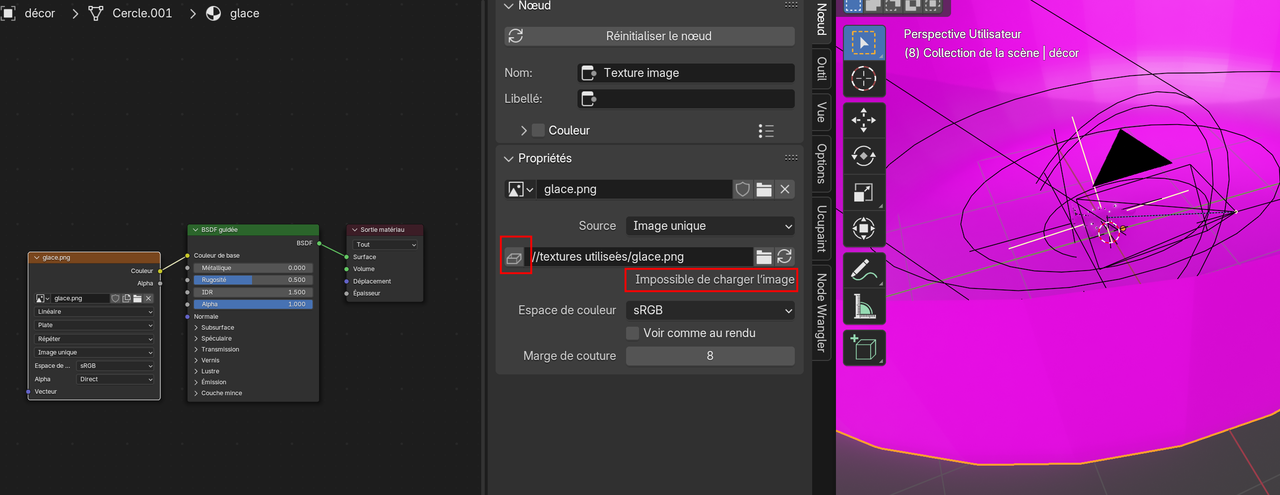
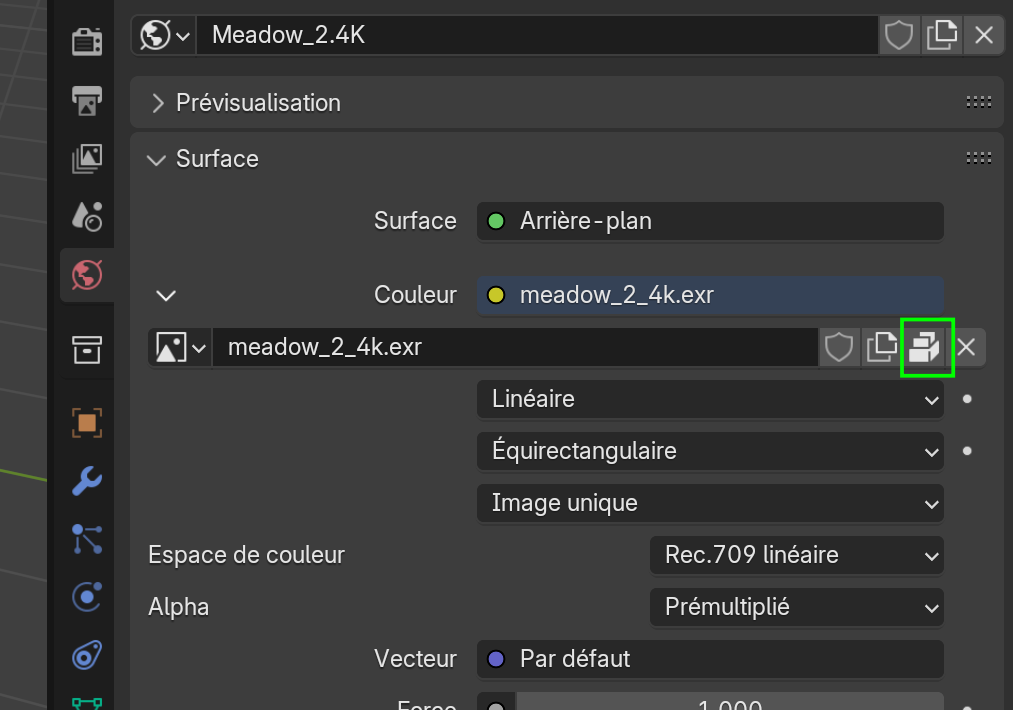
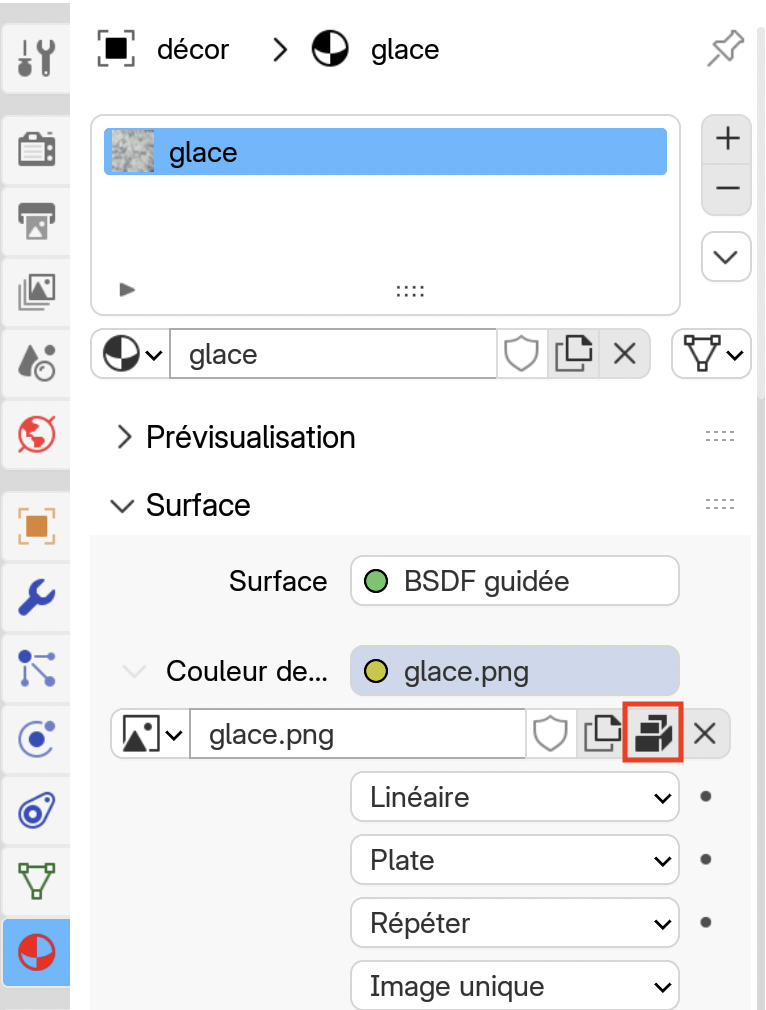
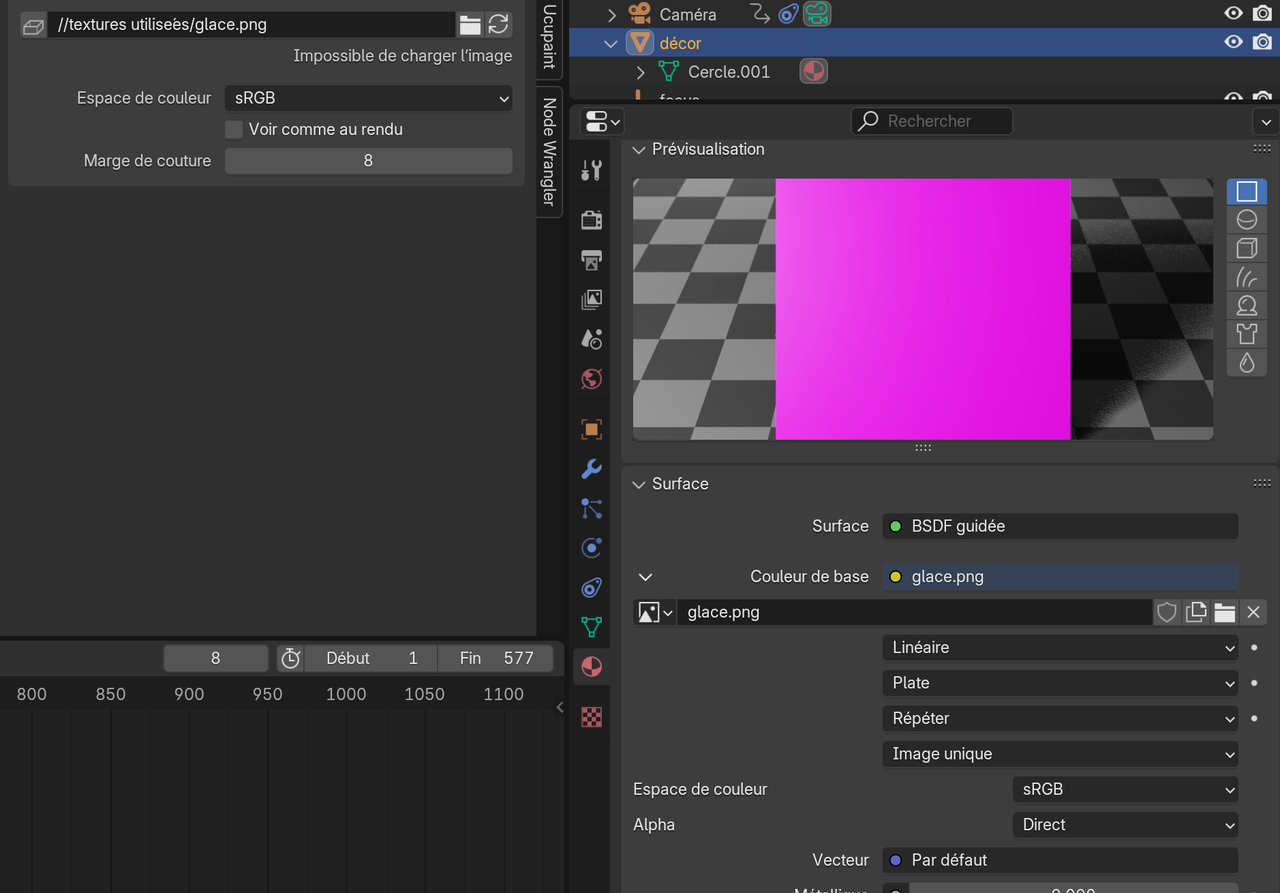
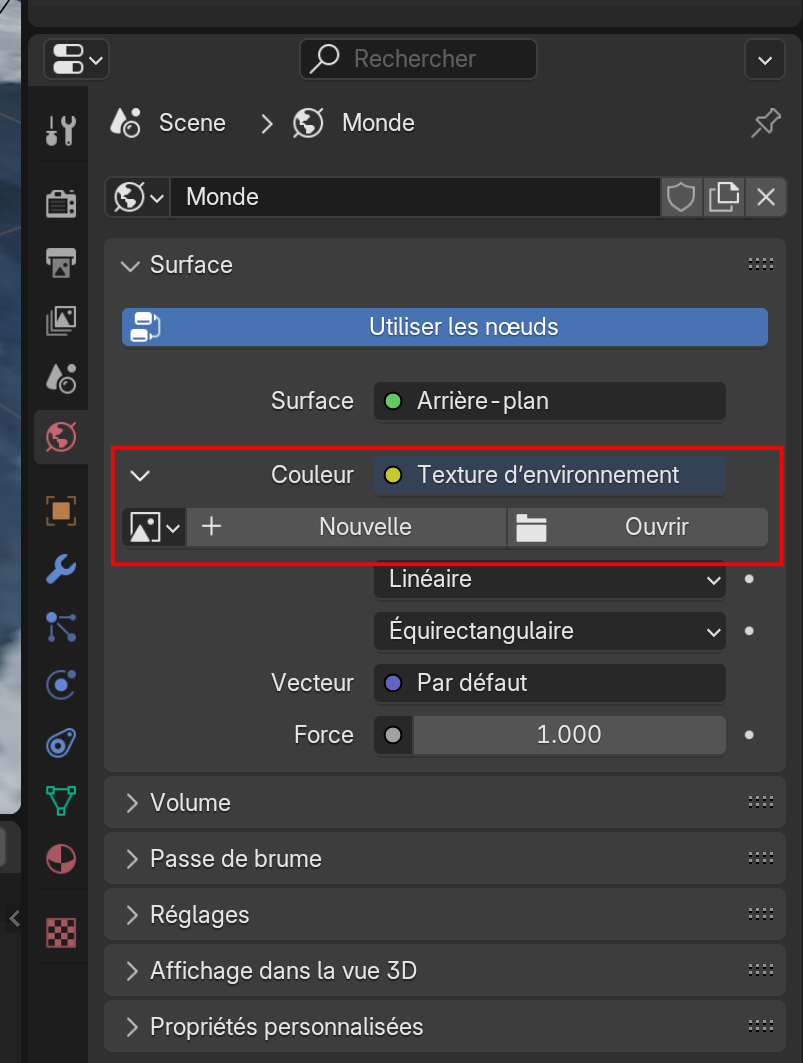
I have my object, my background and an animation. But the render is pink. I checked: I have no missing files, but they weren’t all in the same folder. Now they are, but the render is still pink. My images are in PNG or JPG.
Are you using volumetric or mist pass? It appears to have really bright lighting or maybe gamma/exposer problem? Are you using a color adjustment in Compositor/VSE/Shader editor?
I’m quite newbie in Blender. I don’t know what is volumetric or mist pass. 🫤 Maybe my light source is too close. But that doesn’t explain the pink color, does it?
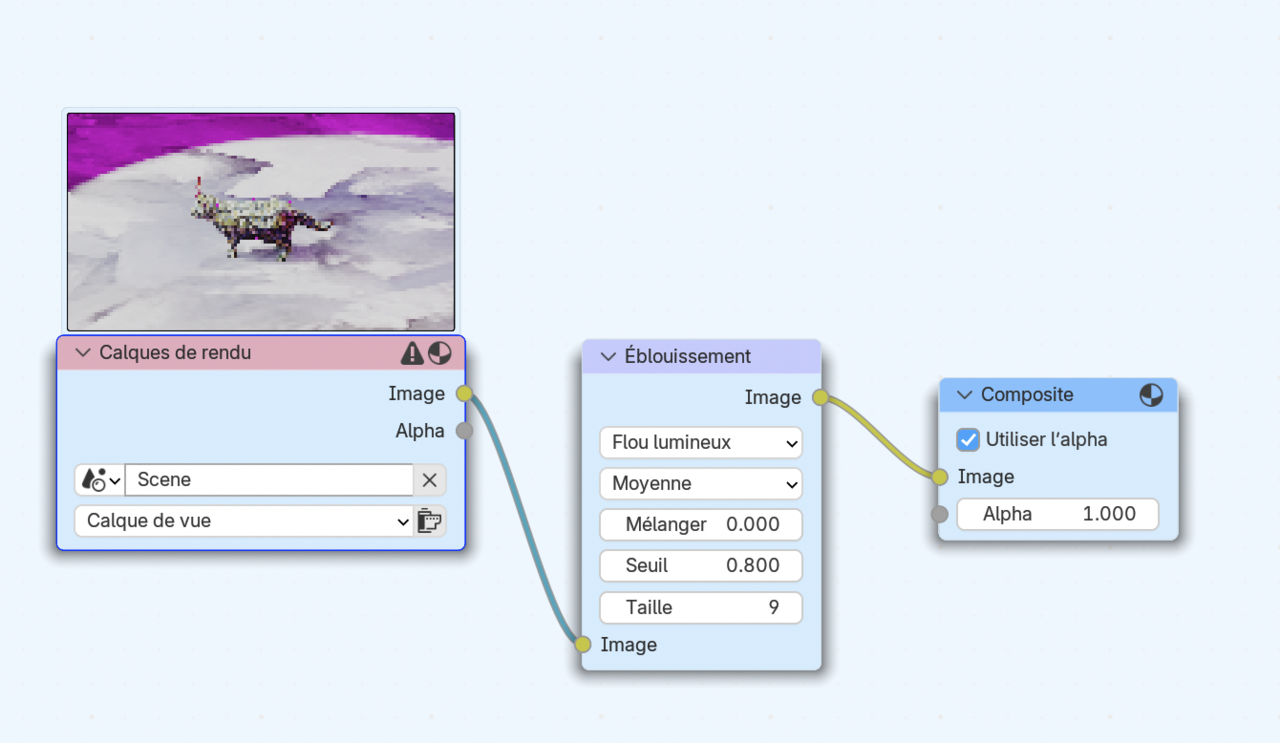
Here is what I have in the Compositor (it’s in French), but I don’t think I have done that… 🤔:
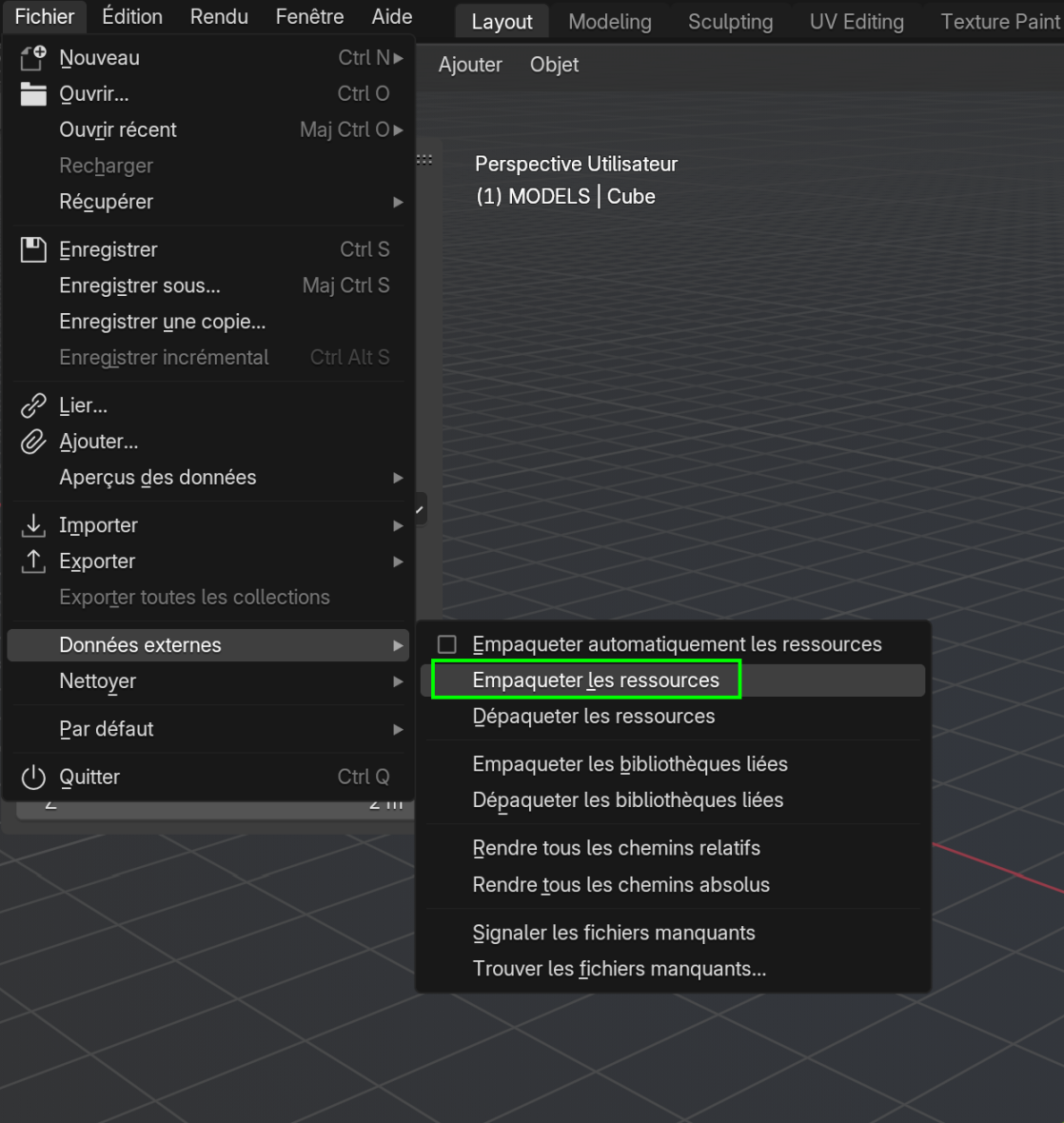
could you upload your .blend (to Googledrive, Dropbox, or so) and post a link here? Please Pack Resources, just in case and then Save your File, before uploading:
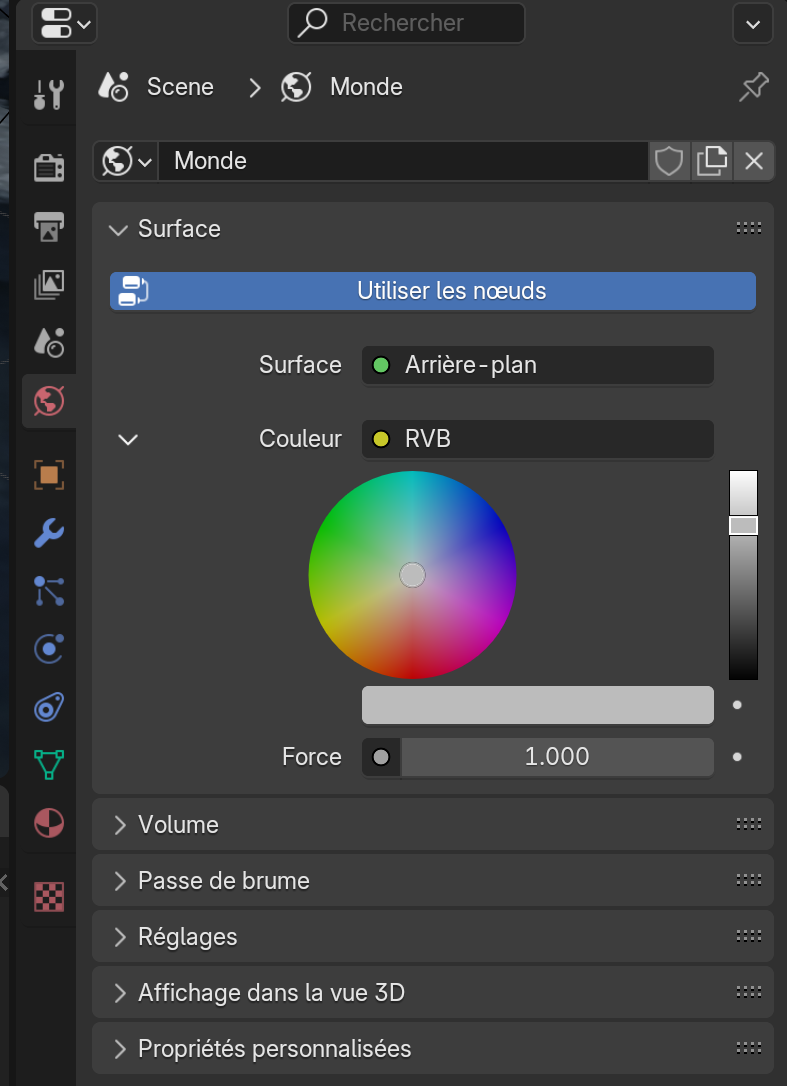
I’ve tried with an HDRI yesterday and because I couldn’t (or didn’t know how…) place it well, I decided to create a kind of bowl with a texture on it. That let the Environment Texture empty. Now, with RGB, it’s okay!!! Thank you. That means that we always need something in the background, doesn’t it? (But the lighting is really too bright: I will (try to) fix that.)
You could still use an HDRI as World Texture, in combination with the ‘bowl’. Then it will contribute to the lighting, but won’t be visible as background…
Author
Posts
Viewing 14 posts - 1 through 14 (of 14 total)
The topic ‘Pink rendering’ is closed to new replies.