Pinching

Forum Archive Pinching

Viewing 7 posts - 1 through 7 (of 7 total)
  • Author
    Posts
  • #15948
    Roxana Moise-Dan
    Participant

      Hey,

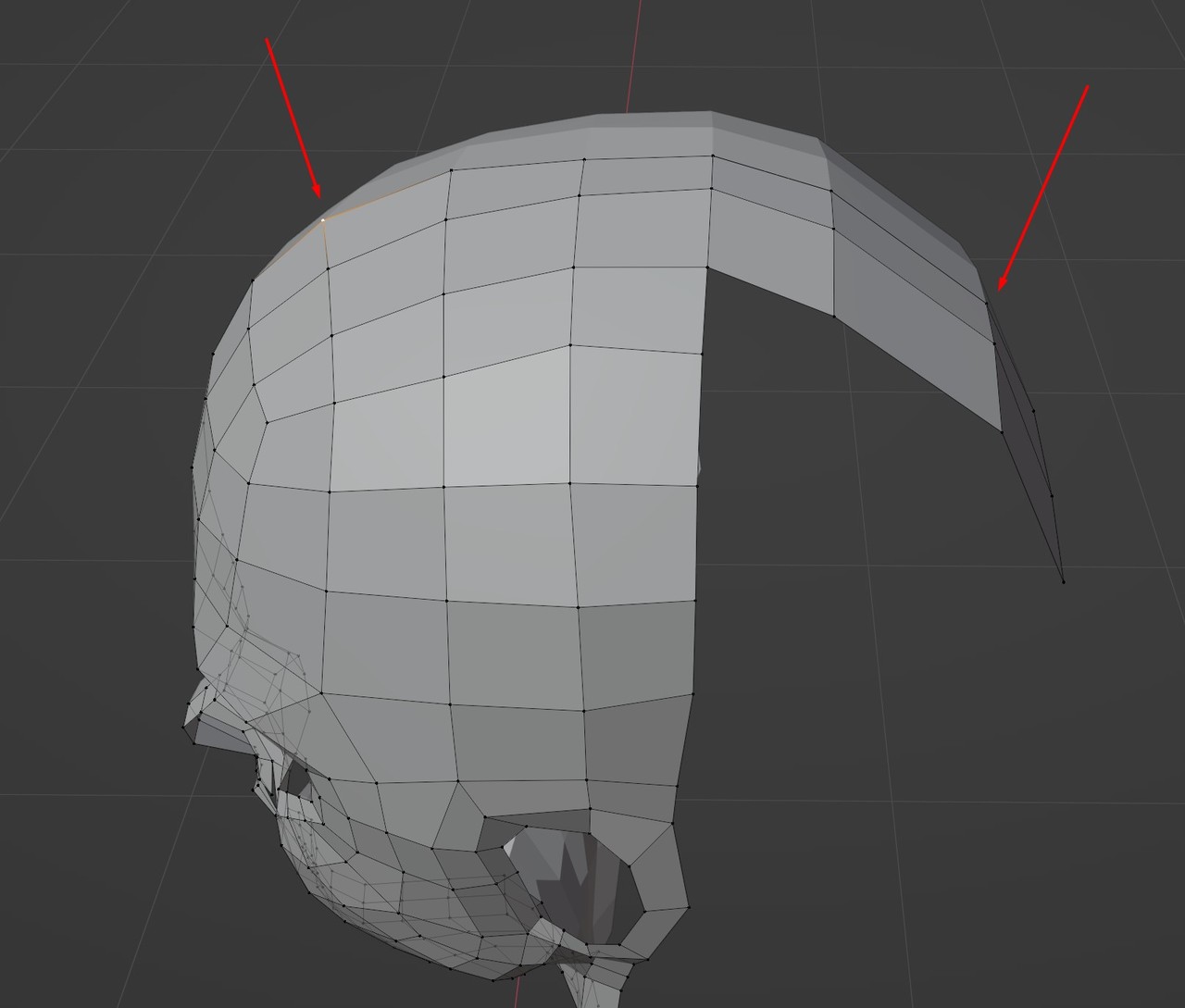
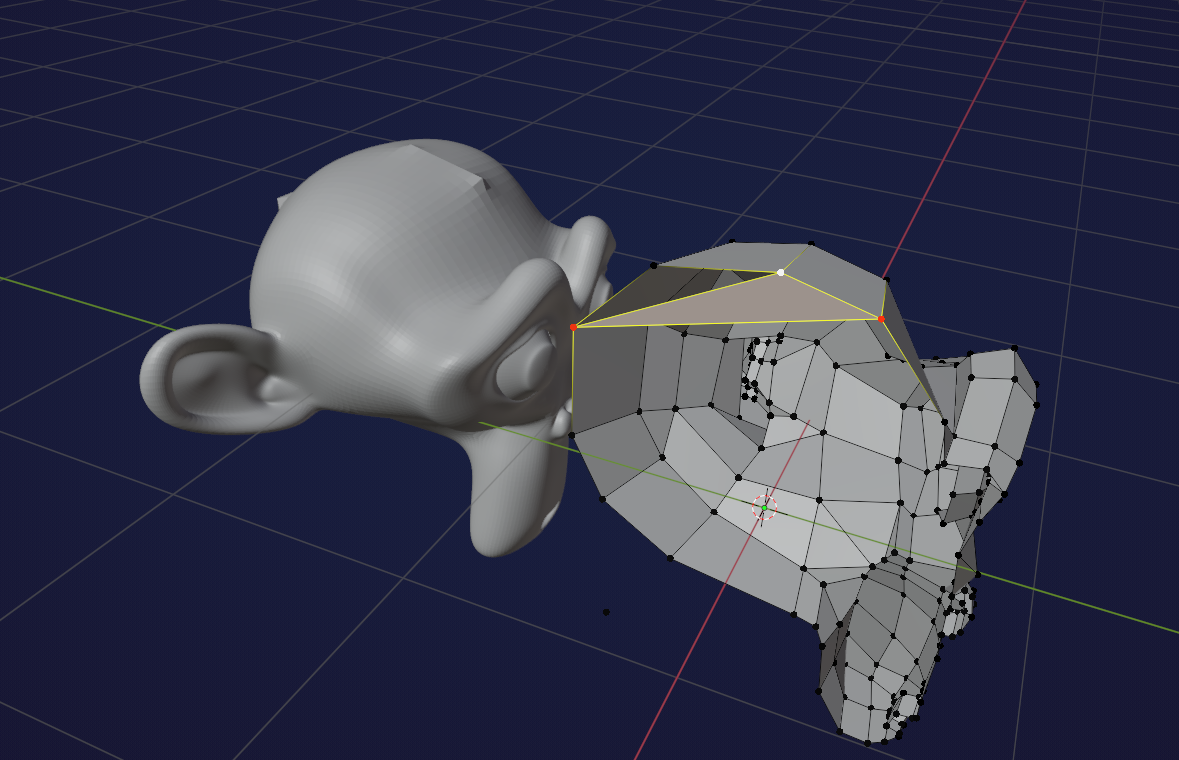
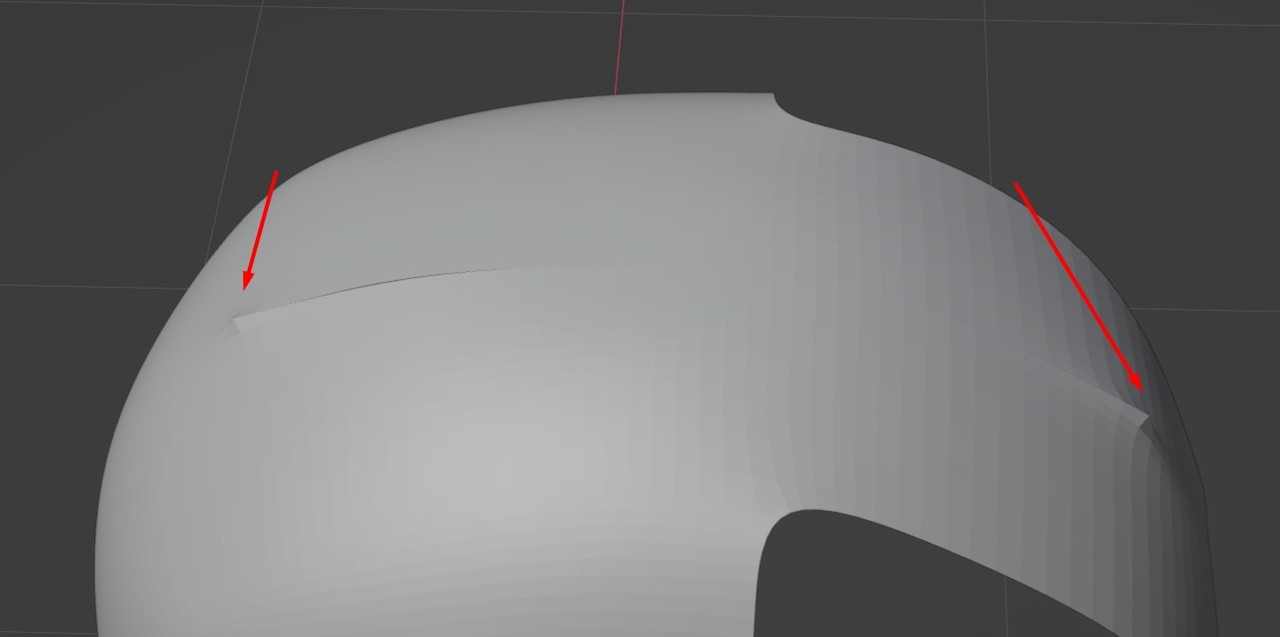
      so I get this nasty pinching at the top of the head and I don’t know how to get rid of it. I’m not entirely sure when was created. If I were to guess maybe it happened when I snapped those top vertices along the X axis (toward the mirror modifier). I checked and I don’t have any doubles.

      I can’t find anything on the internet, other than removing doubles. I’m wondering if this has something to do with the modifier itself and I don’t really understand the way it works. I got that pinching again when I subdivided the line that goes through the center of the head. So maybe I shouldn’t mess with that, I really don’t know.Screenshot_4.jpgScreenshot_2.jpg
      #77588
      Martin Bergwerf
      Participant

        Hey Roxana,

        You might wanna take a look inside the head:

        Inside.png

        #77589
        Roxana Moise-Dan
        Participant

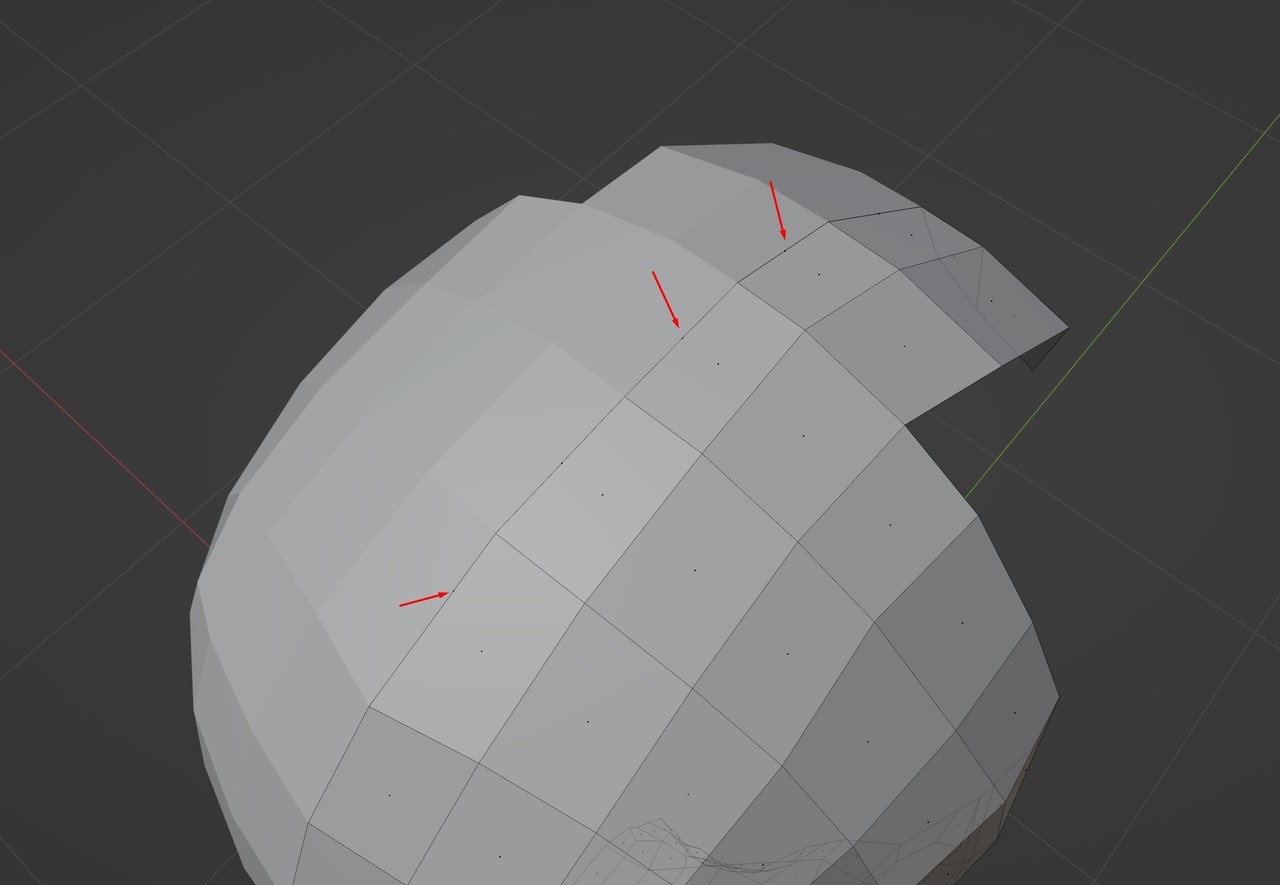
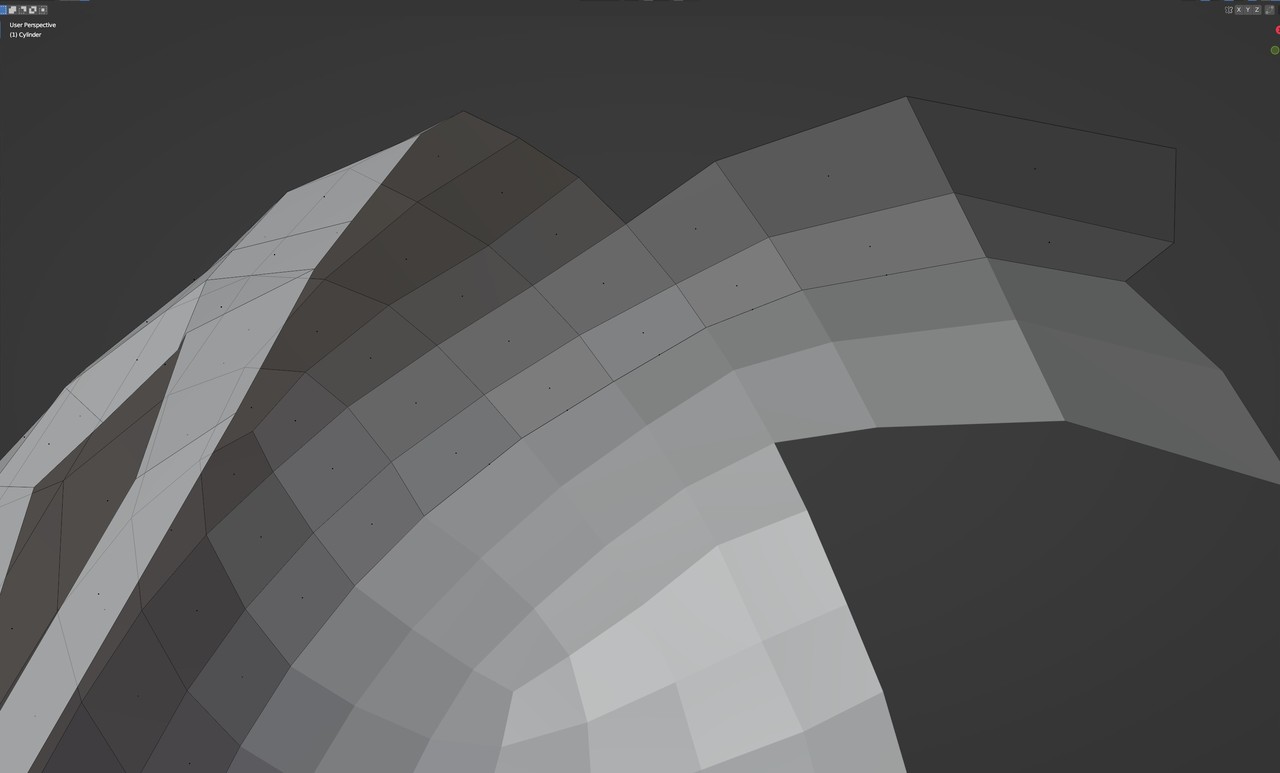
          I just did and all the faces are connected. I did notice in face select mode these vertices (they look like vertices), but when I try to delete them in vertex mode, they disappear. I’m not able to select them in any way.

          I also tried deleting those faces and fill them again, but the result was even worse than this.Screenshot_5.jpg

          Screenshot_6.jpg

          #77590
          Martin Bergwerf
          Participant

            Hi Roxana,

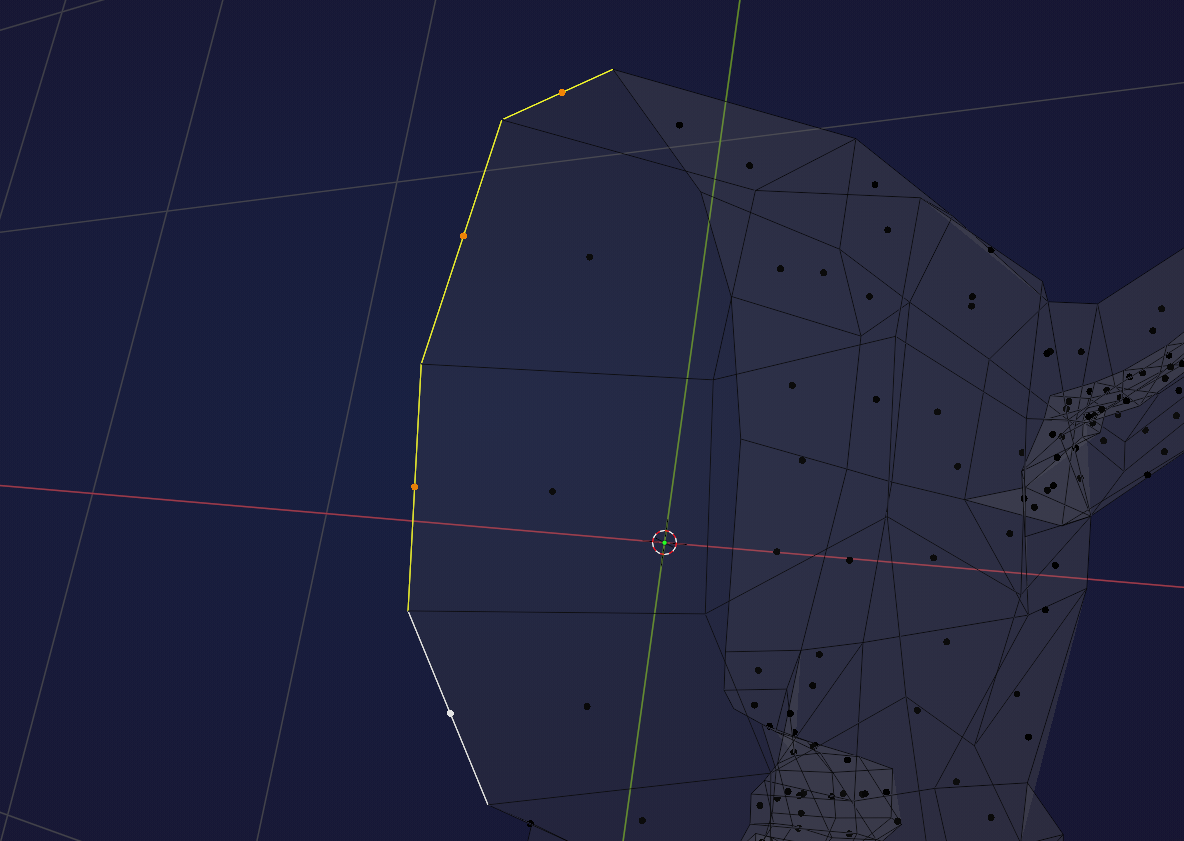
            Those ‘vertices’ in Face Select Mode are the center dots of Faces (so-called zero Faces, because they have a surface area of zero). They should not be there! Select them in Face Select Mode (easiest in Wireframe view!):

            Faces_1.png

            and X > Delete > Faces.

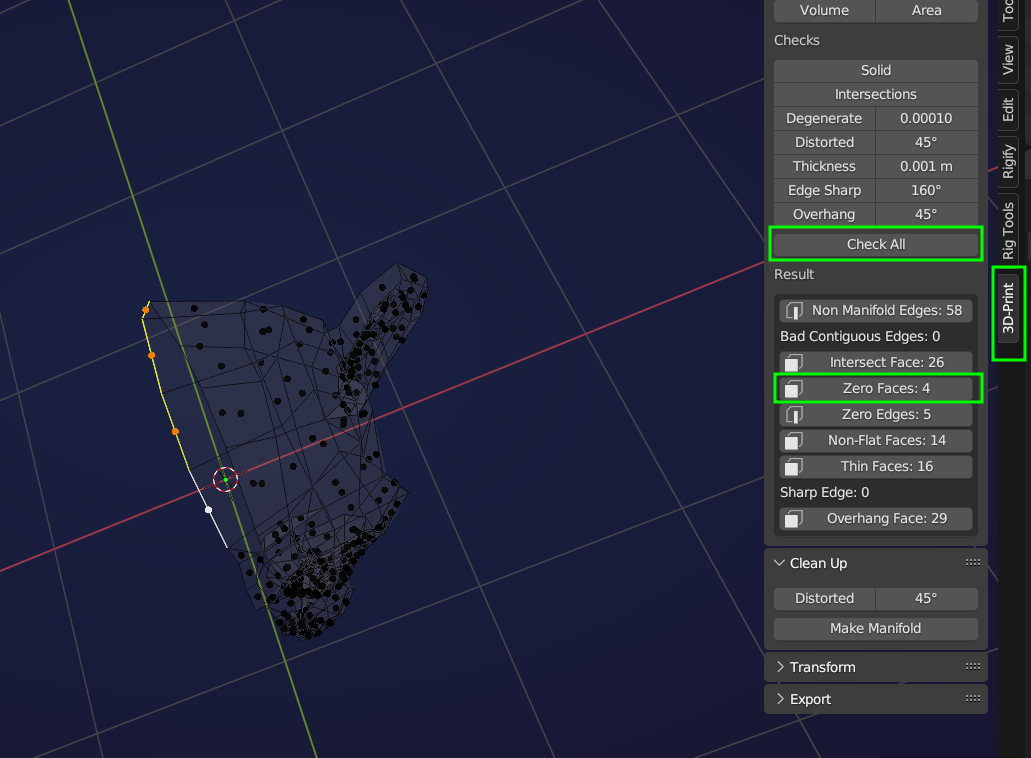
            Another way to select them, is to enable the 3D Print Toolbox Addon and click on ‘Check All’ and then on the ‘Zero Faces’:

            Faces_2.png

            #77591
            Martin Bergwerf
            Participant

              Come to think of it, Merge By Distance should also work…

              #77592
              Roxana Moise-Dan
              Participant

                Deleting those center dots worked! Thanks!

                Merge by distance didn’t do anything. 

                I appreciate the help.

                #77593
                Omar Domenech
                Participant

                  Oh, that addon is a nice hack for a tool that checks your mesh. There must be a dedicated one that comes bundled with Blender, but I’ve never bothered to check. But the 3D print one can do the trick. 

                Viewing 7 posts - 1 through 7 (of 7 total)
                • The topic ‘Pinching’ is closed to new replies.