PBR Material Looks Weird (dark) at Certain Angles

Forum Archive PBR Material Looks Weird (dark) at Certain Angles

Viewing 3 posts - 1 through 3 (of 3 total)
  • Author
    Posts
  • #14864
    Jake Douville
    Participant

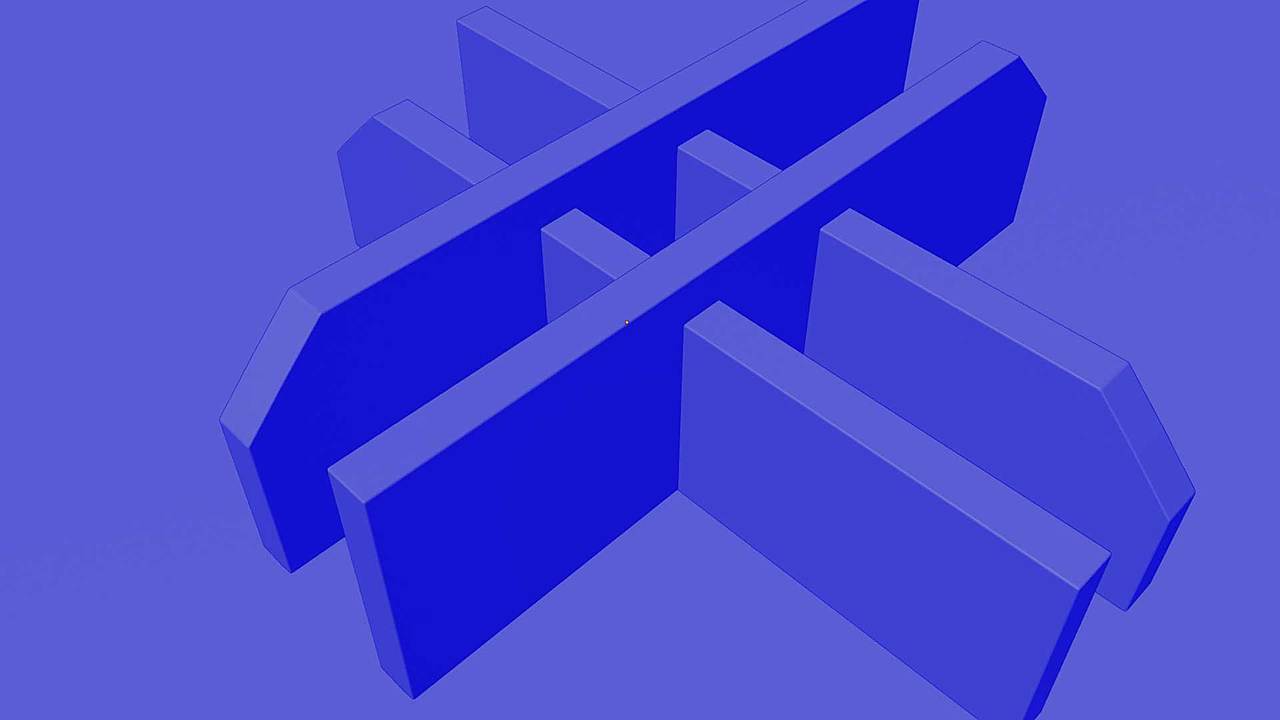
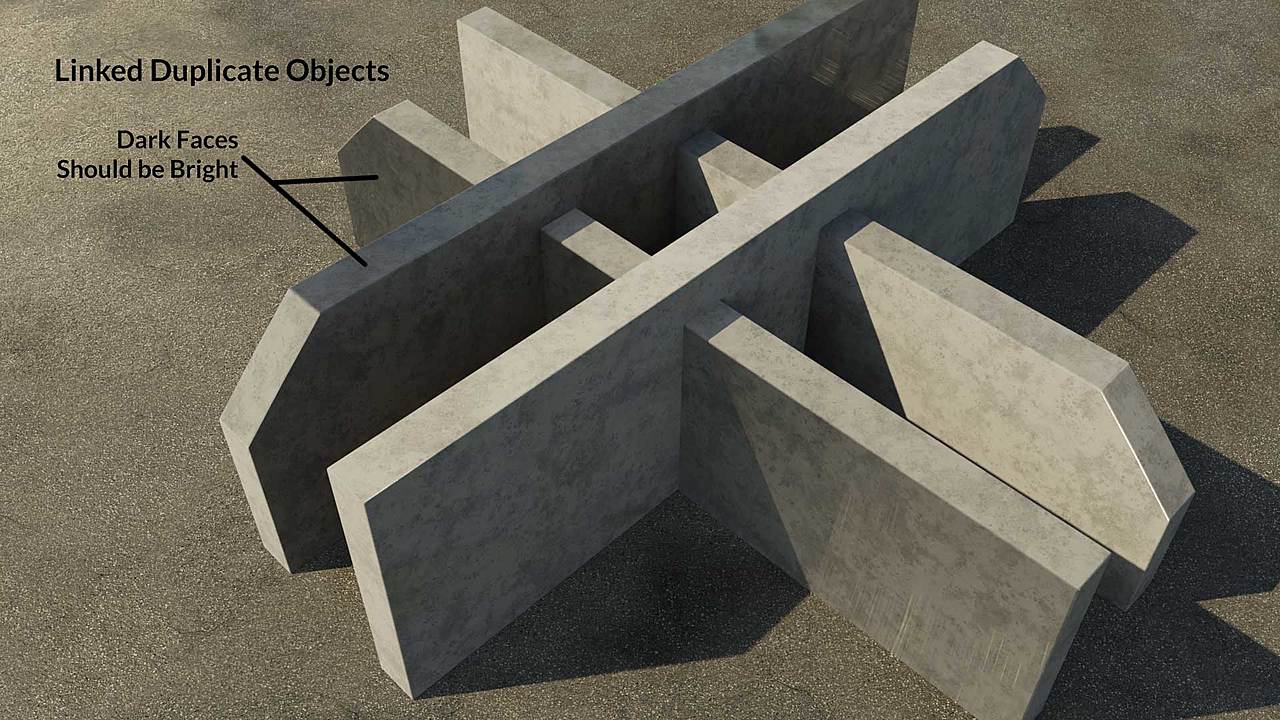
      I have four linked duplicate objects with a concrete material. Each one is rotated 0°, 90°, 180°, and 270°. Some of the faces render very dark when they should clearly be bright.

      Normal maps are OpenGL and none of the faces have flipped normals.

      The materials were exported from Substance Player.

      Has anyone else had this problem? What am I doing wrong?

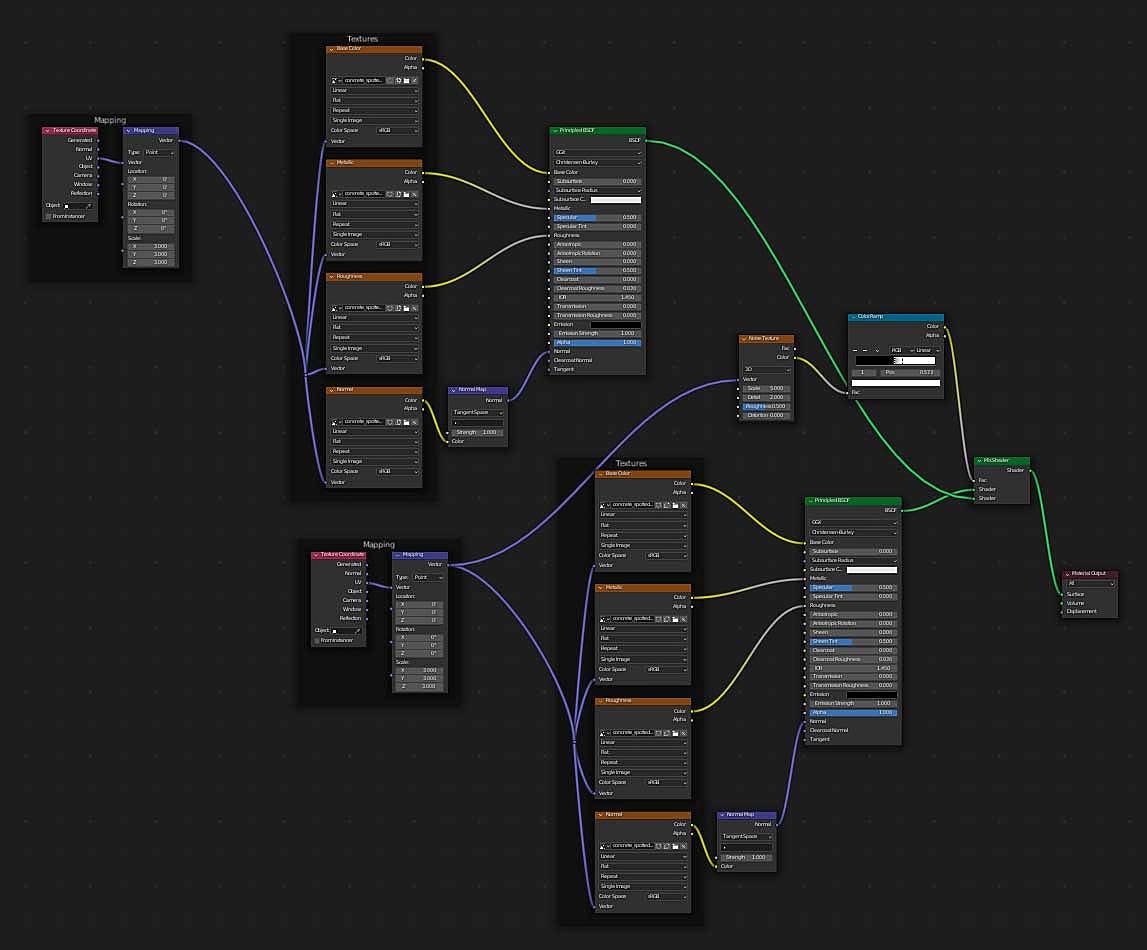
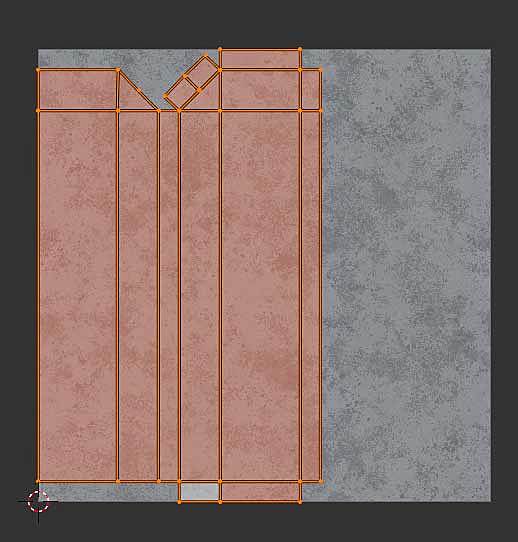
      -&-Asphalt-Test3.jpghalt-Faces-Test3.jpgMaterial-Nodes.jpgUV-Unwrapping.jpg

      #73437
      spikeyxxx
      Participant

        Change your Image Textures (apart from the Base Color) from sRGB to Non-Color!

        Tip: if you enable the Node Wrangler, you can select the Principled Shader Node and the SHIFT+CTRL+T, select your Textures and Blender sets it up correctly for you.

        You might also need to adjust the Strength of the Normal Maps.

        Maybe try it in Cycles…there could be some setting in Eevee that causes problems (I don’t use Eevee, so I’m not sure).

        #73438
        Jake Douville
        Participant

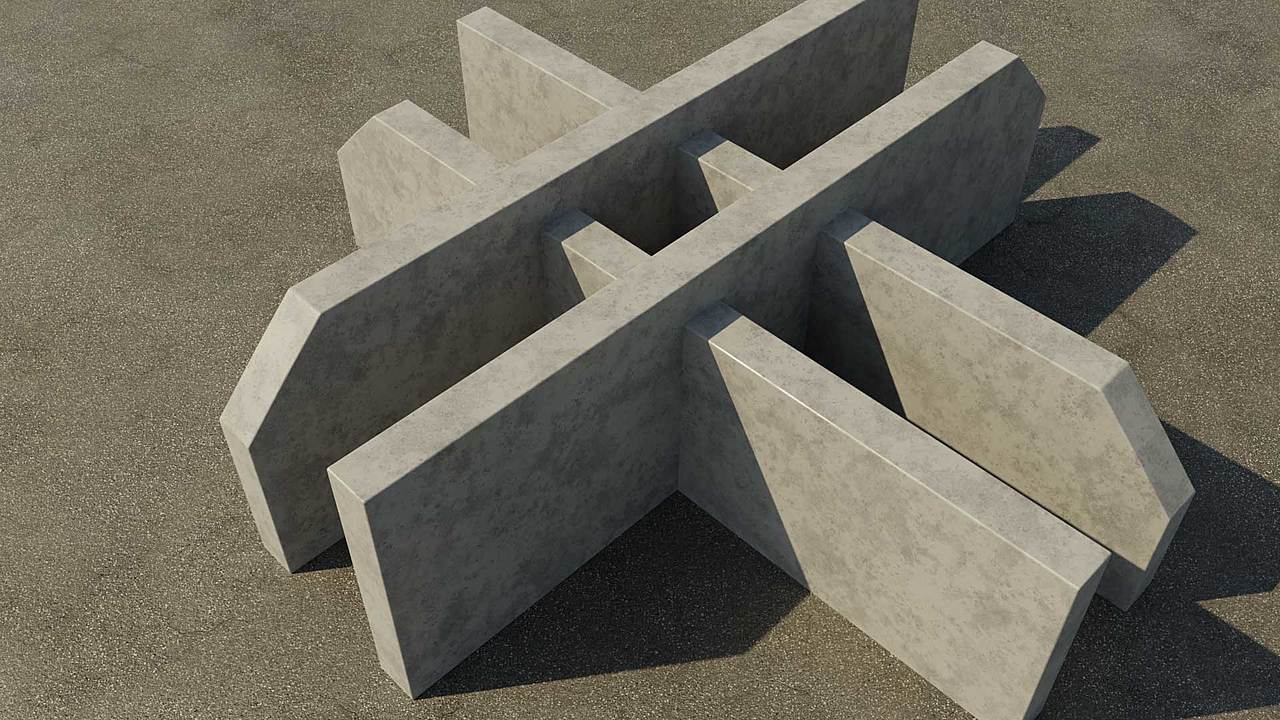
          YES! Wow, thank you!!! I actually new this AND I originally used the Node Wrangler SHIFT+CTRL+T shortcut setup. However, I must’ve manually opened new Image Textures and it reset the color space. I’ve been pulling my hair out!!! Thank you again!

          -&-Asphalt-Test4.jpg

        Viewing 3 posts - 1 through 3 (of 3 total)
        • The topic ‘PBR Material Looks Weird (dark) at Certain Angles’ is closed to new replies.