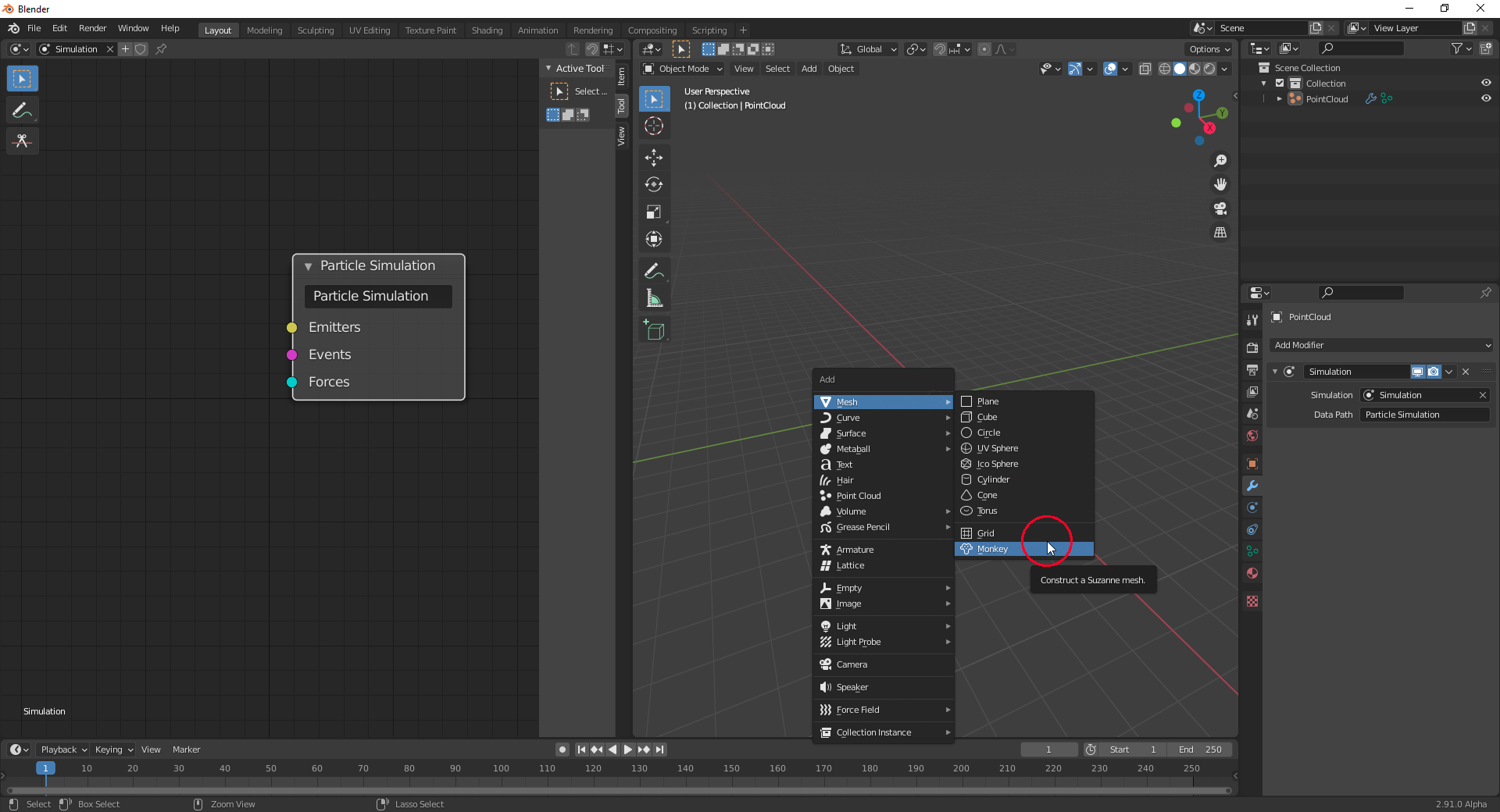
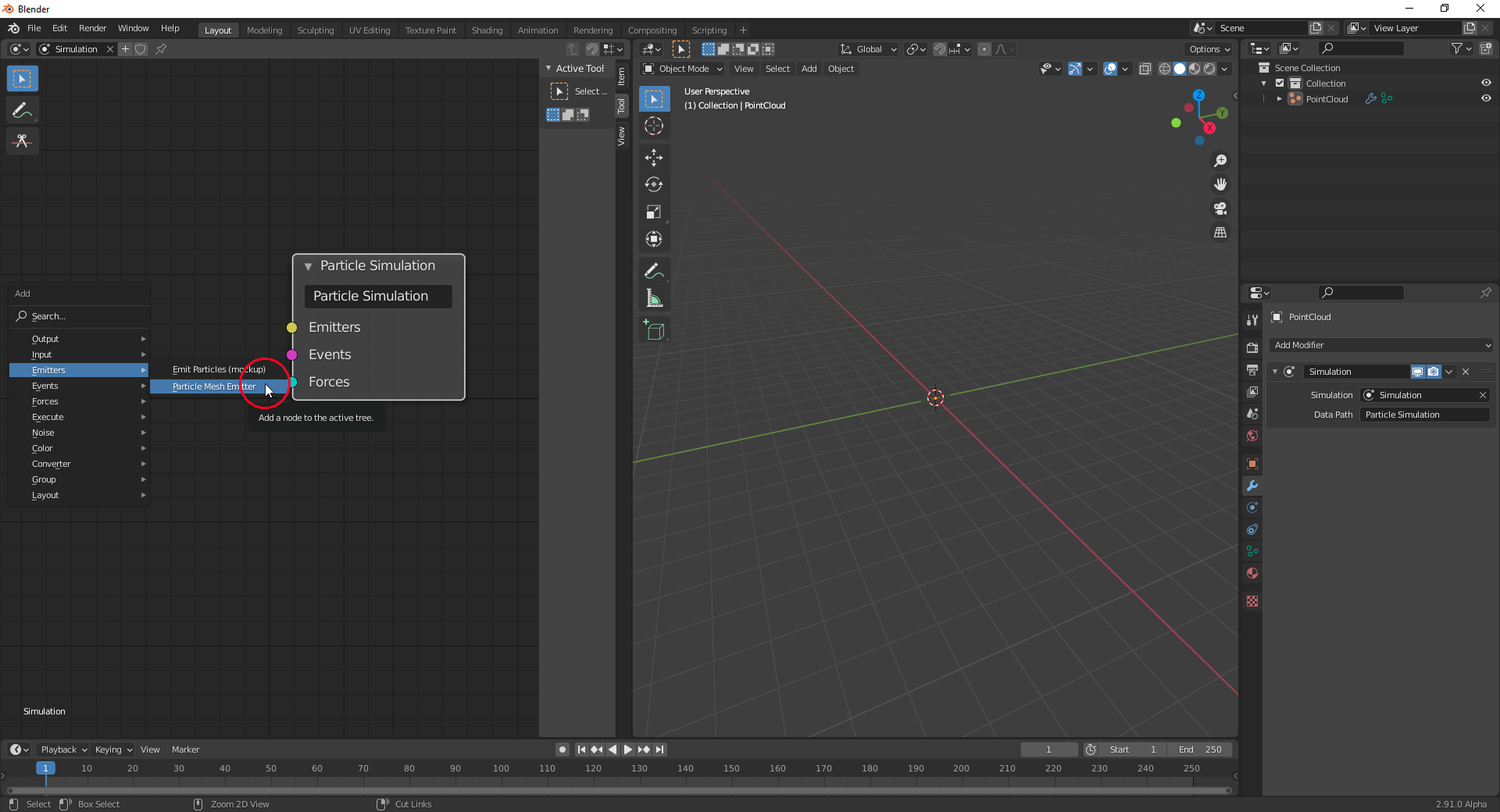
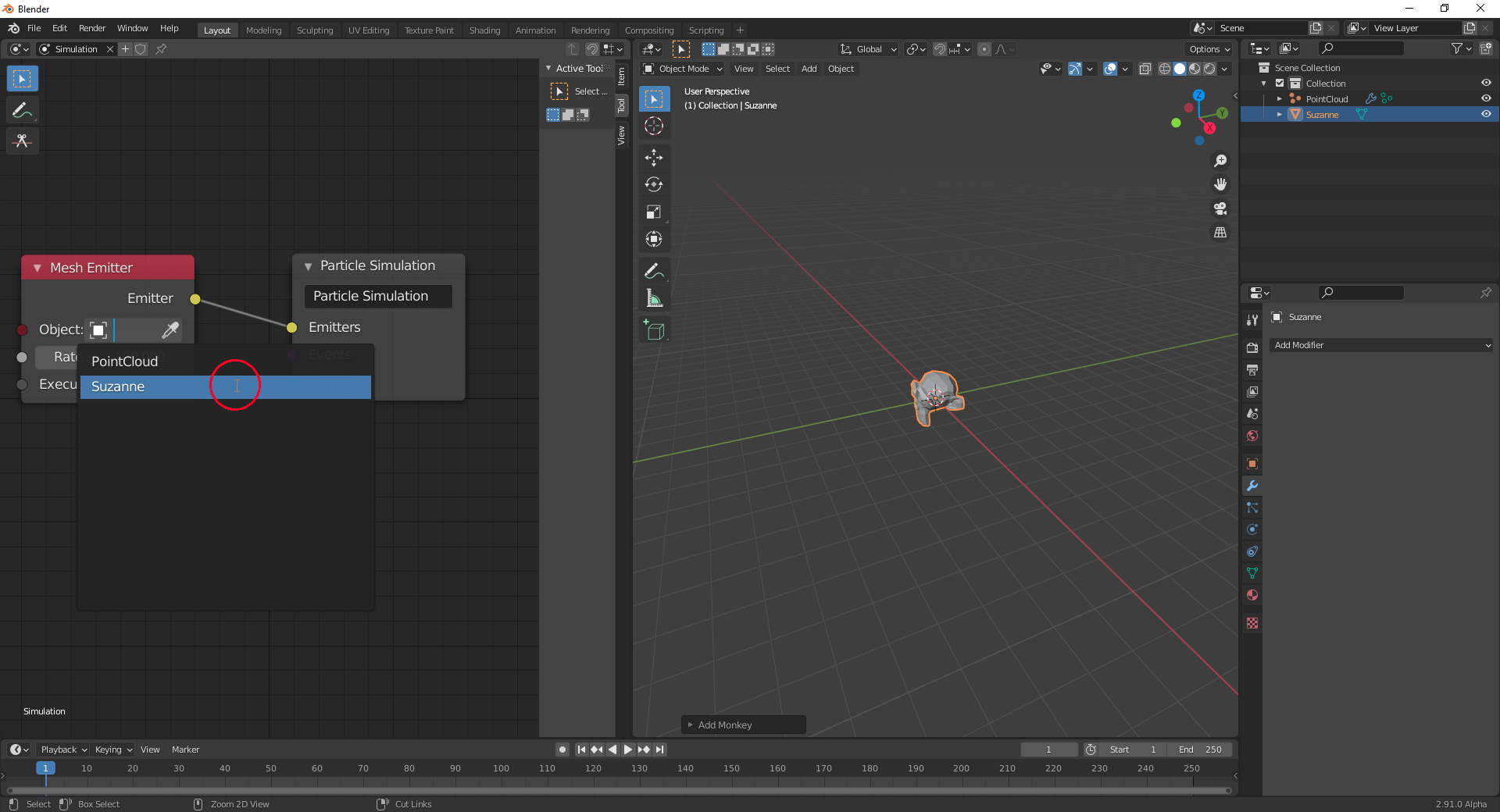
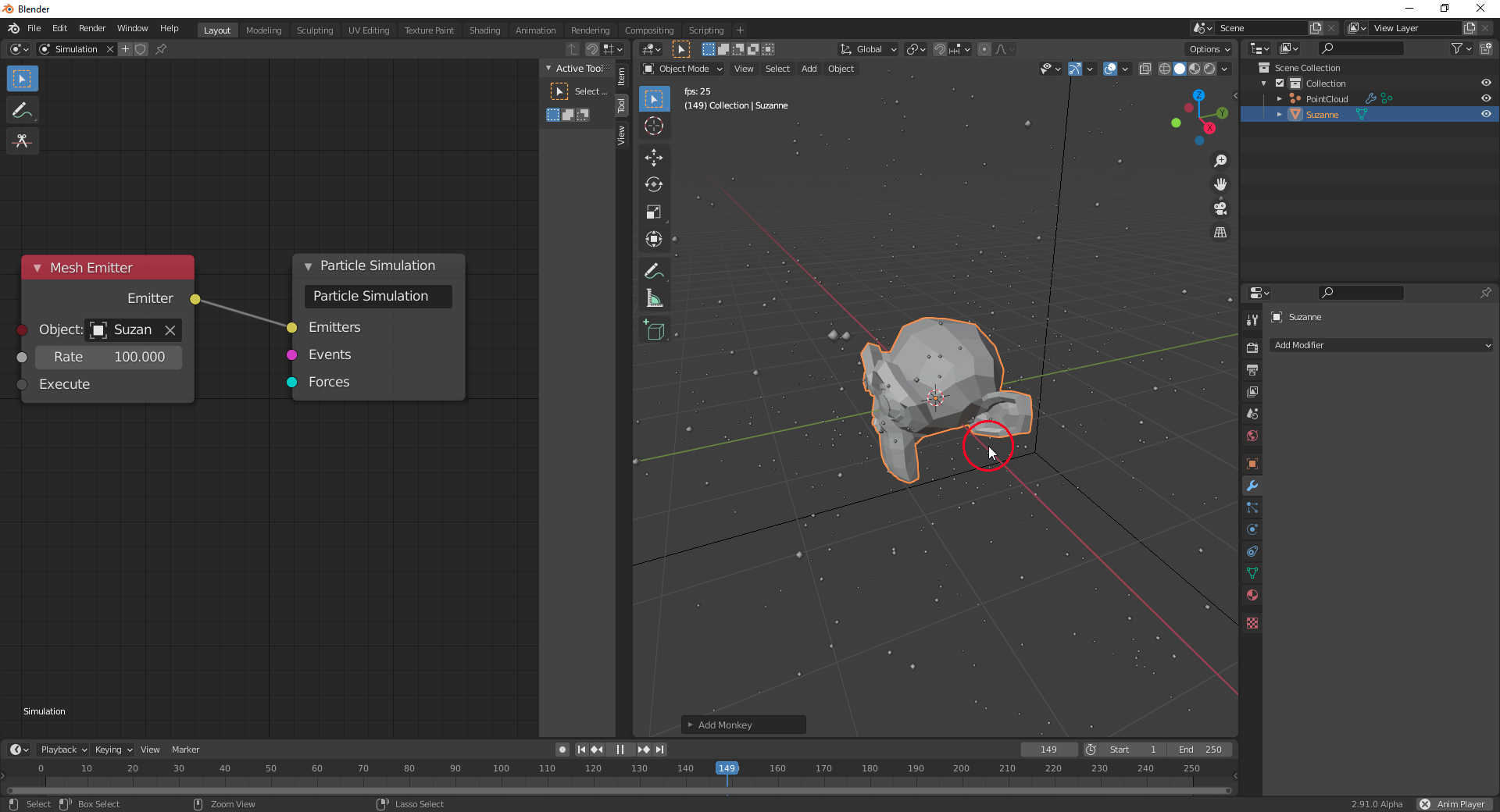
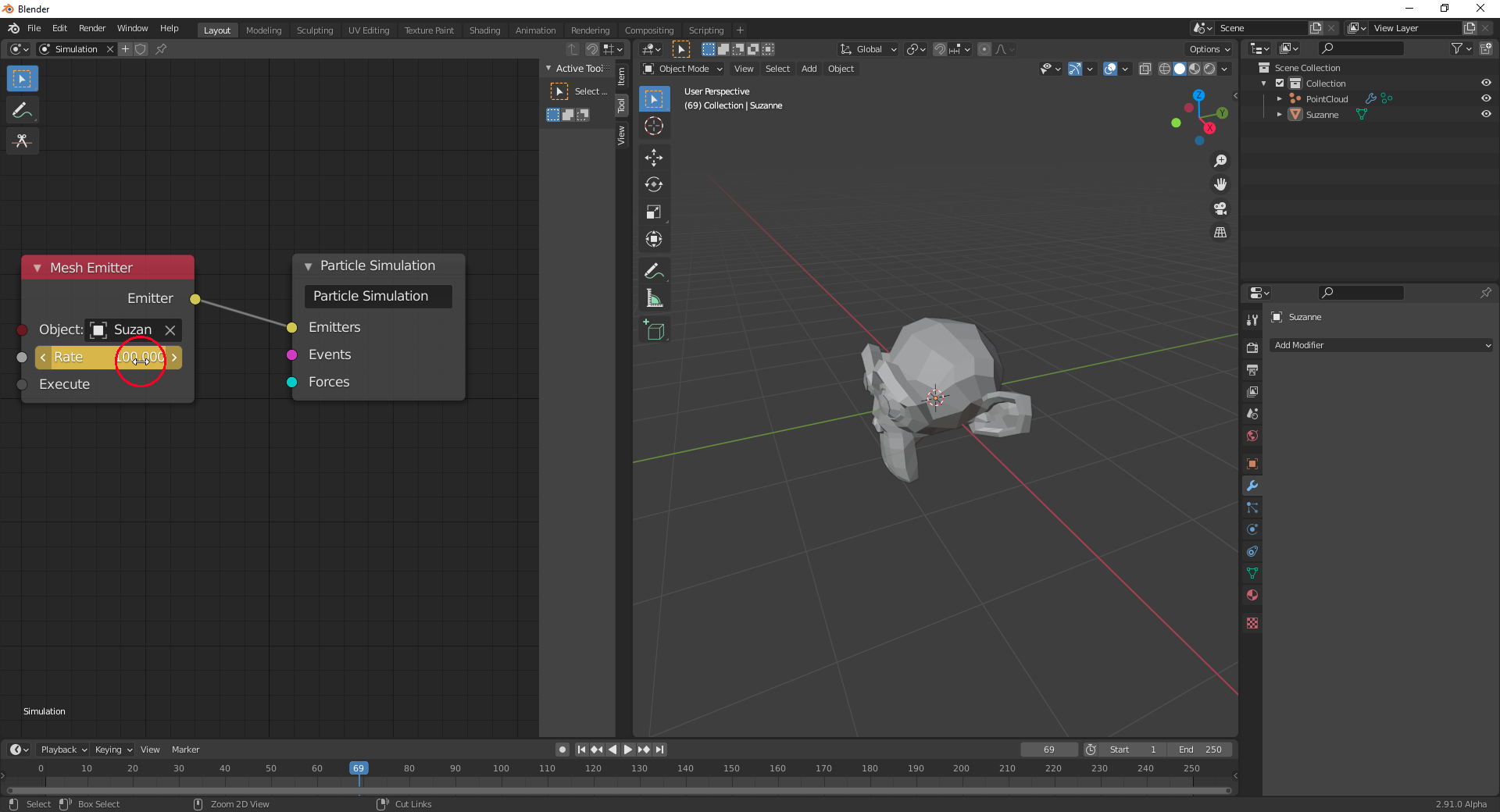
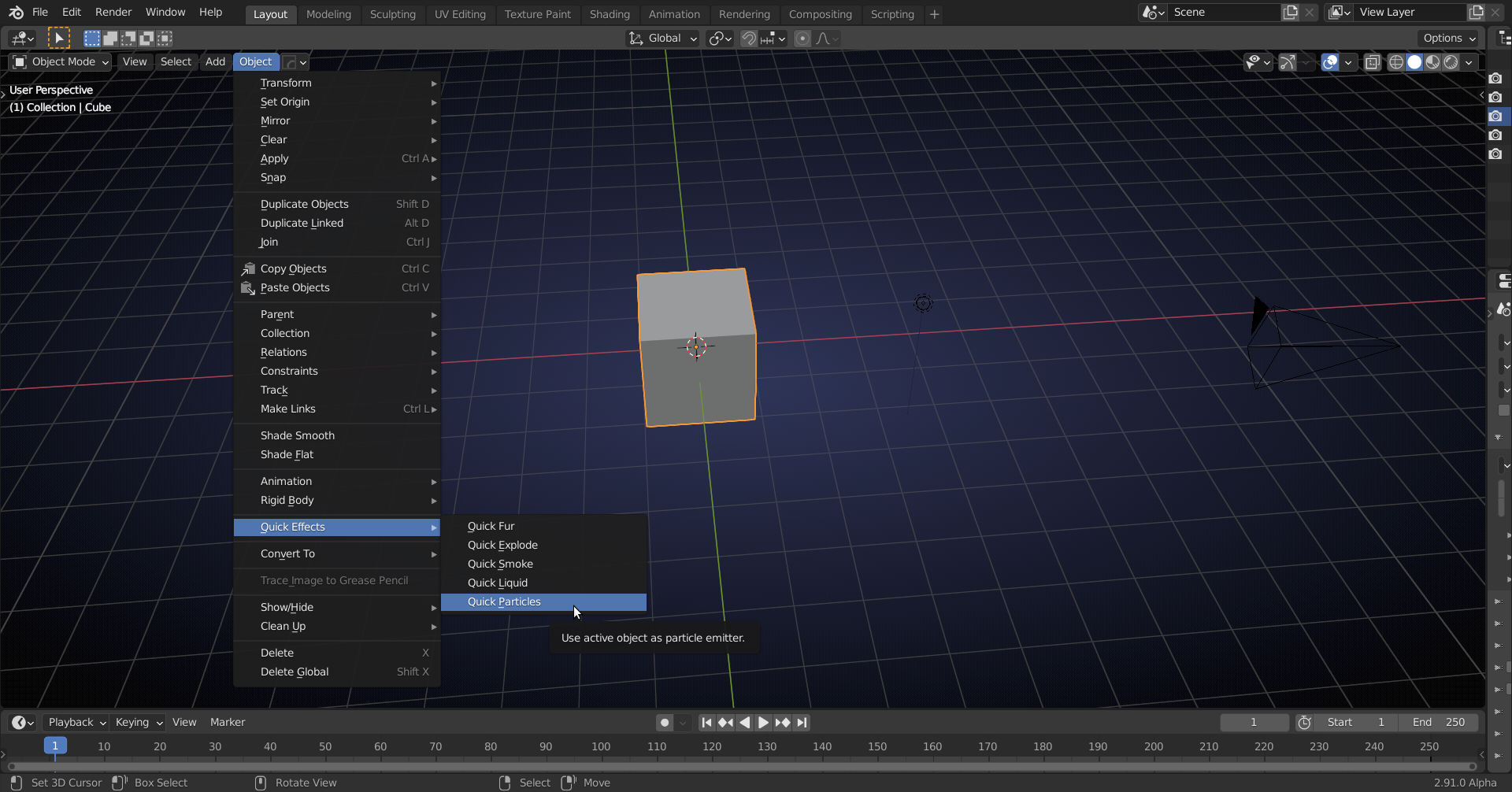
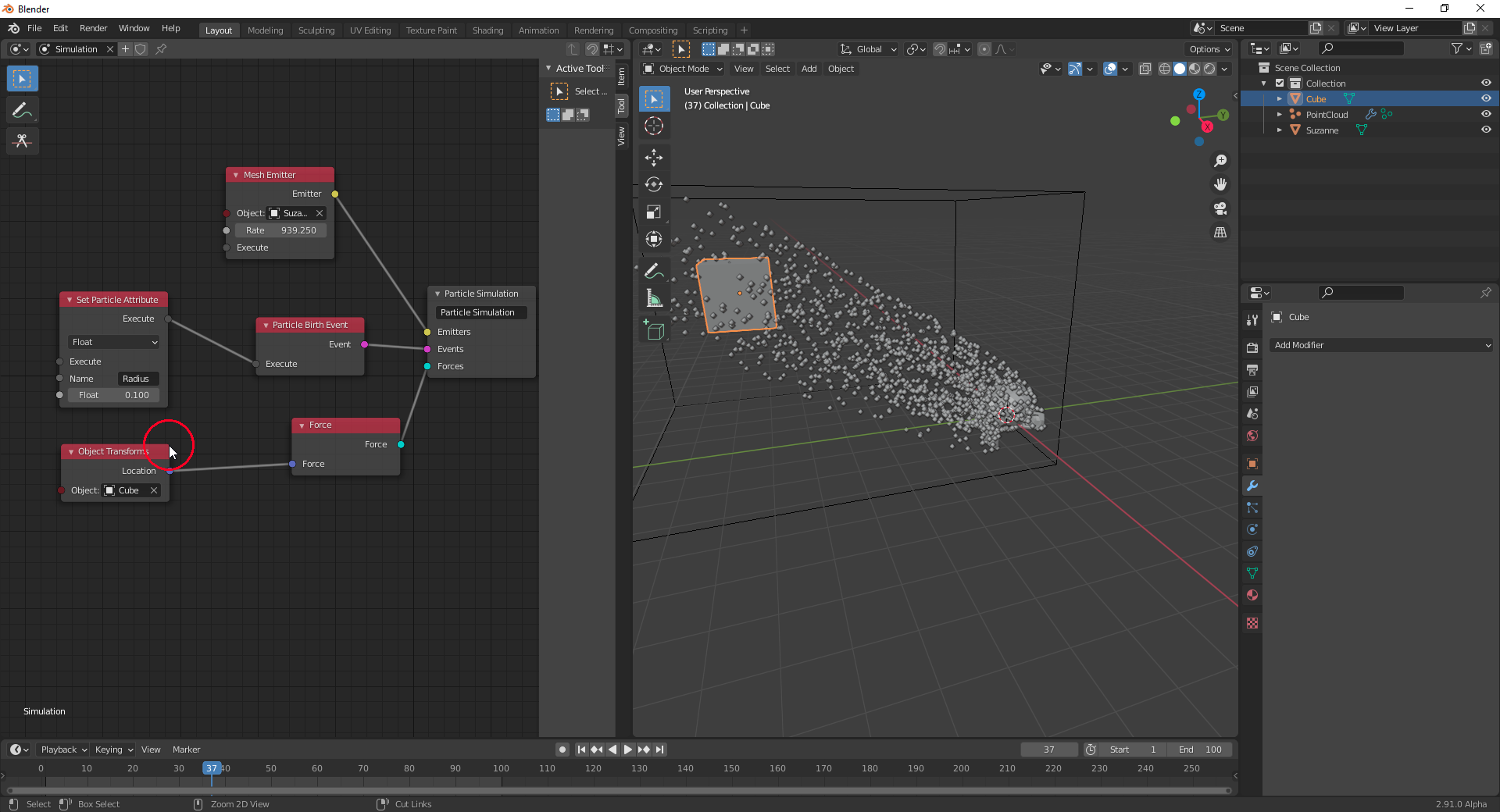
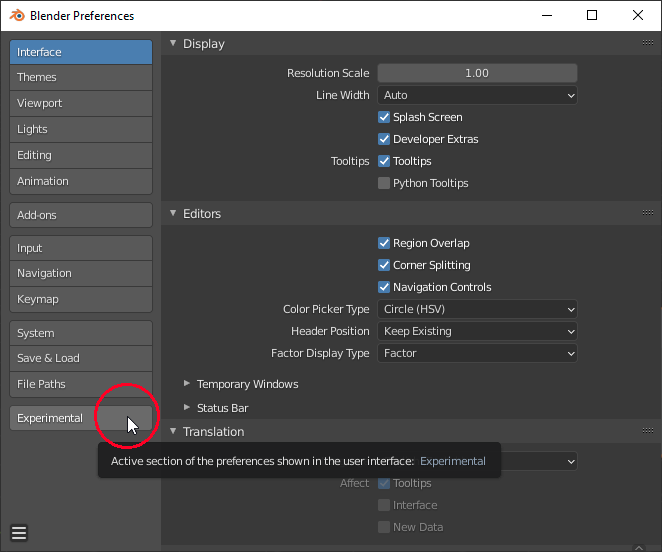
I’ve just seen that “Particle Nodes” is in Blender 2.91 ! See here, here and here. It has to be activated in the “Preferences” after checking “Developers Extra” under “Experimental” => “New Features” => “New Particle System”
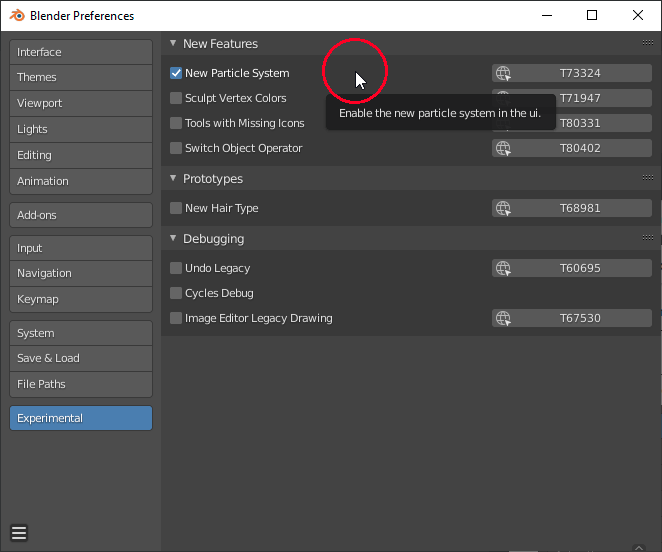
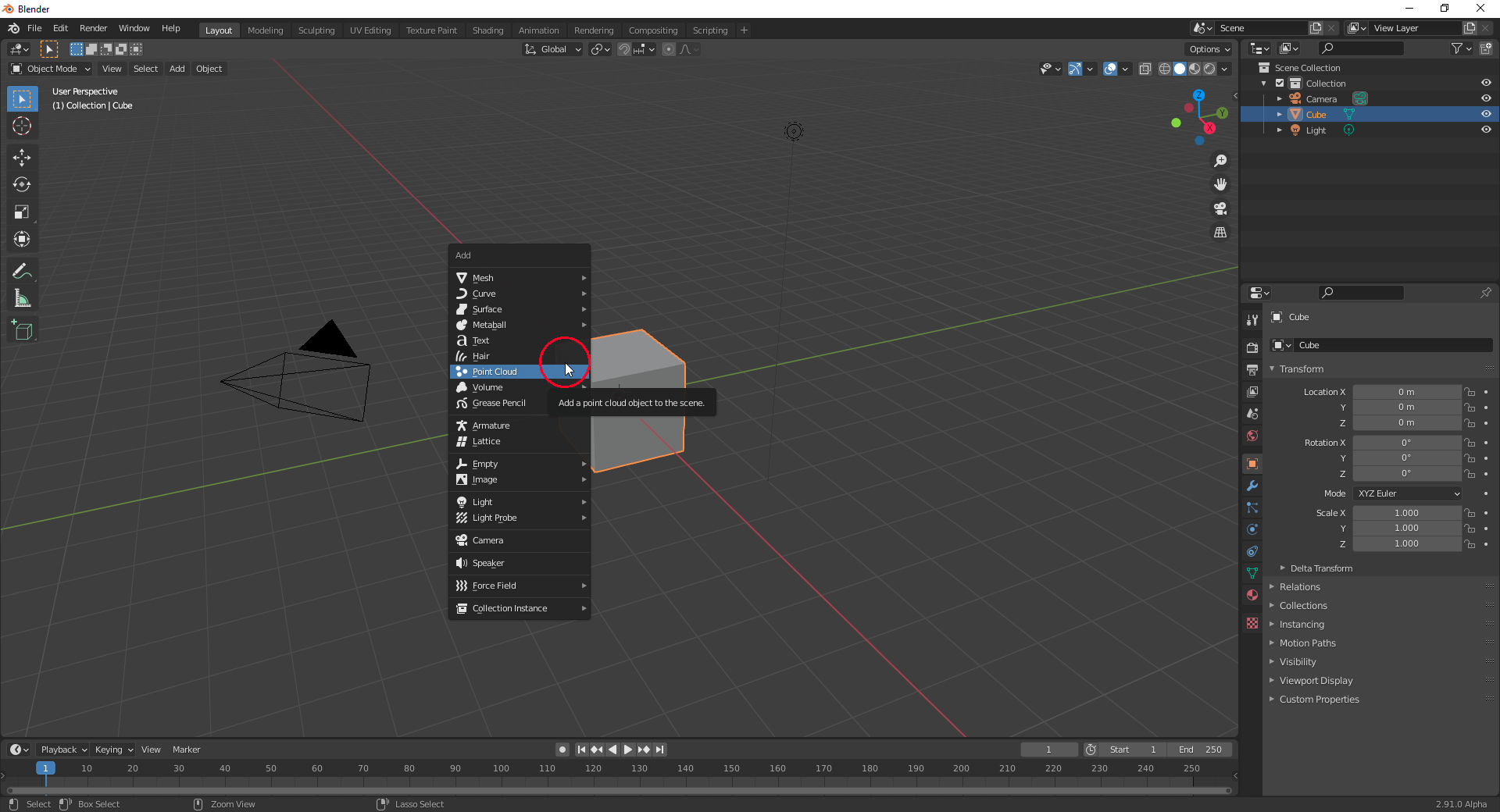
And there’s also “New Hair Type” ! These two experimental features introduce the new object types “Particle Cloud” and “Hair”:
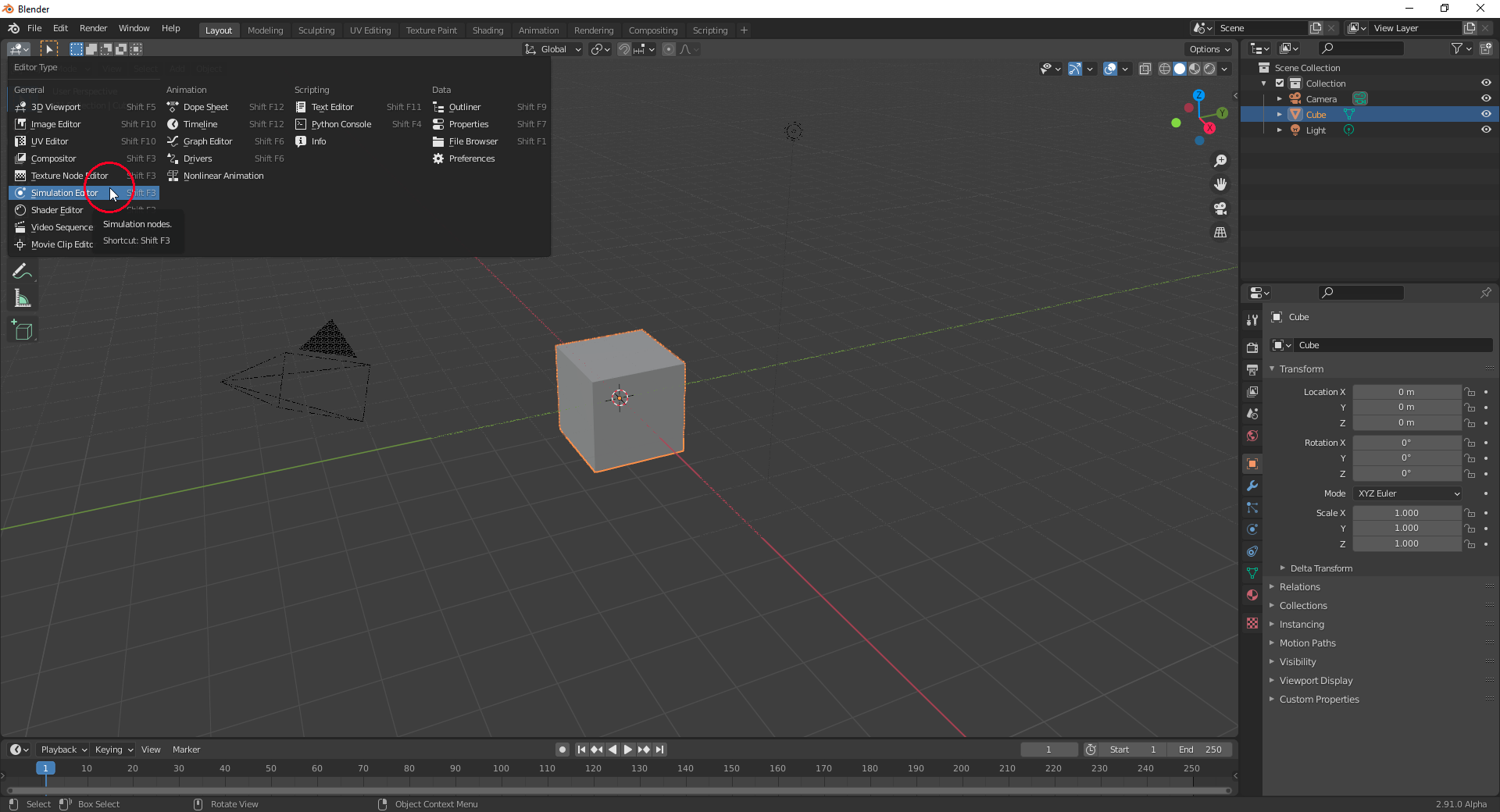
You also get a new editor called “Simulation Editor”:
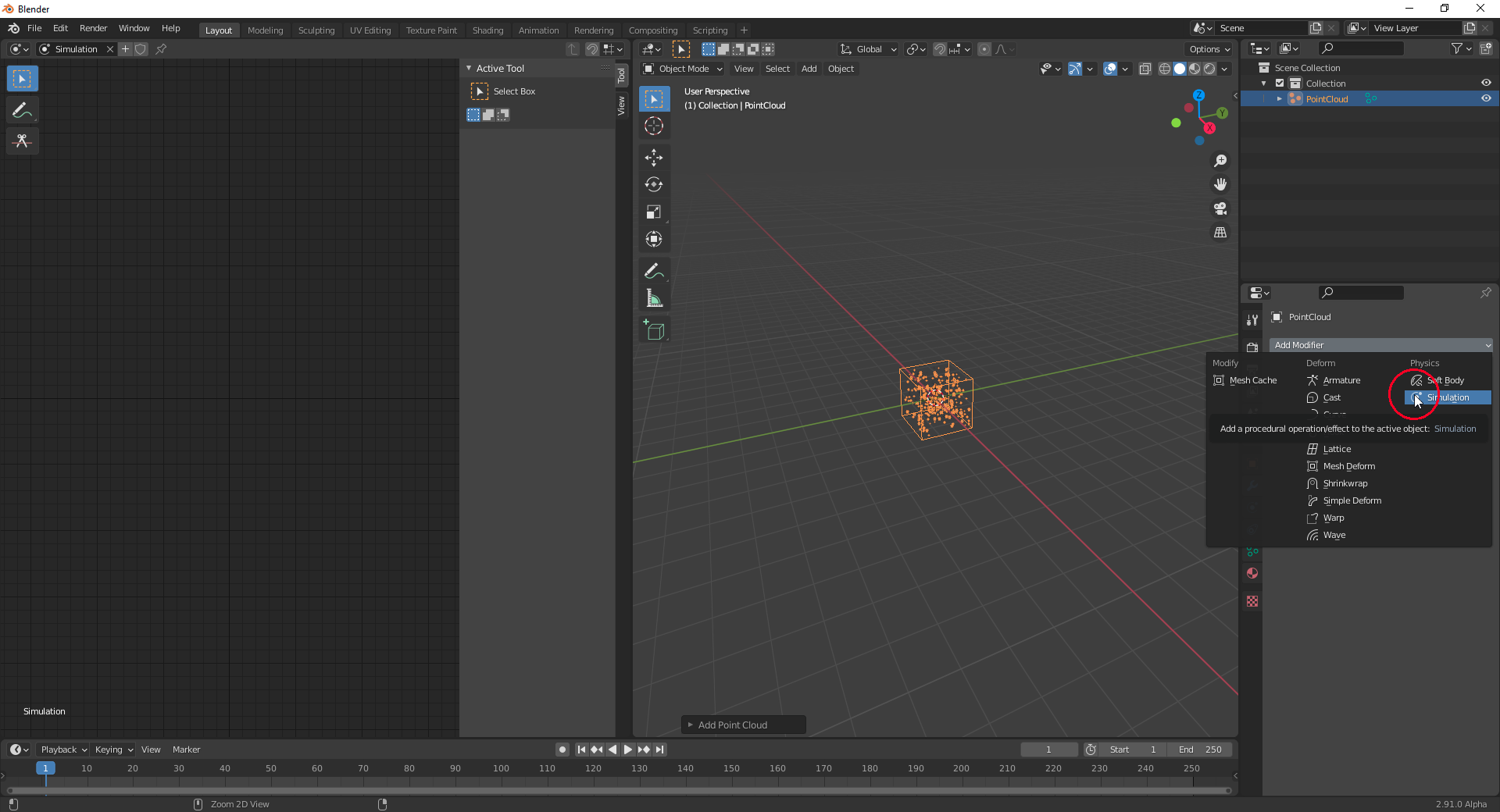
With the new “Point Cloud” object added to your scene, you add the new “Simulation Modifier” to it:
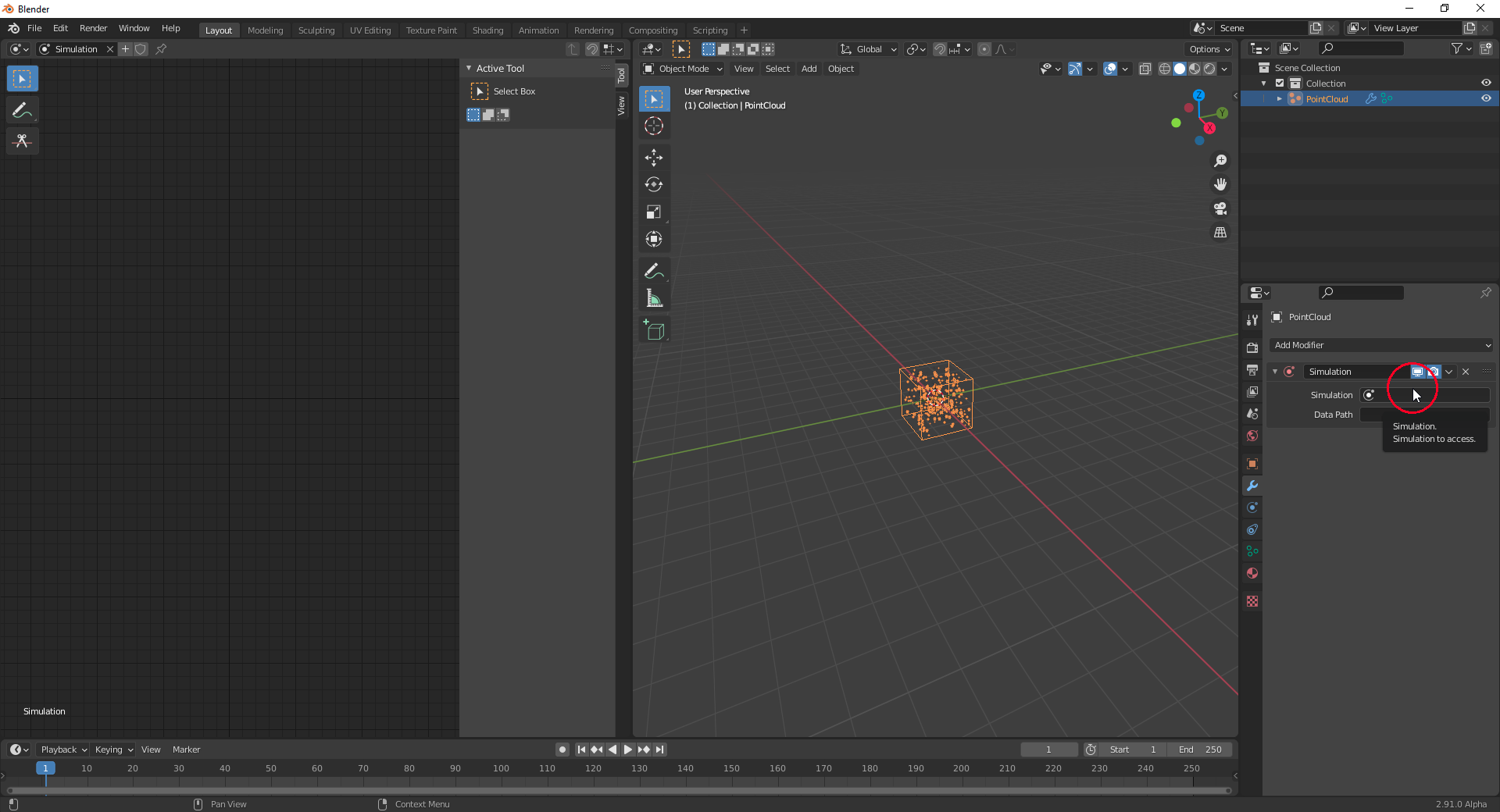
Then you insert the name of the “Simulation Tree” created in your “Simulation Editor” into the appropriate field in the “Simulation Modifier”:
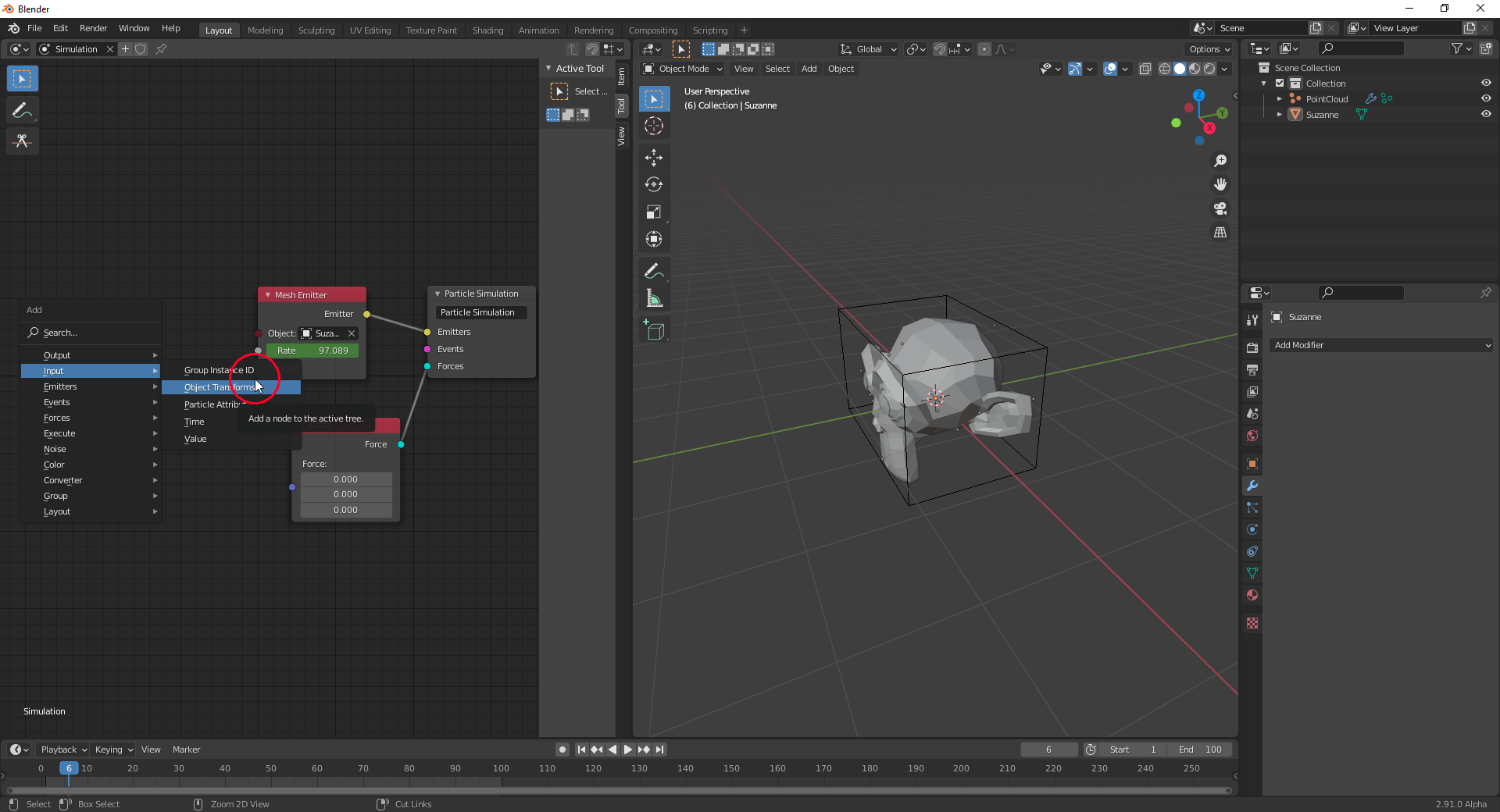
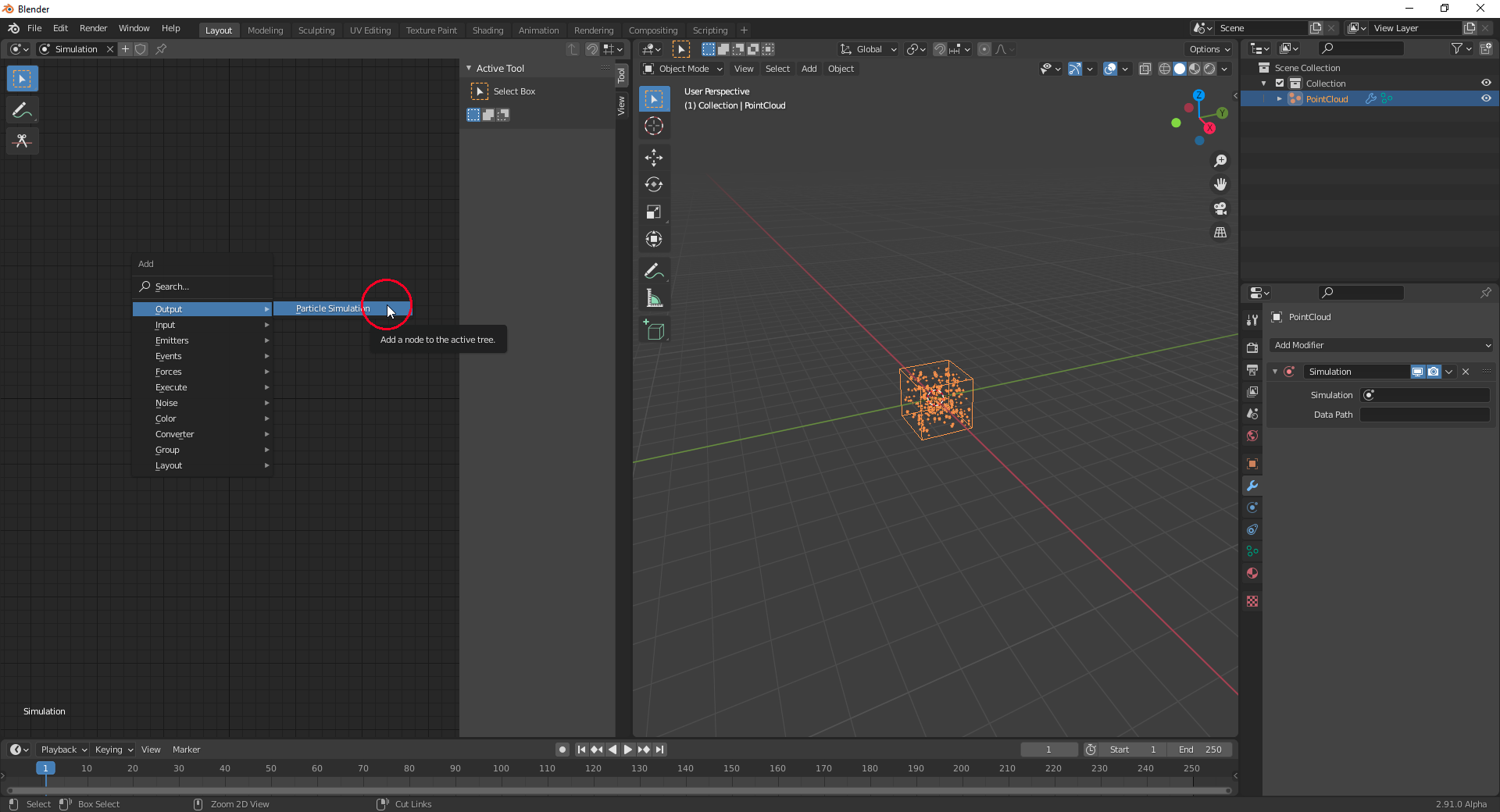
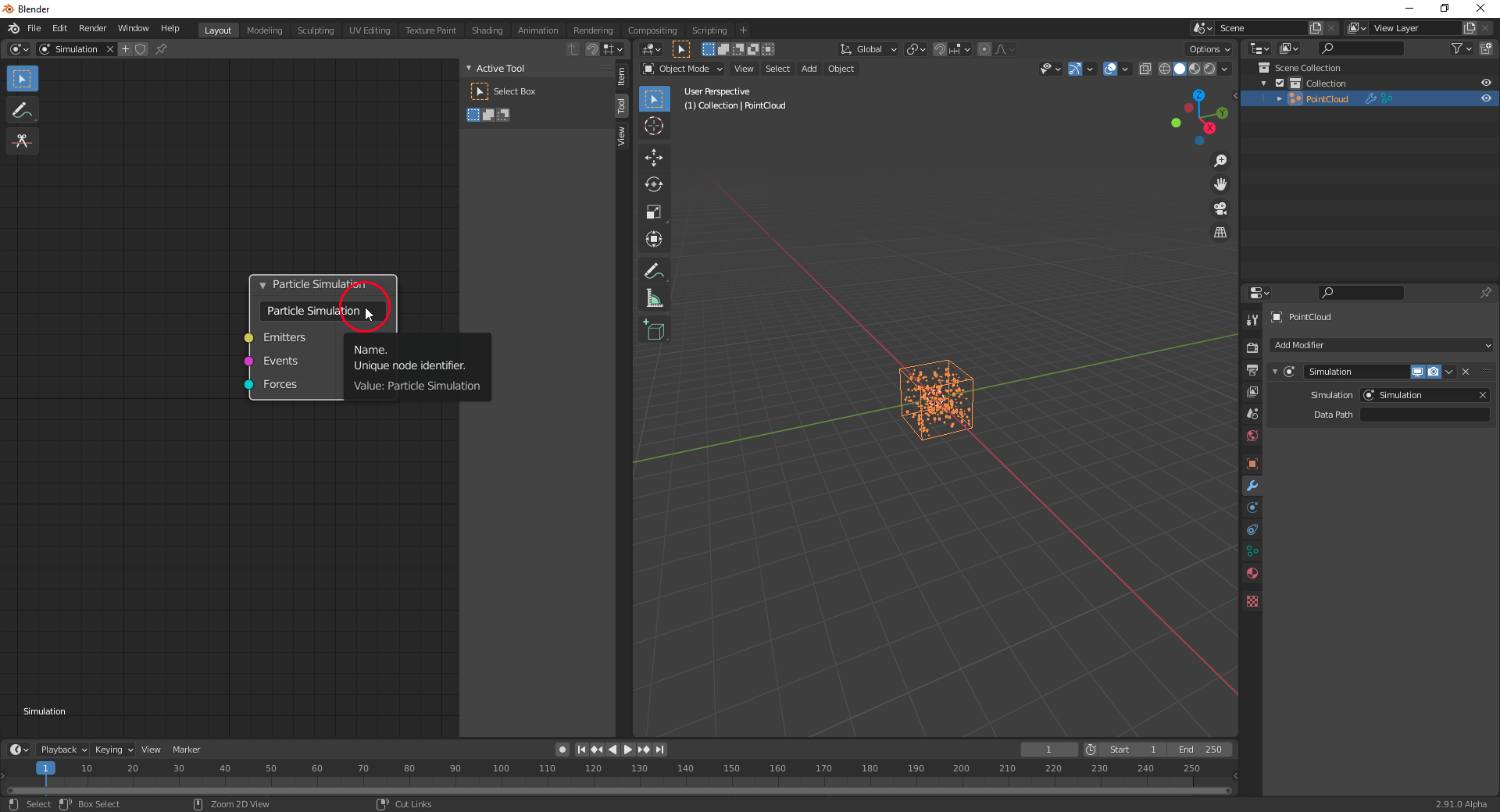
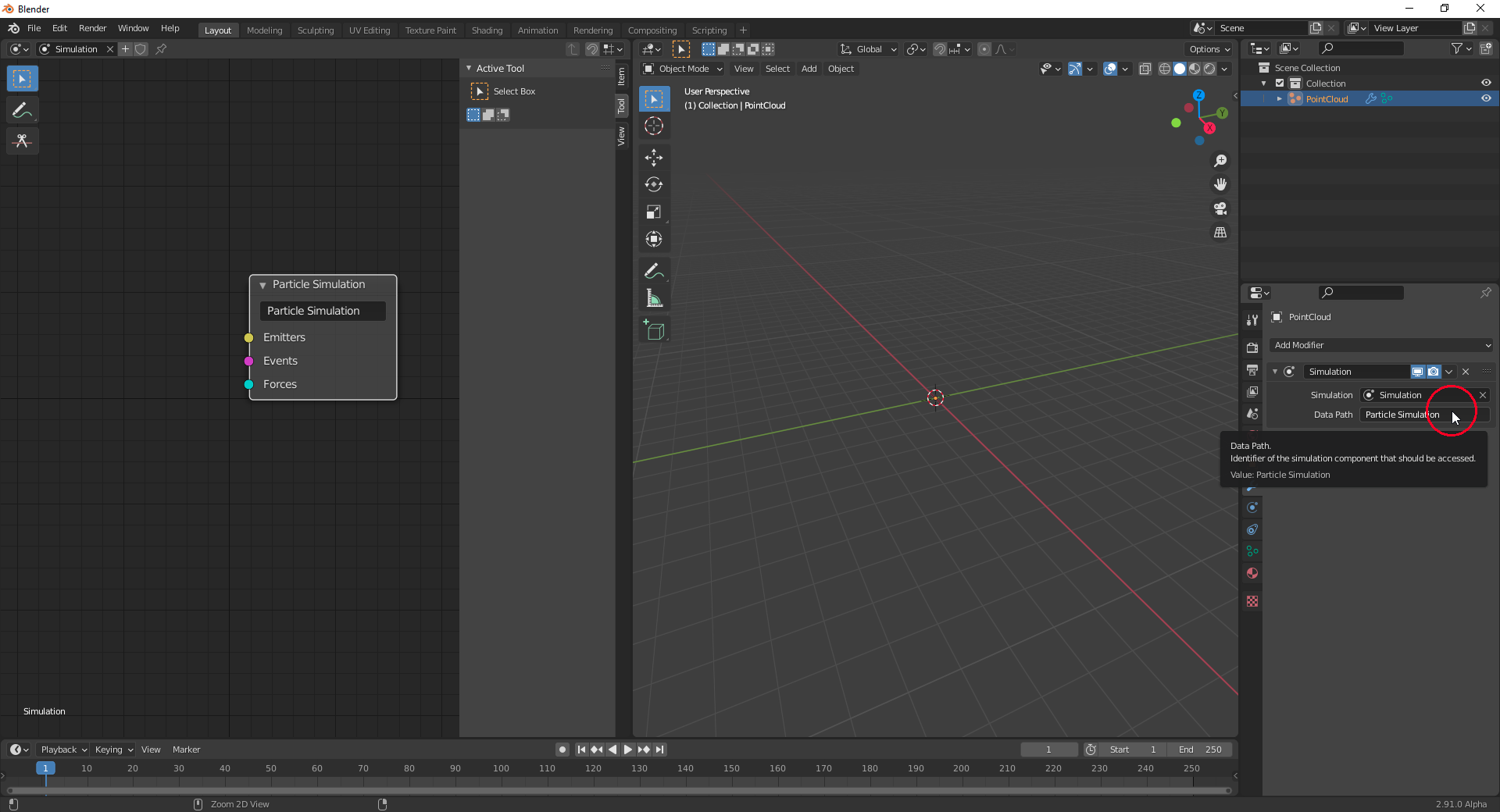
Add an “Simulation Output Node” to your “Simulation Tree” (With SHIFT + A, “Output”, “Particle Output”), press CTRL + C while your mouse pointer is hovering over the black name field of the “Simulation Ouput Node” and move your mouse pointer over the “Data Path” field in the “Simulation Modifier” werde you paste that “Data Path” with CTRL + V:
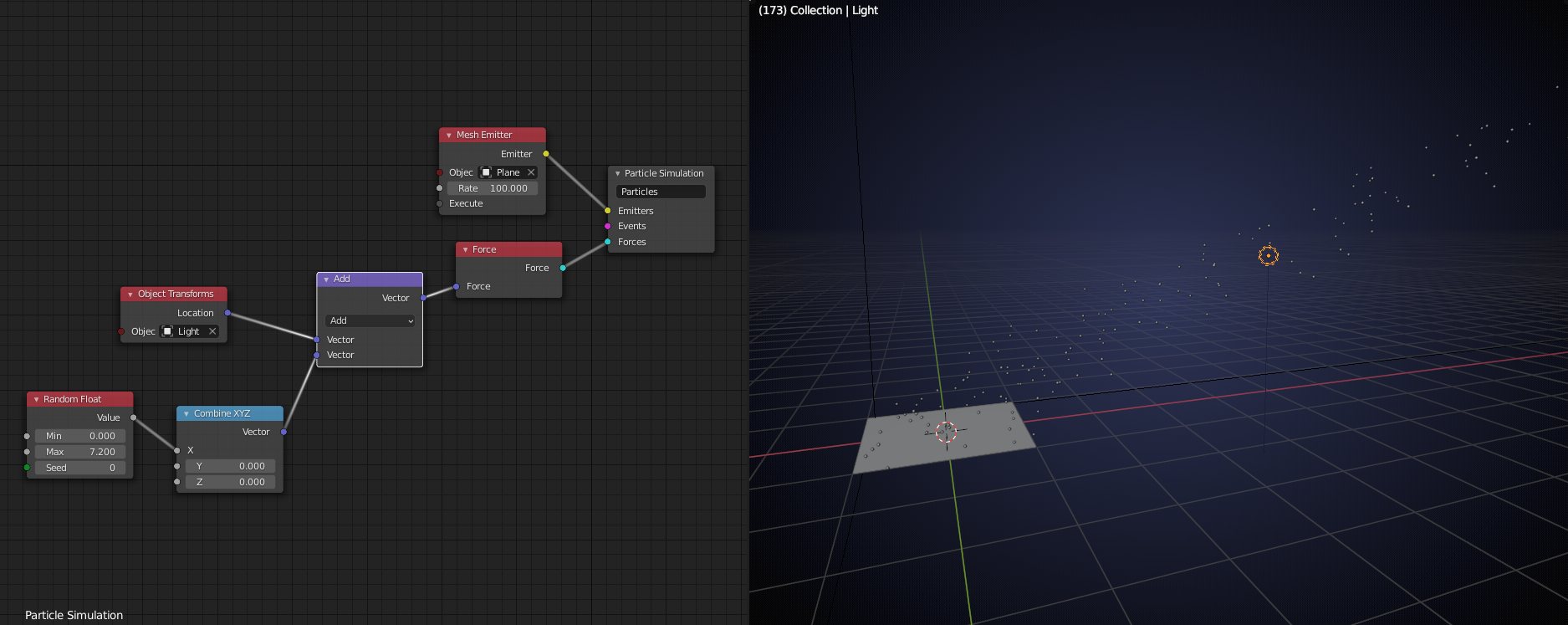
Now, we can start building our particle system …

.