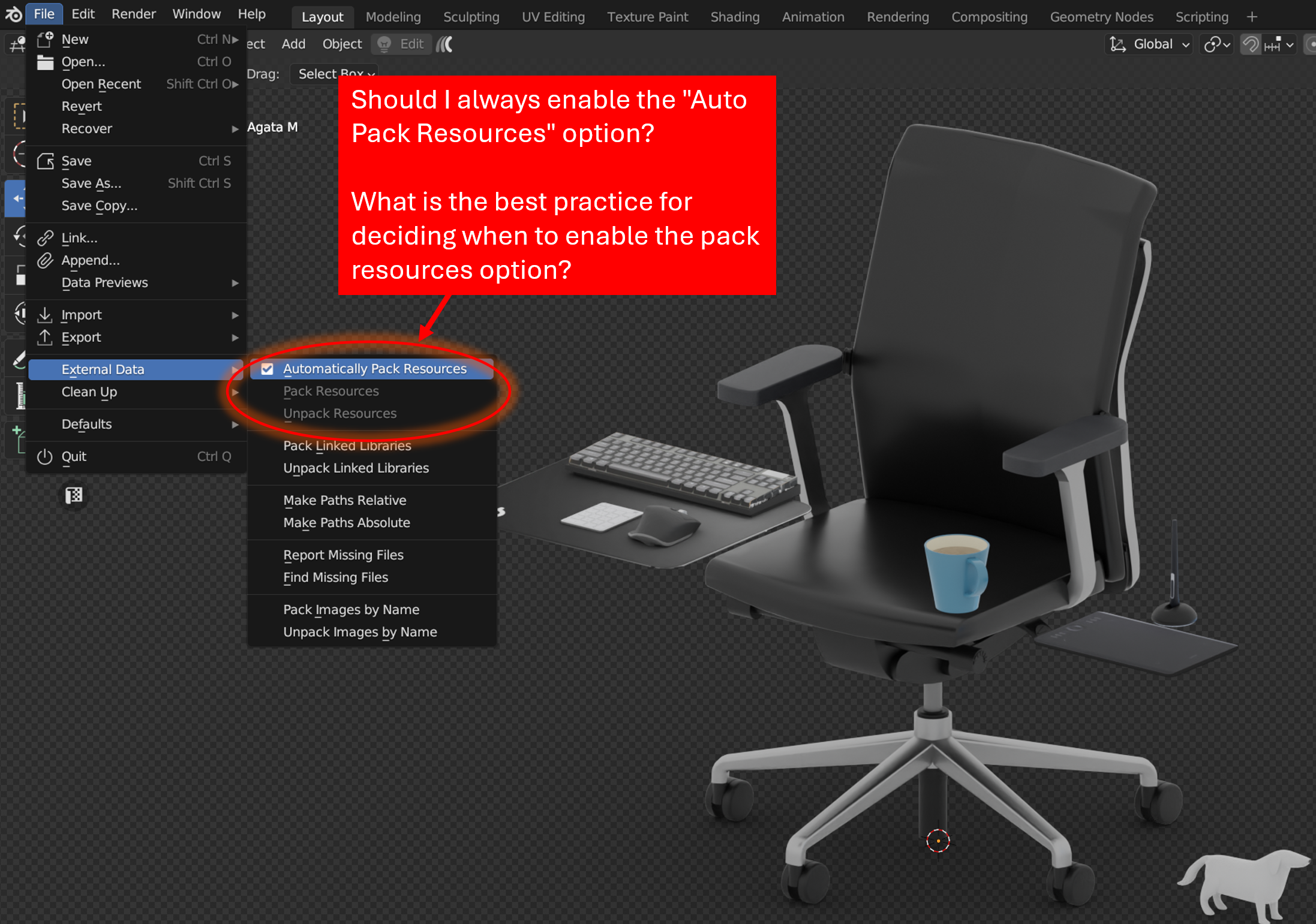
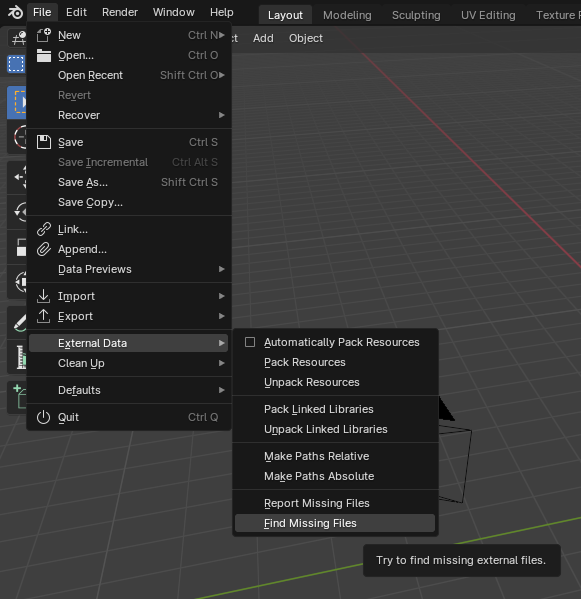
I think of it as a going on vacation but for your blend file. Basically since Blender is referring back to your local hard drive by a path of any resource you are using, because you have it saved on your computer, what packing does is exactly as it says, it gathers up all the stuff you are using and packs it inside the blend file.
So if you have a folder named “wood textures” on your computer and you are using 3 wood textures from that folder, Blender is always referring back to that folder when looking for those textures, but when you pack it, Blender takes those textures, makes a copy/paste of them and save it inside the .blend file itself. That is why the file size increases, because it is now carrying stuff inside it, just like your when you’re going on vacations and you fill it with stuff that you don’t want to get left behind because you are going to use them.
And now you can send that blend file anywhere or move it around, and all the stuff that was using from you computer locally is now also inside the blend file, so no link will be broken, no texture will be missing, because you packed it all inside the blend file. When it packs it gathers not just textures, but anything it is using, it will pack it in.
Then if you want to unpack it, it’ll do just that, unpack al the resources. It will create a folder and dump all the resources it made a copy of. Again, just like when you’re back from vacations and you take all your stuff out of your bags because you don’t need to carry them around any more.
Just try it out, make a simple scene and create a couple of materials that are using some texture or anything and try packing it and unpacking it, to get the hang of it.

.