Optimizing

Forum Archive Optimizing

Viewing 4 posts - 1 through 4 (of 4 total)
  • Author
    Posts
  • #15578
    garplunk
    Participant

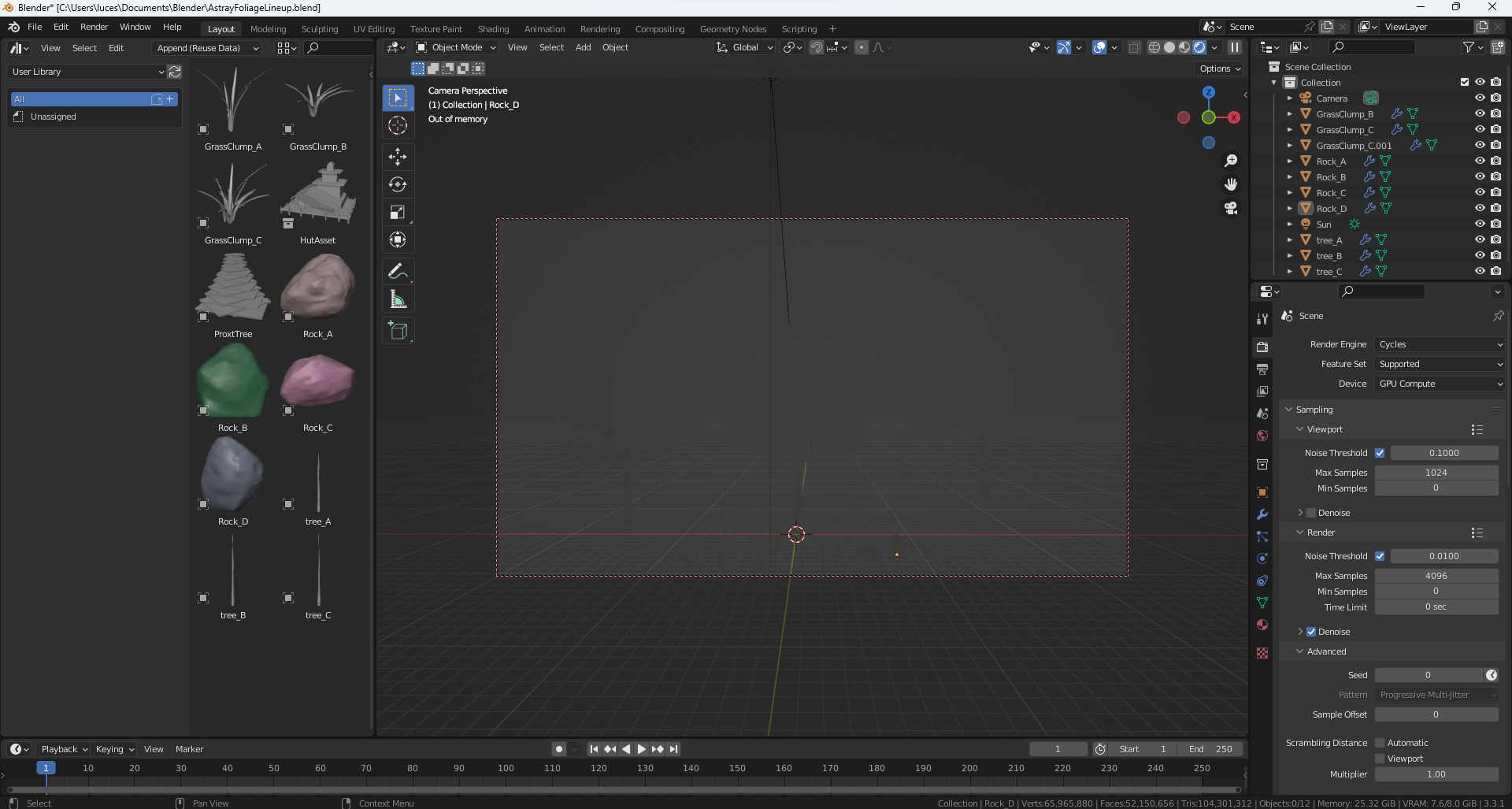
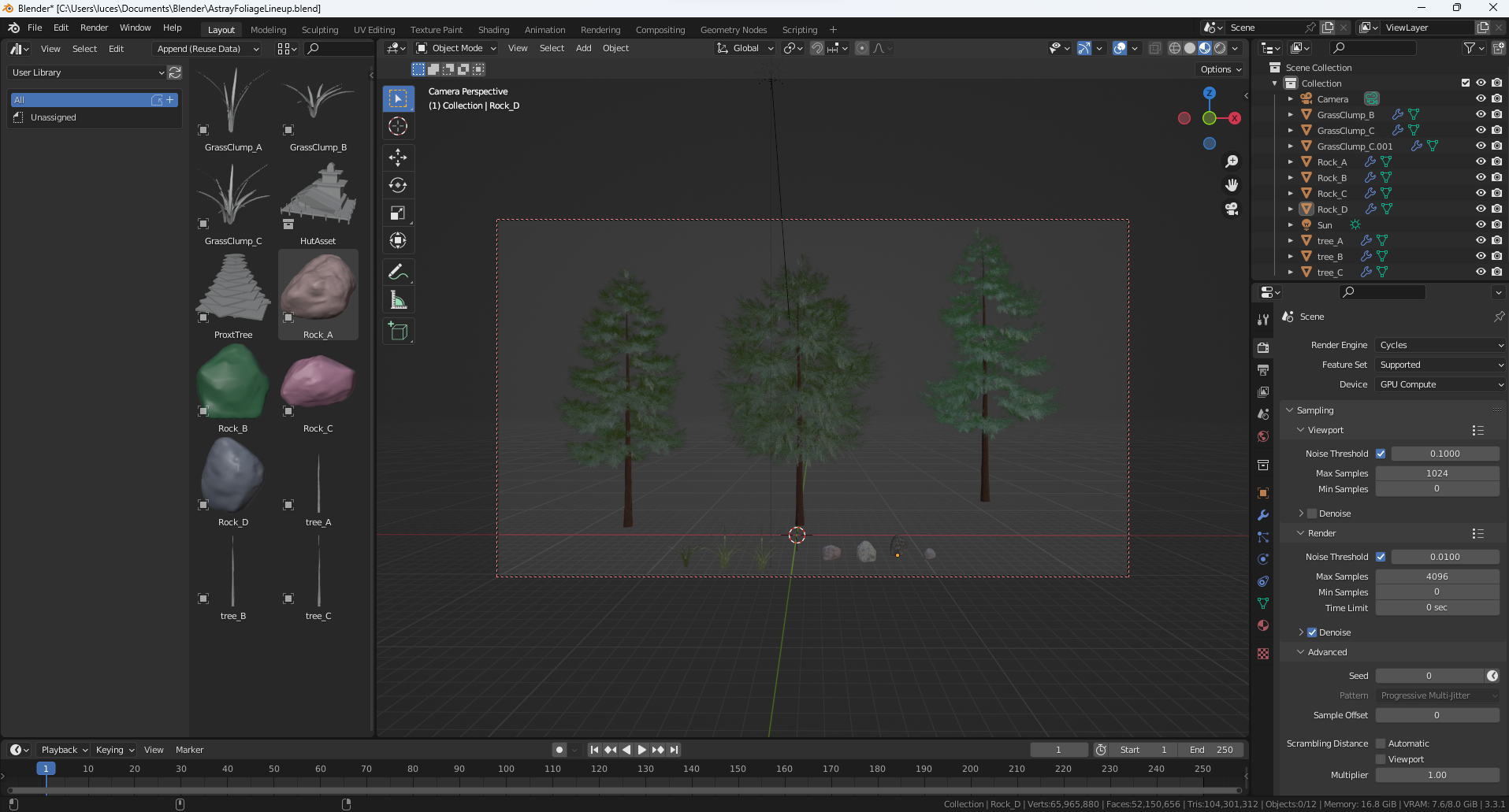
      Any tips for optimizing the render? Blender crashes every time I try to render and it has a hard time getting into render mode, saying I’m out of memory. Sorry if this is too basic! I just got a new computer, it’s a big upgrade from an old laptop so I figured I would be able to make it further in the course. but alas, I am stuck again!

      #76053
      Omar Domenech
      Participant

        Yeah as you can imagine, you just need more power, a more powerful computer. But if you don’t have a powerful one, you can work with less geometry for example. Try not to get your models too complex. When you get to rendering, trade some noise for lower samples. Try using collection instancing where ever you can, also instead of duplicating objects try making a linked duplicate with Alt + D if you can. And I guess overall, make your scene not too large in scale so you can use less objects. Hope this helps.

        #76054
        Martin Bergwerf
        Participant

          Have a look at your stats:

          Memory.png

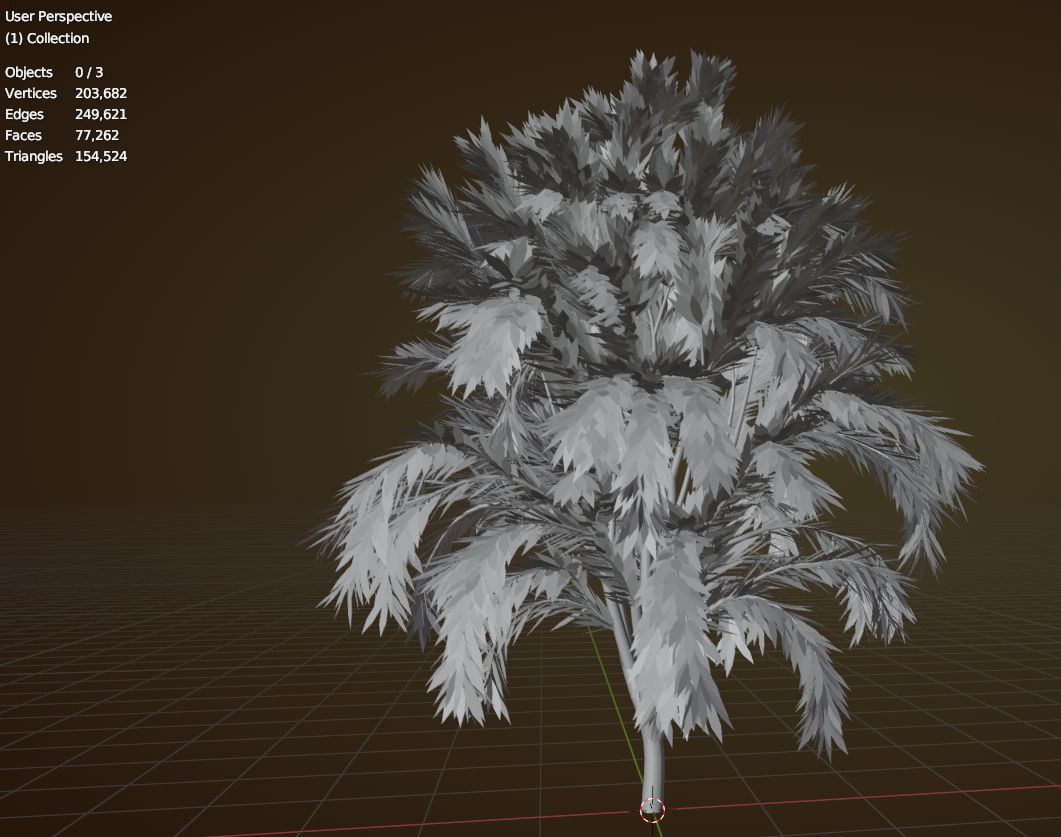
          Over 50 million Faces; that is way too much for 12 Objects! It’s probably the trees that need some pruning.

          Here’s a test tree, made with the Sapling Addon and 1000 (hexagonal) leaves per branch:

          Tree.png

          #76055
          garplunk
          Participant

            cool thank y’all! I knew that was a lot of geo, but I just didn’t know if it was a lot compared to what I was used to with the old machine or if that was pretty spicy in general.

          Viewing 4 posts - 1 through 4 (of 4 total)
          • The topic ‘Optimizing’ is closed to new replies.