Yes, I’ve done this with a “Multires Modifier” used for baking two emission shader maps color-coding the position of the surface points of an undistorted mesh primitive and the same with the more complex mesh created by sculpting on a higher “Multires” level. The colors came from a “Geometry” node using the “Position” output socket. I had to set a margin for the UV maps in order to avoid gaps at the outer edges which would have caused seams when using the final vector displacement map:
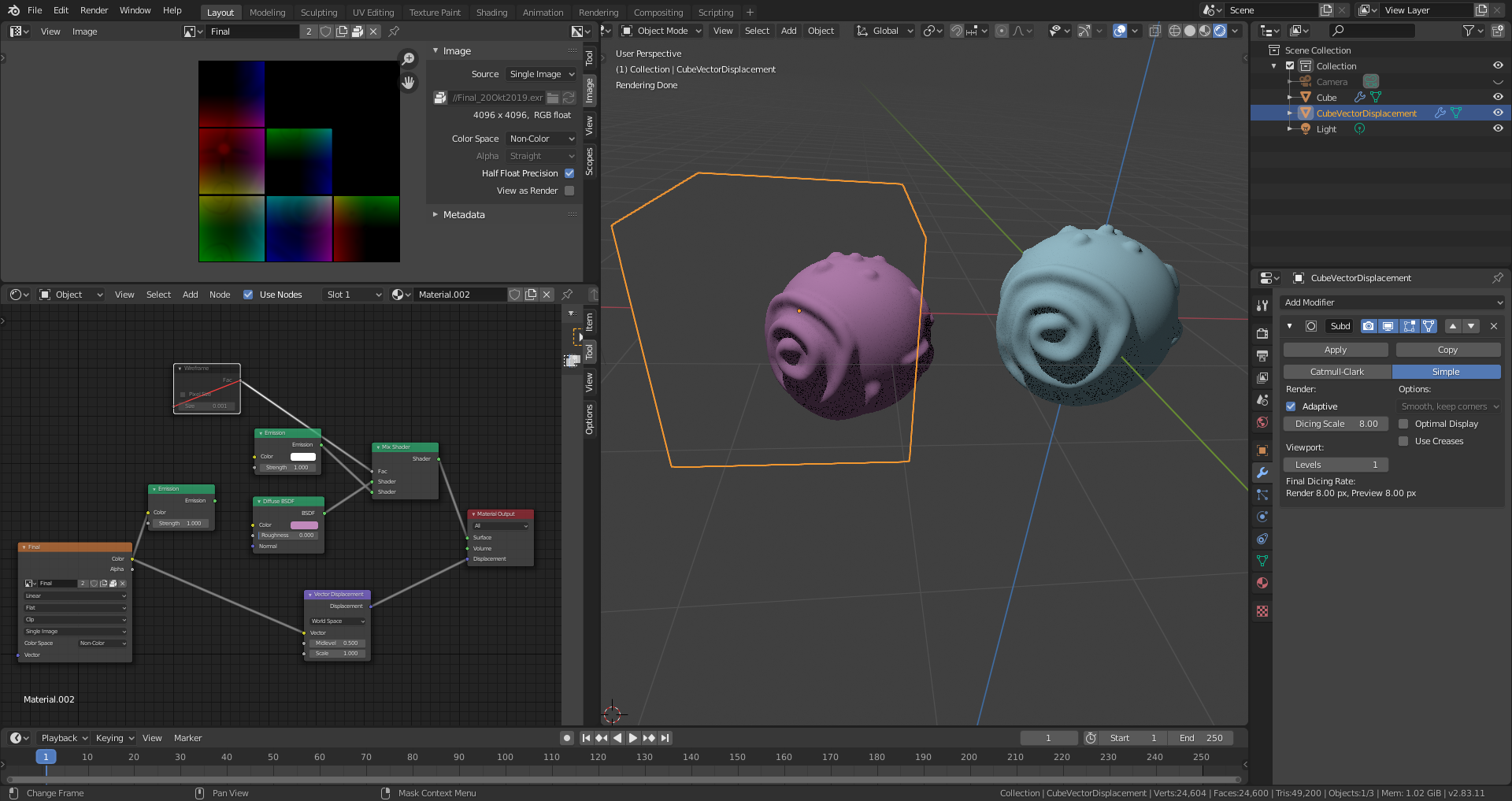
The left object is the vector displacement copy of the original on the right side using also .micropolygon displacement. I’ve muted the emission shader wireframe grid as you can see in see node tree. File is here.
I remember having seen videos of this guy here who did this with the help of Python. But I’ve found instructions elsewhere – if I remember correctly on Blenderartists.org – and did some experiments on my own until I had success.

.

