
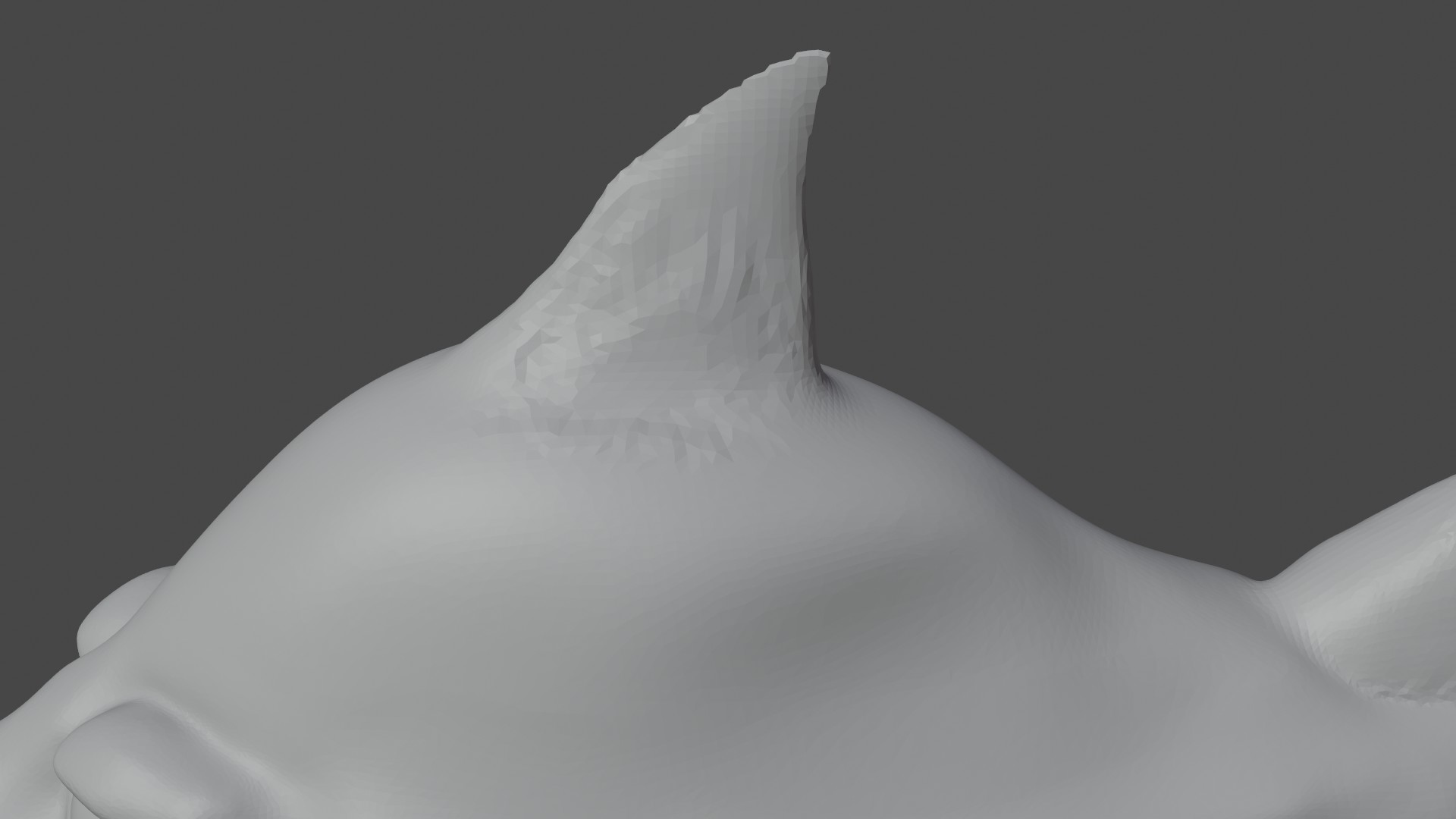
Not sure what I have done but trying to smooth this and all of a sudden it is making it worse. I have even tried going to 3px on dyntopo. What have I missed or done?

Forum Archive Not sure what I have done but trying to smooth this and all of a sudden it is making it worse. I have even tried going to 3px on dyntopo. What have I missed or done?

Viewing 5 posts - 1 through 5 (of 5 total)
  • Author
    Posts
  • #13362
    David Cully
    Participant

      #62541
      Adrian Bellworthy
      Participant

        Check your Dyntopo settings , try subdivide edges. you may need to add some geometry first, try adding geo with clay strips along the edge lightly , then smooth it out, you have a razor thin edge at the moment.

        #62542
        David Cully
        Participant

          Ok thanks will try that out now

          #62543
          Kent Trammell
          Participant

            Looks to me like you have one or more axis locked in sculpt mode. They’re easy to forget to turn off:

            Also if you’re trying to smooth out a rough area, increasing detail size is the better option. Decreasing detail size will add more geometry and preserve + reinforce the rough spots. The opposite will simplify and smooth out rough areas.

            #62544
            David Cully
            Participant

              Yes I forgot to unlock the x axis.  Ok I didn’t totally understand what you meant about the details so I tried it out and yes it makes perfect sense now.  Thank you for your help I now understand this much better

            Viewing 5 posts - 1 through 5 (of 5 total)
            • The topic ‘Not sure what I have done but trying to smooth this and all of a sudden it is making it worse. I have even tried going to 3px on dyntopo. What have I missed or done?’ is closed to new replies.