Normals Appearing In wrong positions

Forum Archive Normals Appearing In wrong positions

Viewing 4 posts - 1 through 4 (of 4 total)
  • Author
    Posts
  • #6949
    Eduardo Abreu
    Participant

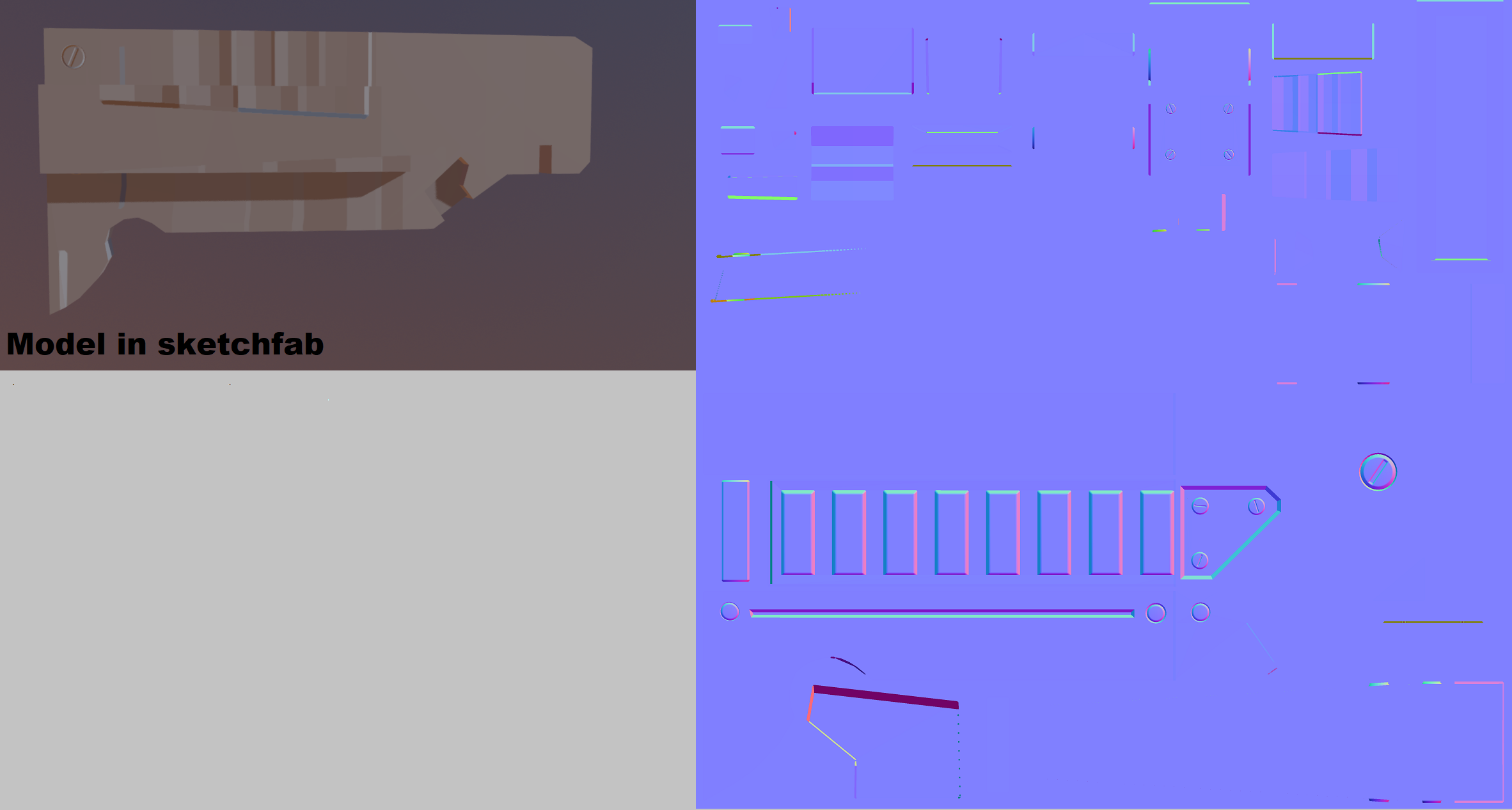
      Hey Jonathan, i’m having some trouble with my normals, when i bake it, everything seems okay, but when i apply it in sketchfab, it displays in a weird position, here’s an image to show what i mean:

      I created it in 4k, because 1k was not giving me the amount of details that the example was showing, thanks in advance!

      #26239
      Jonathan Lampel
      Participant

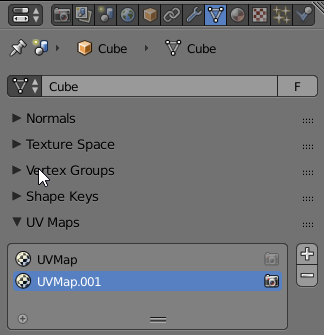
        Hey Eduardo, Blender has the ability to store multiple UV map configurations, but can only export one. It could be that somehow the wrong map was automatically chosen to export. Check your UV maps in the Object Data tab and see if switching which one has the camera icon solves the problem. Also be sure that you’re only exporting the low poly object. Hope that helps!

        #26240
        Eduardo Abreu
        Participant

          Hey Jonathan, that actually worked for me! Selecting UvMap instead of TextureAtlas in the NormalMap Exercise file did the job, that and connecting the nodes for the materials, thanks for the reply!

          #26241
          Jonathan Lampel
          Participant

            Excellent! 

          Viewing 4 posts - 1 through 4 (of 4 total)
          • The topic ‘Normals Appearing In wrong positions’ is closed to new replies.