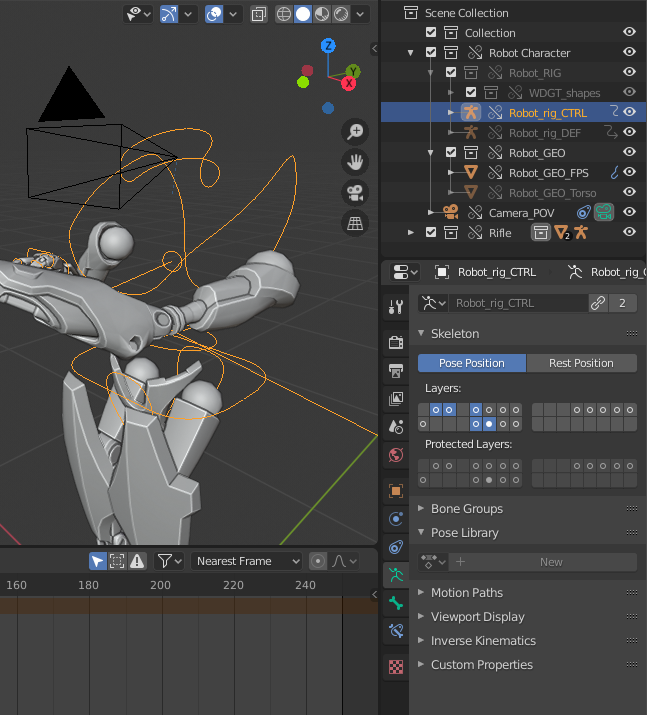
Hey @theotormon , hope this helps to clarify:
When you link an object, you can’t edit it because all of its data is being grabbed from the original file. By making a library override, you’re telling Blender that you want to edit some properties (but we don’t know which yet) in this file.
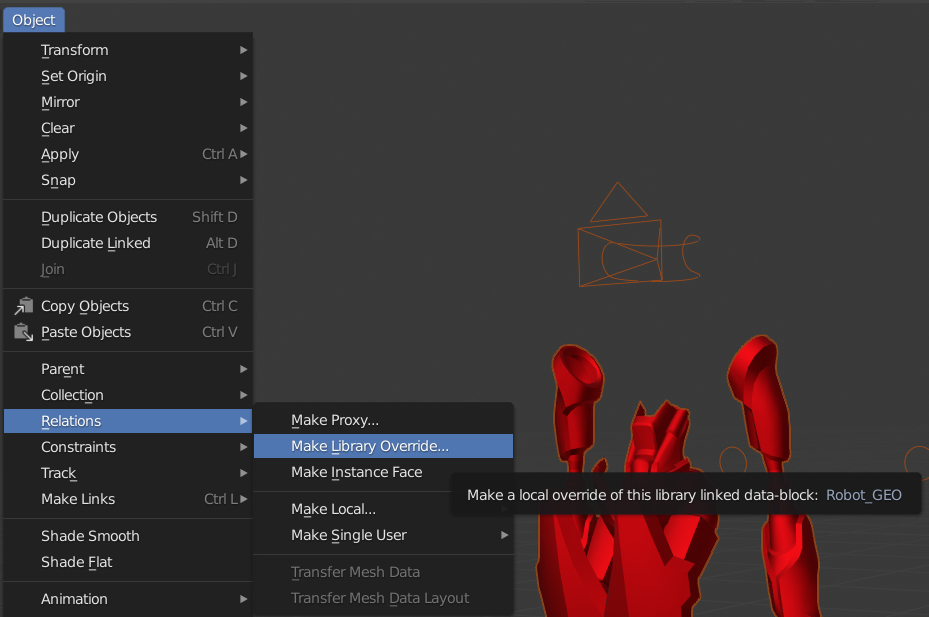
Once you’ve created your override, you’ll notice that when you select it, most properties (like the pose library) are greyed out. These are the ones that are still linked to the original file. You can only edit it in that file but not this one.
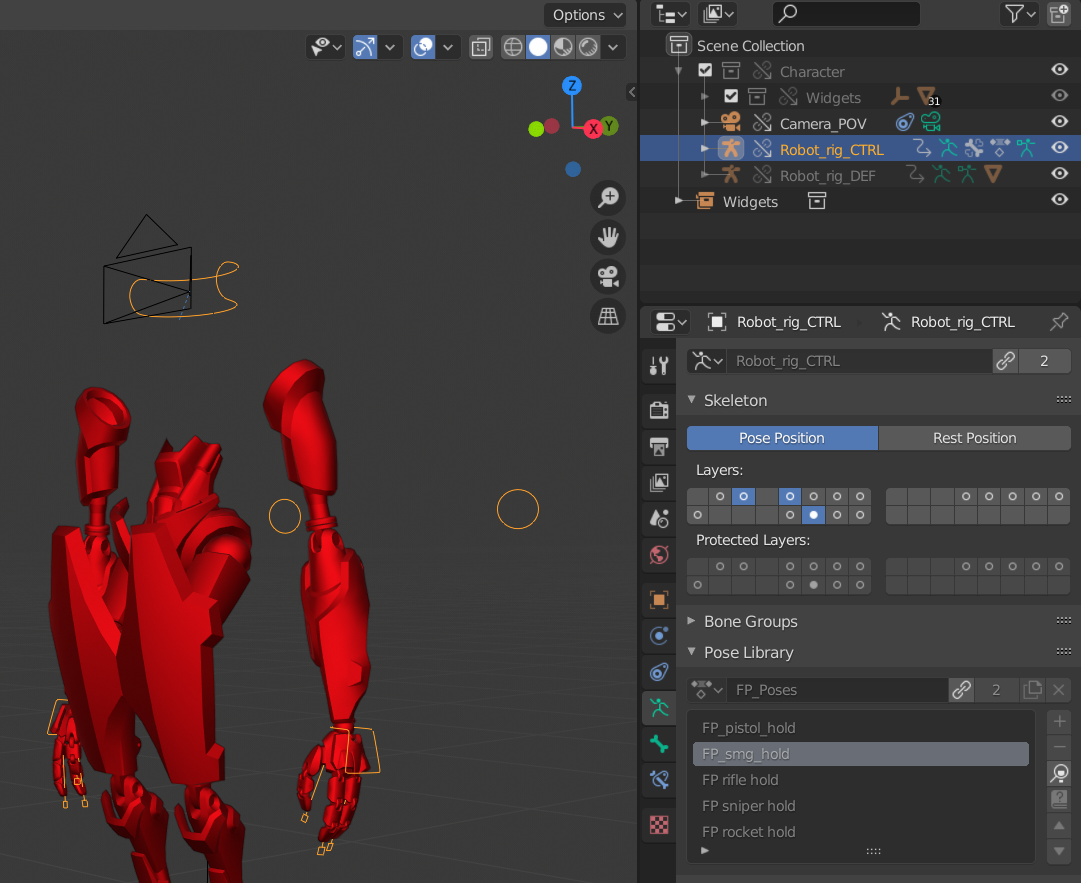
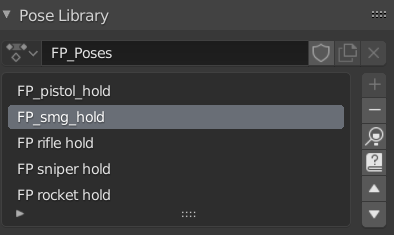
All data blocks are frozen like this individually, and you have to pick which ones you want to override. To do so, click the link icon:

Once you do that, you can edit the data and do whatever you need:

.