Hello, I been working on the Treasure Chest tutorial which is very fun and great to work with, no issues other than that my middle mouse does not act the same but that’s another issue that I worked around.
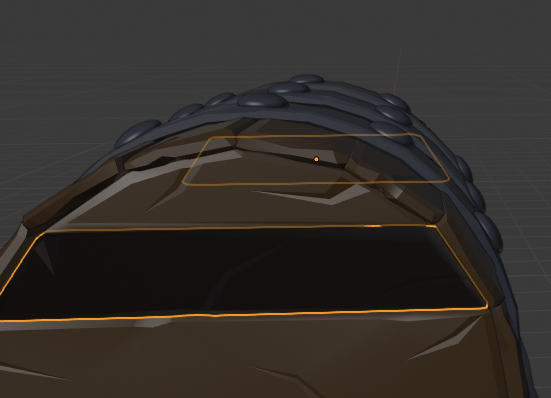
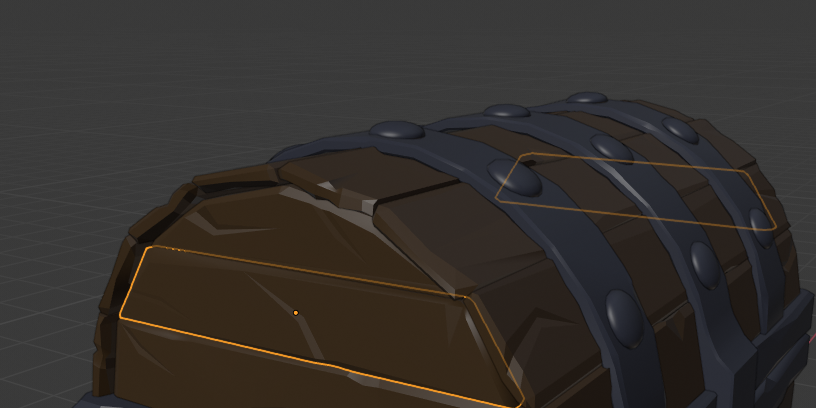
Anyways, somewhere during the progress of UV mapping (or earlier I didn’t really notice it until randomly) I noticed one of my mirrored objects in the top is a dark grey color in edit mode and object mode. This is only in Solid View however and I can’t figure out why. Only one side of the mirror is grey too.
I googled some fixes, the best I could find was flipping the normals but that wasn’t the issue. Any ideas?
(I have added screenshots of both sides of the object, grey and normal)

.