Hi,
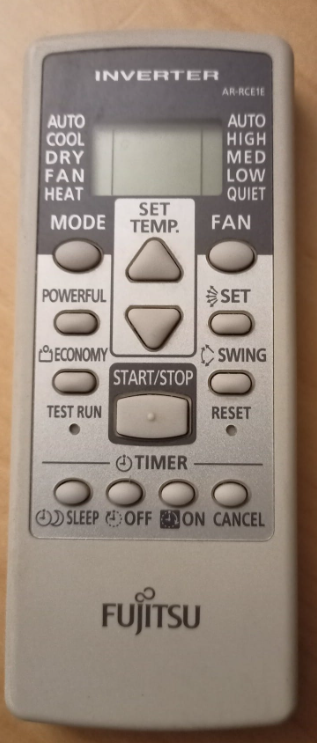
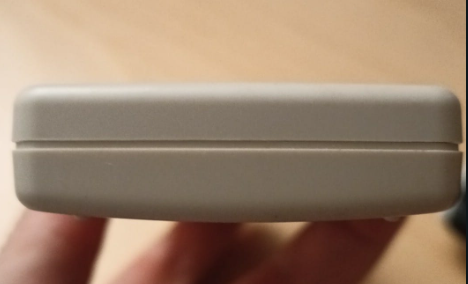
I have taken some pics of my air conditioning controller:

And this is were I am at:
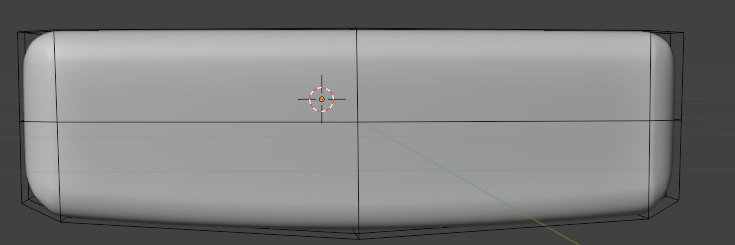
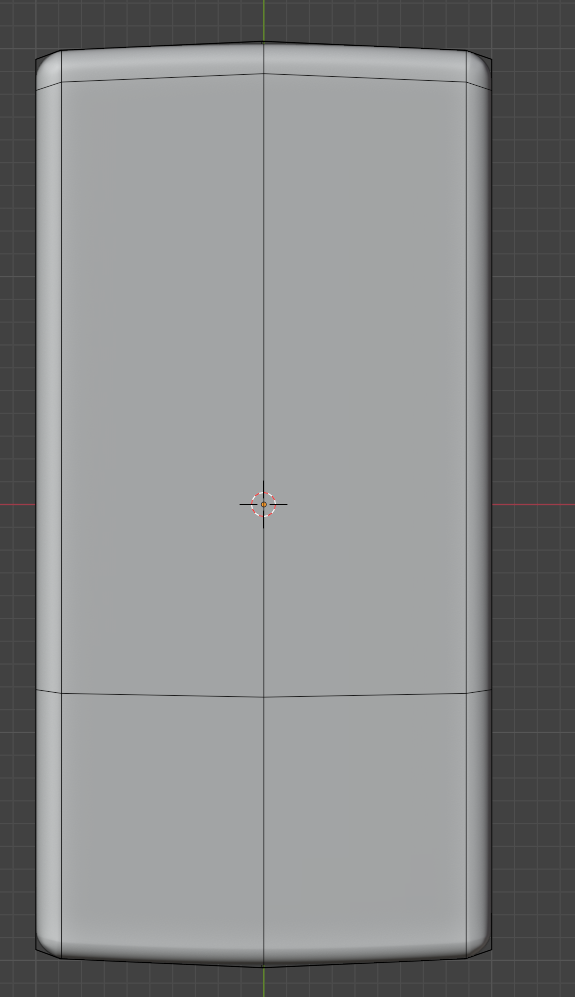
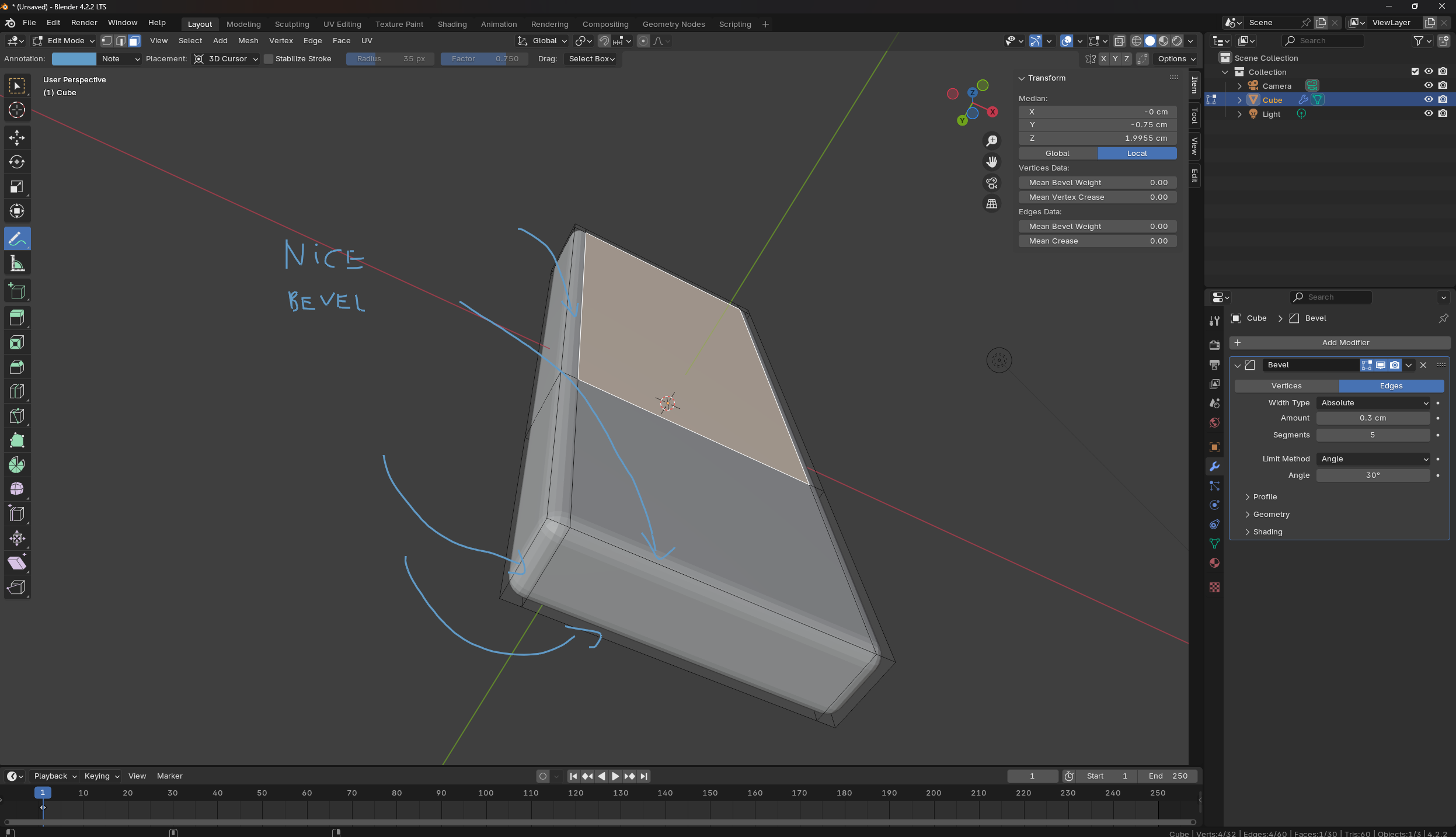
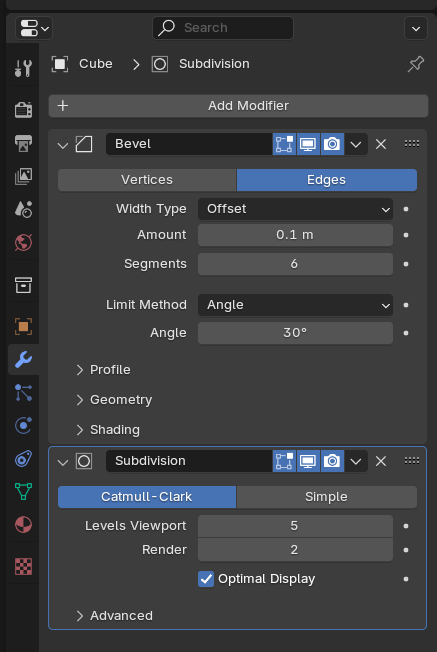
First of all I added a bevel modifier to get that nice and fat bevel around the main form. Prior to the bevel modifier I tried using just the subdivision modifier but certain edges got too sharp because there were edge loops near the ones defining the main rectangular form and was not easy it to keep them as big as needed.
Also, I have been very careful to reflect the curves in the back and the ones at the top and bottom part. The curve in the back was done adding a loop book in the middle and moving the edge at the bottom down a bit and the subdivision modifier made the rest. The same for the curve at the top and the bottom in the front picture. ¿Is this a good way to do it?. Some pictures below showing the edges I was reffering to:
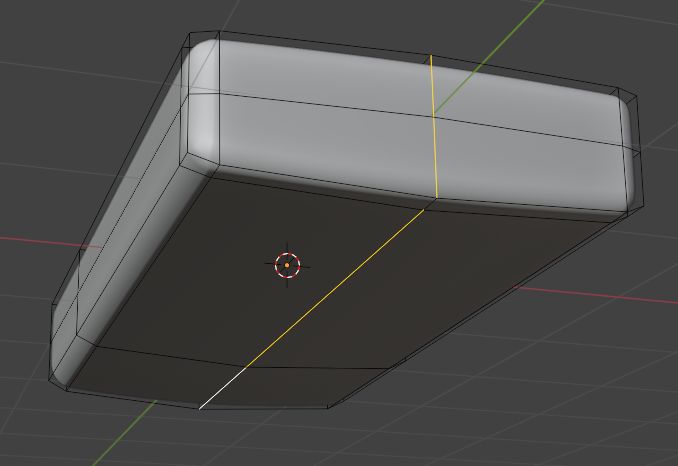
The modifiers applied to the object are:
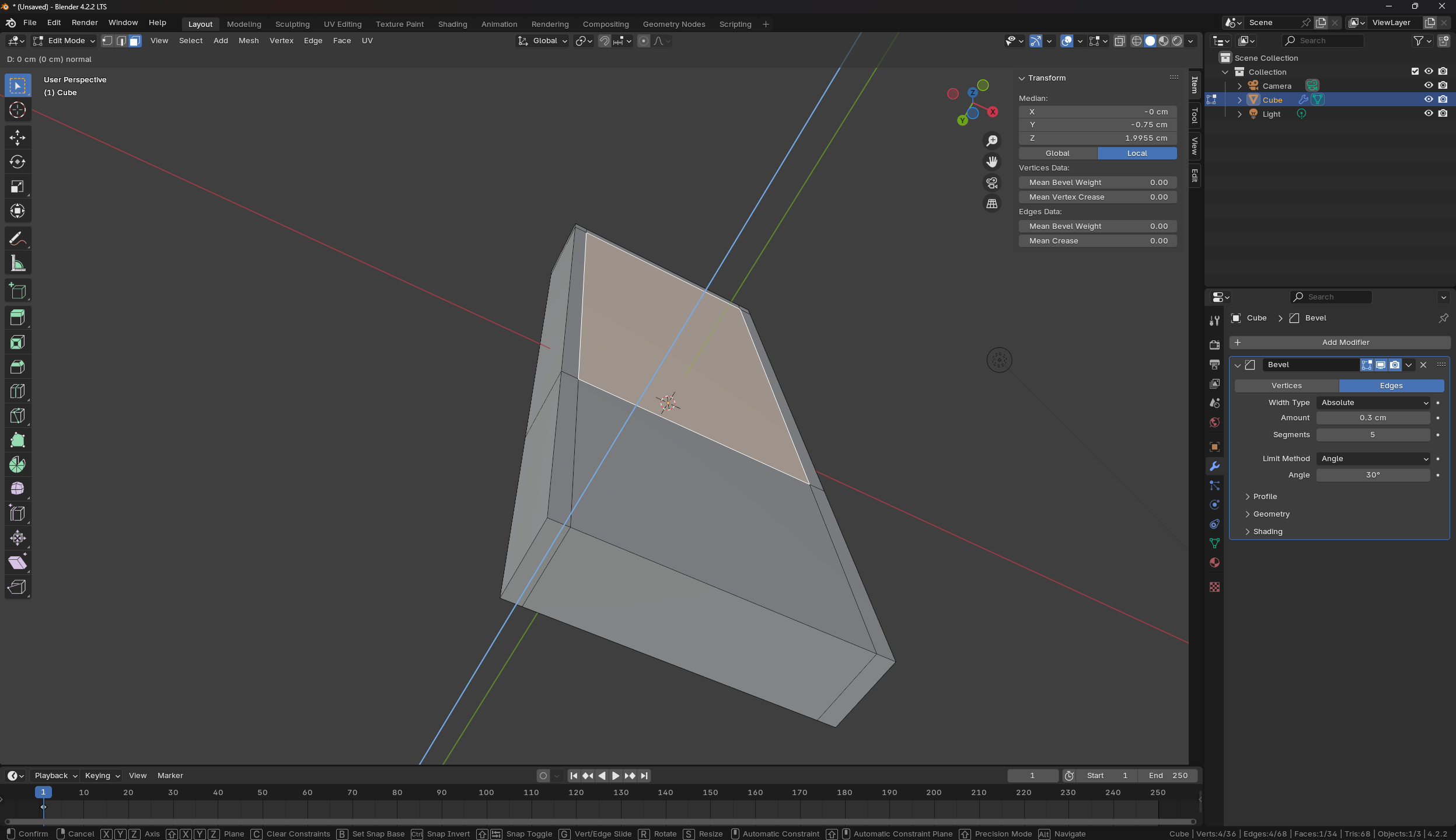
Well, the main problem I’m having now is that I loose the beveled edges very easy. For example, I want to create the area where the buttons are. But when I extrude it in a bit, I loose the beveling in certain parts:
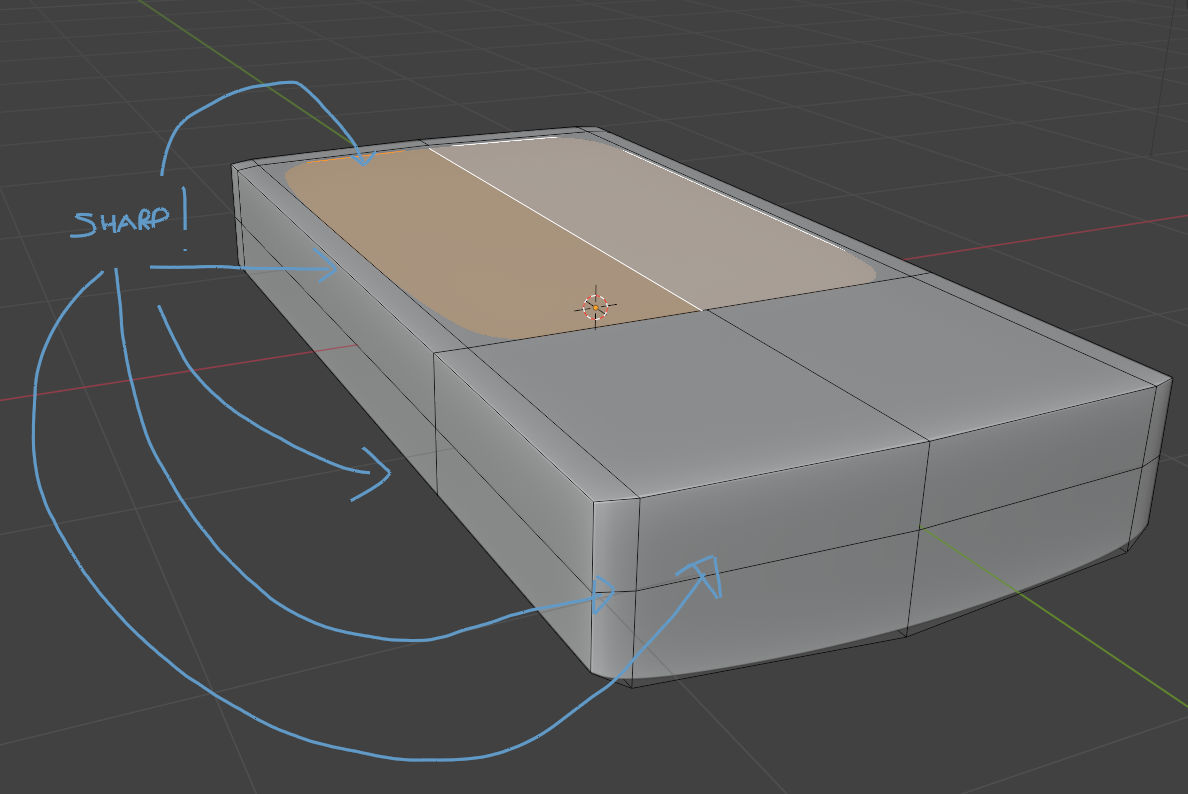
Perhaps, I am not proceeding correctly with this object, but can’t come across a better way to do it.
Any tip would be really appreciated.
Cheers.

.