Course Library
Learning Paths
Free Courses
Learn Blender 3D in the way that’s right for you.
Inner Circle
Where members share progress and help each other learn.
›
The Commons
A free Blender community open to artists of all skill levels.
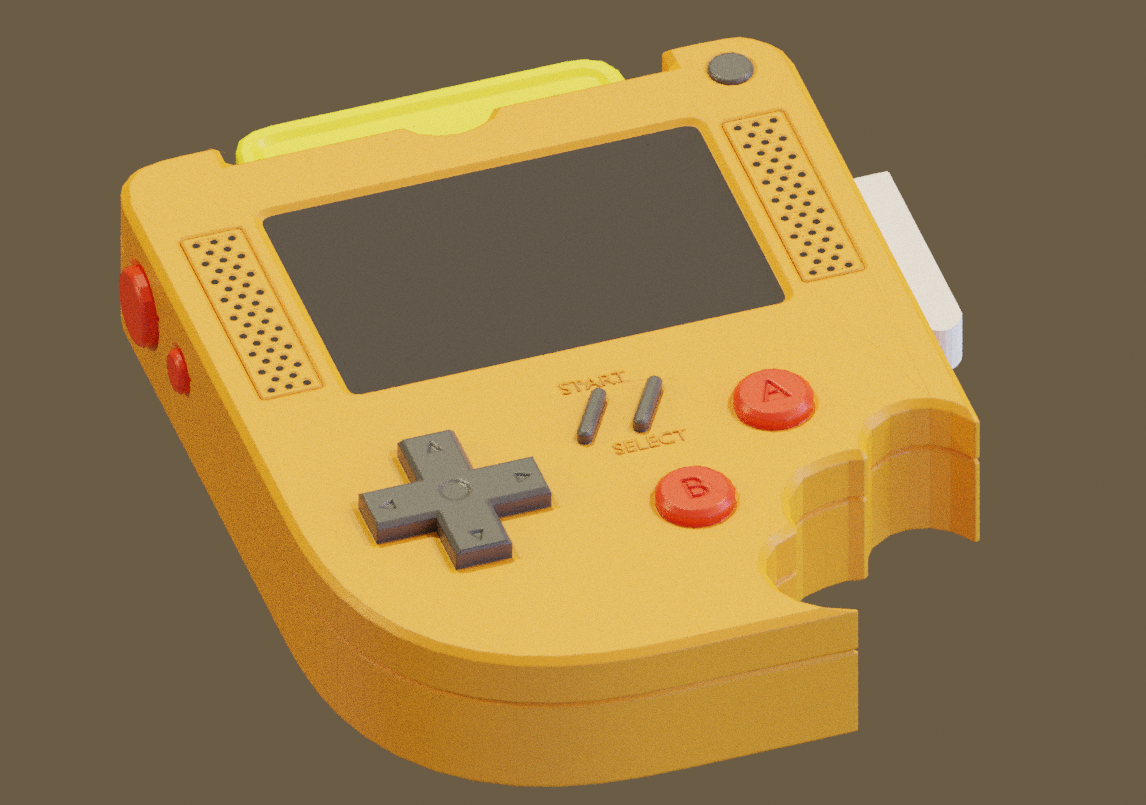
Forum Archive › mystery lines showing up on surface during render
.blend file Google Drive Link: https://drive.google.com/file/d/1QE_pdG0TLaakrOT7cprxEAD5iZFMaVJb/view?usp=sharing
Hey Torrey,
didn’t do that tutorial yet, but I notice you haven’t included a camera in your scene. maybe that’ll help?
(it did here)
@torreyjproctor what mystery lines do you mean?
My bad. It was the missing camera. Thanks for the help! The render preview in the 3d workspace was giving me strange artifacts.
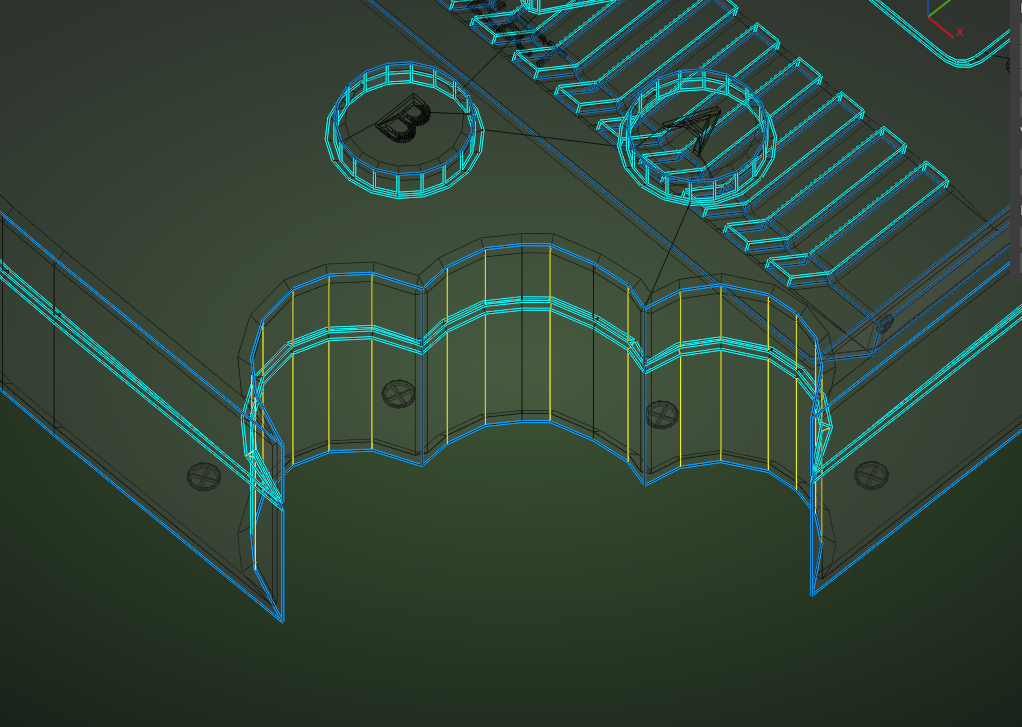
Some other thing I noticed, was that you have some Edges Marked a s Sharp (on the ‘bite cut-outs’, that shouldn’t be Sharp:
If you select those and CTRL+E > Clear Sharp, that should look better.
Thanks spikeyxxx, I’ve removed those extra sharp edges and it does look better!