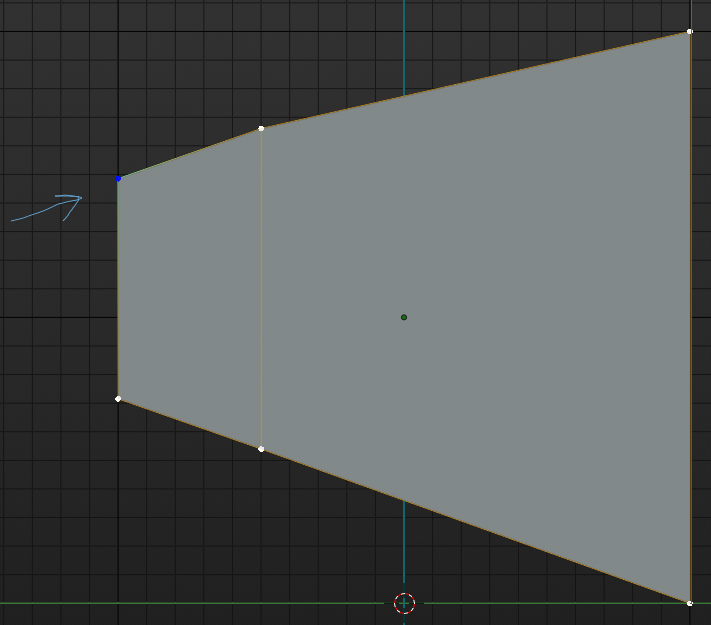
 Let’s say you want to edge slide top left vertex along the top edge.
Double Tap G for edge slide of a vertex along it’s edge.
 Double Tap ‘G’: Edge Slide along top edge
Once you begin sliding in the direction you want you can turn clamping on: let’s you slide beyond the outer edge if you are looking to extend the vertex out in the same direction. Or you can turn on clamp by tapping ‘C’ to make the edge slide focus only in the direction you are sliding in (works well when many vertices are close by and directions of edge slide are constantly changing).
 Tap ‘C’ for Clamp ON: lets you slide further beyond edge and/or stick to only 1 edge option
You can also turn on Even when edge sliding more than one vertex by tapping ‘E’. It biases the slide towards one end evenly. If you
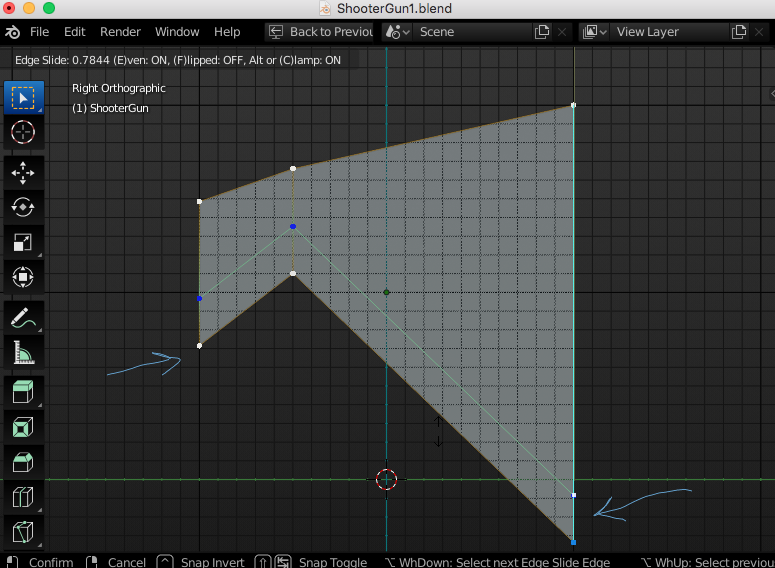 Tap ‘E’ for Even Edge Biasing Towards One Side.
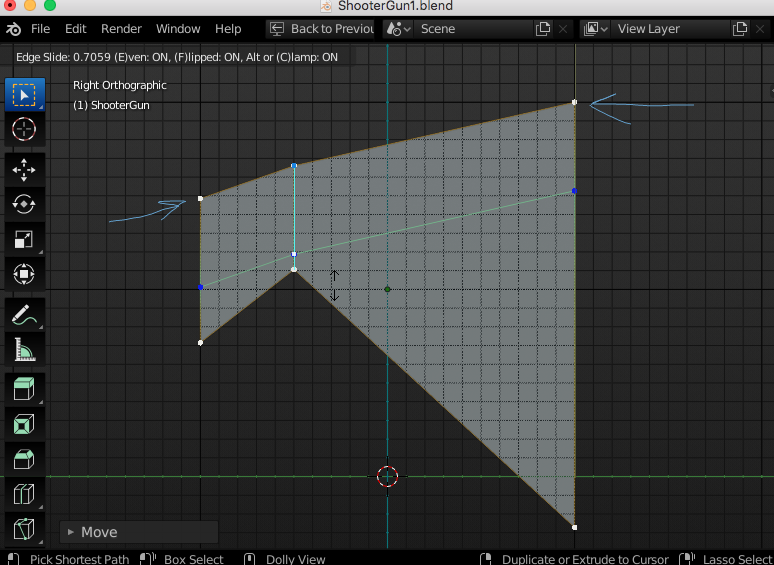 With Even ON: Tap ‘F’ to Flip the Bias to the other side.

.


