Motion paths in newer version to what Wayne uses in this course

Forum Archive Motion paths in newer version to what Wayne uses in this course

Viewing 8 posts - 1 through 8 (of 8 total)
  • Author
    Posts
  • #19329
    Harris Clook
    Participant

      Controversial I know, but I’m using 4.3 as opposed to 3.3.1 as in the video (I’ll swap to the used version when I get in pickle that requires the previous version). But I’m wondering why the motion paths I have are green when I calculate them, and then they sometimes turn orange/red when I play the animation – what’s happening here? I’m assuming this is a change made in a certain version update

      #91690
      Harris Clook
      Participant

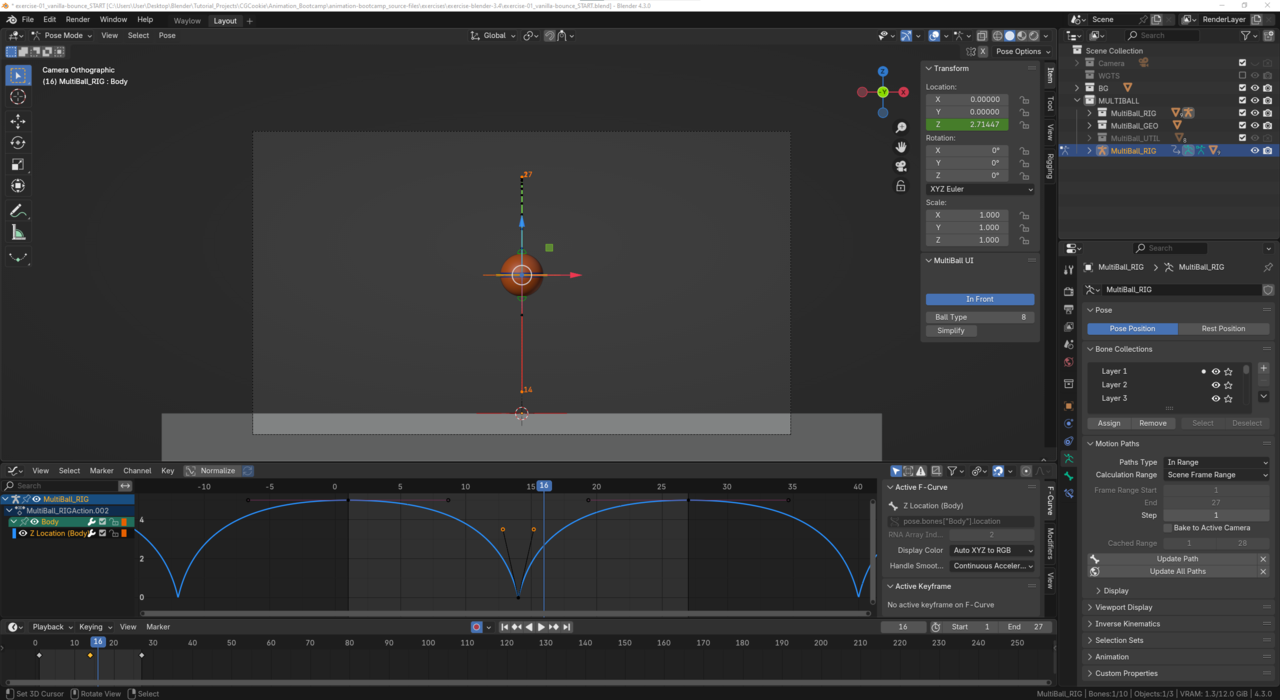
        Initially I couldn’t force the motion path to turn red as I wasn’t sure what caused it. However I have now deduced that it is occuring when the ball bounces back up in the second half of the cycle – However I still don’t know why it wants to do that. Any pointers?

        Edit: I thought it might be because the graph is assymetrical – but that doesn’t make sense because not every animation is symmetrical.
        Edit2: I still don’t know why it turns red. In once instance it was green all the way through

        024-12-09 185314.png

        #91691
        Harris Clook
        Participant

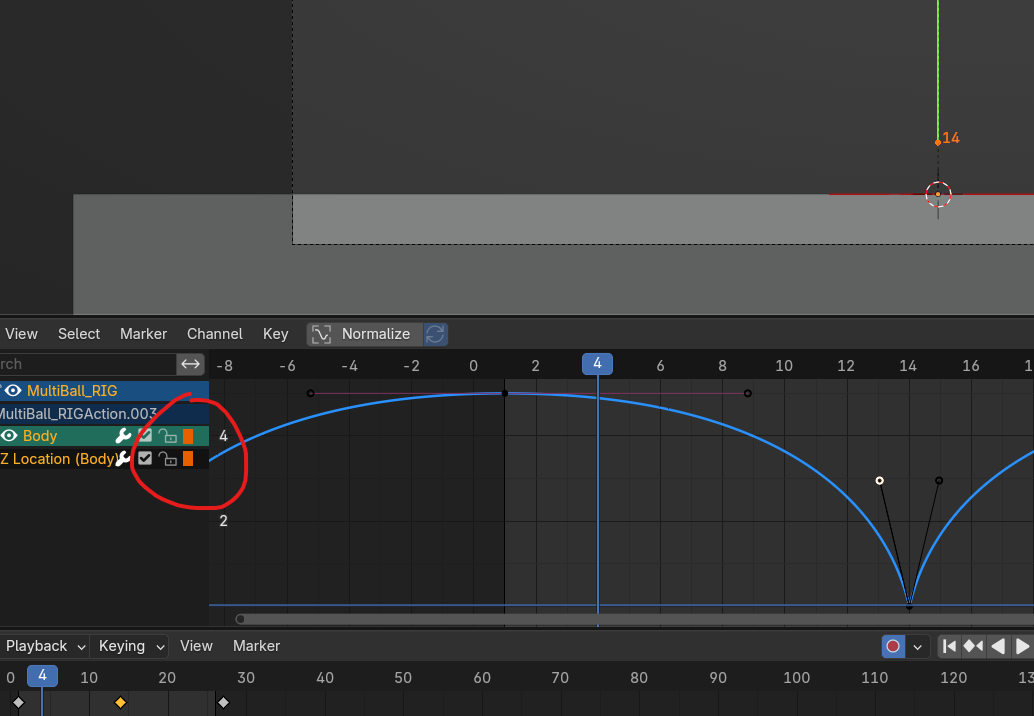
          Also what do these red squares mean? I don’t get any info when I hover over them024-12-09 190820.png

          #91692
          Harris Clook
          Participant

            Oh wait, does the colour of the square represent the colour of the bone? I added some animation data to one of the green tweak bones and I got a green square!

            #91693
            Harris Clook
            Participant

              Ah, I had a look and found that the red motion path is the “past” and green is the “future”.

              And I’m assuming that because in this instance the ball is only animating between two locations on the Z axis, that the “past”/red line is overriding the green.
              Thus when my ball reaches it’s first keyframe in it’s animation cycle, the motion path is green up until that point. And each cyclical motion path beyond is red no matter which frame I set the end frame to.

              This is probably a “by design” question, but why does the “past” motion path override the “future” path if something is animating in a symetrical cycle?

              #91694
              Abhi A
              Participant

                Did you find what the red squares mean?

                #91695
                Dwayne Savage
                Participant

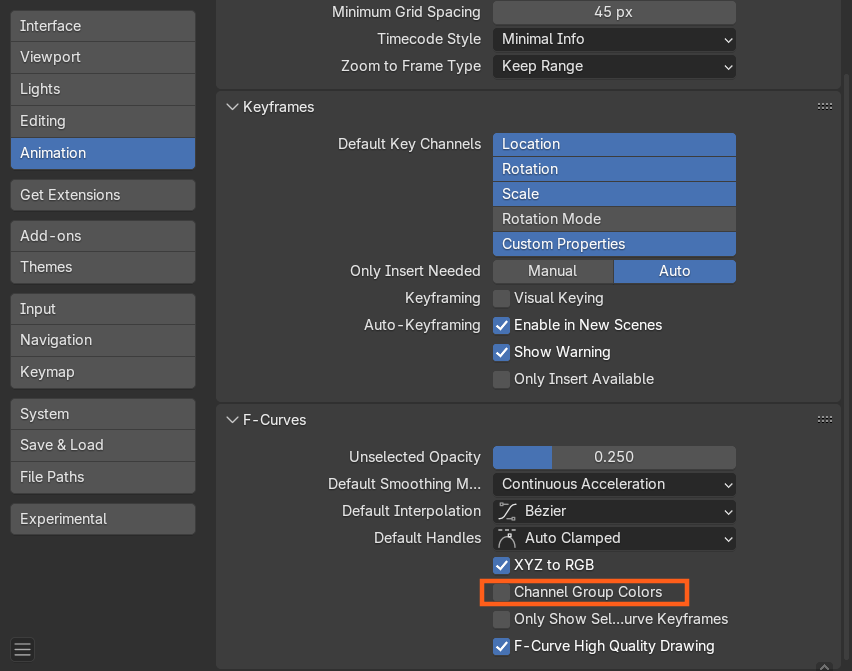
                  Those are group/bone colors. Blender use to highlight the entire row and sometimes it made it hard to read. So they opted to do the square instead. This is mainly to make it quicker for animators to identify.

                  As for the red and green you’ve already figured that out. Under the motion path panel there are display options and you can change the colors or even turn them off.

                  #91696
                  Wayne Dixon
                  Participant

                    Hi Harris – it looks like you figured things out.

                    Looks like the motion paths can now show before and after colours as default rather than the subtle blue colour for the ‘before’.  The devs would have to chose either the past or future colour to override when they overlap.  I would probably favour the past as well, as where the object has come from is more important imo as that is what the audience has already seen.

                    The Bone colour groups have been in there for a while. You can disable them here
                    s_20241210110145.png

                  Viewing 8 posts - 1 through 8 (of 8 total)
                  • The topic ‘Motion paths in newer version to what Wayne uses in this course’ is closed to new replies.